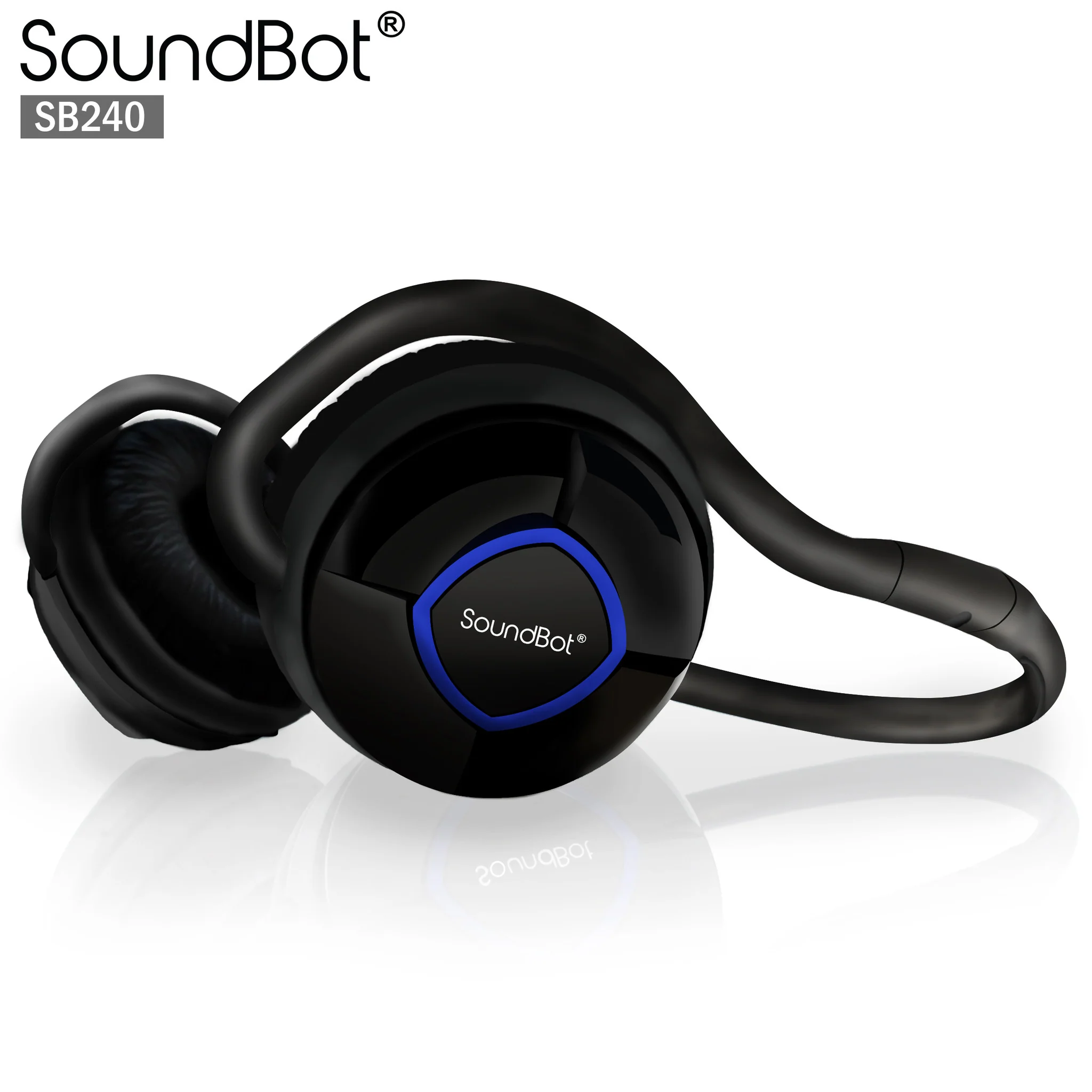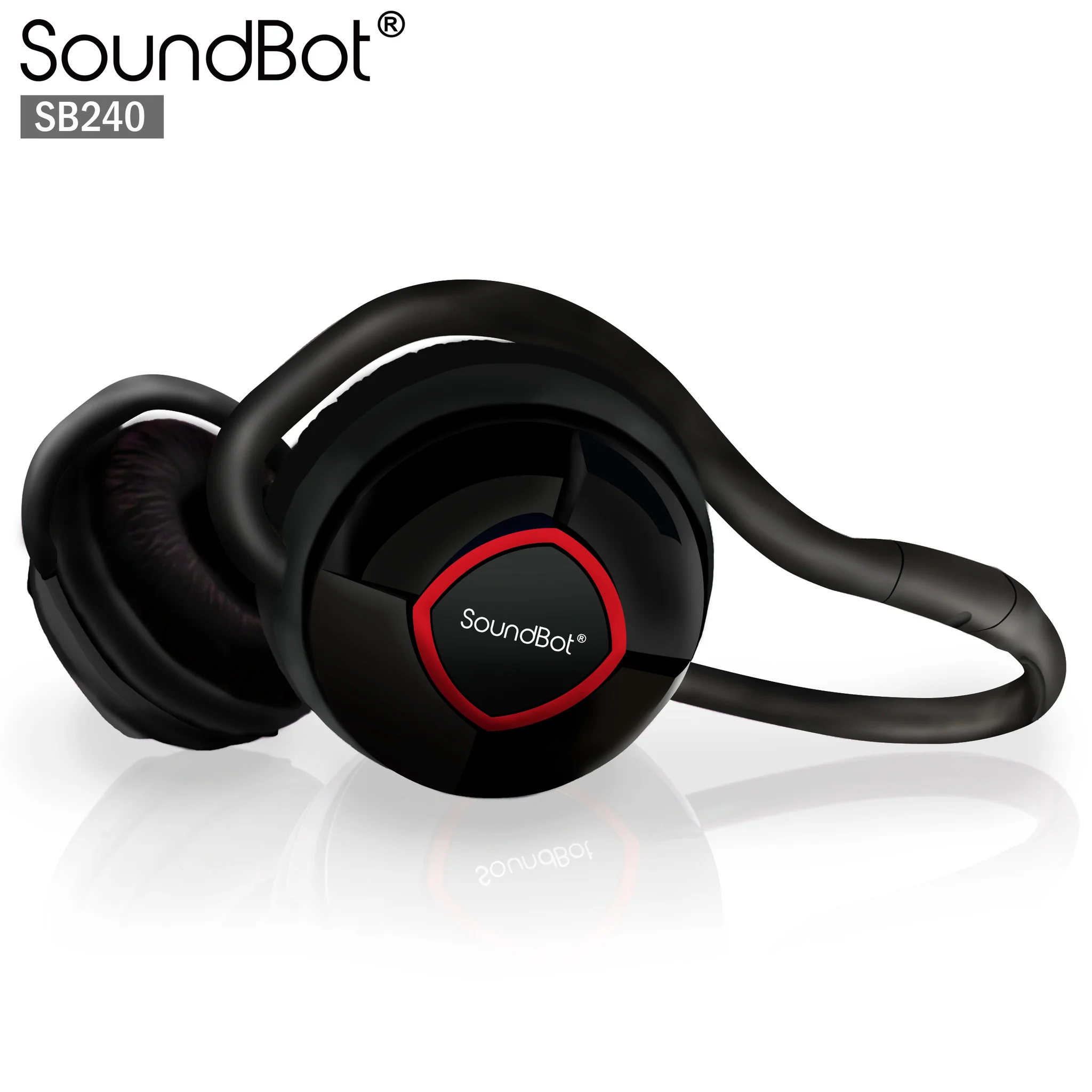
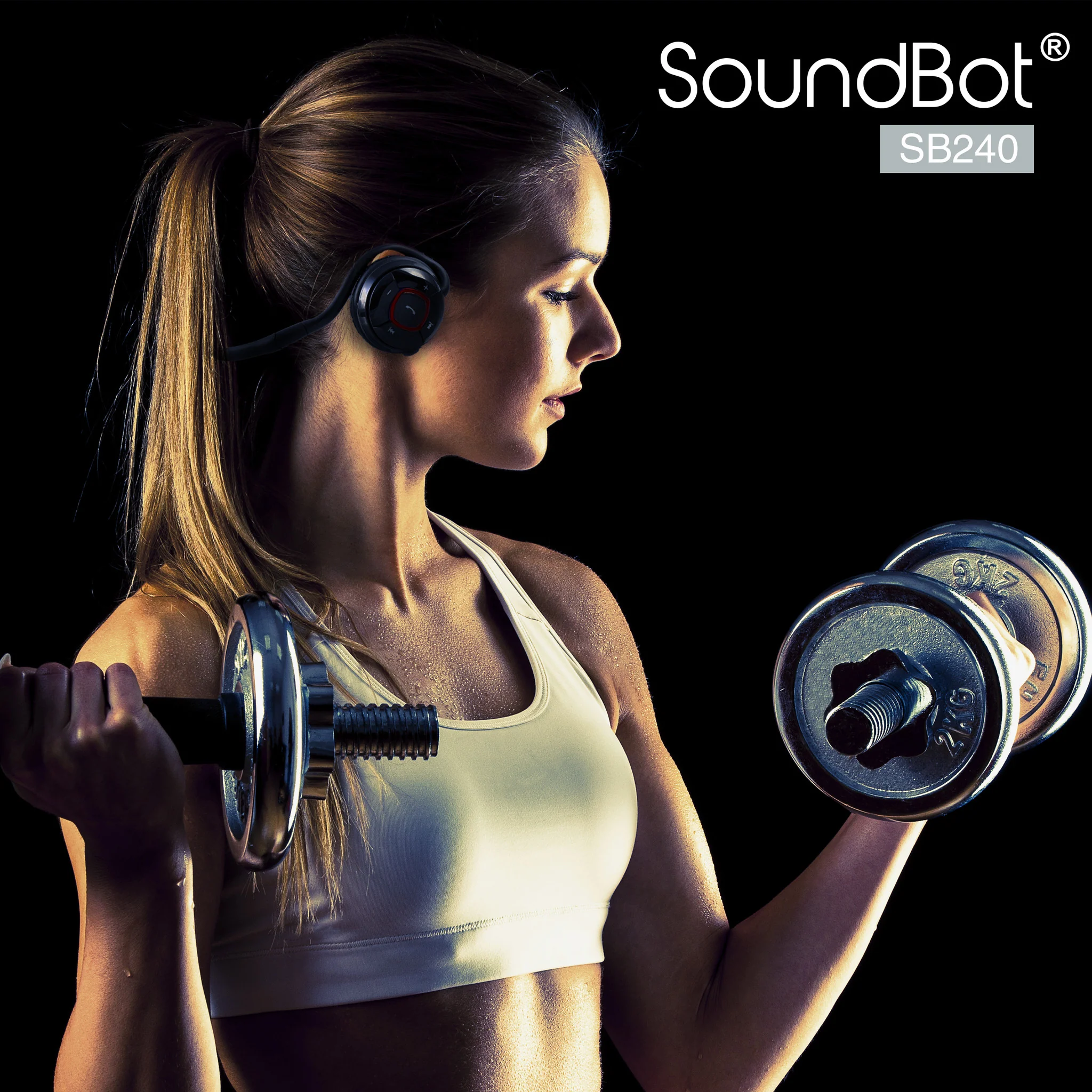
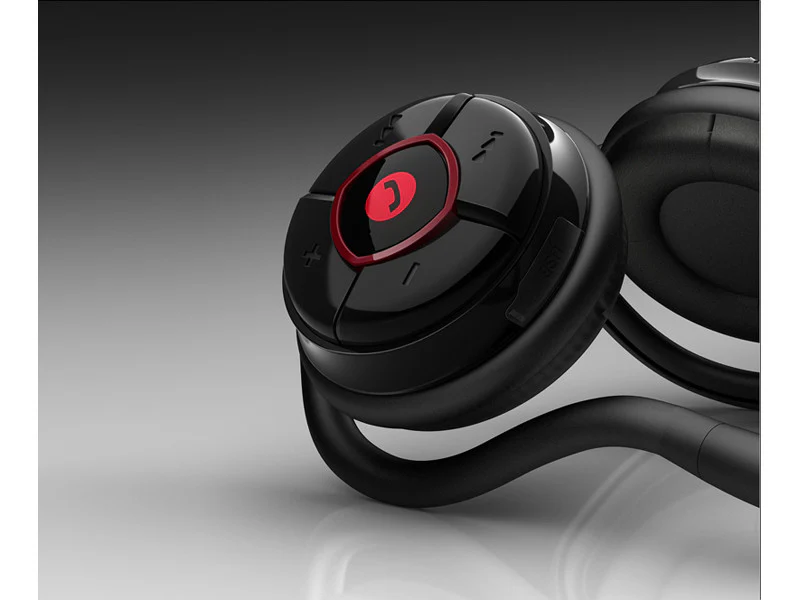
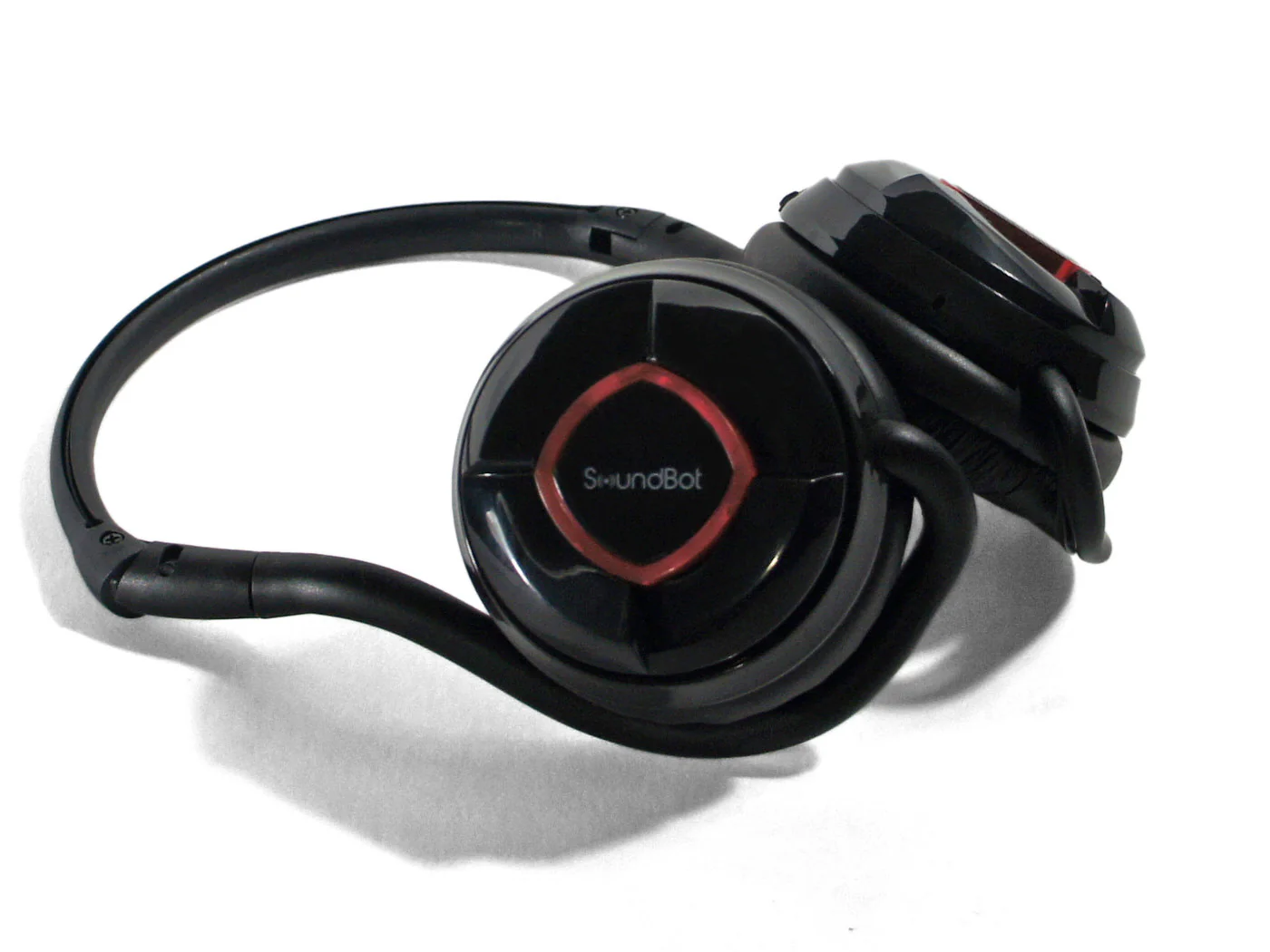
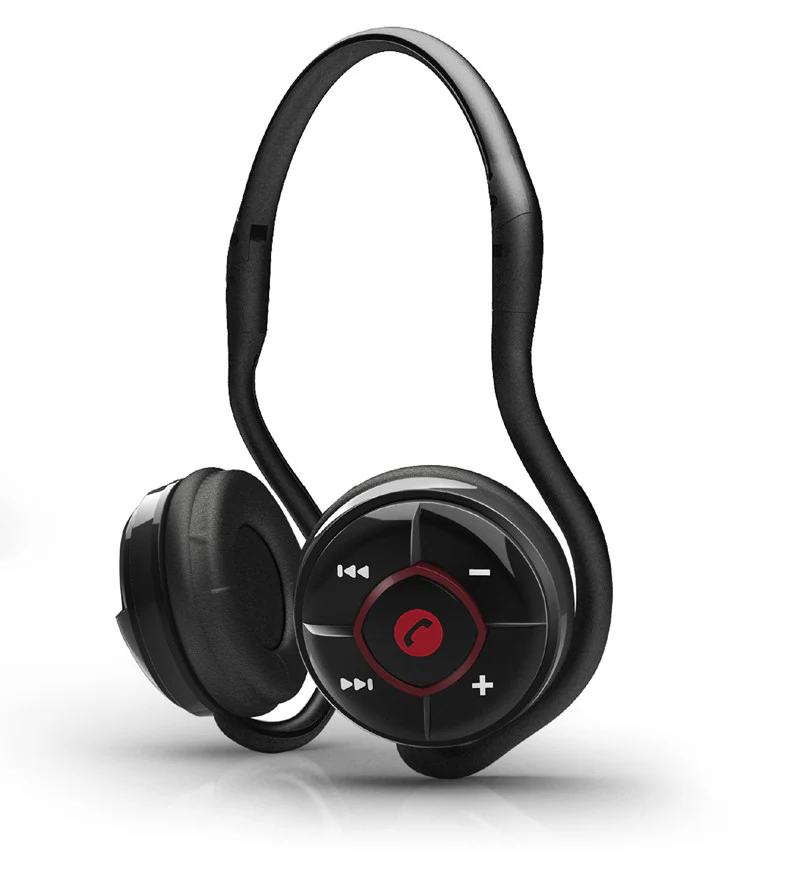
SoundBot® SB240 Red Bluetooth Headphone Wireless Headset for Music Streaming & HandsFree Calling
SoundBot® SB240 RED Bluetooth Headphone for Music Streaming & HandsFree Calling for 20 Hours of Talk Time, 400 Hours of Standby Time w/ MicroUSB Charging Port & Cable Included.

Product Description
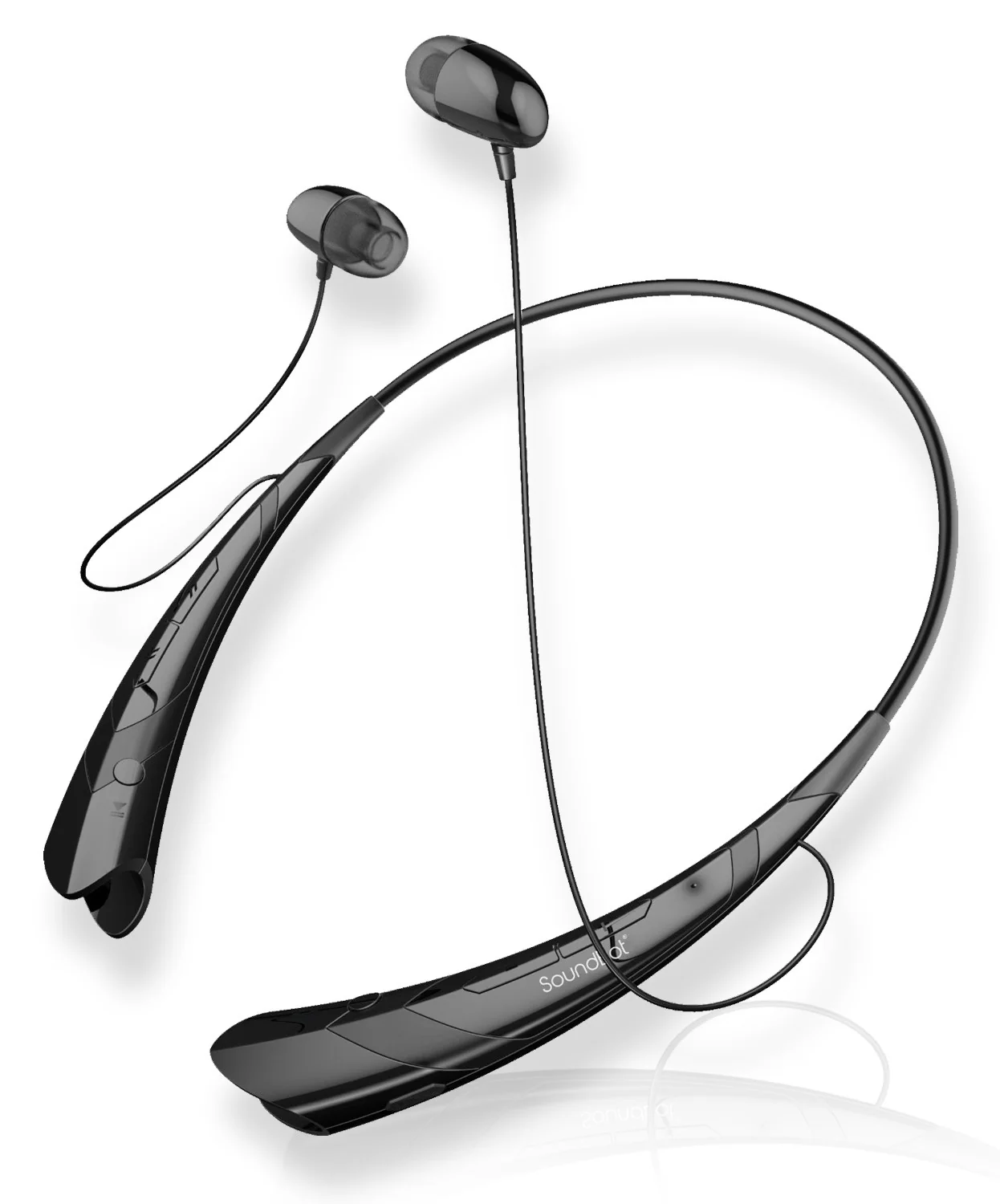
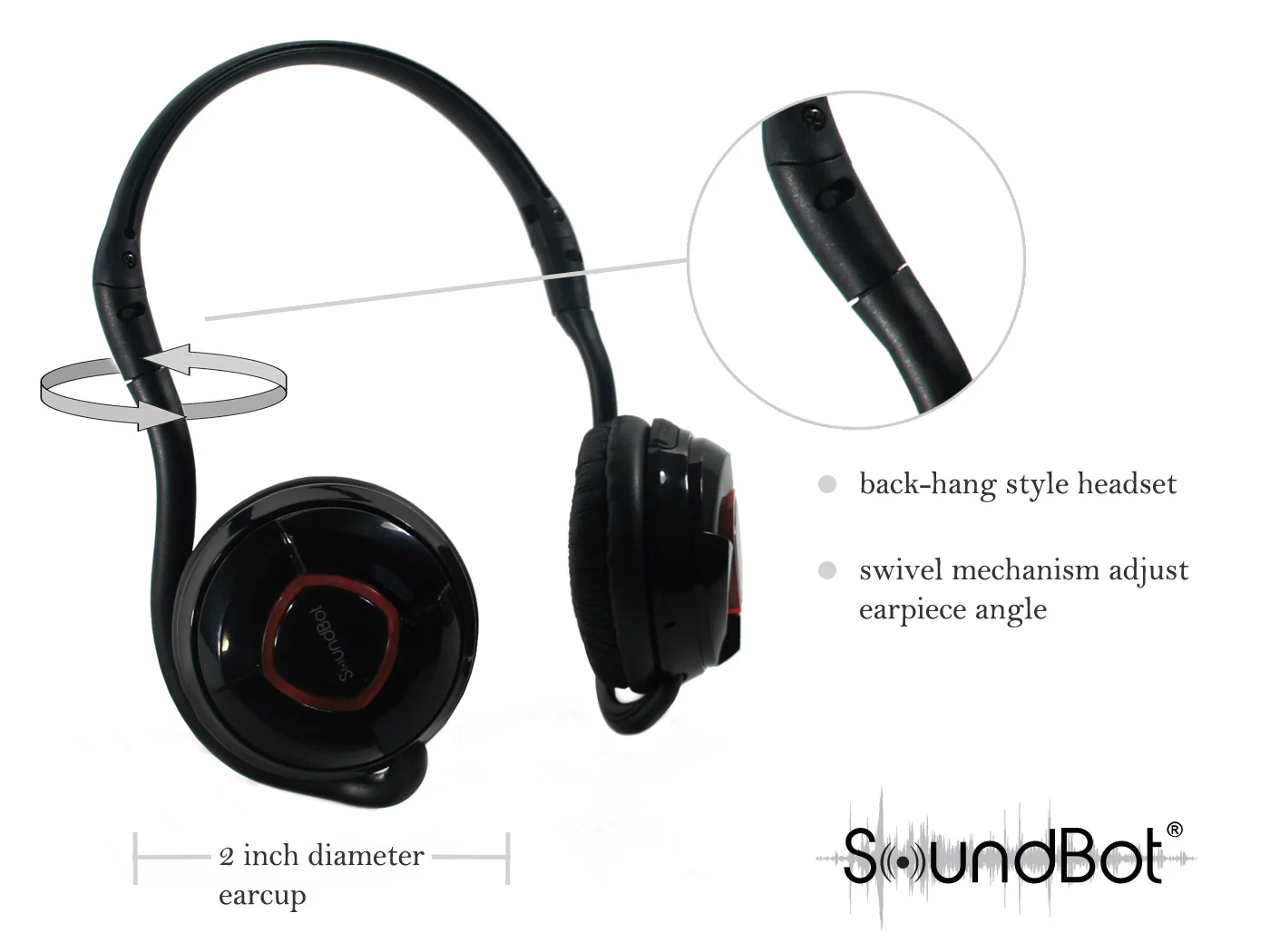
- Back-hang style stereo bluetooth headset
- New facelift with trendy styling available in blue and red
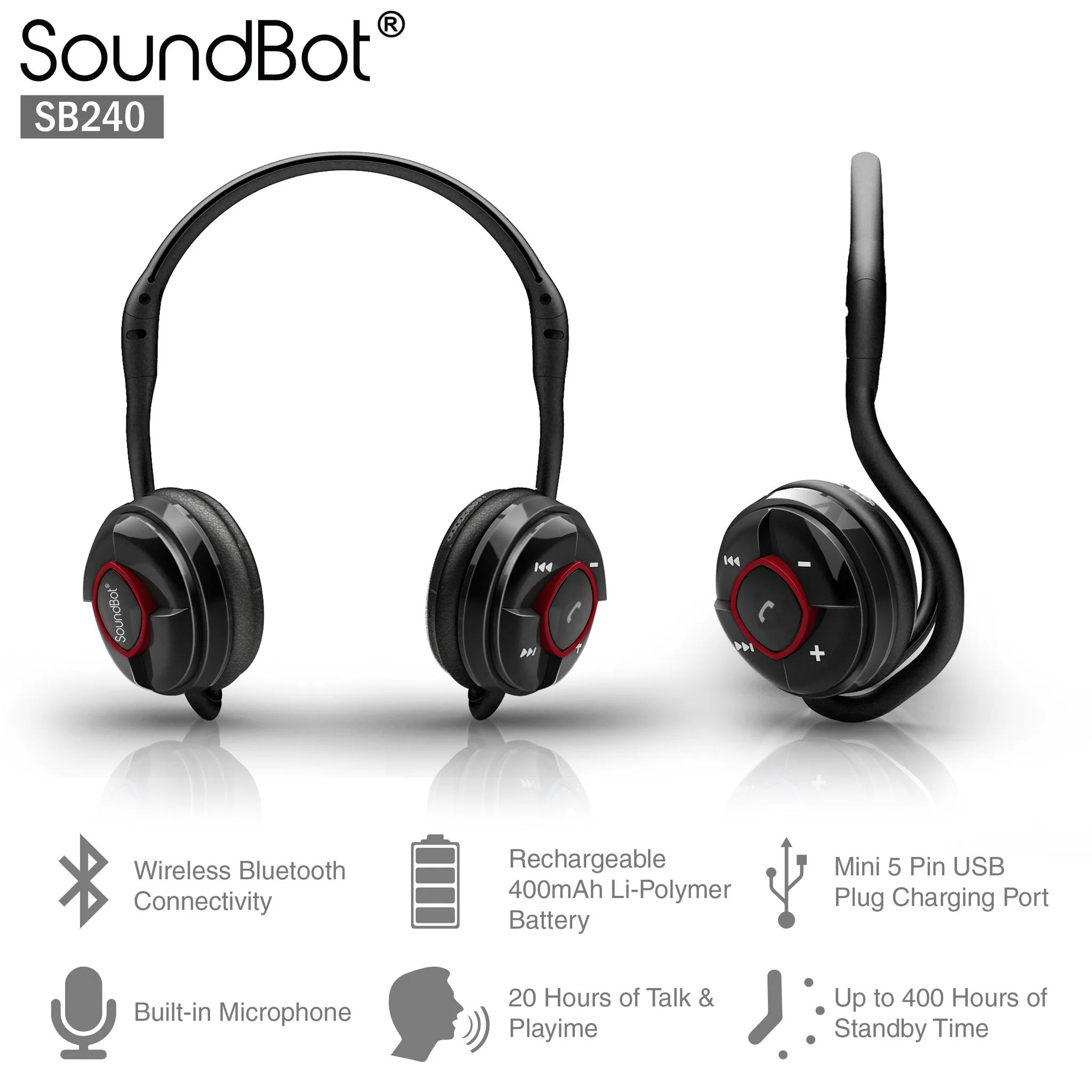
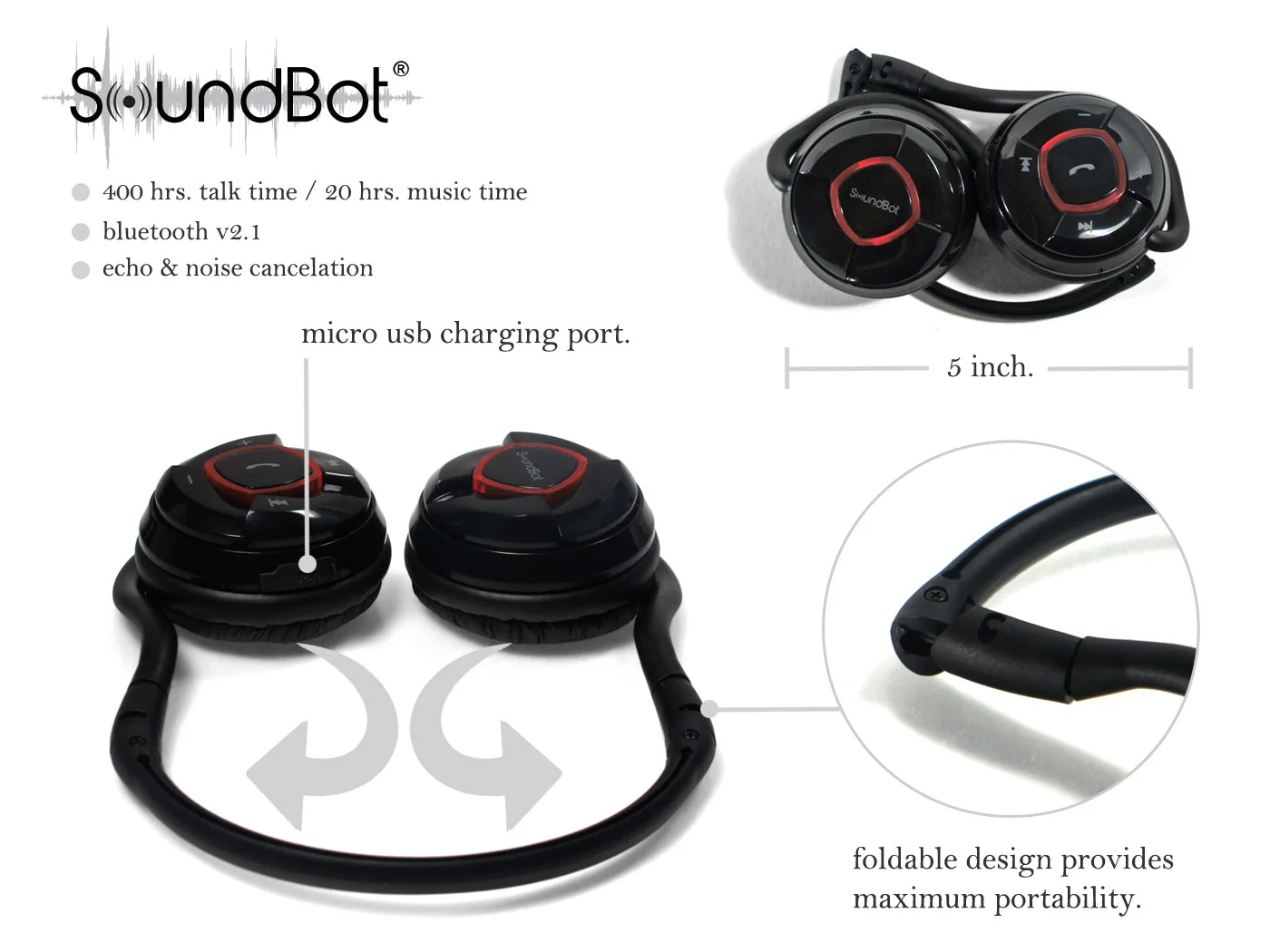
- Foldable compact design provides maximum comfort and protability
- Supports Bluetooth A2DP, AVRCP, and HS/HF profiles
- Features Software & CVC echo/noise cancellation for reducing noise
- Pairs with all A2DP-enabled devices including smartphones, tablets, laptops, PC, digital media players, etc…
- Effective range up to 10m with free line of sight
- Long lasting battery performance with Up to 20 hours of music play time and 400 hours of standby time
Specifications
- Bluetooth Specification v2.1+EDR class 2
- The latest version of A2DP1.2 and AVRCP1.0 profiles support
- Supports Bluetooth Headset and Hands-free Profile(HFP 1.5)
- RF Frequency Range: 2.402-2.480GHZ, 2.4G ISM band
- Radio Performance: Receive Sensitivity of -90dBm, TX Power Max 4dBm
- Frequency Response: 20 Hz – 20 KHz, Very high Signal to Noise Ratio (SNR):95 Db, Total Harmonic Distortion (THD):0.1%
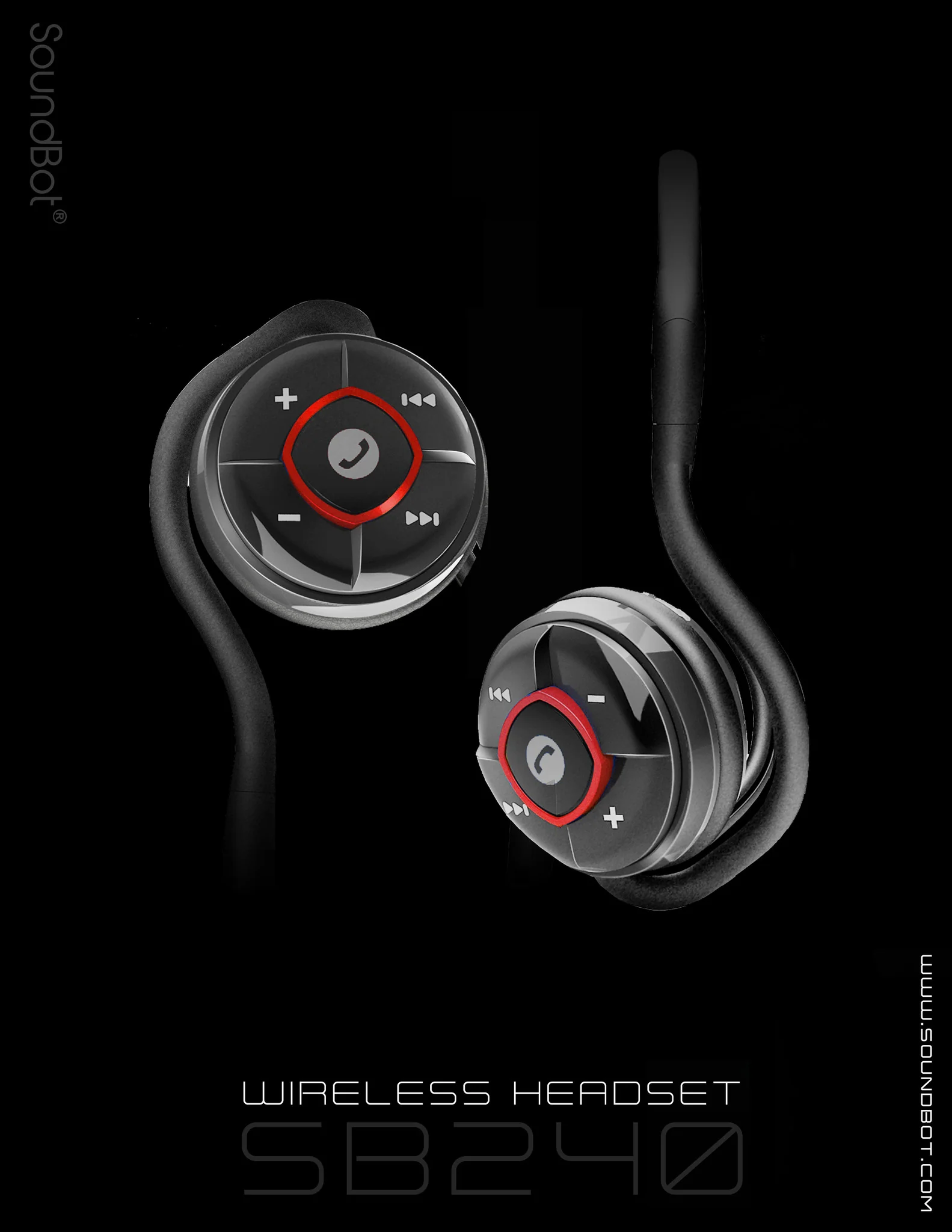
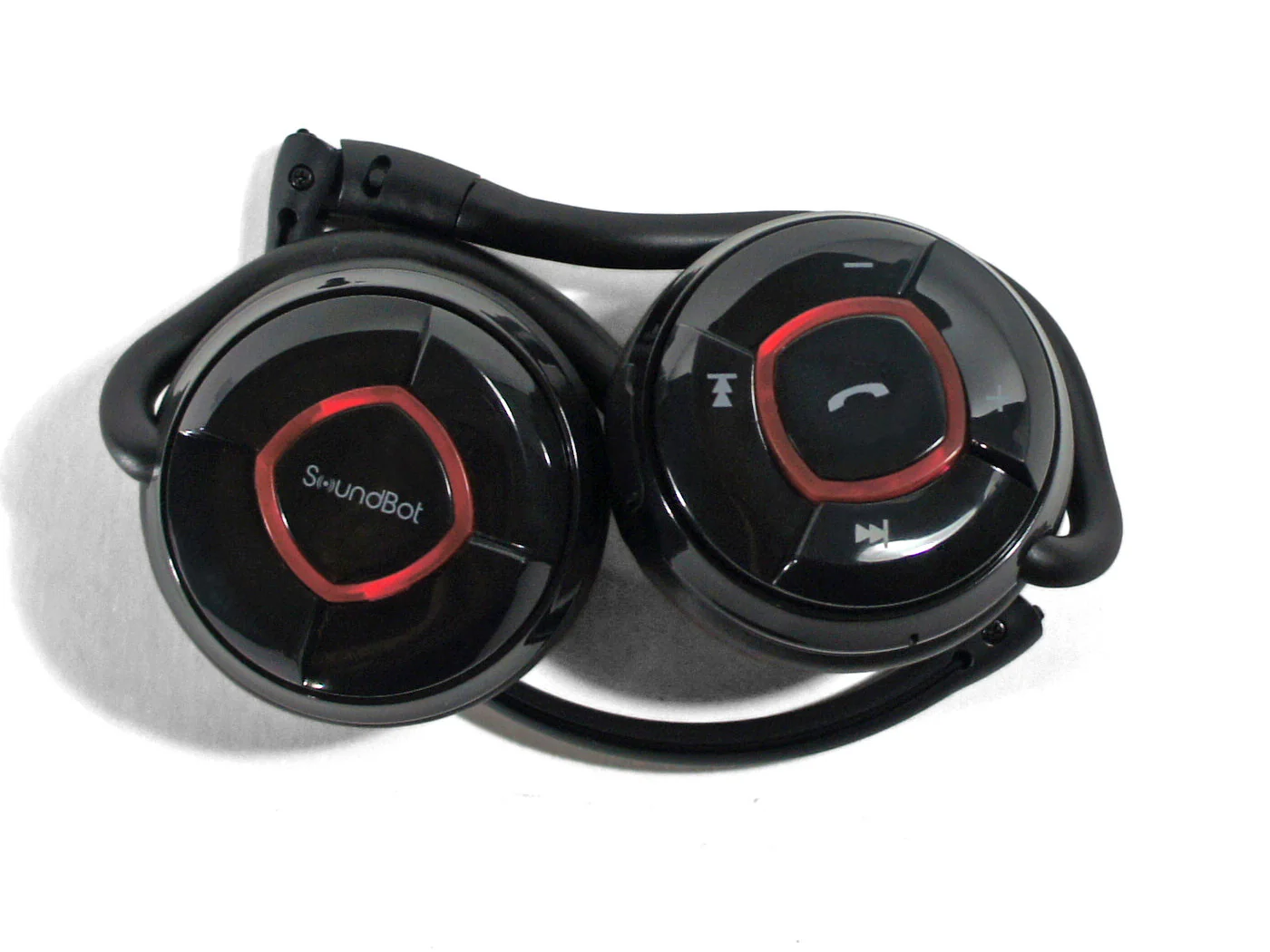
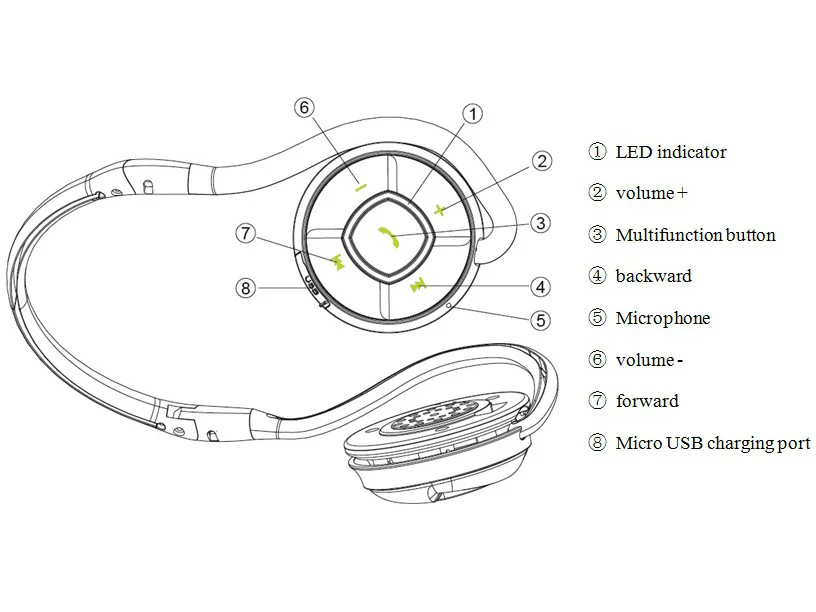
- 5 Button design: MFB (Multi-Function Button), VOL+, VOL-, FWD, REV
- LED Indicator Status: Blue, Red
- Rechargeable 400mAh Li-Polymer Battery
- Micro USB Plug charging Port
- Charger adapter Output: DC 5V&200mA
- Nominal charging time: About 4 hours
- Talk time: Up to 20 hours
- Music Playback Time: 20 hours
- Standby time: Up to 400 hours
- Dimensions (main body): 54(diameter) x 23(H)mm
- Weight: 71.2 grams
- UPC 633726326200
- Operating Temperature: -10 oC – 50oC
- Storage Temperature: -20 oC – 80oC
- Speaker Output Frequency Range: 20-20000HZ
- Distortion (db): -75db
- Charging Time: 1.5 hours
Click here for SB240 Bluetooth Pairing Instruction Video
Note:
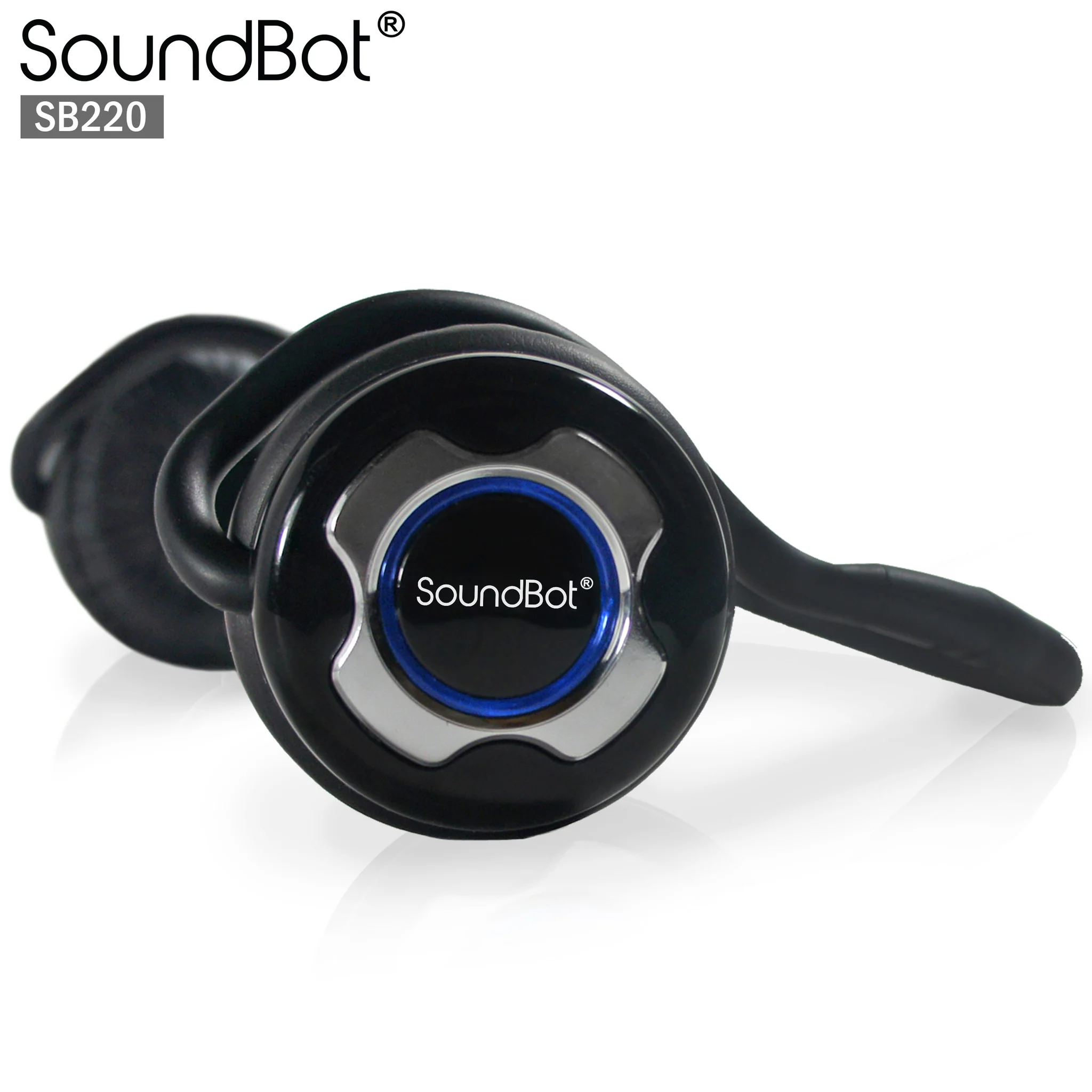
The SB220 / SB240 headset is compatible with the bluetooth enabled Mac and Windows computers without having the need of additional driver installations. Please perform the following steps if you should encounter driver setup issues on your computer.
1. Run Windows or Mac OS update to get the latest driver
2. Install the latest driver if you are using a 3rd party bluetooth receiver
3. Check the bluetooth settings and configurations
4. Adjust the input and output sound sources
Model, Color Option and UPC
| 633726326200 | SB240-BLU | Blue |
| 633726326217 | SB240-RED | Red |

Delivery
You may also like