


Presonus Faderport 8 8-Channel Mix Production Controller
₹59,990₹66,60010% off
Out of stock · ★ 5.0 (3)checking live price…
View on Bajaao store ↗Don’t kill that mouse—give it a companion
Although a keyboard and mouse are tried-and-true DAW-control devices, they’re far more effective when used in tandem with the FaderPort™ 8’s precise tactile control over mix and automation functions. With 8 touch-sensitive, motorized, 100 mm faders and 57 buttons covering 78 different functions, you can quickly zoom in on audio files for editing, adjust your click-track tempo with a simple tap, modify plug-in parameters, manage aux mixes—and, of course, control track levels with the touch of a finger.
Work faster and smarter
Rather than forcing you to revise your mixing method, the FaderPort 8 augments the way you currently mix. You still use your faithful keyboard and mouse for things they do well, and the FaderPort 8 handles the features you want to get your fingers on, allowing you to customize your workflow. Large, illuminated buttons make finding the function you need quick and easy. Eight high-definition digital scribble strips provide visual feedback. And if you select a track with your mouse, the FaderPort 8 will follow your selection, giving you yet another way to get to the function you need, right when you need it.
One-button access to key functions
The FaderPort 8's unique Session Navigator provides easy access to eight mission-critical functions for maximum flexibility. Dedicated buttons are provided to instantly arm all tracks for recording; control mutes and Solo Clear; view only the tracks, buses, and VCAs you want so see; and more. You’re not limited to preset controls, either: Four programmable User buttons let you quickly and easily access your favorite functions.
Universal compatibility and tight Studio One® integration
FaderPort 8’s streamlined workflow and support for the Mackie Control and HUI protocols make it fast and easy to control virtually any DAW. No driver installation is necessary; just plug the control surface into a USB port and take command of your mix and plug-ins. But the FaderPort 8 is downright magical when used with PreSonus Studio One. (Studio One Artist is included.)
An amazingly fast, efficient studio workflow awaits you!
With the compact, easy-to-use FaderPort 8, you’ll enjoy the fastest, most efficient workflow you’ve ever experienced.
Features:
- 8 touch-sensitive, 100 mm long-throw, motorized faders
- 8 high-definition Scribble Strip displays
- Complete recording-transport controls: Play, Stop, Fast Forward, Rewind, Record, Loop
- Drop Marker, Next/Prev Marker, Next / Prev Event
- General session controls: Undo/Redo, Arm All, Solo/Mute Clear, Track Management, Click On/Off with tap tempo
- Session Navigator provides quick control over track scrolling, channel banking, timeline scrolling, and much more
- Channel Controls: Level, Pan, Solo, Mute, Rec Arm
- Automation Controls: Touch, Latch, Trim, Write, Read, Off
- Optional Fader functionality: plug-in edit, bus sends, pan
- macOS® / Windows® compatible with native Studio One® support and HUI and Mackie Control Universal emulation*
- Footswitch input for hands-free start/stop
- USB 2.0 connectivity
- Input / Output: 1 USB 2.0 port, 1 Footswitch jack for hands-free stop/start
- 8 100 mm long-throw, touch-sensitive, motorized faders
- Dual-servo motorized drive belt system for fast and quiet operation
- Ultra-smooth feel and lightning fast
- Heavy-duty construction
- Resolution: 10-bit, 1,024 steps
- General Controls: Undo/Redo, Arm All, Solo/Mute Clear, Timecode, Click On/Off, 4 programmable User buttons, 8 Function buttons, Macro, Parameter Link, Bypass Plug-ins
- Channel Controls: Level, Pan, Solo, Mute, Select, Rec Arm
- Automation Controls: Touch, Latch, Trim, Write, Read, Off
- Optional Fader Functionality: Plug-in Edit, Bus Sends, Pan
- Window View: Mix, Project, Transport, Undo
- Transport: Play, Stop, Fast Forward, Rewind, Record, Loop, Return to Zero (Functionality varies slightly depending on the DAW.)
- Navigation: Track Scroll, Channel Banking, Timeline Scroll, Horizontal Zoom, Vertical Zoom, Drop Marker, Next/Prev Marker, Next / Prev Event, Nudge
- Console Management: Show/Hide: Audio Track, Inputs, MIDI Tracks, Buses, Outputs, VCA, FX; Show All
- Displays: 8 high-definition digital scribble strip displays, timecode display, channel meters
- 12 VDC, 2A external power supply
- Dimensions (H X D X W): 2.25" (57.2 mm) X 11.85" (301 mm) X 13.15" (334 mm)
- Weight: 5 lbs. (2.3 kg)
Below are the minimum computer-system requirements for the FaderPort™ 8:
- Mac®: macOS® 10.8.5 or higher, Intel® Core™ 2 Duo processor (Intel Core i3 or better recommended)
- Windows®: Windows 10 x64/x86, Windows 8.1 x64/x86, Windows 7 x64/x86 SP1 + platform update, Intel Core 2 Duo or AMD® Athlon™ X2 processor (Intel Core i3 or better recommended)
- FaderPort 8 firmware 1.0.1 or later (requires Universal Control v.1.8.3 or later)
- USB 2.0 port
- Internet connection required for driver and bundled software installation
- Universal Control v.1.8.3 (for firmware updates)
- PreSonus FaderPort 8 has been tested and approved to work with the following software:
- Native Mode: PreSonus® Studio One® 3.3.2 or later
- HUI Emulation: Supported by Pro Tools
- Mackie Universal Control Emulation: Supported by Logic, Cubase, Ableton, Nuendo, Bitwig, Reaper, Reason, and more
Made in China
Delivery
You may also like
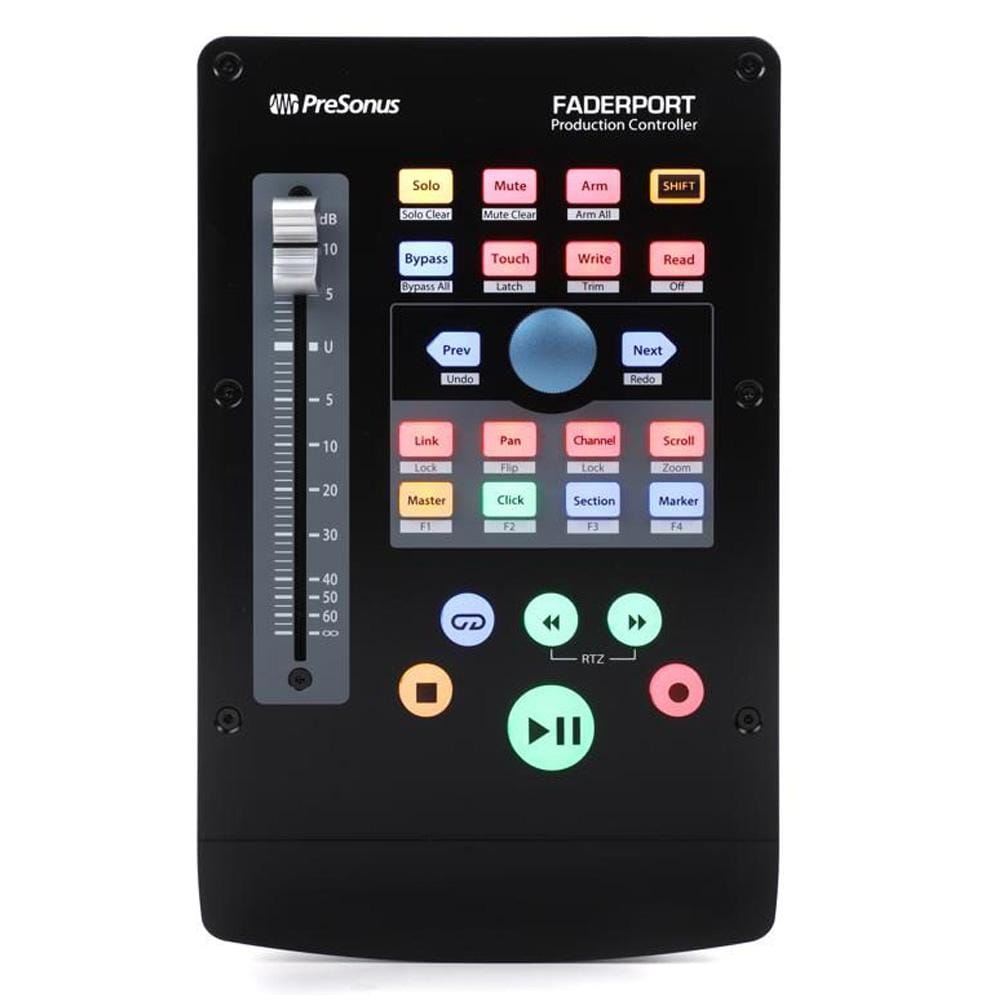
Presonus Faderport V2 Innovative DAW Controller Studio Monitor Controller
Bajaao
₹23,990₹26,60010% off
out of stock
★ 5.0 (1)

Behringer X-Touch Compact Digital Mixer
Bajaao
₹54,999₹90,81939% off
out of stock
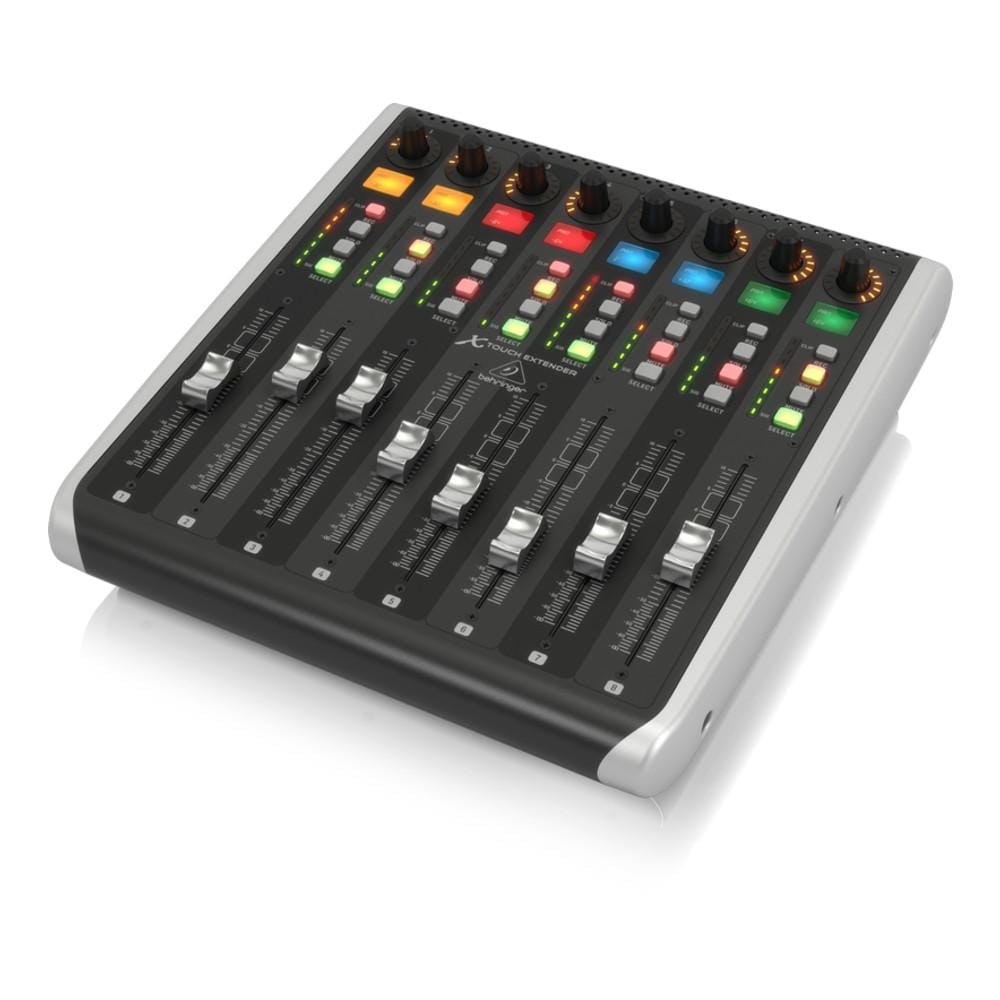
Behringer X-Touch Extender MIDI Controller With 8 Touch ensitive Motor Faders
Bajaao
₹56,999₹93,97939% off
out of stock

Presonus Atom 16-Velocity Electronic DrumPad Controller
Bajaao
₹15,990₹17,70010% off
out of stock
★ 3.5 (2)

Behringer X-Touch Mini USB Controller
Bajaao
₹12,999₹21,57140% off
out of stock
★ 1.0 (1)

Behringer X Touch One Universal Control Surface
Bajaao
₹26,999₹43,90439% off
out of stock
★ 5.0 (2)
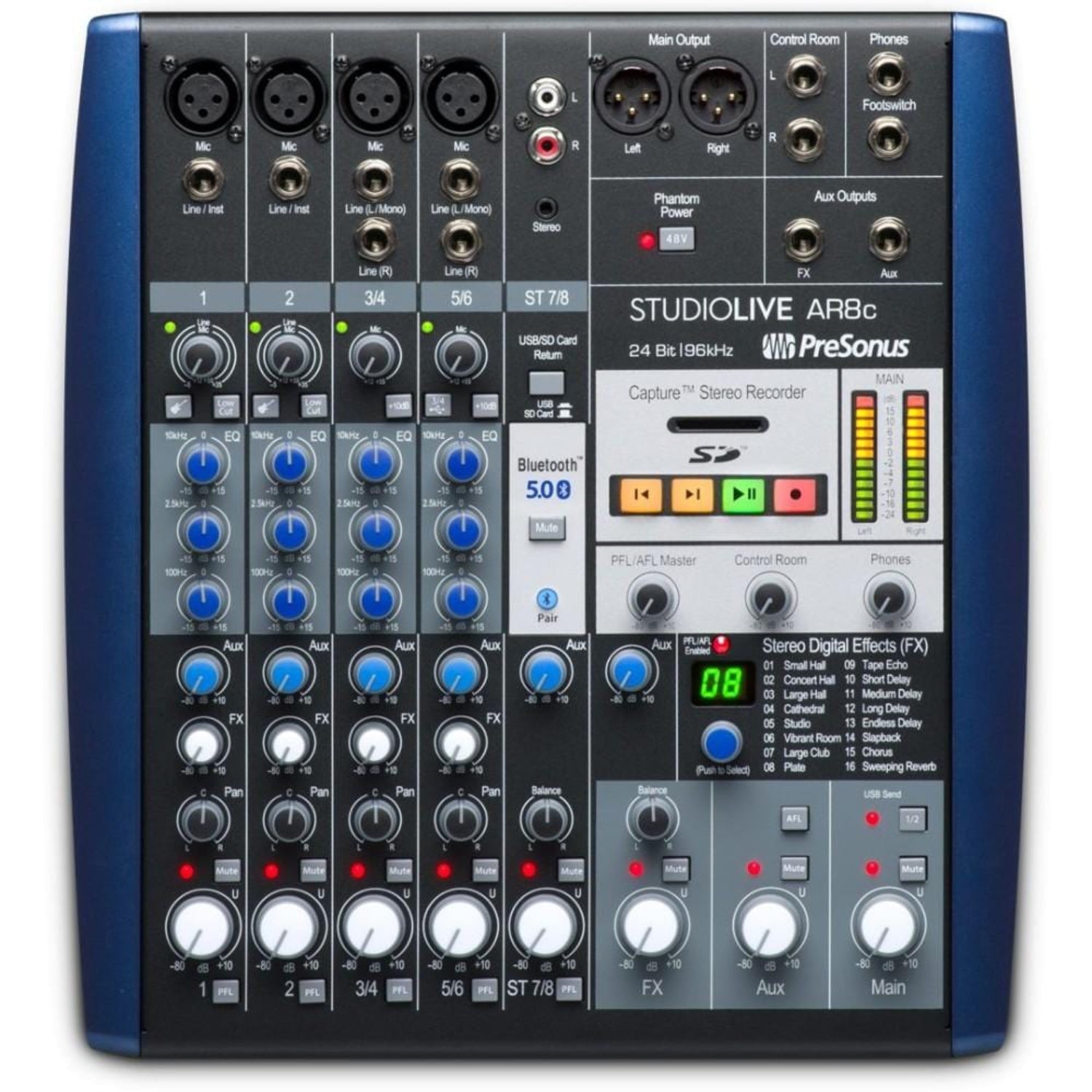
PreSonus StudioLive AR8c USB Type-C 8-Channel Hybrid Performance and Recording Mixer Audio Interface
Bajaao
₹56,990₹63,30010% off
out of stock
★ 4.25 (4)

Icon Pro Audio P1-M 16 DAW Controller
Bajaao
₹52,450₹55,2185% off
out of stock