


u-He Hive 2 Modular Synthesizer – Professional Audio Software & Plugin
₹17,153
● In stockchecking live price…
View on Bajaao store ↗Hive's clear layout and easy workflow let you create stunning patches in next to no time at all. Although surprisingly CPU-friendly
Hive doesn't sacrifice flexibility or audio quality. Now packed with more controls than ever
version 2 opens up new dimensions of expression… and sheer fun! Underneath its sleek exterior
Hive 2 lets you go as deep as you like. Add movement and life using the shape sequencer
or instantly record
rotate and arpeggiate note sequences. The 12-slot matrix even lets you modulate effect parameters
encouraging you to explore a whole new world of creative options. With its swappable audio engine
flexible signal routing
wavetable support and quality effects
Hive 2 makes sure you can get the sound you want with a minimum of fuss.
How it works
Hive 2 includes Wavetables! These appear as multiple waveforms and are controlled in the central hexagon. You can manually select wavetables modulate the wave position via the matrix or even scan through them automatically using the envelope and loop options (which let you animate wavetables without the need for an extra modulation source). This panel also offers a Reverse option to flip the wavetable back to front Cyclic mode for seamless wavetable cycling and various real-time interpolation methods.Multi-Table
Wavetables can be split into multiple parts (up to 16) effectively creating a 2-dimensional oscillator. For instance a wavetable with 30 frames can be split into 3 x 10 frames by setting Tables to 3. The lower Position knob will crossfade between those 3. This feature opens up a second dimension of wavetable scanning such as velocity crossfade or multisample support.UHM scripting
Want to go even deeper? Many of Hive's factory wavetables are not samples but ".uhm" files containing scripts written in a proprietary wavetable generation and manipulation language. If you're interested in writing your own scripts grab this document (also included in the Hive installer)…Interpolation
Hive provides 4 different algorithms for interpolating between wavetable frames: switch crossfade spectral or zero phase. The appearance (and CPU usage) of waveforms can differ significantly depending on the chosen interpolation. The spectral and zero phase modes shift the relative phases of partials differently while the switch option only shows non-interpolated waveforms.Shape Sequencer
The Shape Sequencer is where you can create complex modulations and/or rhythmic patterns it offers a comfortable way to 'gamify' rhythm creation. The shape sequencer has four Shape Modulator lanes (A B C and D) each with an independent set of options determining how the active cells in that lane are sequenced: This means that the shape modulators can be triggered differently and run at different speeds! While it may look like a baby version of what other synths have to offer Hive's shape sequencer can do a lot more than first meets the eye…Function Generators
Hive’s Function Generators combine simple envelope functionality with LFO slew limiter (a.k.a. envelope follower) and gate control. Each of the three outputs has its own ‘crosshair’ you can drag & drop onto any modulation target onto the Scope or even onto the modulation matrix source fields. Triggered and/or modulated by the LFOs the Shape Sequencer and each other Hive’s Function Generators can create some truly mind-bending motion effects!Arpeggiator and Sequencer
The ARP/SEQ panel in the central hexagon is where you make rhythmic and melodic loops.List:
- Arpeggiator - You can select up to 3 octaves range 6 different direction options and 4 for the order. Additional features are Restart which sets the number of notes the arpeggiator will play before jumping back to the beginning and ClockDiv which slows the arpeggiator down relative to the sequencer.
- Sequencer - The sequencer has 2 different modes one of which lets you send control signals (CC) without triggering any notes. Like the arpeggiator the sequence will run whenever one or more notes are played and will stop when all notes are released. In record (REC) mode you can enter individual notes on your keyboard or even capture the output of the arpeggiator.
- Enable and rearrange - The on/off status and position of each effect in the chain is controlled using the central column: Click once to enable or disable an effect and drag up and down to rearrange. This ease of use invites experimental combinations e.g. short reverb into highly resonant phaser into heavy distortion.
- Edit and modulate - Effects in Hive are fully-featured with many editable controls a selection of presets and the well known u-he quality. Want more? Every control you see can be modulated in the modulation matrix – even a few you can't see.
- Automatic parameter scanning - Hive is able to assign XY controls to parameters automatically. It looks into the structure of presets that have unused XY controls and assigns them to the most appropriate XY macros (pre-defined sets of parameters). Of course you can create your own XY control definitions with up to 4 targets per dimension.
Flexible Effects
Hive's hexagon includes 7 different effects: Distortion Reverb Equalizer Chorus Delay Compressor and Phaser.Modulation Matrix
Hive features a 12-unit modulation matrix (6 units per page) which lets you connect modulation sources (LFOs envelopes shape sequencer MIDI controls etc.) to countless targets optionally via a second modulation source. 2 targets can be assigned per unit each with its own modulatable depth control. The row of 5 modifiers per target can alter the curvature rectify quantize sample/hold or slew-limit the modulation signal: This is seriously deep stuff but it doesn't get in the way!Performance controls
On this page you'll find a pad with 4 controls – simply connect them to your MIDI controllers for maximum fun on stage. Other views are also available.Scope
Animated graphics in software synthesizers not only look cool but can also help you program your sounds by showing you what’s happening in real time. Hive’s Scope is especially useful for displaying how the parts of complex modulation interact (e.g. the Function Generators with an LFO).Izmo skin
Hive 2.1 includes a brand new alternative skin called Izmo created by the very talented GUI designer Yuta Yoshimatsu (a.k.a. Plugmon Link). Izmo offers a fresh new look and workflow letting you explore and experience Hive as if it were a radically different synth sparking your creativity in exciting new ways. To enable Izmo simply right-click anywhere in the background of Hive's window and select it from the pop-up menu.Features:
- Low CPU usage 3 different synth engines
- Resizable UI
- 2 oscillators with wavetable option 16x unison tunable sub-oscillators
- Drag & drop modulation assignment
- 12x 2 matrix slots with modifiers for curvature rectify quantize sample/hold slew rate
- 4 user-definable XY control pads
- Arpeggiator step sequencer with realtime recording
- Unique 8-step shape sequencer with 4 independent outputs
- 2 function generators can serve as extra envelopes gate generators LFOs slew limiters
- 7 re-arrangeable effects: distortion chorus delay phaser EQ reverb compressor
- Panel presets for each oscillator filter matrix slot etc. with copy load and save options
- Solo buttons for auditioning individual oscillators or filter signals
- Scope for viewing the audio output or any modulation signal with zoom controls
- MIDI remote control via learn page with editable list
- Microtuning (.tun files)
- 2000+ factory presets by some of our favourite sound designers; many more available online
Requirements:
| Platform | CPU | RAM | Disk | Notes | Additional Requirement | Audio Card | Ports | Internet Required | 32 Bit Support | 64 Bit Support | Plugins |
| mac | Intel Nehalem or newer Apple M1 | 1 | 0 | 1000 × 600 or larger display | 1 | 0 | 1 | VST-2 VST-3 AU | |||
| windows | Intel Nehalem or newer AMD Bulldozer or newer | 1 | 0 | 1000 × 600 or larger display | 1 | 1 | 1 | VST-2 VST-3 AAX | |||
| linux | 1 | 0 | 1000 × 600 or larger display | 0 | 0 | 0 |
Delivery
You may also like

u-He Bazille Granular Synthesizer – Professional Audio Software & Plugin
Bajaao
₹14,851
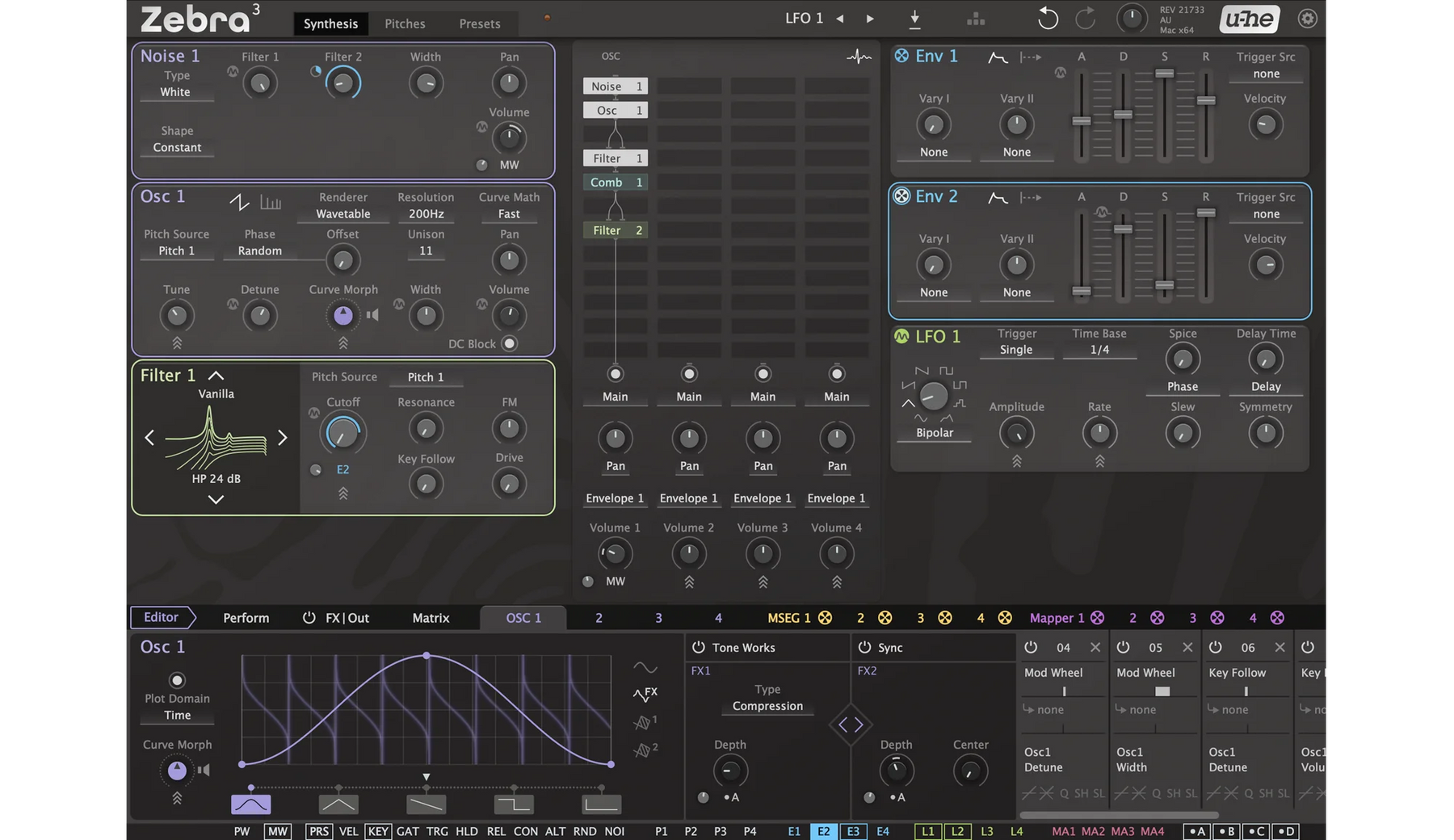
u-he Zebra 3
Bajaao
₹28,665

u-He Diva Analog Synthesizer – Professional Audio Software & Plugin
Bajaao
₹20,607

u-He Ace Semi-Modular Synthesizer – Professional Audio Software & Plugin
Bajaao
₹7,943

u-He Filterscape: Filter Plugin
Bajaao
₹14,851

KV331 SynthMaster One: Versatile Wavetable Synthesizer – Professional Audio Software & Plugin
Bajaao
₹5,641

Sugar Bytes Effectrix2: Multi-Effect Plugin
Bajaao
₹14,851

u-He Repro Vintage Synthesizer – Professional Audio Software & Plugin
Bajaao
₹17,153