
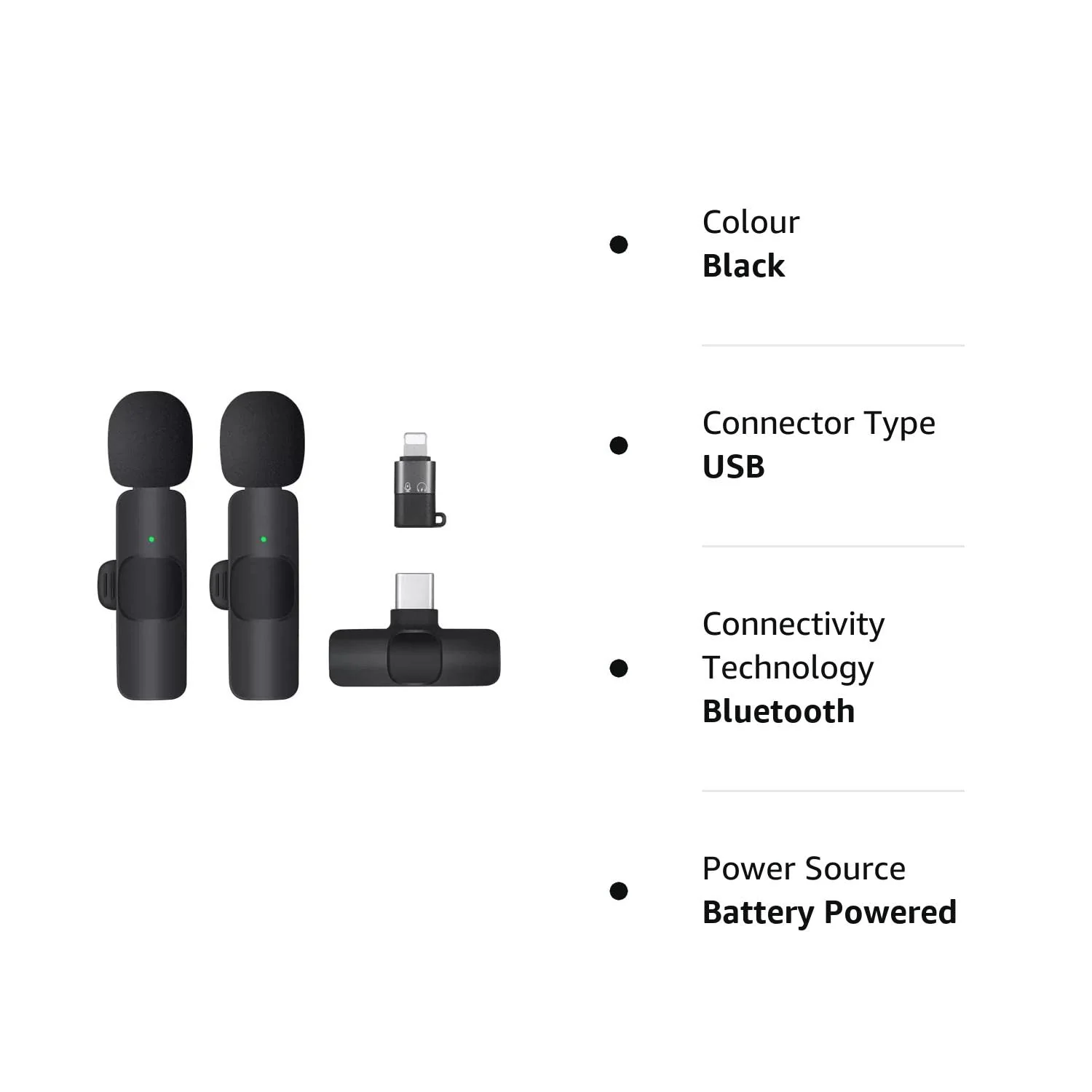
Dual Wireless Collar Microphone Dual Lapel Lavalier Omnidirectional Mic
Dual Upgraded Wireless Lavalier Microphone for iPhone iPad and Android (USB-C device)
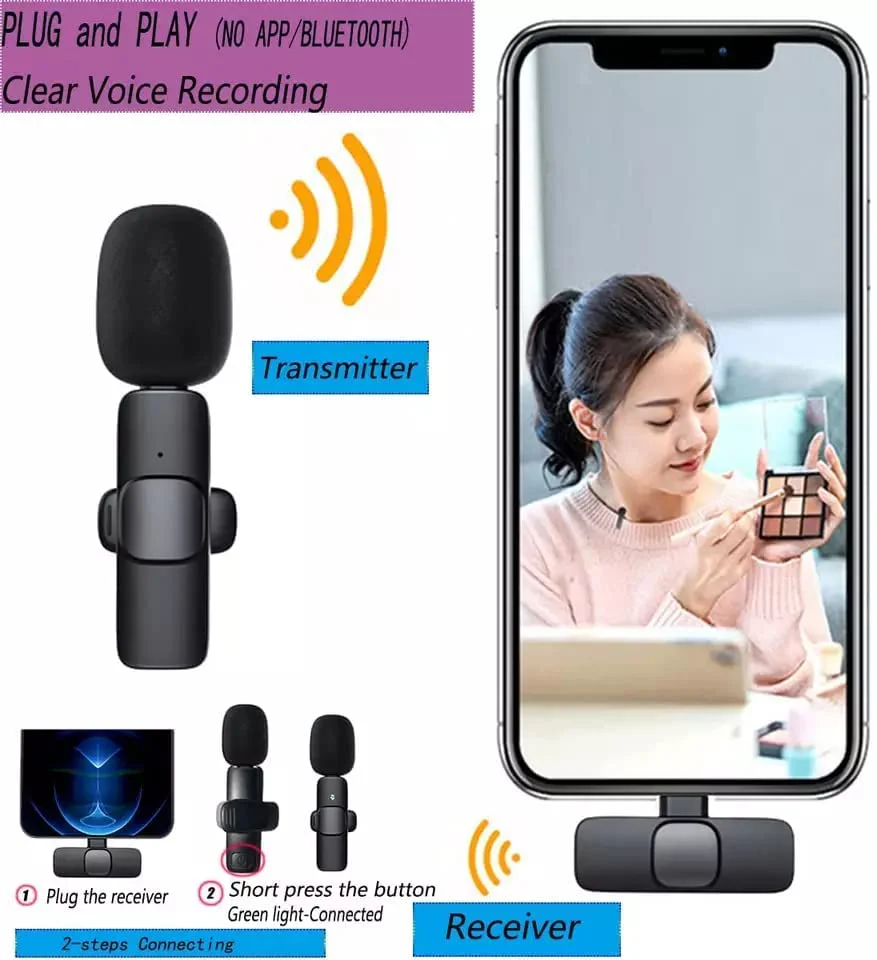
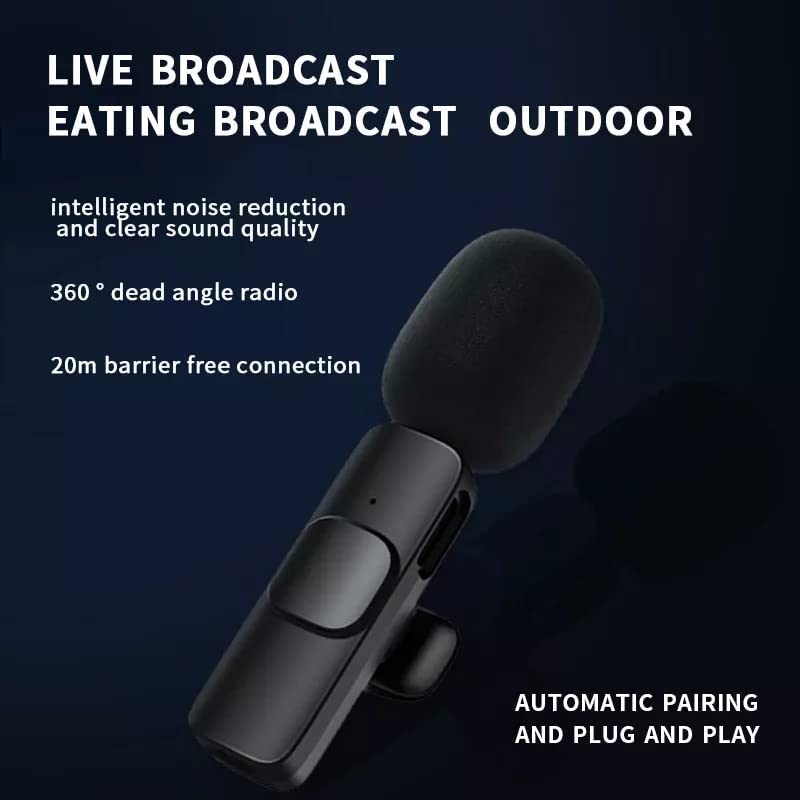
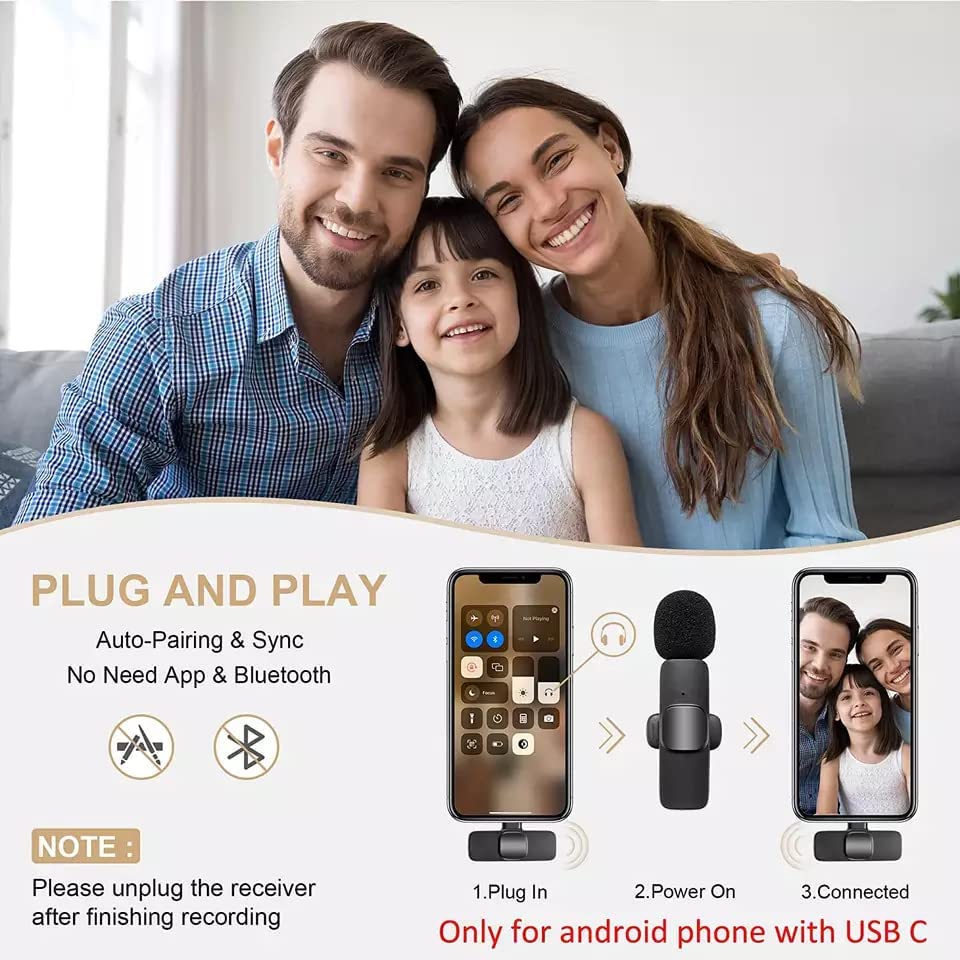
Easy to pair with iOS and android (USB-C) devices under 5 seconds. Just plug the receiver in your phone, power on the wireless lavalier microphone and clip it to your collar to start recording. Tiny and compact and convenient to record.
Product Features
-Plug & Play and Auto Sync, No Need APP or Bluetooth.
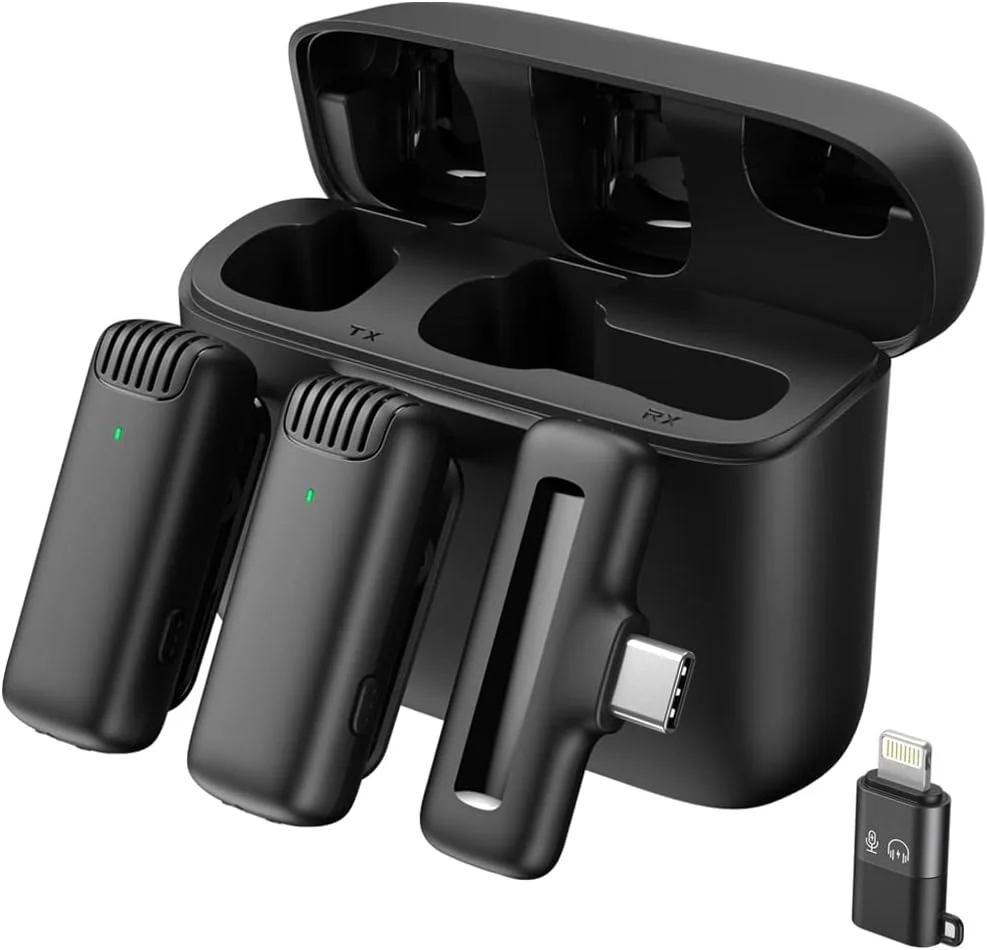
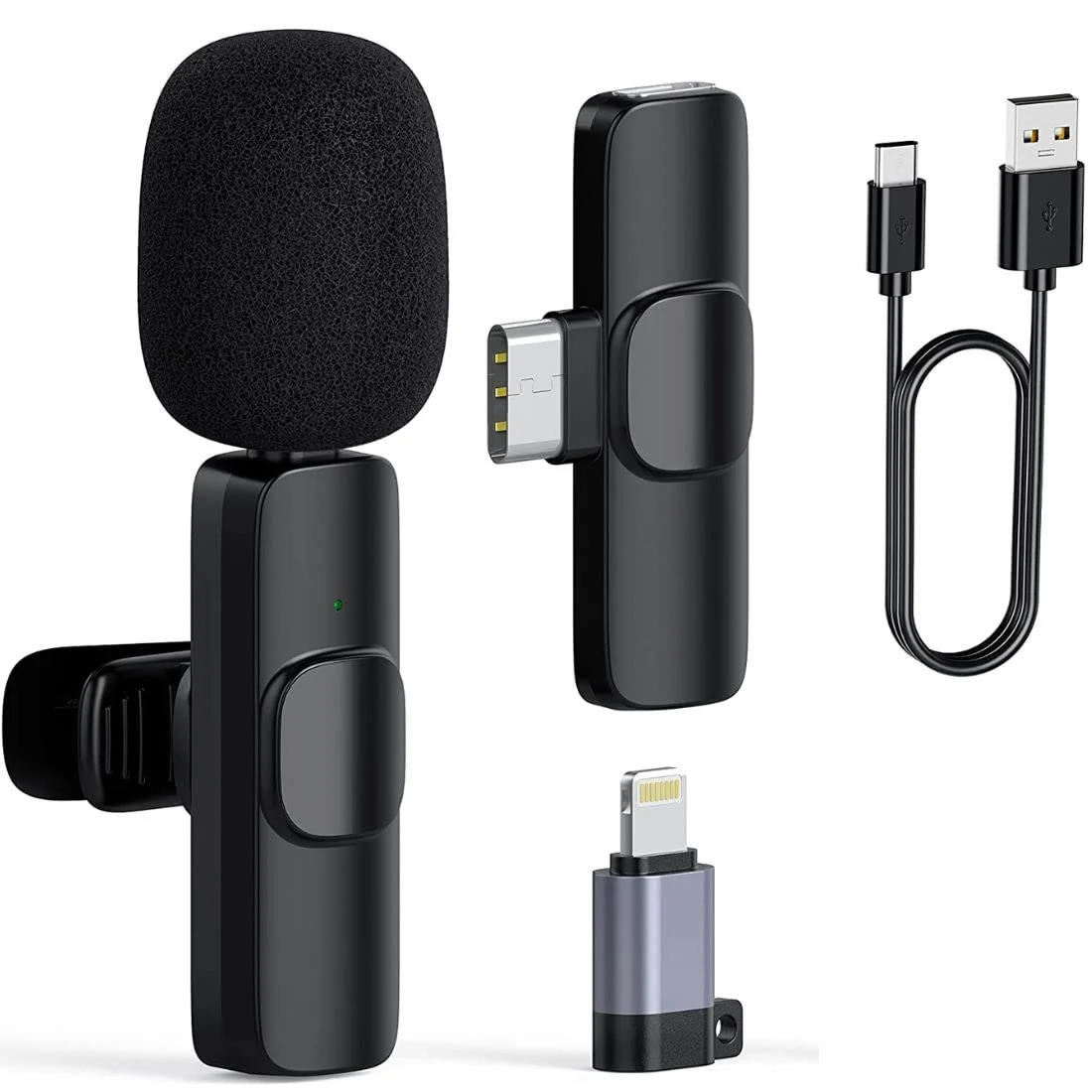
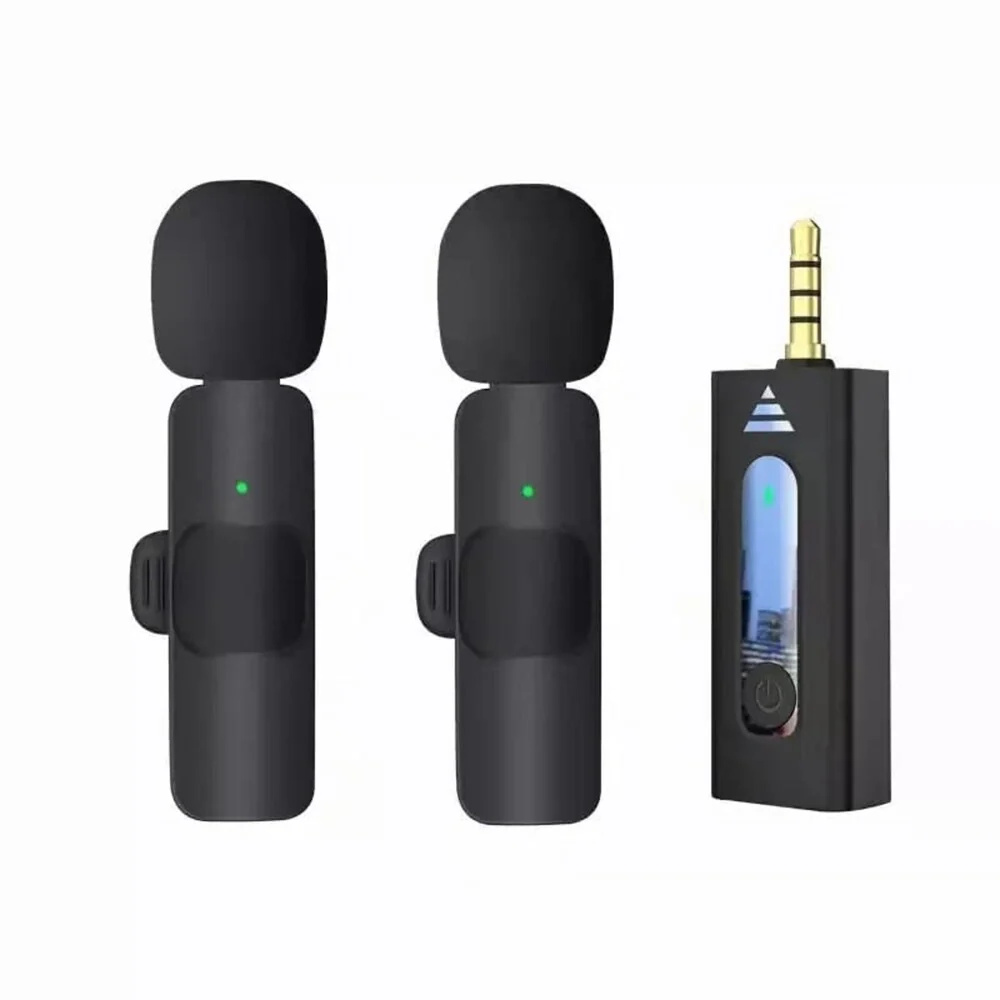
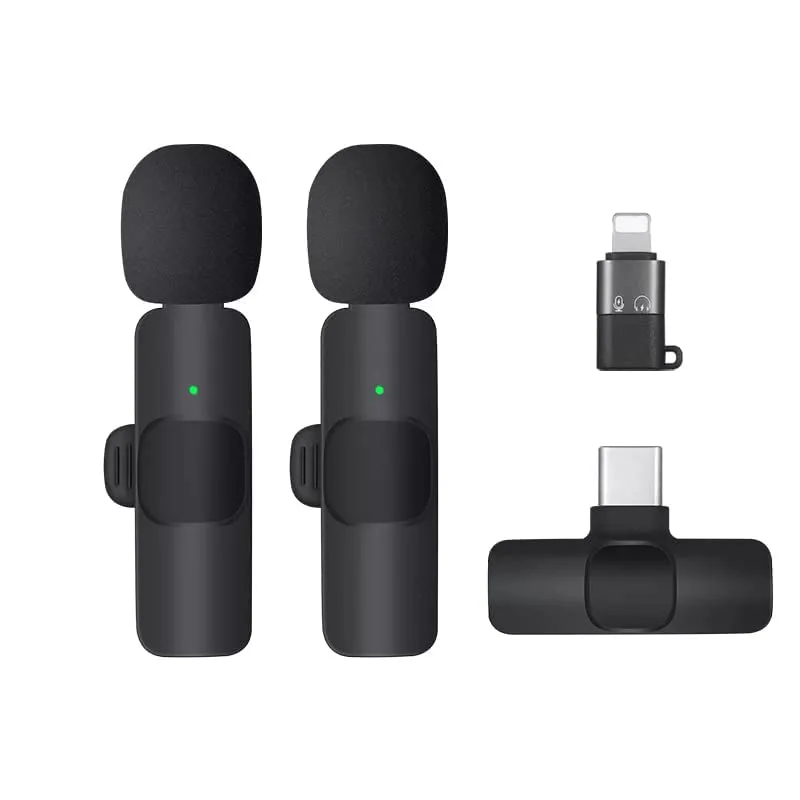
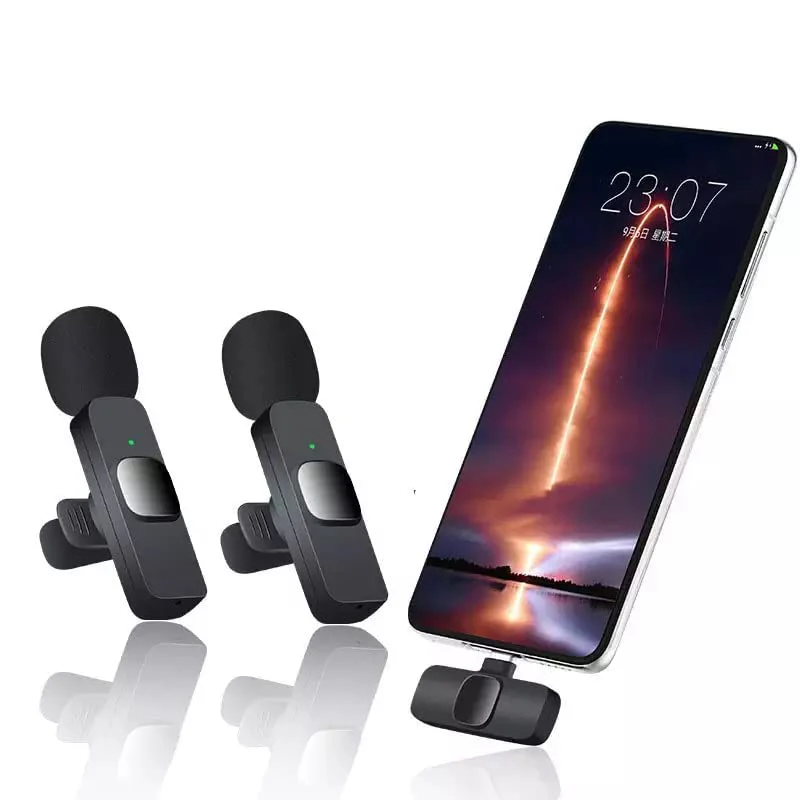
-Contain 2 Microphone and 2 Receiver, compatible with iPhone iPad and Android -------Phone with USB-C Port.
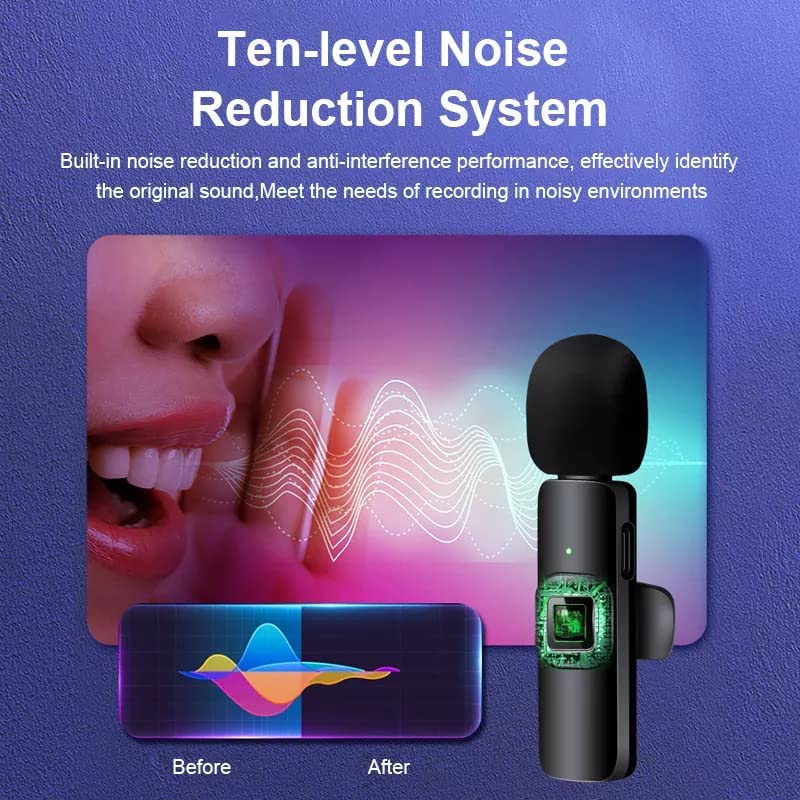
-Noise Reduction & Stable Sound.
-65FT Audio Range & Long Working Time.
Before Buying
- Doesn't support calls and online chatting (Living).
- Doesn't match iPhone 6 or older versions.
- Doesn't match for OPPO / One Plus.
- Some android devices may not connect the wireless mic and not recognize external --- Mics to pick up voice because they are not open cource system. Here are the solution:
For the Some android devices may not connect the wireless mic, please open OTG (search OTG in setting of your phone) to connect.
For the Some android devices' own camera not recognize external mics to pick up voice, please download "Open Camera" app to get the camera to recognize external mics (in the setting of the Open Camera).
Plug & Play and Auto Pairing
This set has 2 Microphone and 2 Receiver.
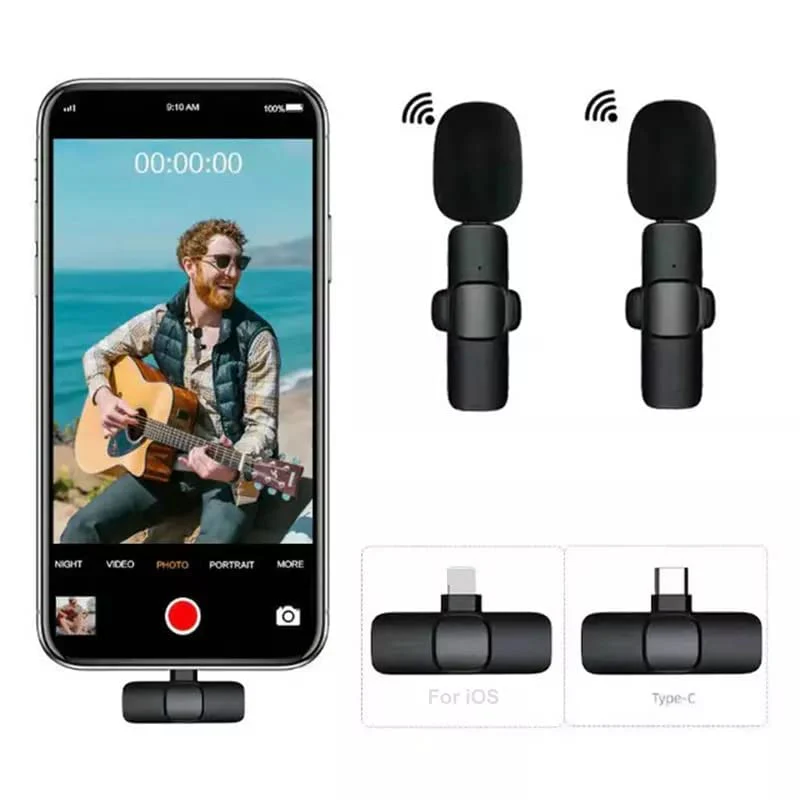
One receiver for ios device (iPhone iPad), one is for android device (USB-C).
Each receiver can pair one or two mics.
How To Use and Determine If The Pairing Is Successful?
Plug receiver to the phone. The receiver's light should flashing red. For some android phone, please Open OTG (search OTG in setting of your phone) if the light not on.
Power on the microphone, the indicator light of the mic should turn green. That means Pairing Successfully. The receiver's light keep red.
Some Android devices' own cameras can not recognize external mics(the microphone doesn't pick up your voice after connecting), you need to download a third-party such as Open Camera apps to use.
How To Use
Delivery
You may also like