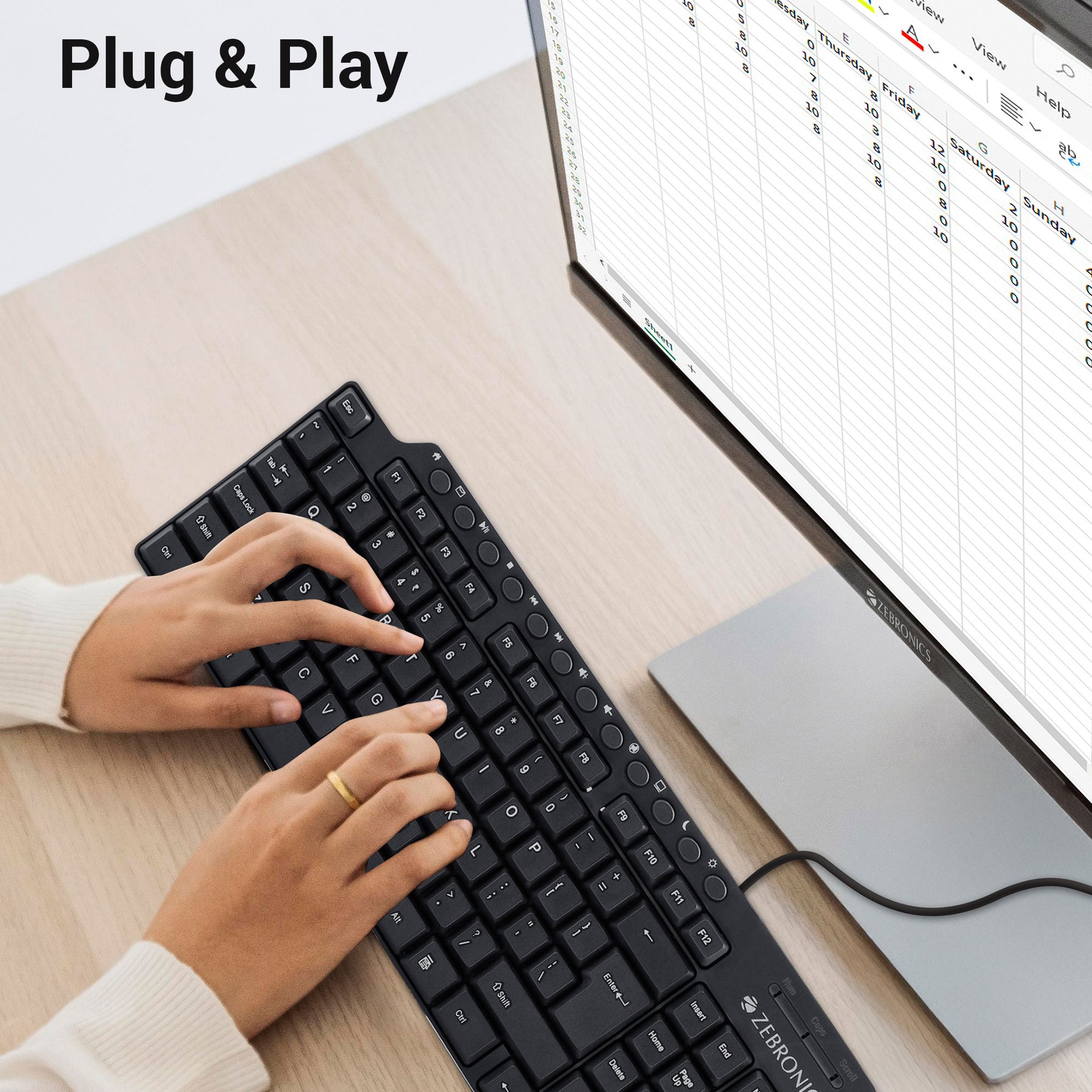
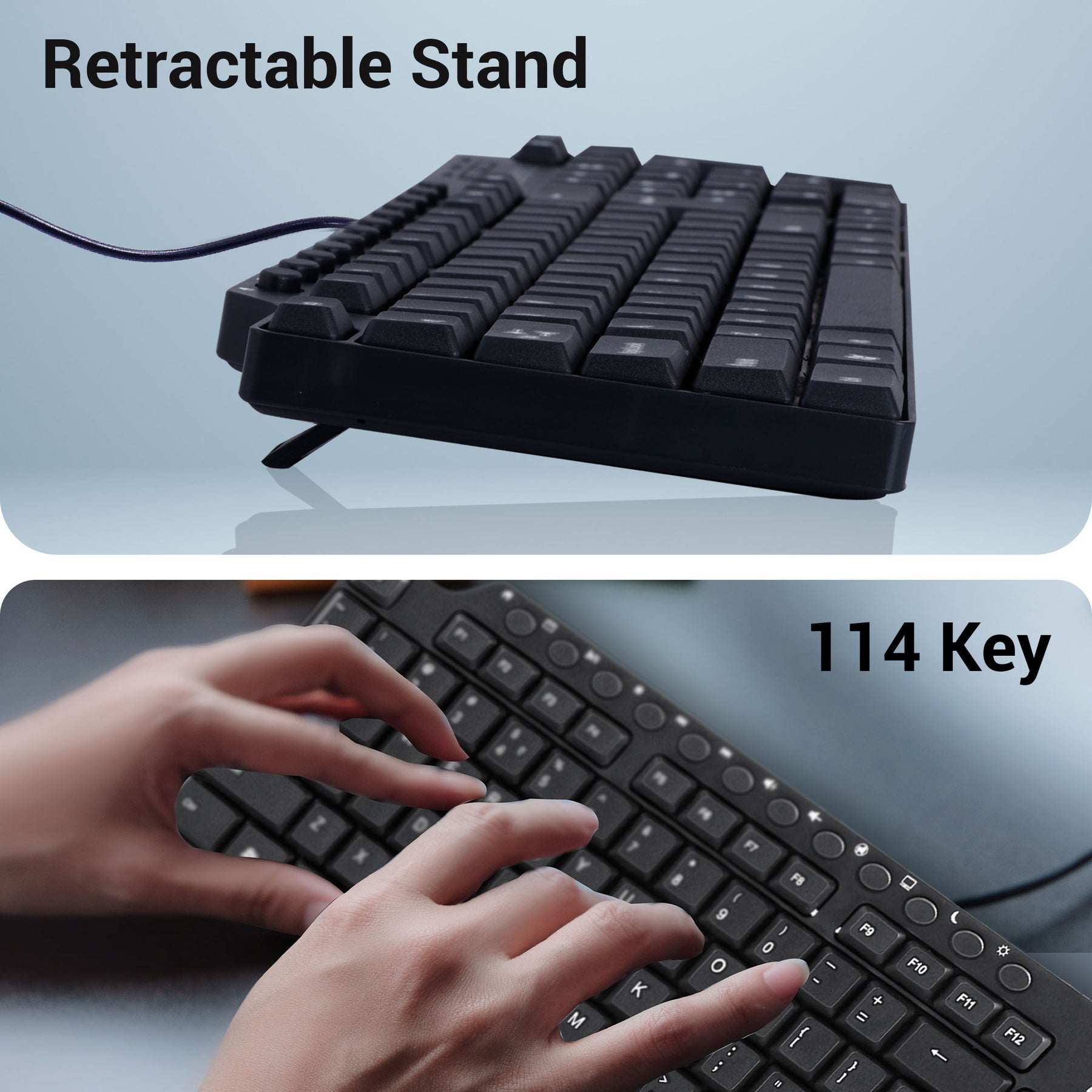
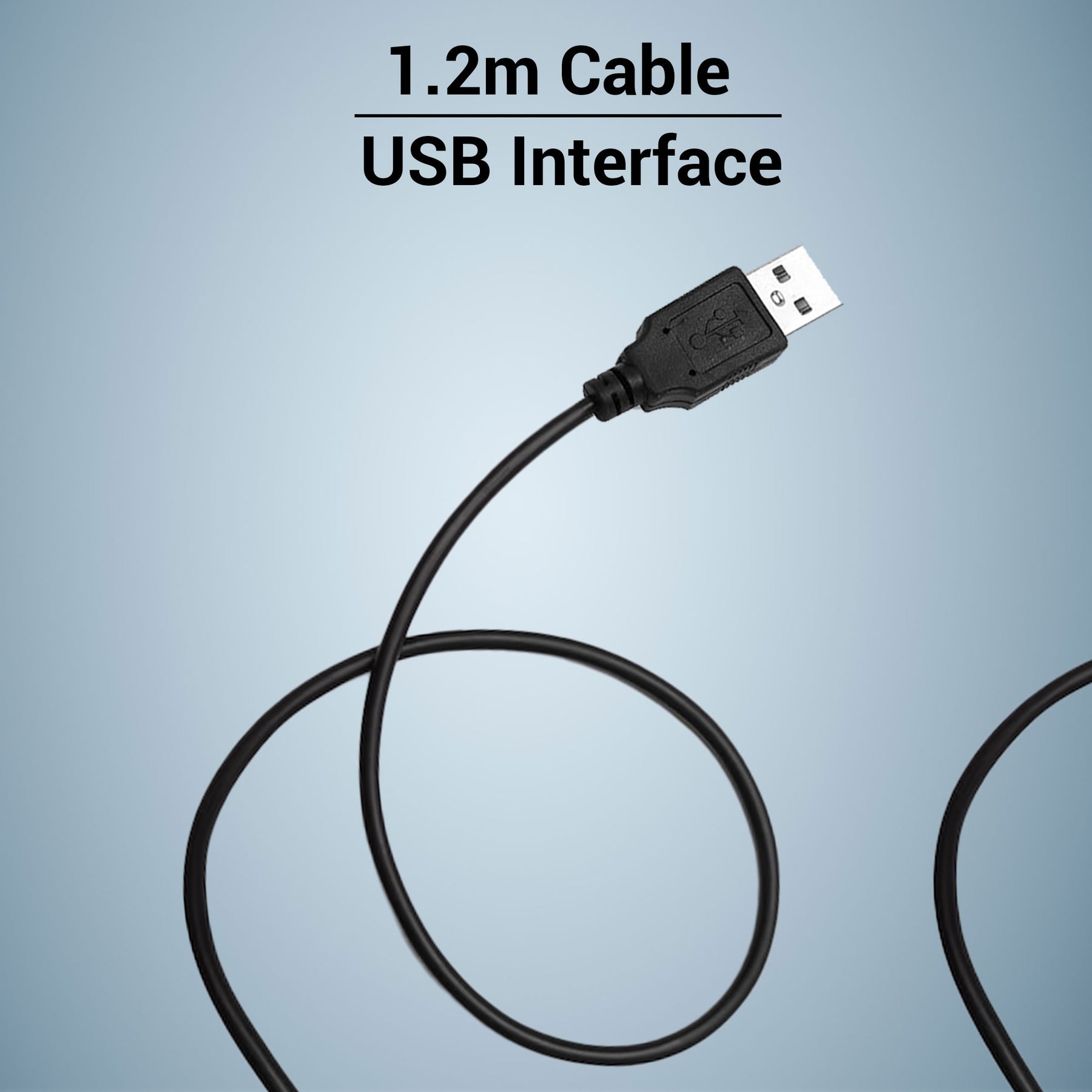
Features
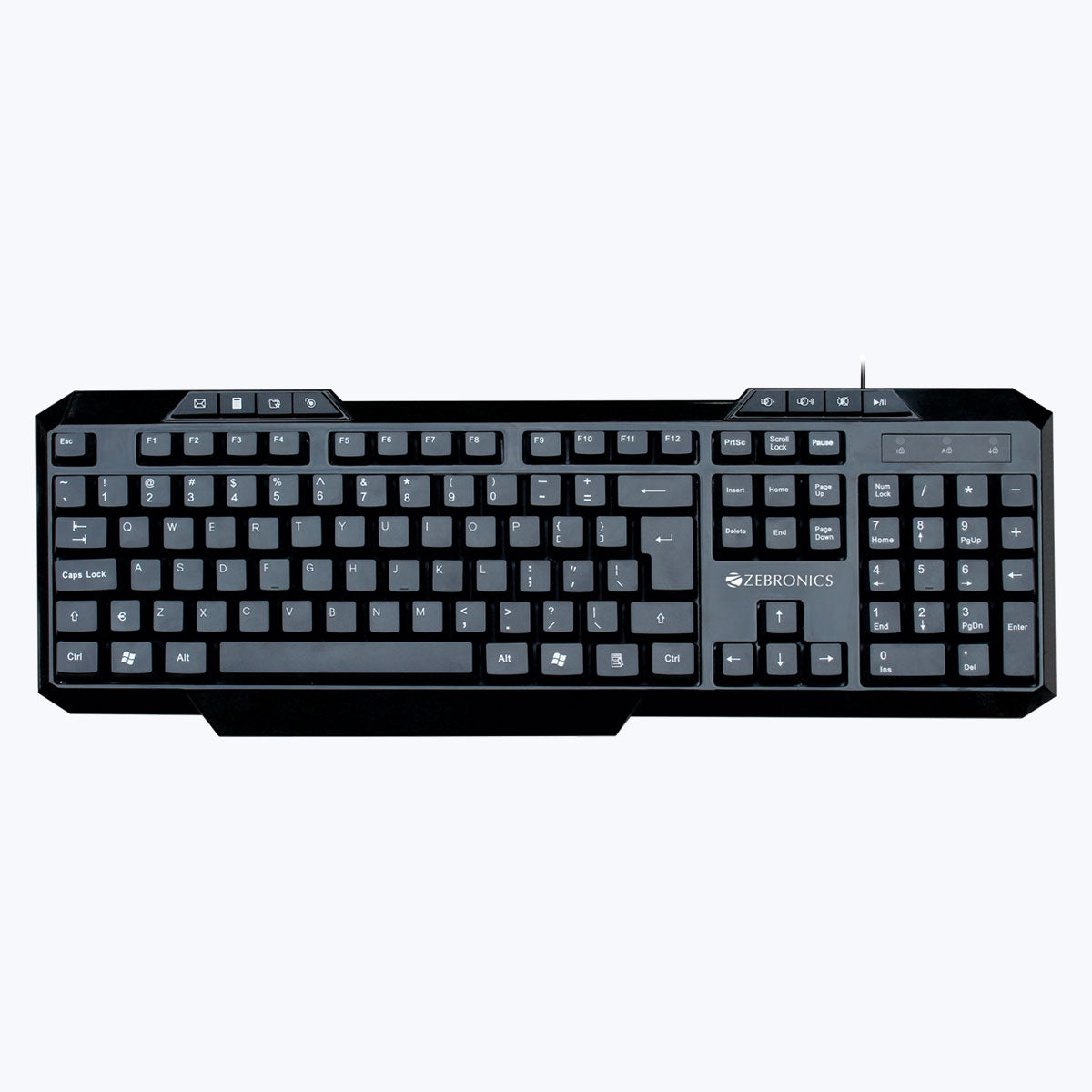
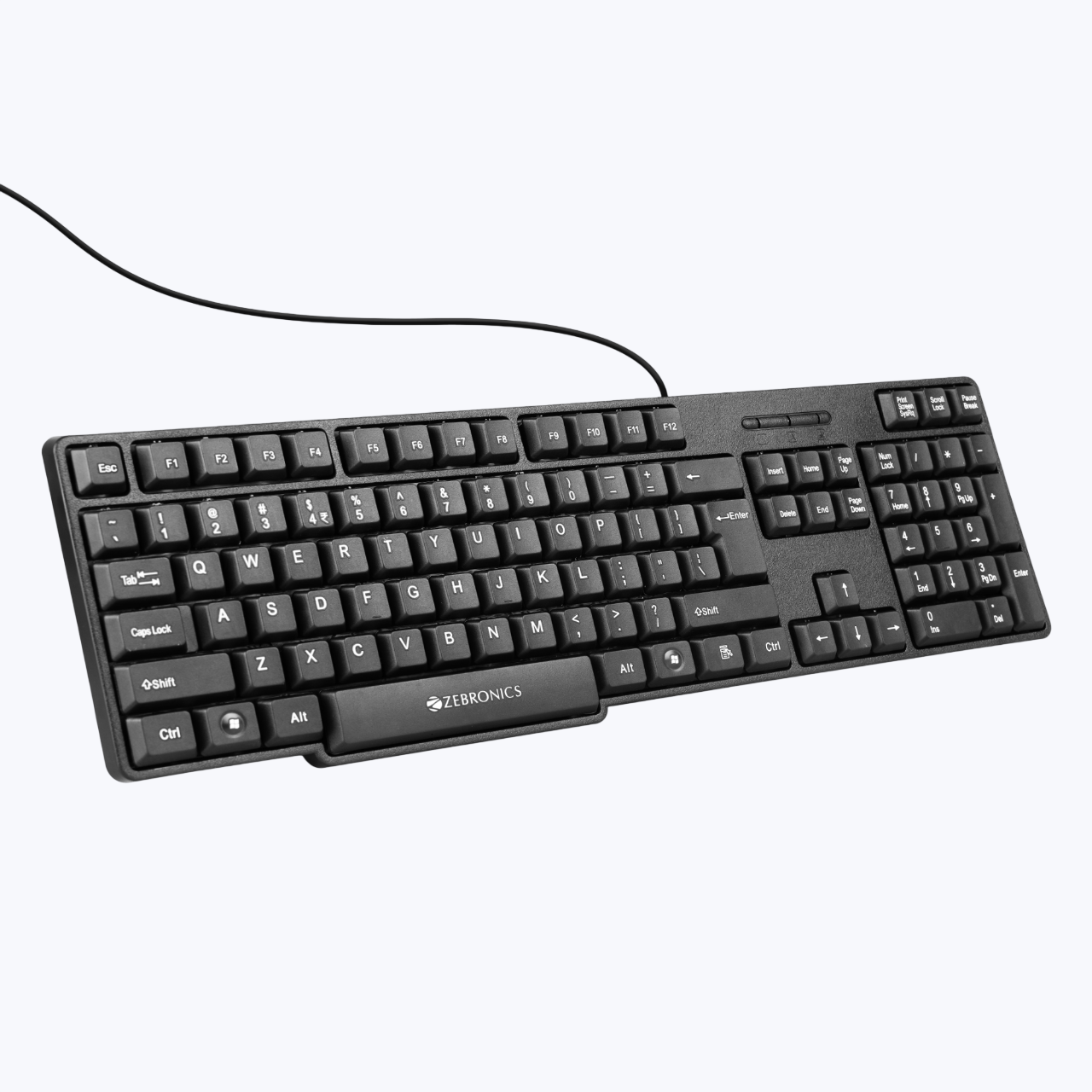
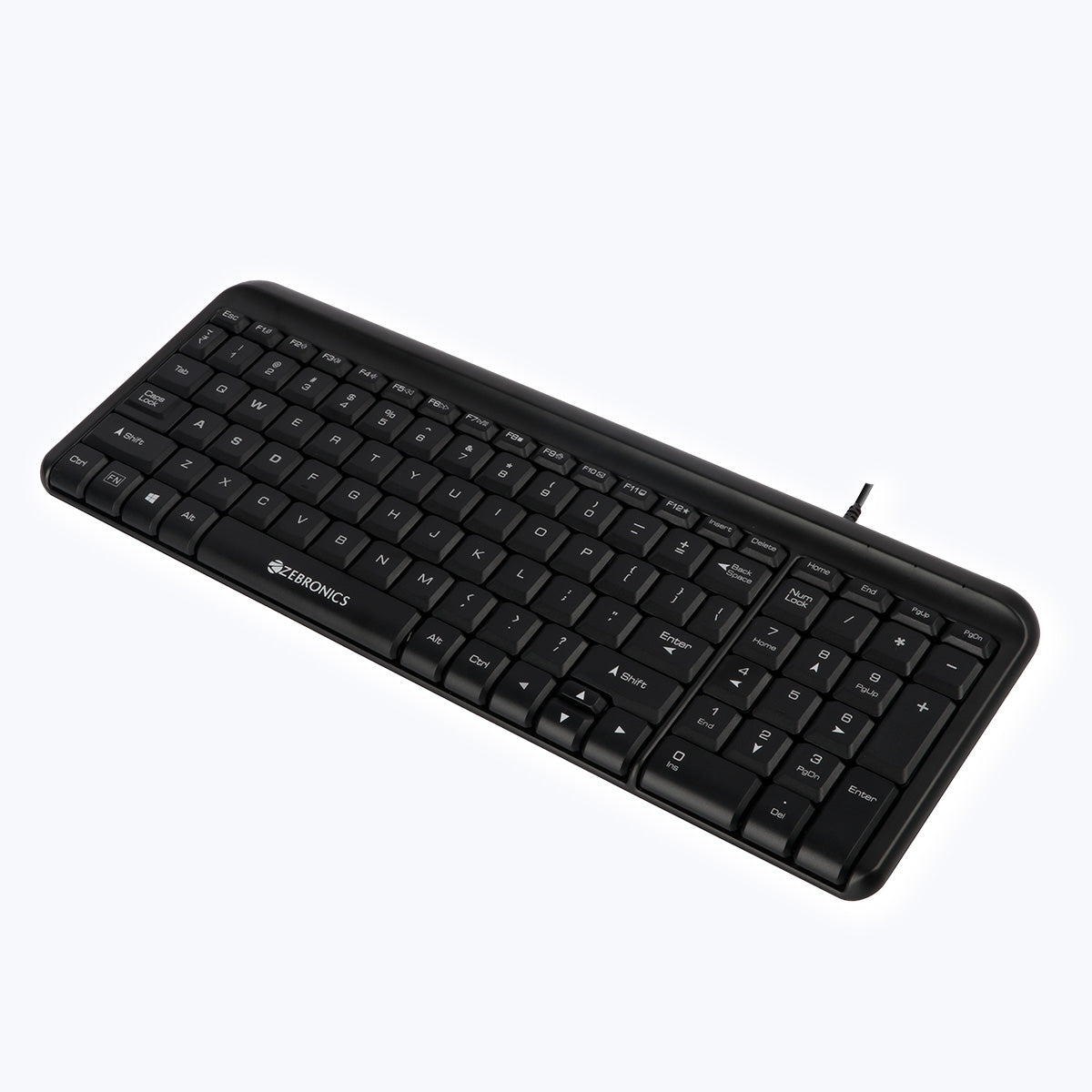
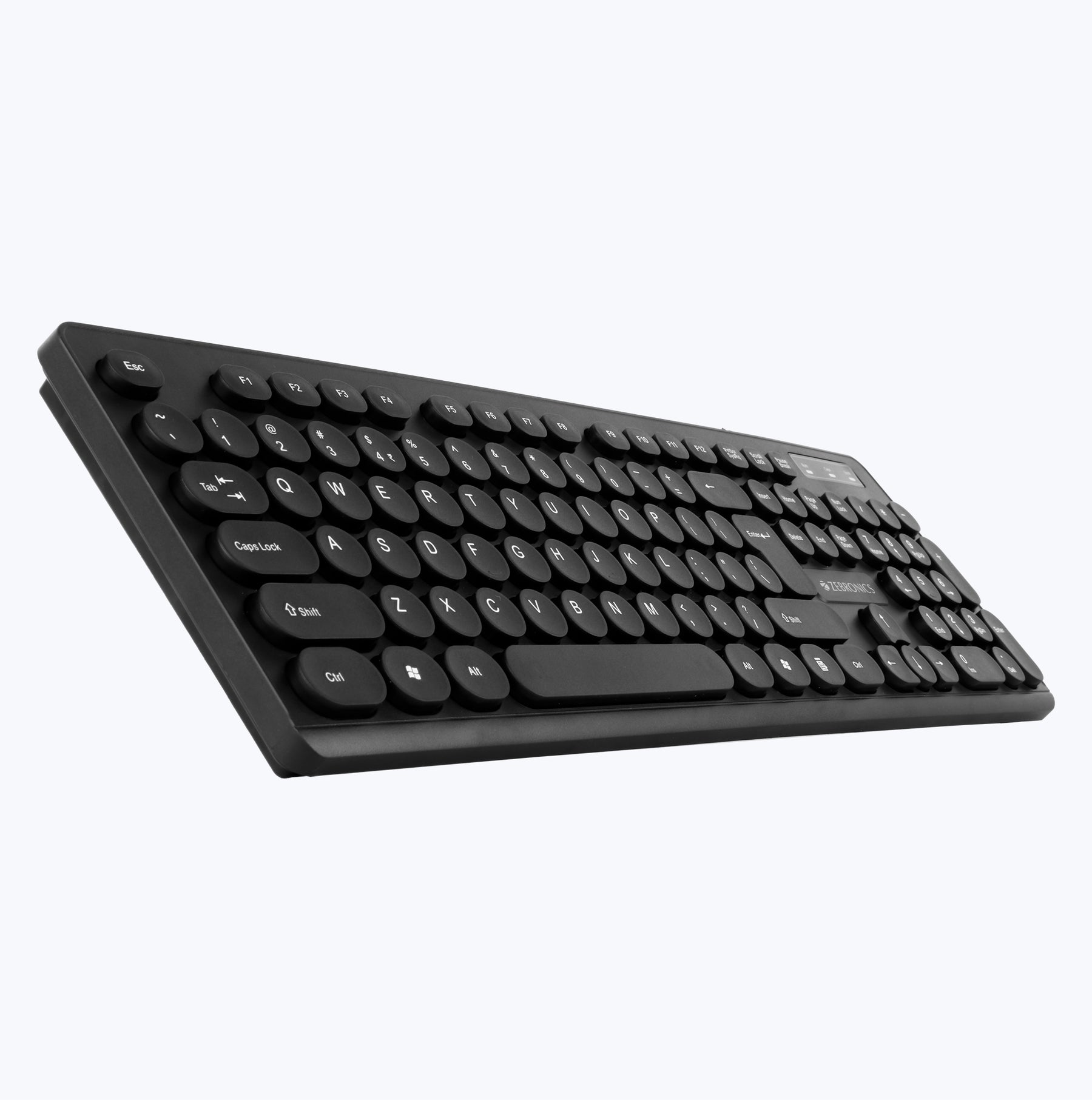
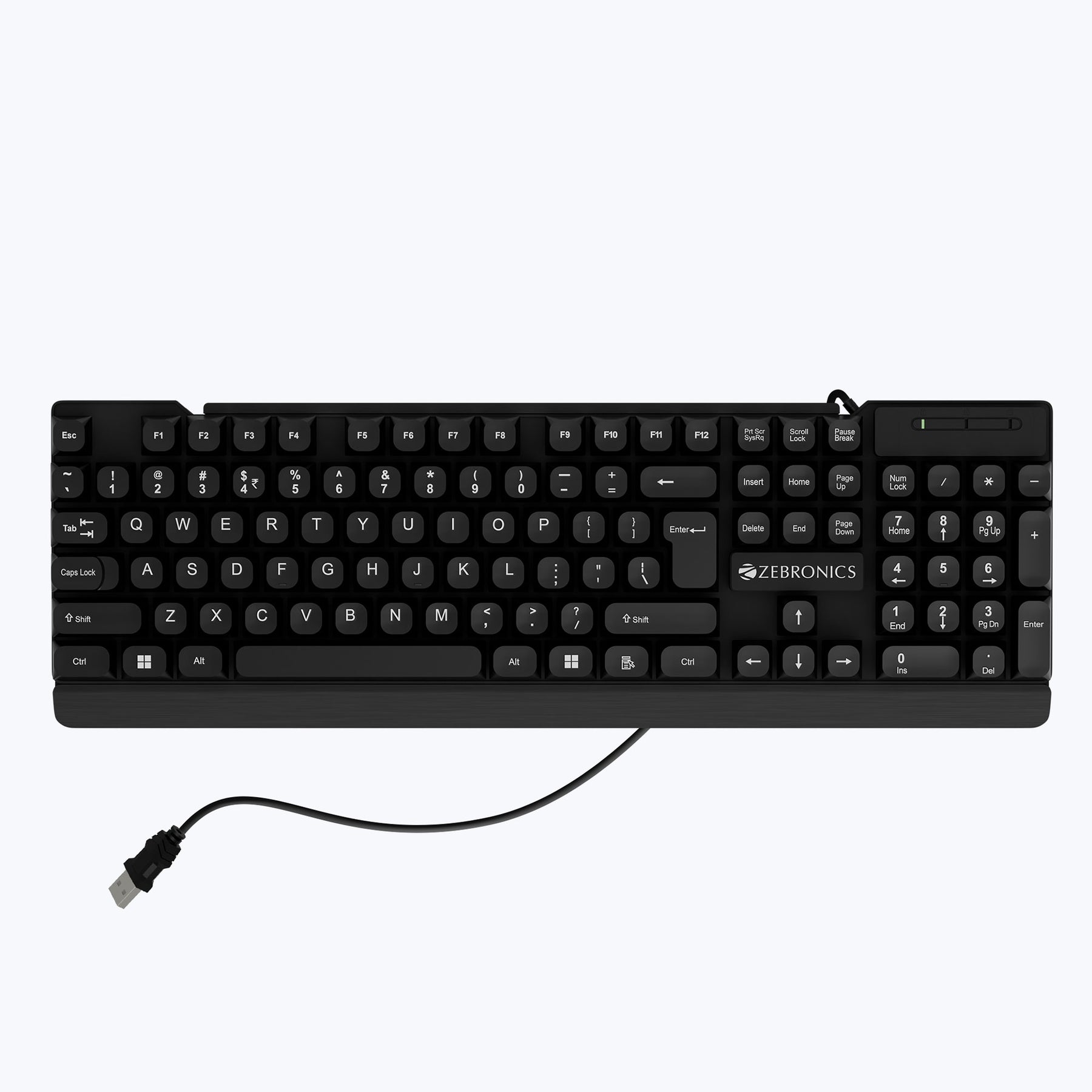
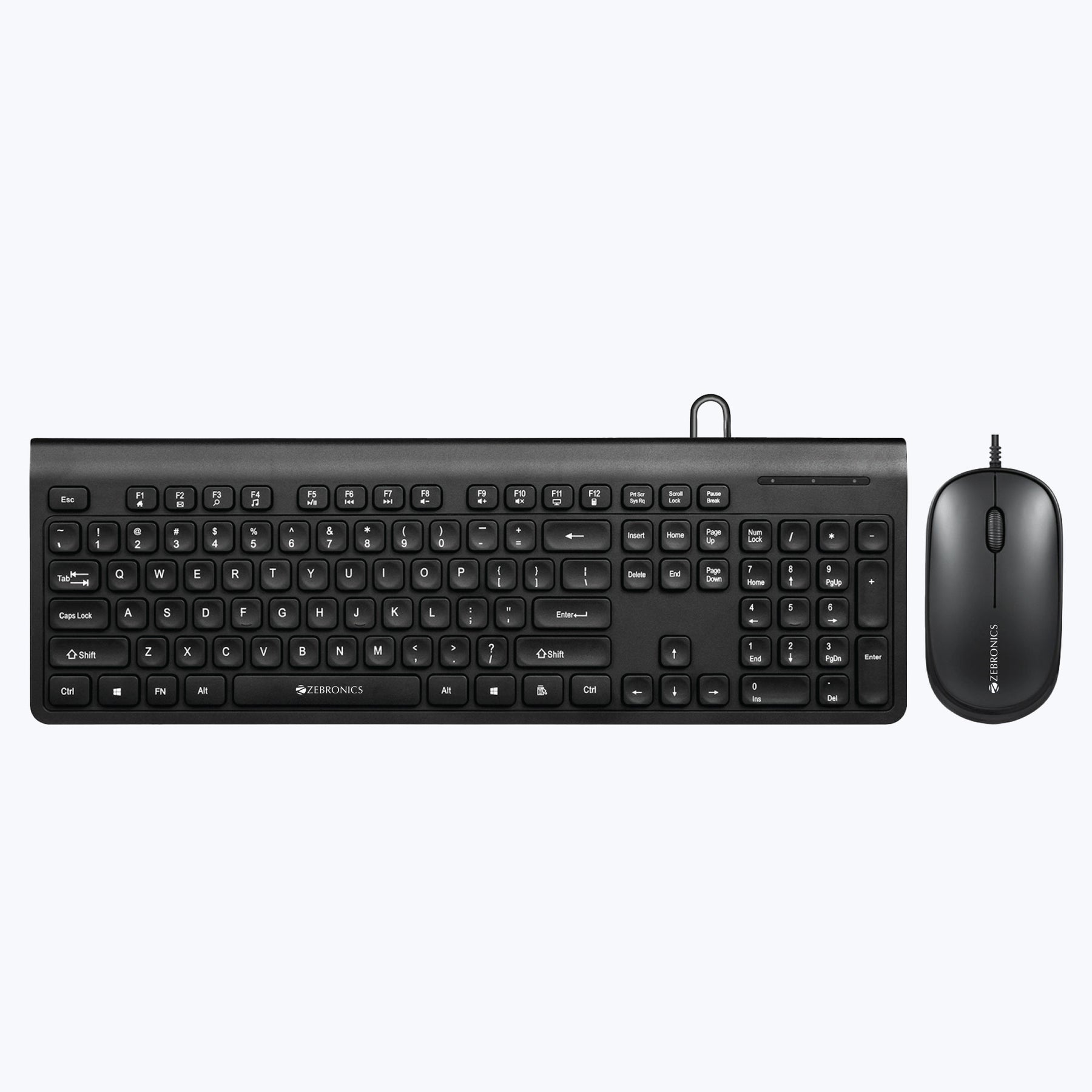
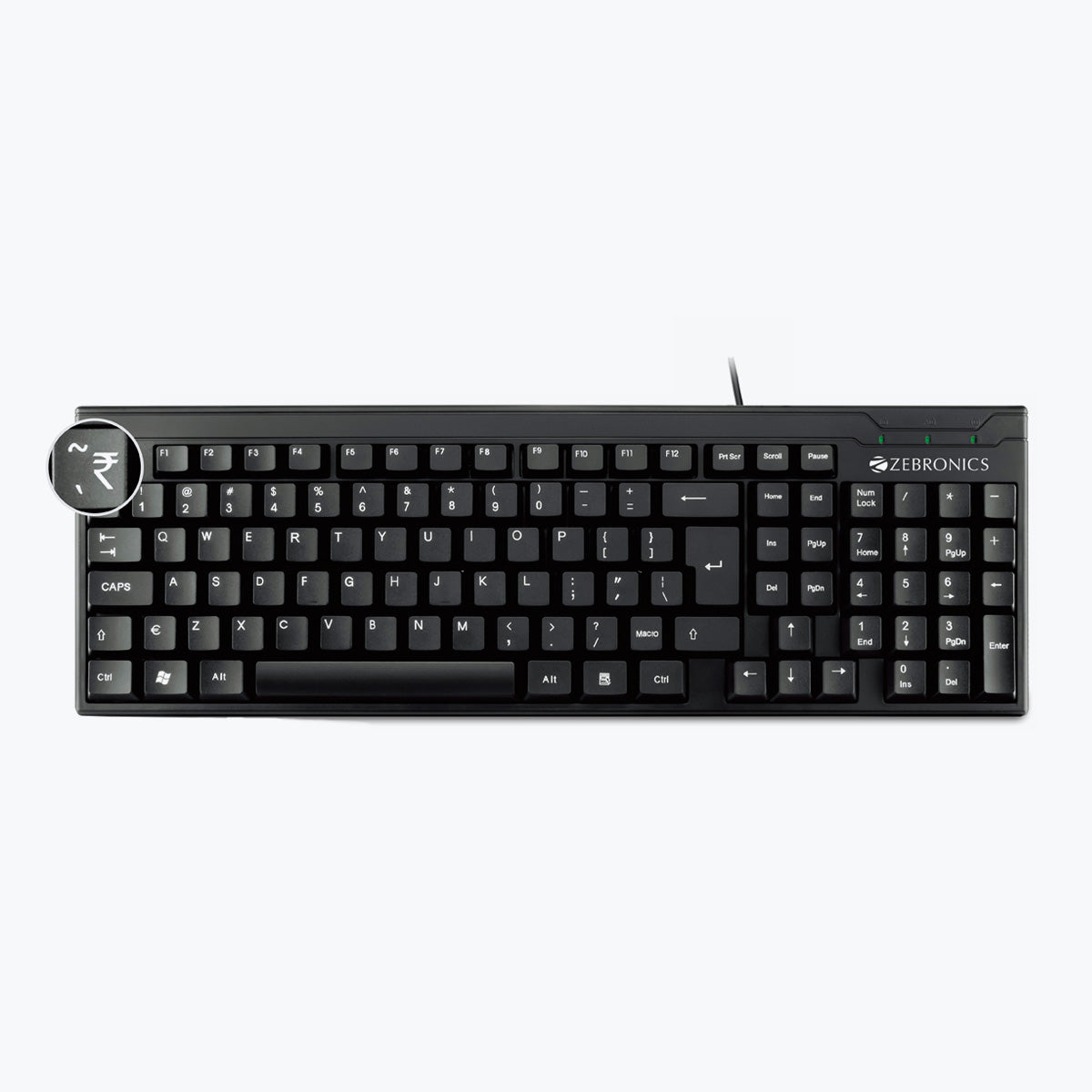
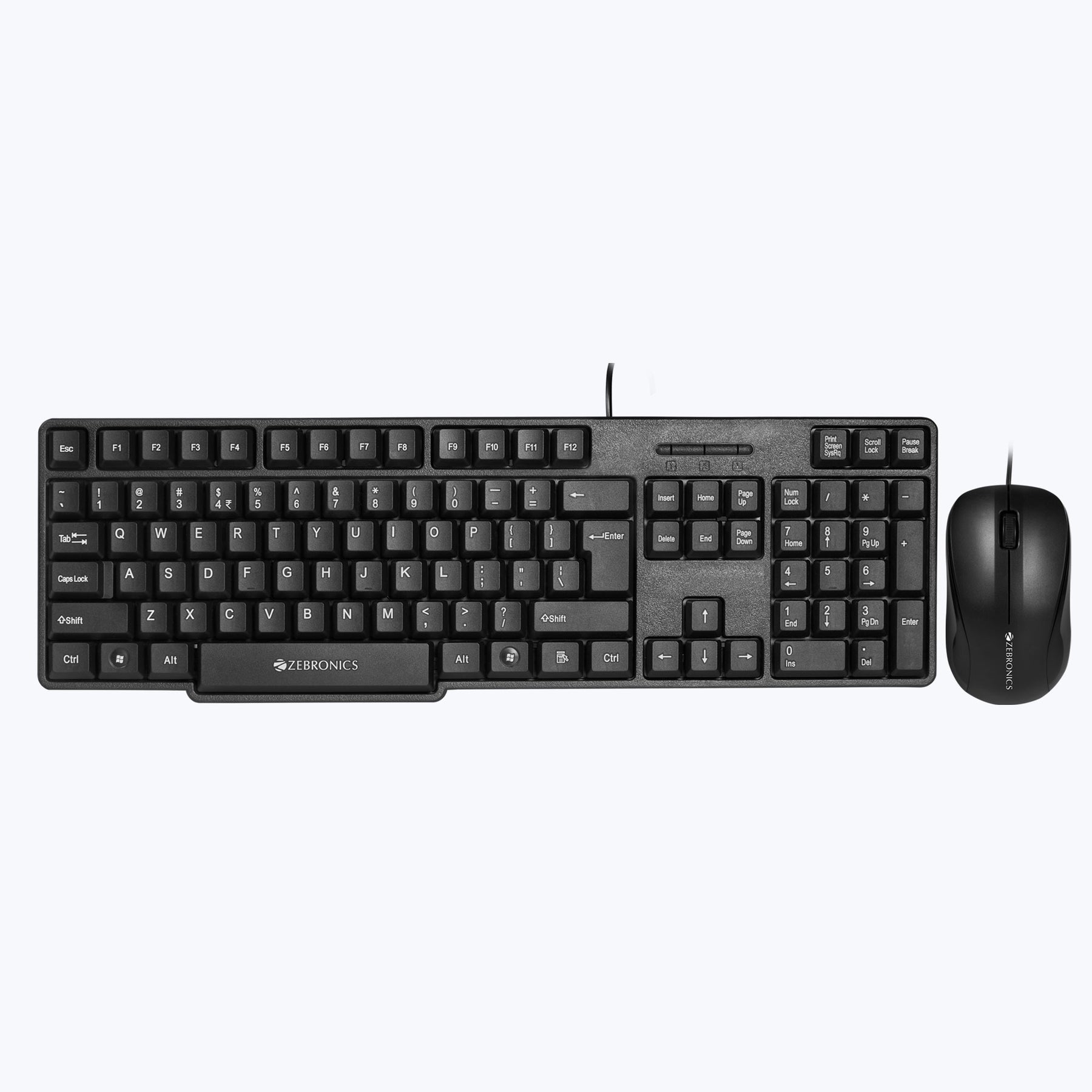
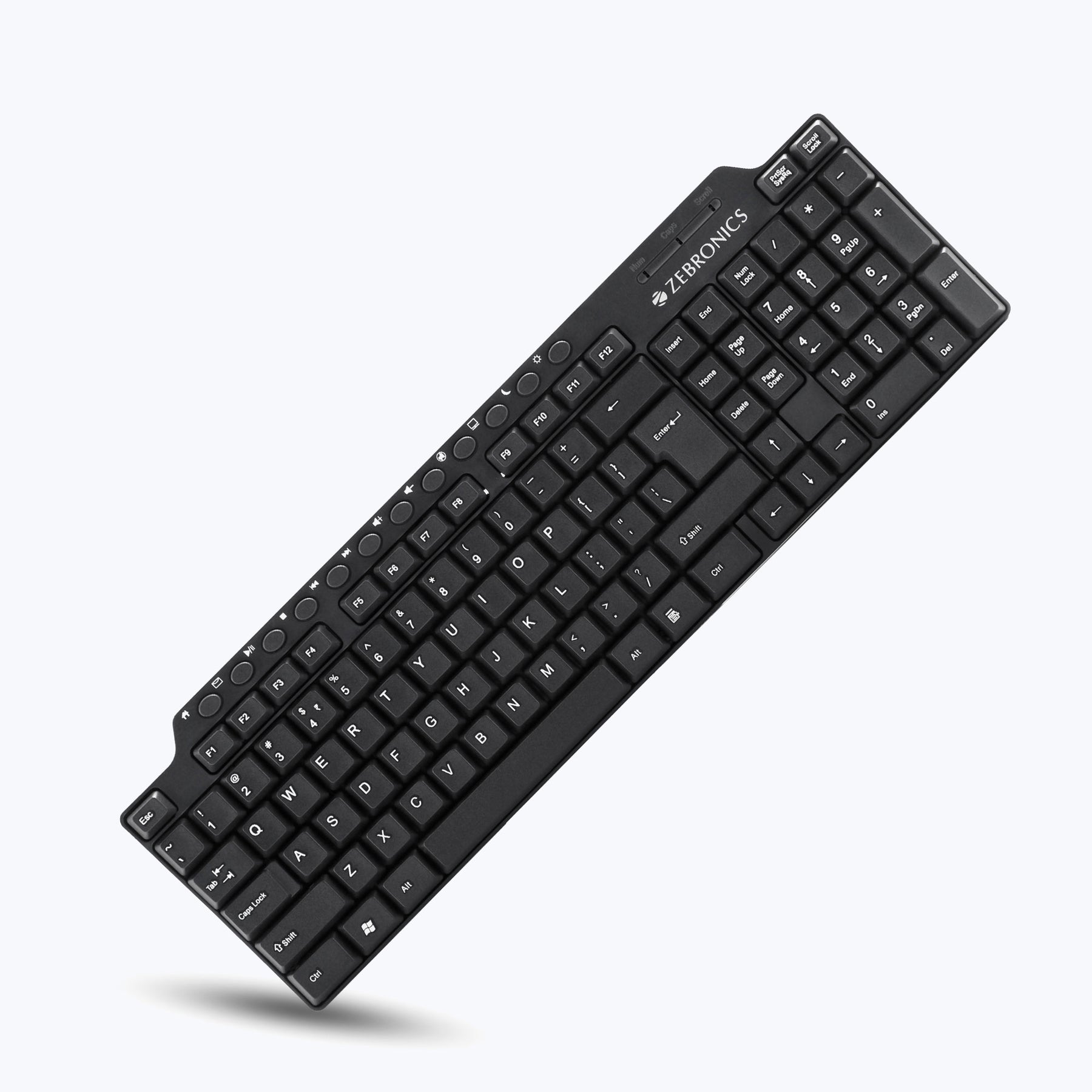
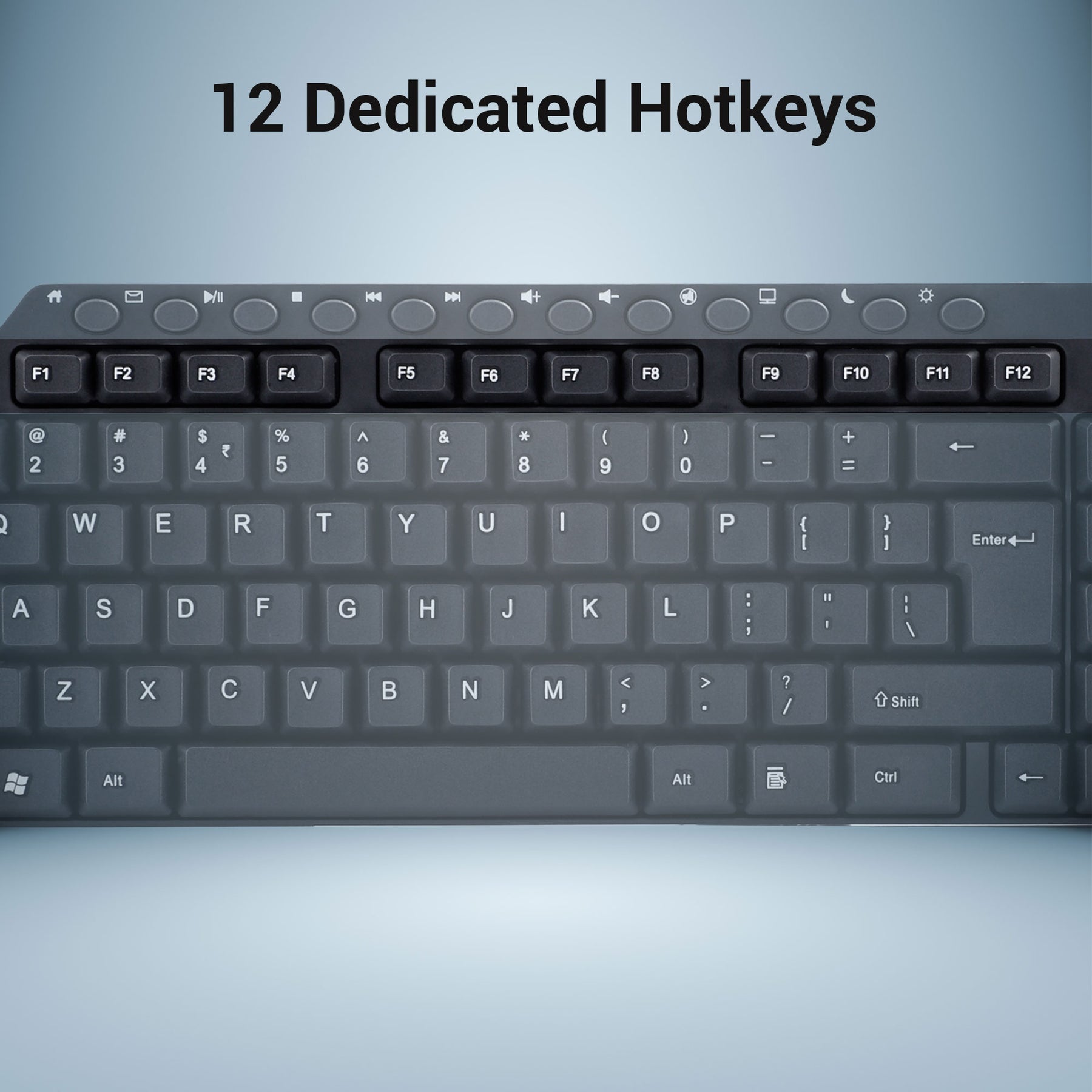
| USB Keyboard, with 12 multimedia keys | |
| Comfortable and silent switch tactile feeling | |
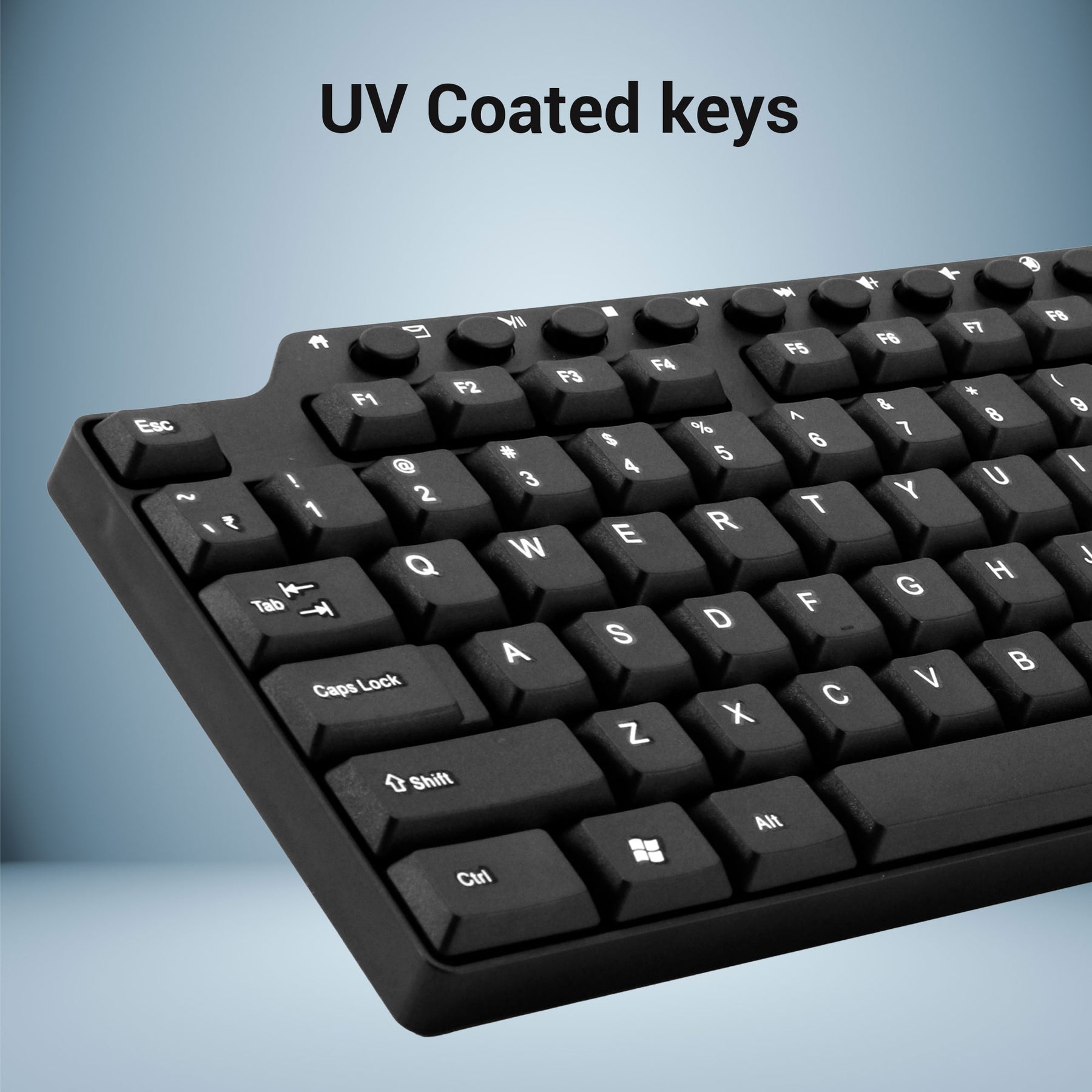
| UV printed keycaps | |
| Country of Origin : China |
Specifications
| Interface | USB | ||
| Total no. of keys | 114nos. | ||
| Multimedia keys | 12nos. | ||
| Cable length | 1.2 meter | ||
| Compatible with | Windows XP/Vista/7/8/10 | ||
| Product dimension (W x D x H) | 408 x 129 x 21 mm | ||
| Box dimension (W x H x D) | 423 x 27 x 146 mm | ||
| Net. weight | 352g | ||
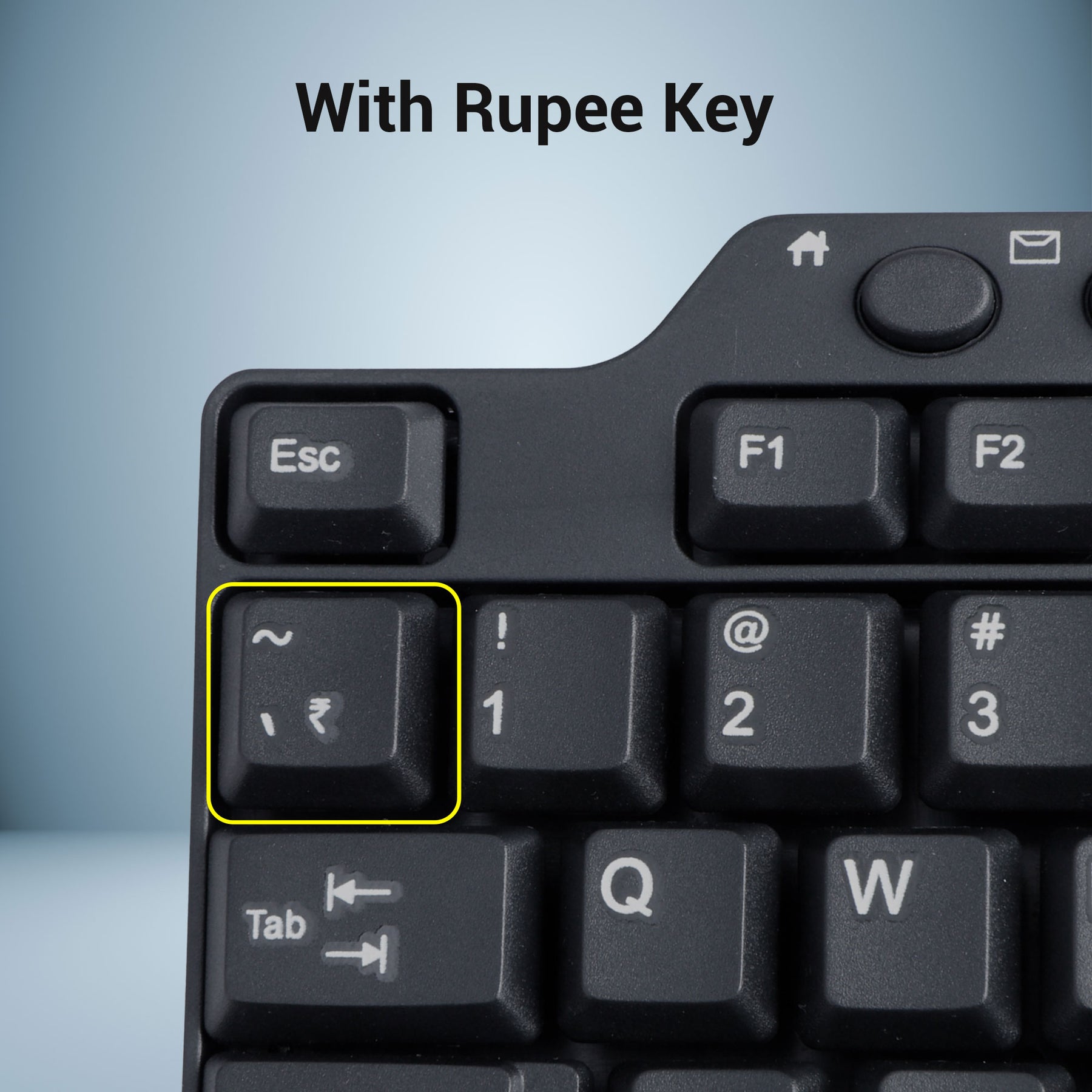
| Instructions for installing the keyboard layout with Rupee font | |||
|
1. Download the Rupee keyboard application from the link https://zebronics.info/driverszebronics7991/keyboard/ZEB-KM2100/Rupee_Keyboard.zip & extract the files |
|||
| 2. From the extracted folder, double click Rupee Installer.exe file and follow the instructions, now 4 new fonts will install to your computer with support for new rupee symbol in Unicode recommended code position |
|||
| 3. Double click Keyboard Install.exe file - a new keyboard layout is installed in your computer | |||
| 4. To enable the keyboard layout selector, right click on the task bar and select language bar from the toolbar menu | |||
| 5. Now you can left click on the small keyboard icon and enable the Rupee Foradian Keyboard Layout | |||
| 6. Double check for the keyboard layout is active | |||
|
|
7. Now you can use the grave accent key (left top key above the tab key) on the keyboard to type the rupee symbol by selecting the Rupee Foradian Standard for various applications like word processors |
||
Coupons
FIRST — discount
FIRST10 — discount
FIRSTBUY — discount
FIRSTORDER — discount
FLAT10 — discount
EMAIL10 — discount