Waves SuperRack Performer: Live Sound Rack – Professional Audio Software & Plugin
₹11,397
● In stockchecking live price…
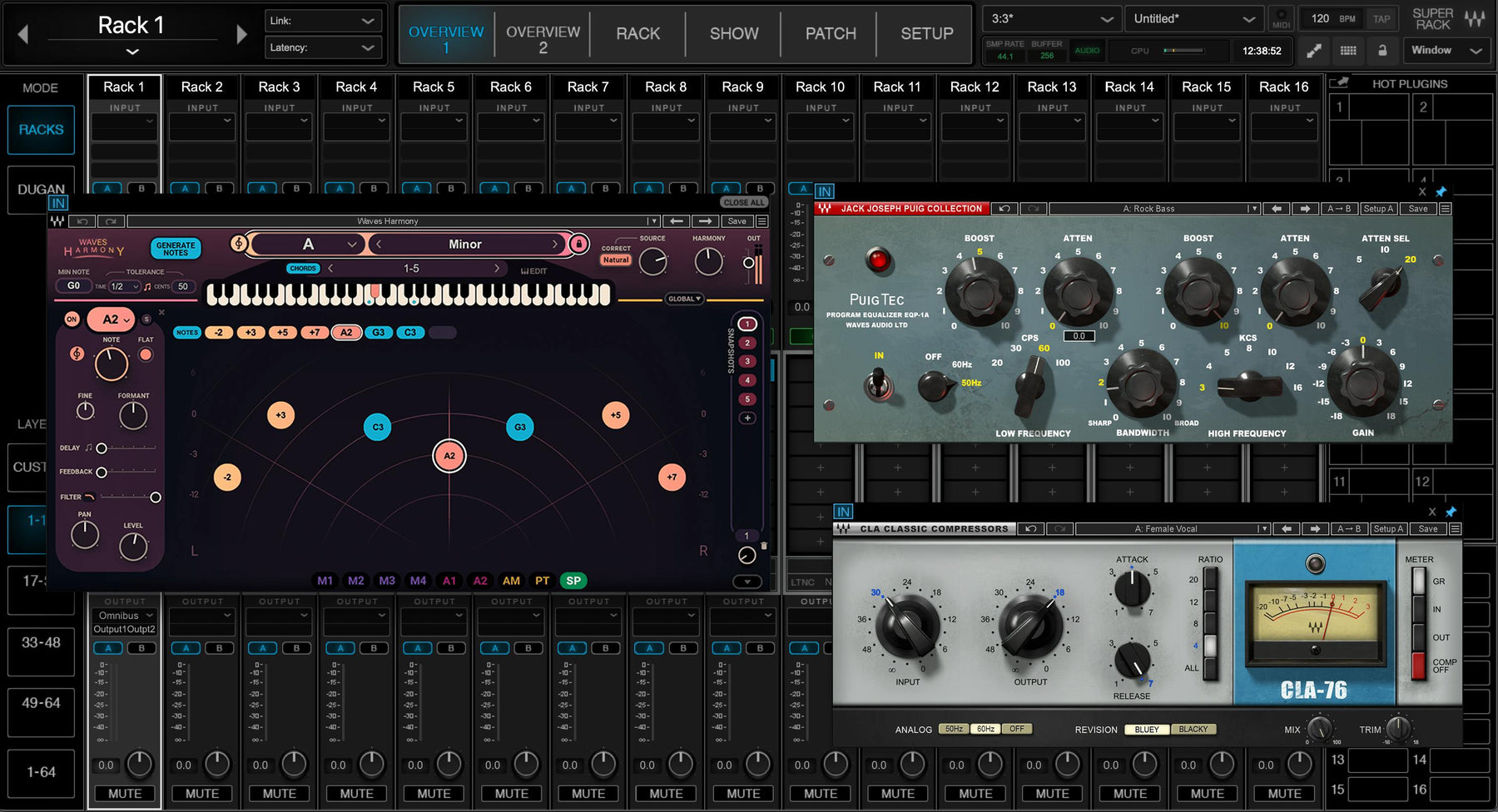
View on Bajaao store ↗Get the exact live sound you want: All you need are Waves plugins running on a Mac or PC connected to the mixer—no extra hardware required. Get the exact live sound you want: All you need are Waves or ANY VST3 plugins running on a Mac or PC connected to the mixer (Core Audio / ASIO)—no extra hardware required. Insert your plugins of choice for the perfect vocal tuning & FX
tight and punchy drums
instant feedback elimination
even your favorite analog-modeled chain on the mix bus—and much more. You’ll no longer be held back by problematic gear and venues. Use your Waves plugins to solve room problems
make the show sound as polished as studio recordings
and empower your performers to sound great anywhere. Musicians: Take full control of your show – don’t compromise on your live setup
and give fans your studio sound on stage by using the exact plugin chains from your recordings.
Get True Studio Sound on Stage
Today’s music not only embraces plugins but often relies on them for the artist’s true signature. Integrating Waves and any other VST3 plugins into your live rig gives you total freedom over the sound you can conjure for the audience. Make your music sound true to its intention.Simple to Set Up. Efficient to Mix.
SuperRack Performer is the natural extension of any mixing console digital or analog. It’s optimized for simple setup and connectivity no matter the venue and streamlined for live show use with efficient loading routing plugin control quick keys MIDI-use and snapshot recall.Create Dream Processing Chains for Each Instrument
Don’t compromise on your live sound in the slightest. Use your favorite EQ compression analog saturation and modulation for the vocals and each instrument—the perfect tool for every job. Your FX chains can also be fully dialed in advance or explore our extensive library of presets on the fly.Save & Recall Snapshots for Each Song
You don’t need to rely on static plugin settings for the whole show. Create and save perfectly dialed snapshots for each song in advance and recall them as you perform them. You can even do this remotely using the Waves mRecall app.Solve Venue Problems Automatically
Not every show is in Radio City Music Hall. Sometimes you’ll be mixing a gig in a small club rooftop church or multipurpose space with problematic acoustics and sub-par speakers. Waves’ specialty live plugins such as X-FDBK PSE F6 and the eMo series will easily handle these issues so you can focus on creative mixing.NEW Feature: Run ANY VST3 Plugin
SuperRack Performer now lets you run ANY third-party VST3 plugin in addition to Waves plugins on a mac or PC. Optimize your performance with your favorite Waves and VST3 plugins to get your absolute best sound in any live show no matter where it is.NEW Remote Control App: MixMirror
MixMirror iPad app allows you to control plugins from anywhere in the venue. It’s a zero-hassle remote application that mirrors your mixer window and is tailored for the most practical and functional mixing experience possible.Features:
- Native Waves plugin host for live performances
- Get top tier-sound at any show of any size or budget
- Solve room problems with Waves’ specialized plugins
- Run up to 64 stereo plugin racks
- Stable & reliable for live shows with minimal latency
- Control multiple plugins at the same time
- NEW! Now runs ANY VST3 plugin on mac & PC
- Musicians: get your exact studio sound on stage
- USB sync with digital consoles; no additional cabling
- App optimized & streamlined for live show use
- Recall snapshots remotely using the Waves mRecall app
- Compatible with Dugan Speech – automatic real-time gain control for up to 64 mics
Requirements:
| Platform | CPU | RAM | Disk | Notes | Additional Requirement | Audio Card | Ports | Internet Required | 32 Bit Support | 64 Bit Support | Plugins |
| mac | Intel or Silicon Architecture Intel MacBook Air is not supported | 8 | 0 | 0 | 0 | 1 | STAND-ALONE | ||||
| windows | Intel Core i5 i7 i9 Xeon (all Gen 5 and above) AMD Quad Core | 8 | 0 | 0 | 0 | 1 | STAND-ALONE |
Delivery
You may also like
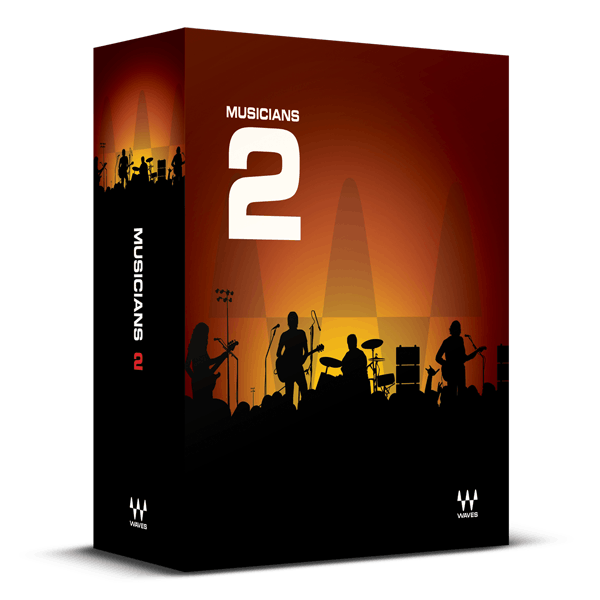
Waves Musicians 2: Instrument Bundle – Professional Audio Software & Plugin
Bajaao
₹8,057
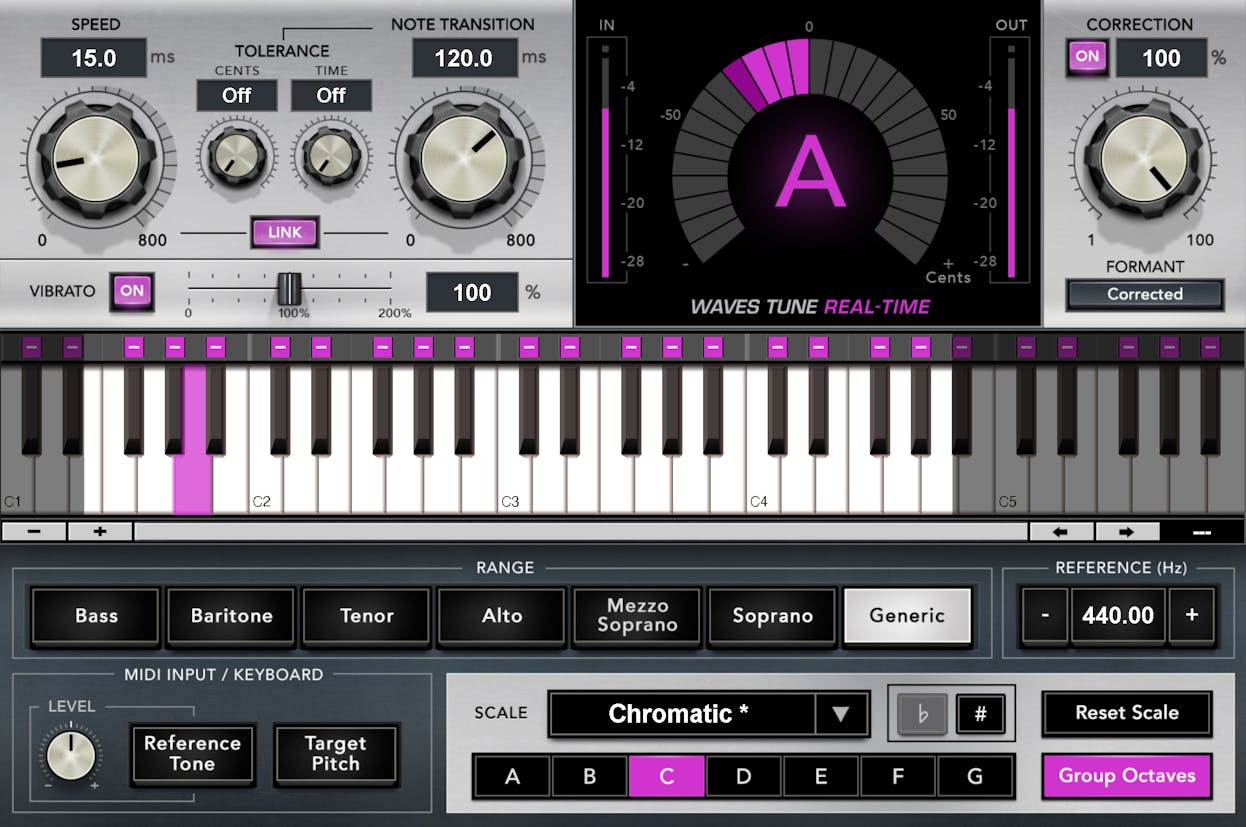
Waves Real Tune Real-Time: Real-Time Pitch Correction Plugin
Bajaao
₹5,755
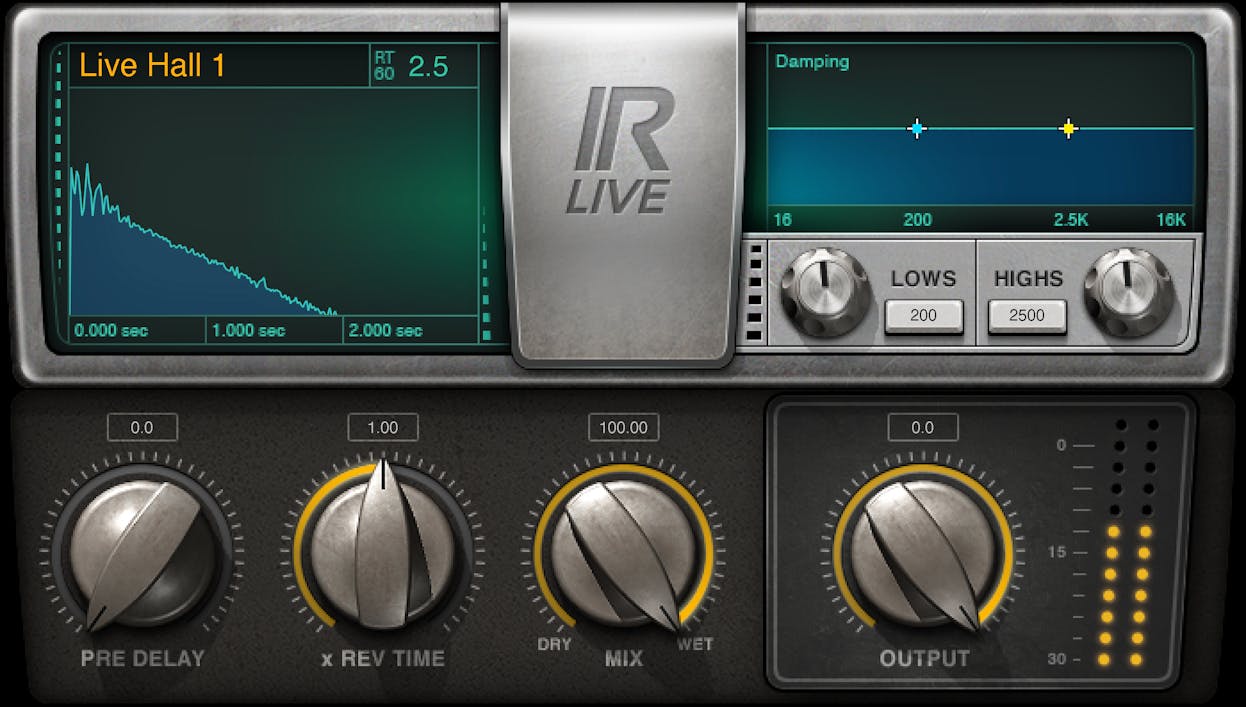
Waves IR-Live Convolution Reverb: Convolution Reverb Plugin
Bajaao
₹4,028
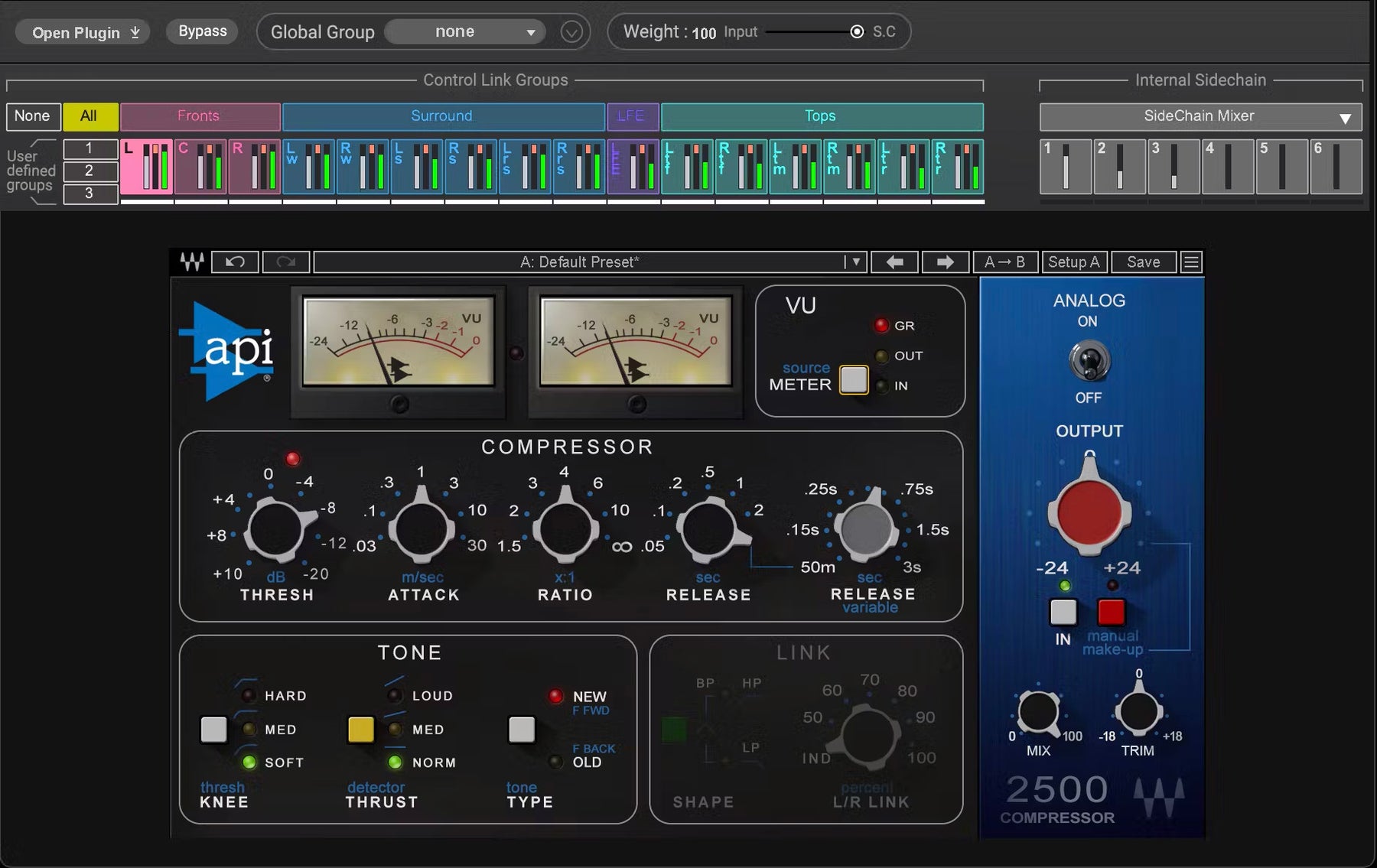
Waves Immersive Wrapper
Bajaao
₹57,445
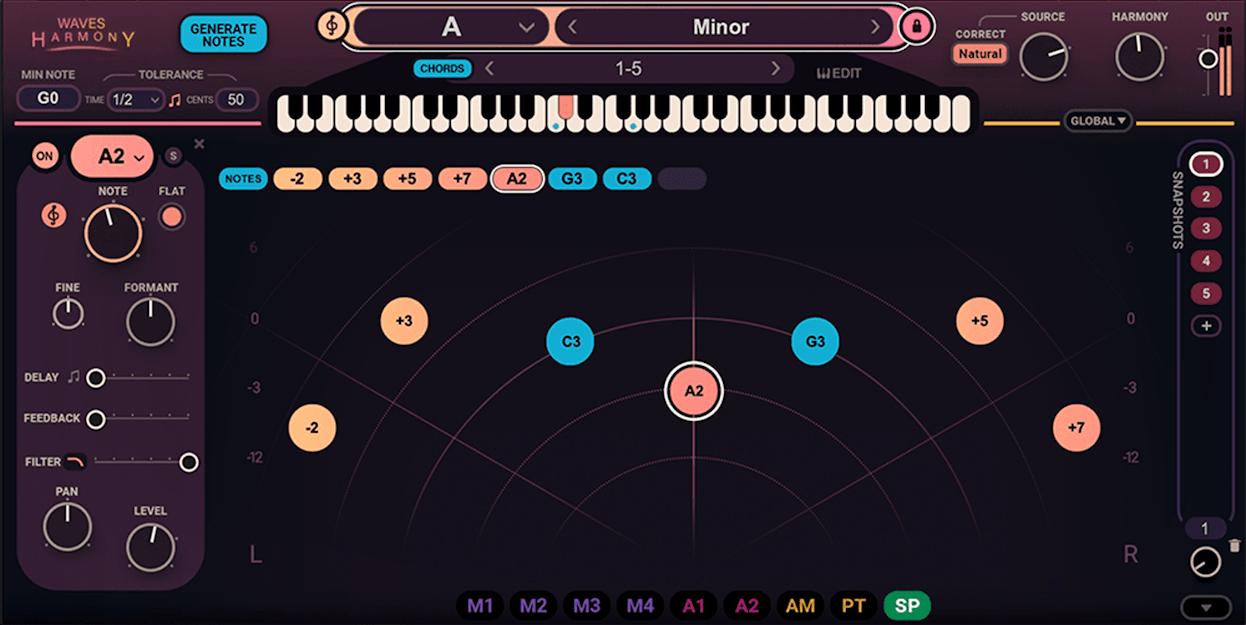
Waves Harmony: Harmony Plugin
Bajaao
₹4,604
Waves Power Pack: Plugin Bundle
Bajaao
₹10,360
Waves Video Sound Suite: Video Sound Effects Plugin
Bajaao
₹11,397
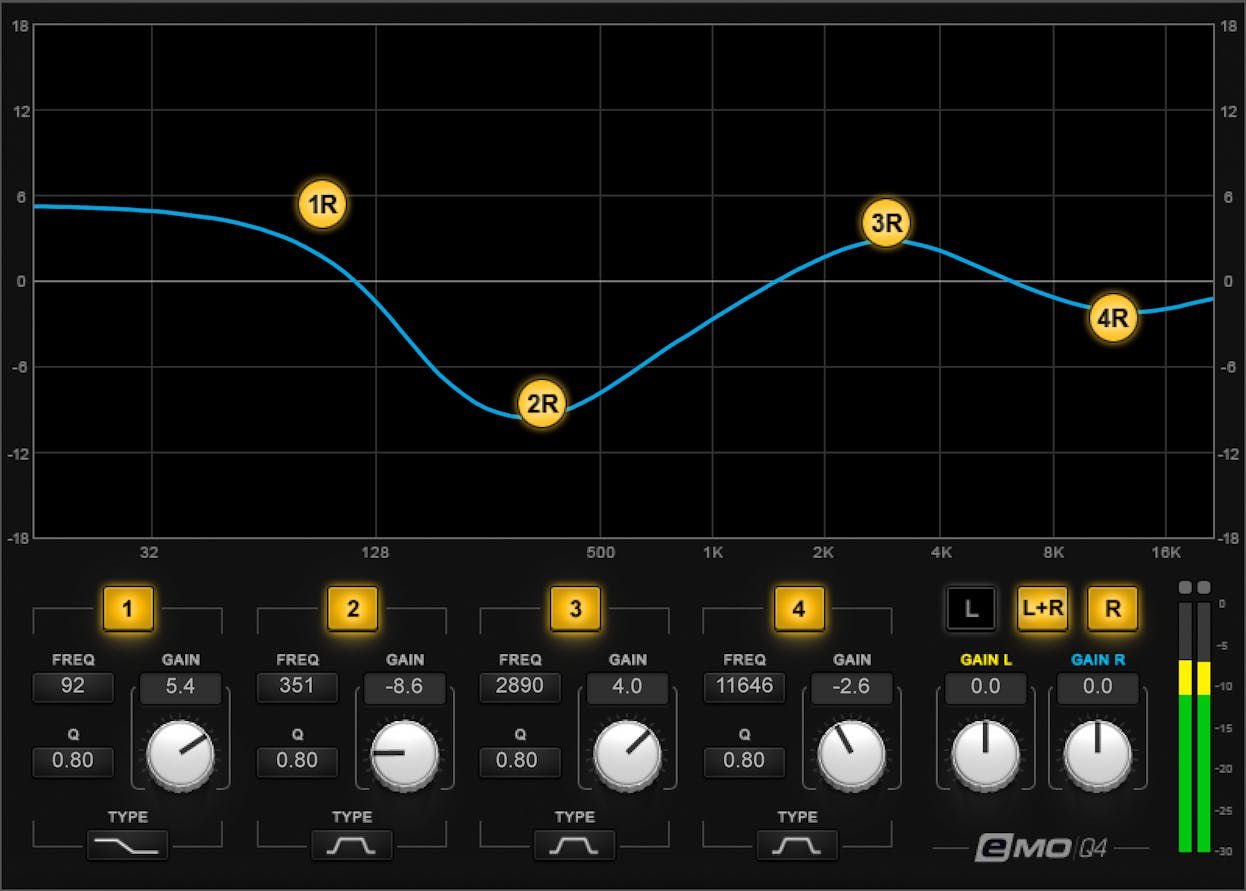
Waves eMo Q4 Equalizer: Equalizer Plugin
Bajaao
₹4,028