Ziffi
πŸ›’
MyMuse

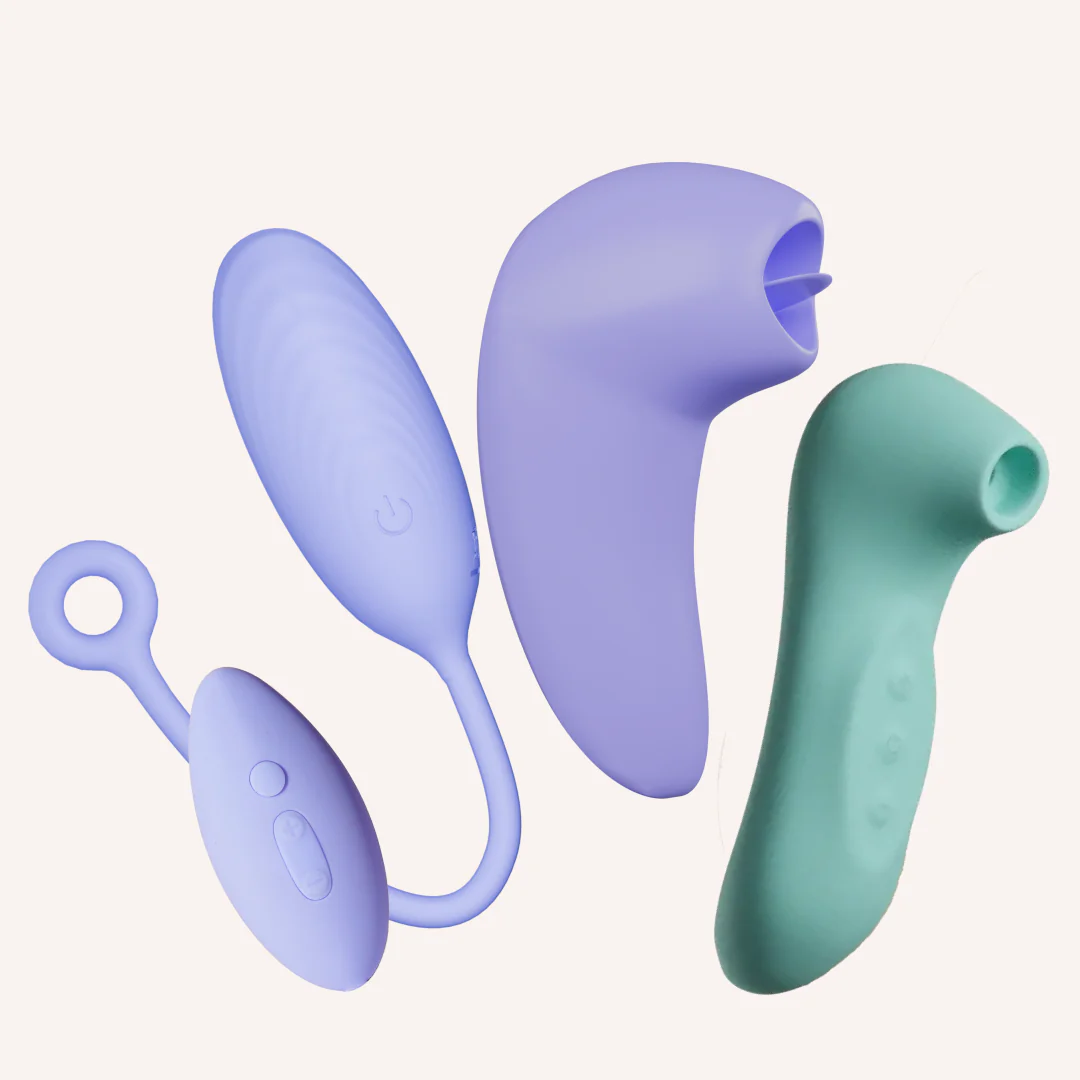
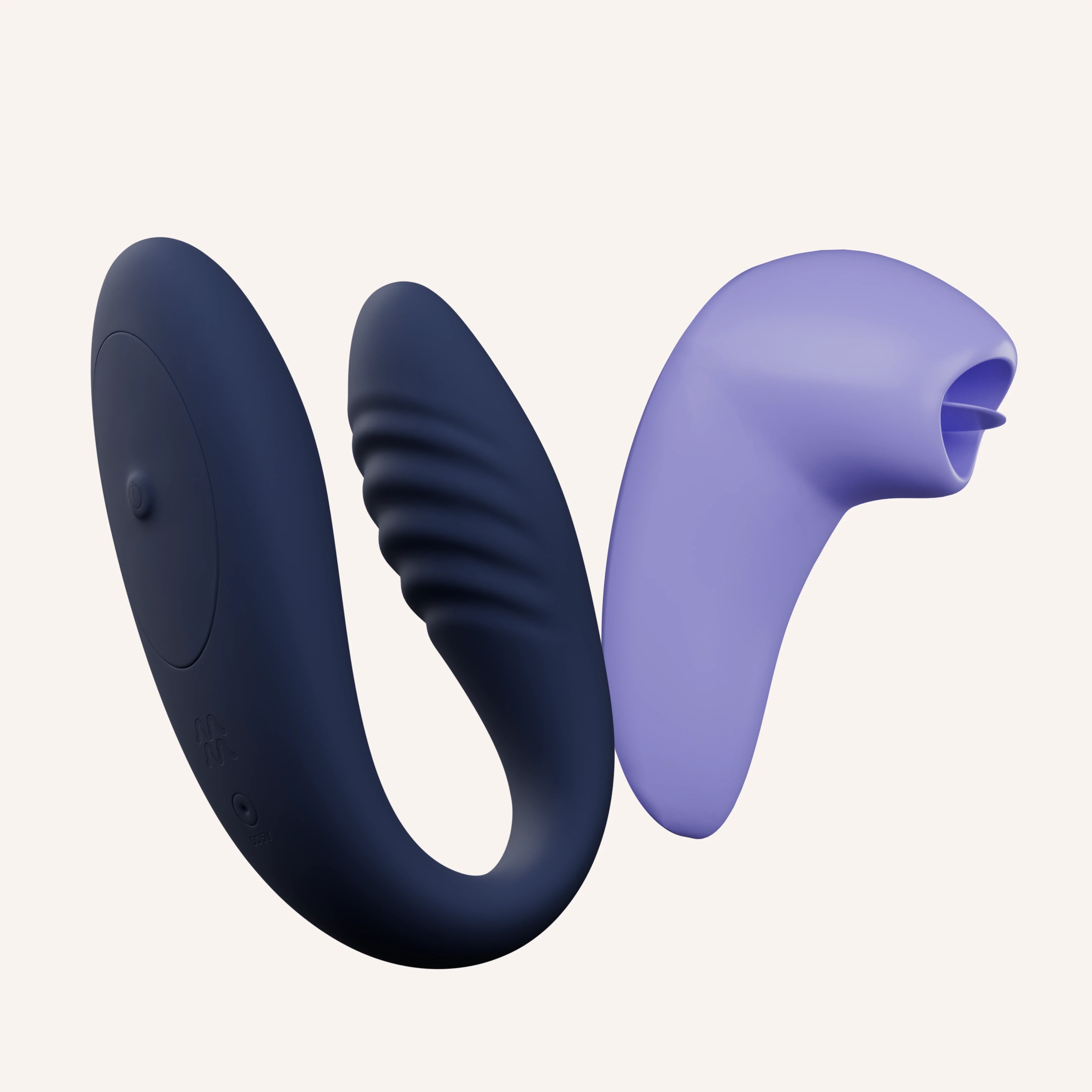
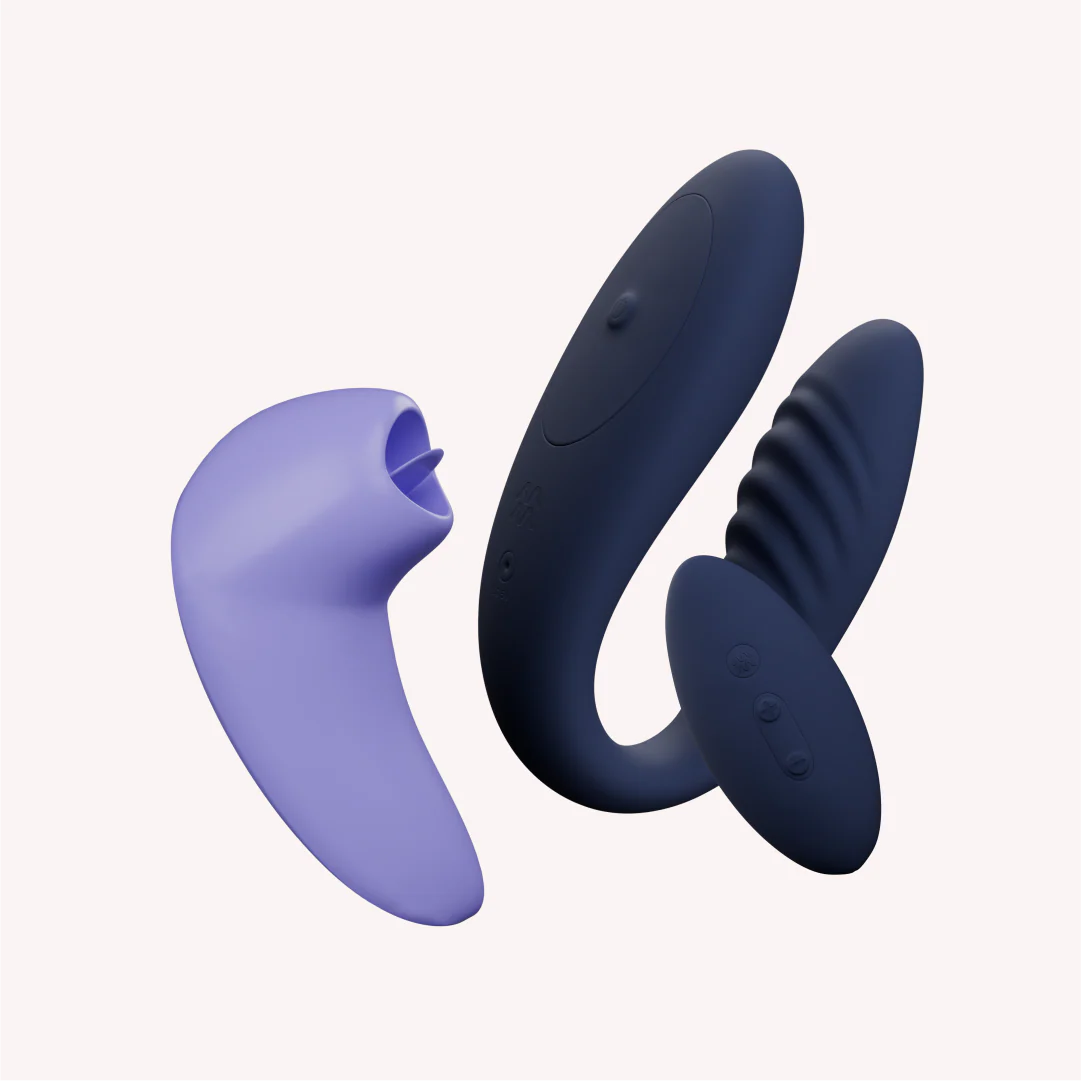
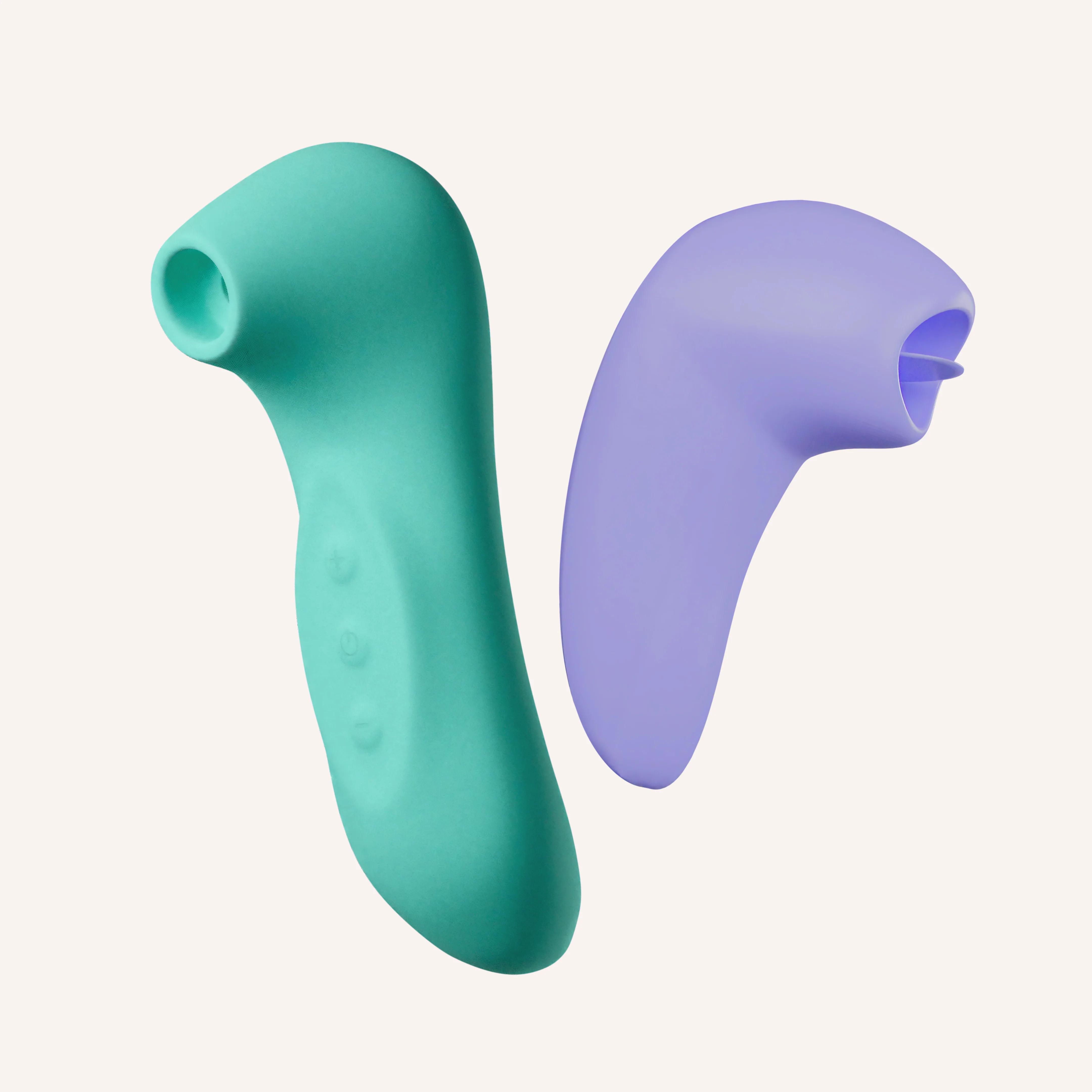
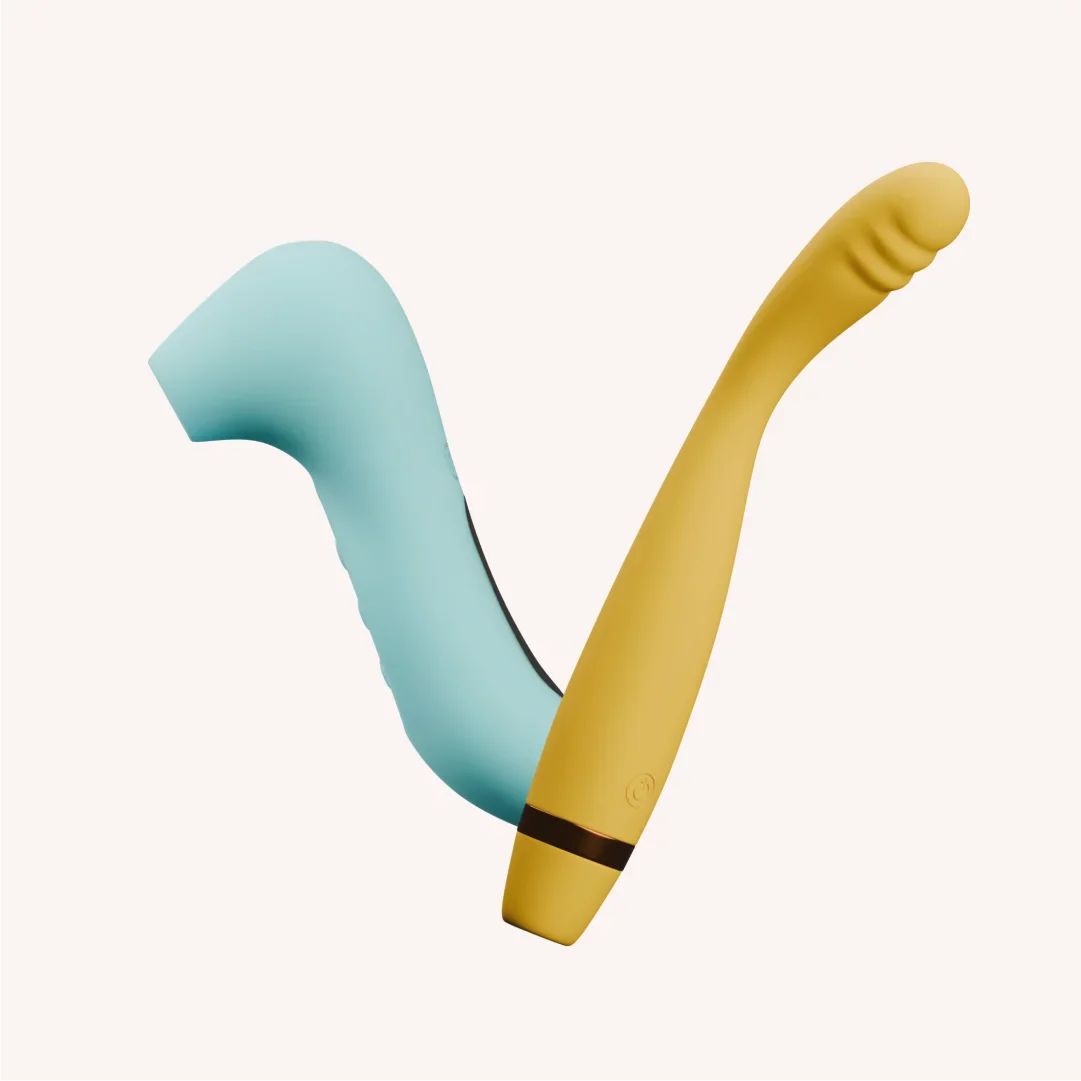
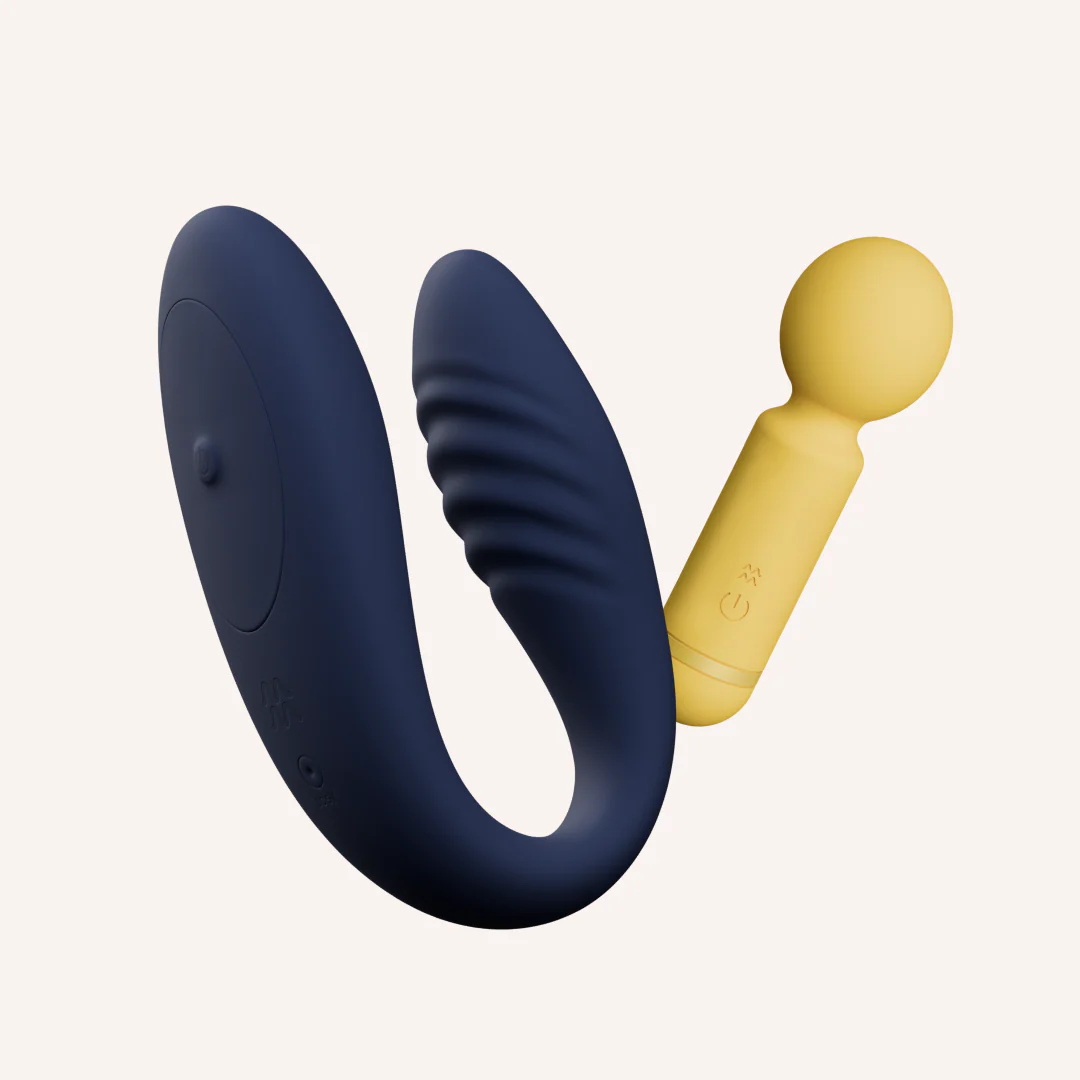
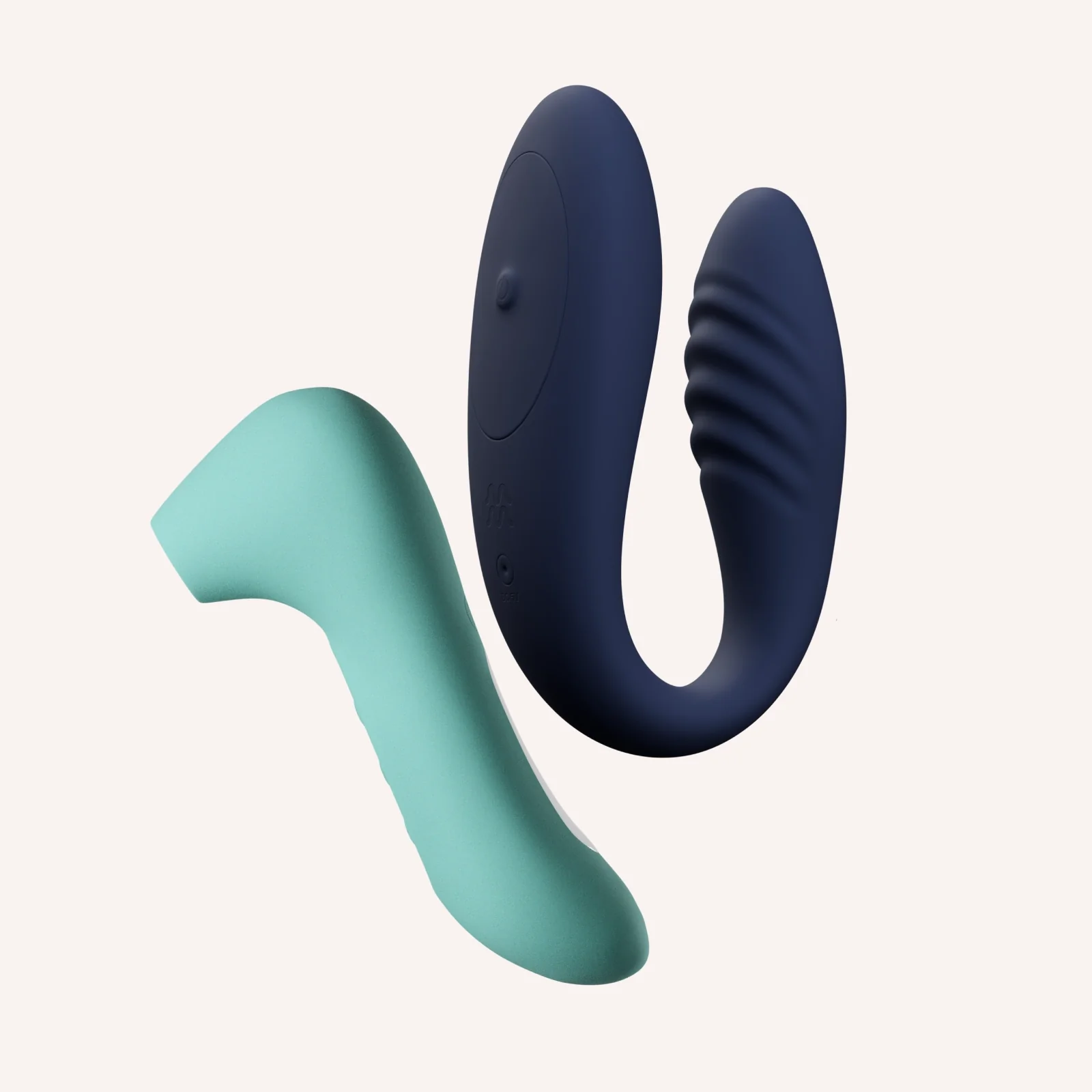
The Dynamic Duo Kit

β‚Ή5,999β‚Ή11,19846% off
● In stock Β· β˜… 4.8 (318)checking live price…
View on MyMuse store β†—

How To Use


Breeze Link+ Long press the power button to turn Breeze on. Move between its 10 speeds by clicking (+) or (-). Hold Breeze against the desired body part to create a gentle seal and feel its unique sucking sensations. Long press the power button to turn Breeze off. Long-press the Link+ power button until the light blinks. Open MyMuse Sync app, enable Bluetooth, tap "Connect Massager". Need help? Follow our step-by-step guide. Use a water-based lube (like Glide), gently insert the smaller end, and rest the larger end on your external sweet spot. Explore! Control vibrations via the app - enjoy live control, create custom speeds, or share control with a partner through long-distance play. Pro Tip: You can also use Link+ without the app, simply shuffle through the 10 pre-set speeds using the power button on the massager.

uid sha:2eaa79e6433eff9e487c9fc5ab8fba1226bf5fcf

You may also like

The Full Spectrum Kit
MyMuse
β‚Ή6,499β‚Ή13,49752% off
β˜… 4.6 (81)
Flick Tongue Massager + Link Remote Controlled Massager
MyMuse
β‚Ή6,499β‚Ή14,99857% off
out of stock
Tongue Tied Kit
MyMuse
β‚Ή4,099β‚Ή8,84854% off
β˜… 5.0 (2)
Tease & Please Kit
MyMuse
β‚Ή6,299β‚Ή11,64846% off
β˜… 4.7 (6)
The Deep Buzz Kit
MyMuse
β‚Ή3,499β‚Ή6,14843% off
β˜… 4.6 (81)
The Double Trouble Kit
MyMuse
β‚Ή4,699β‚Ή9,29849% off
β˜… 4.4 (7)
TEASE & PLEASE KIT
MyMuse
β‚Ή5,699β‚Ή11,64851% off
Flick + Breeze
MyMuse
β‚Ή4,299β‚Ή9,29854% off