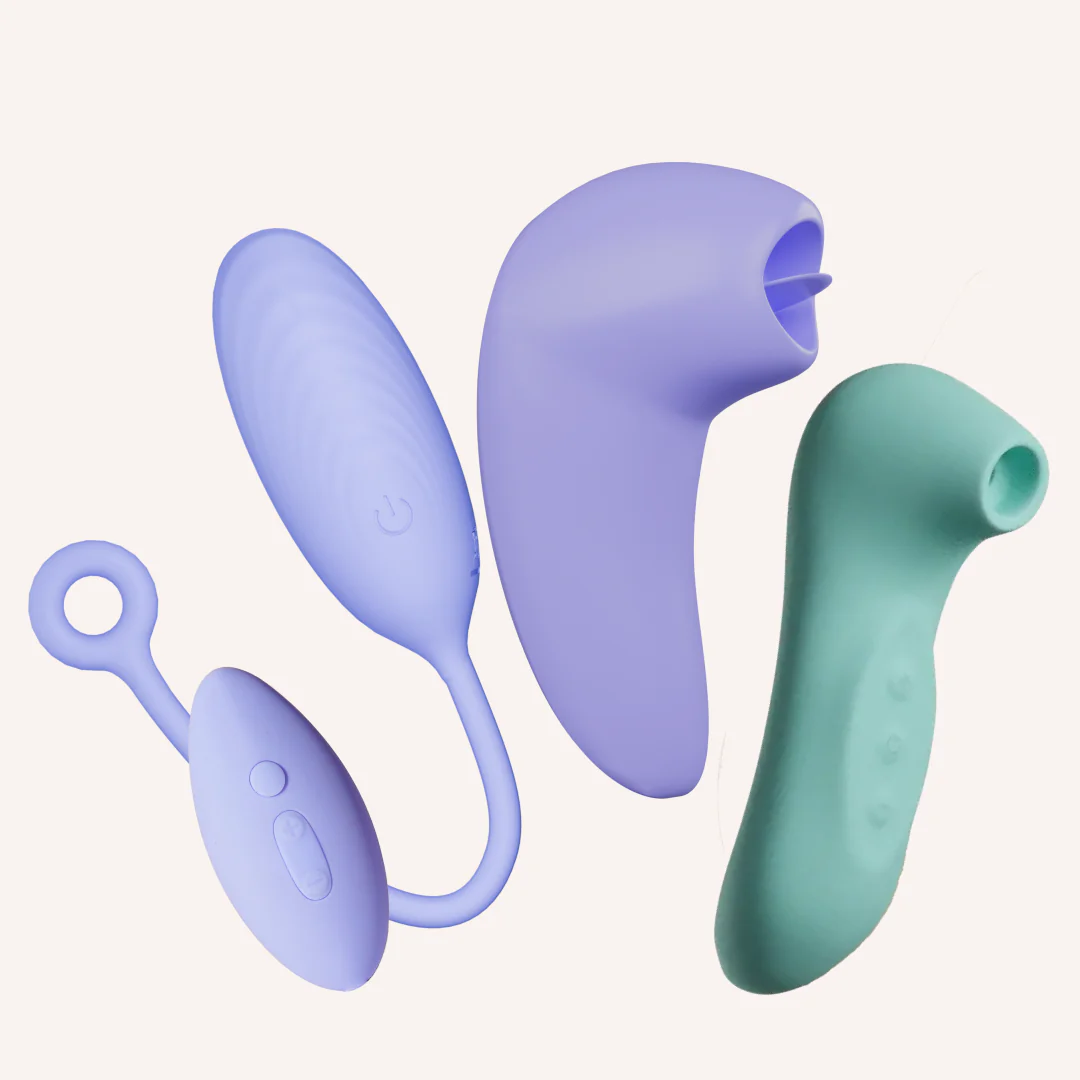
How To Use
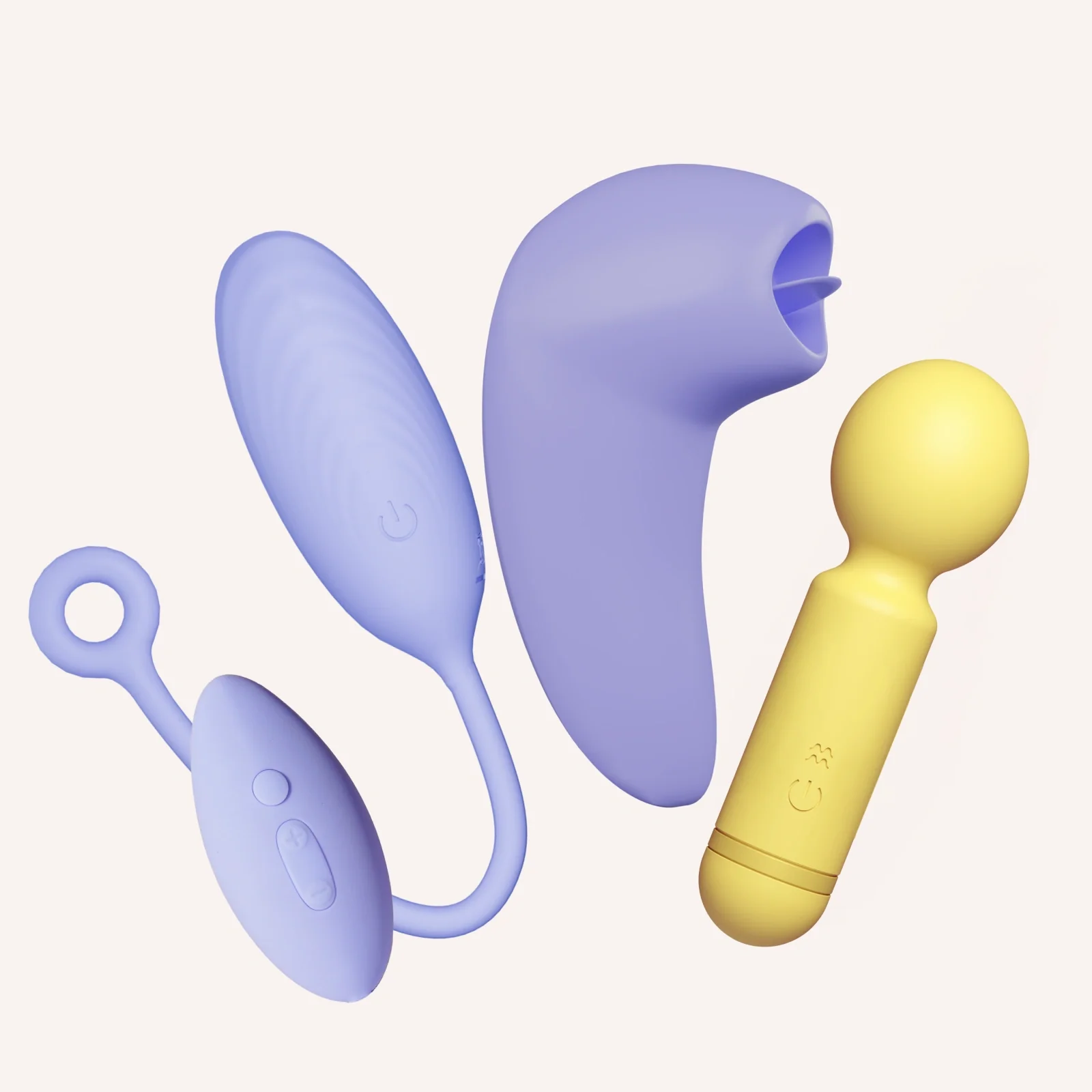
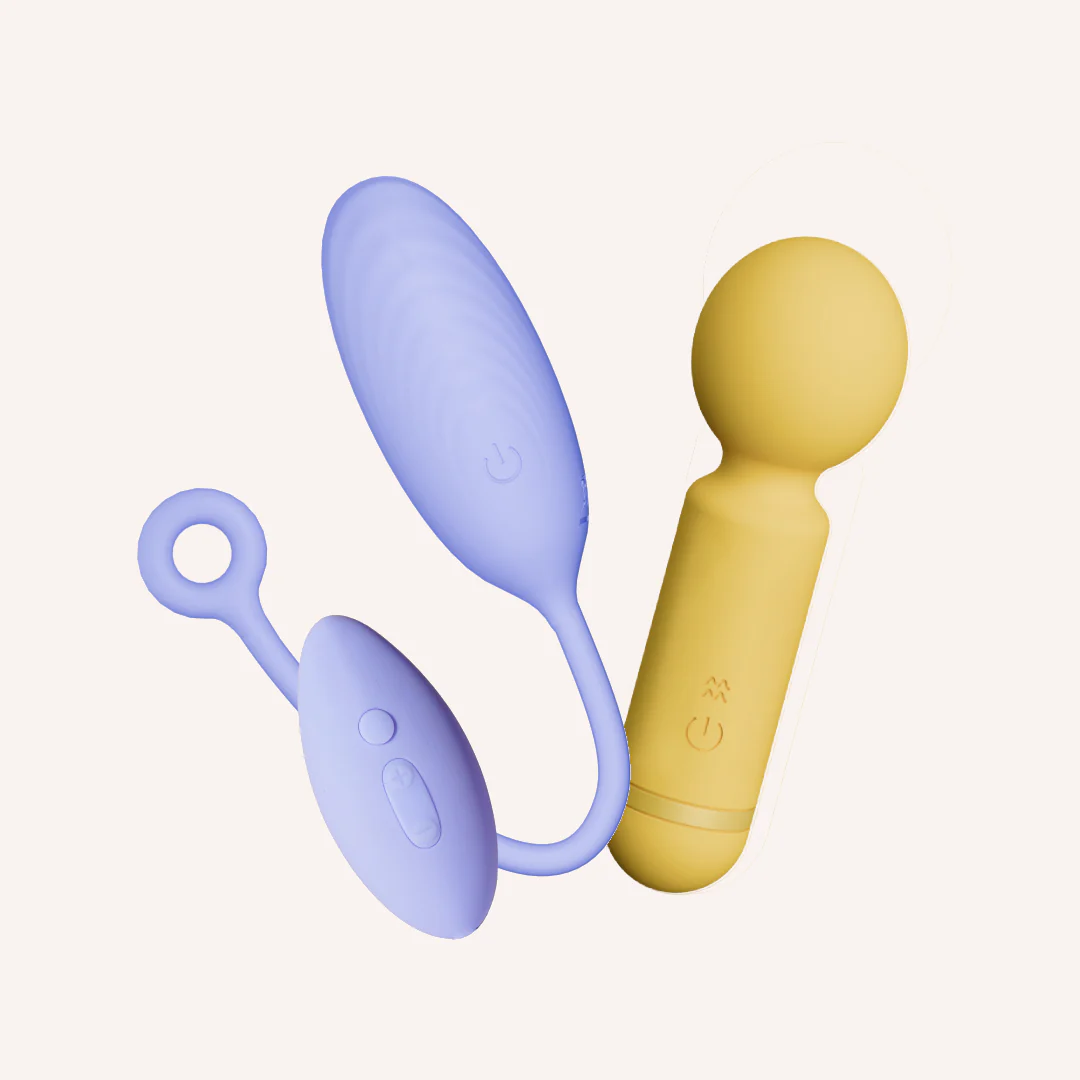
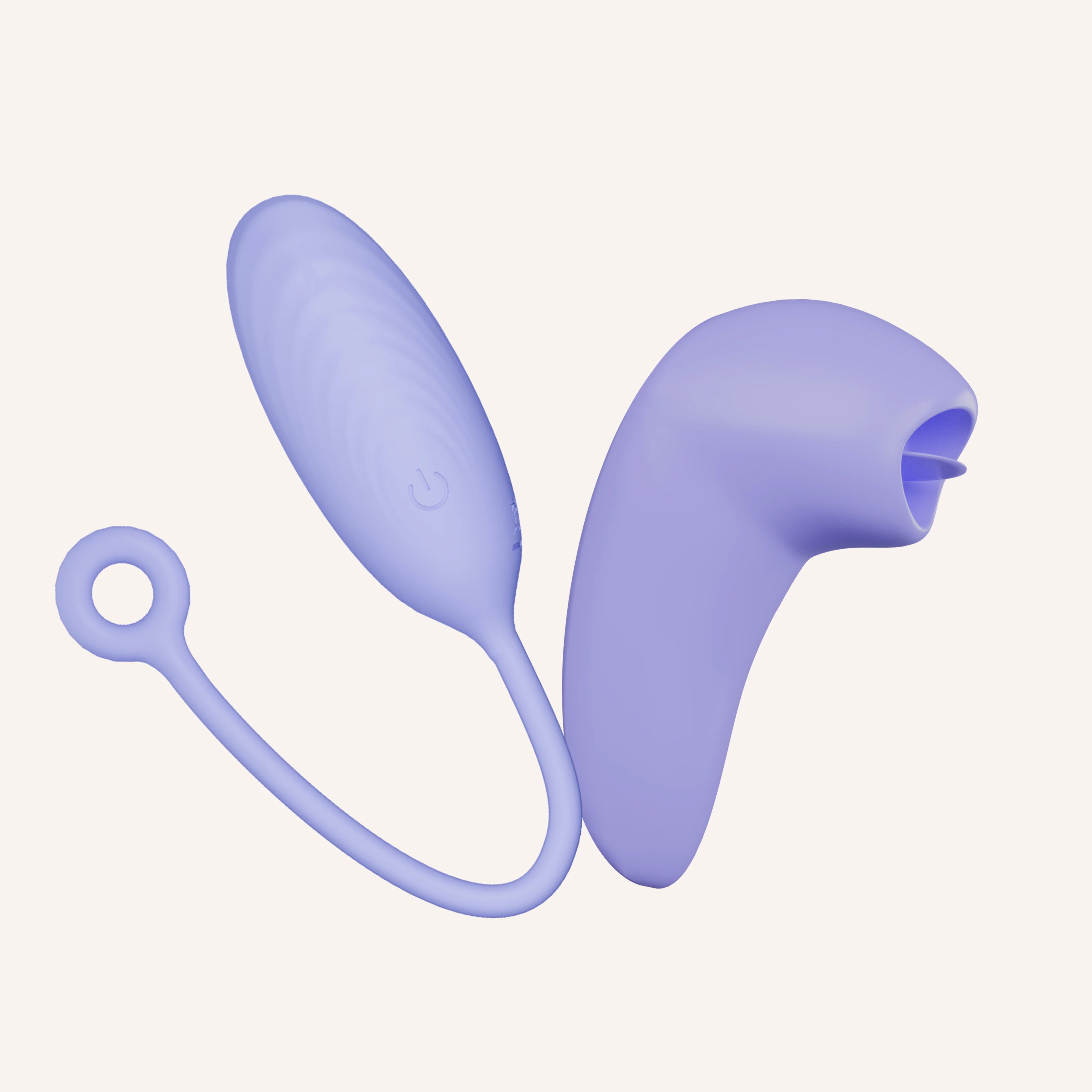
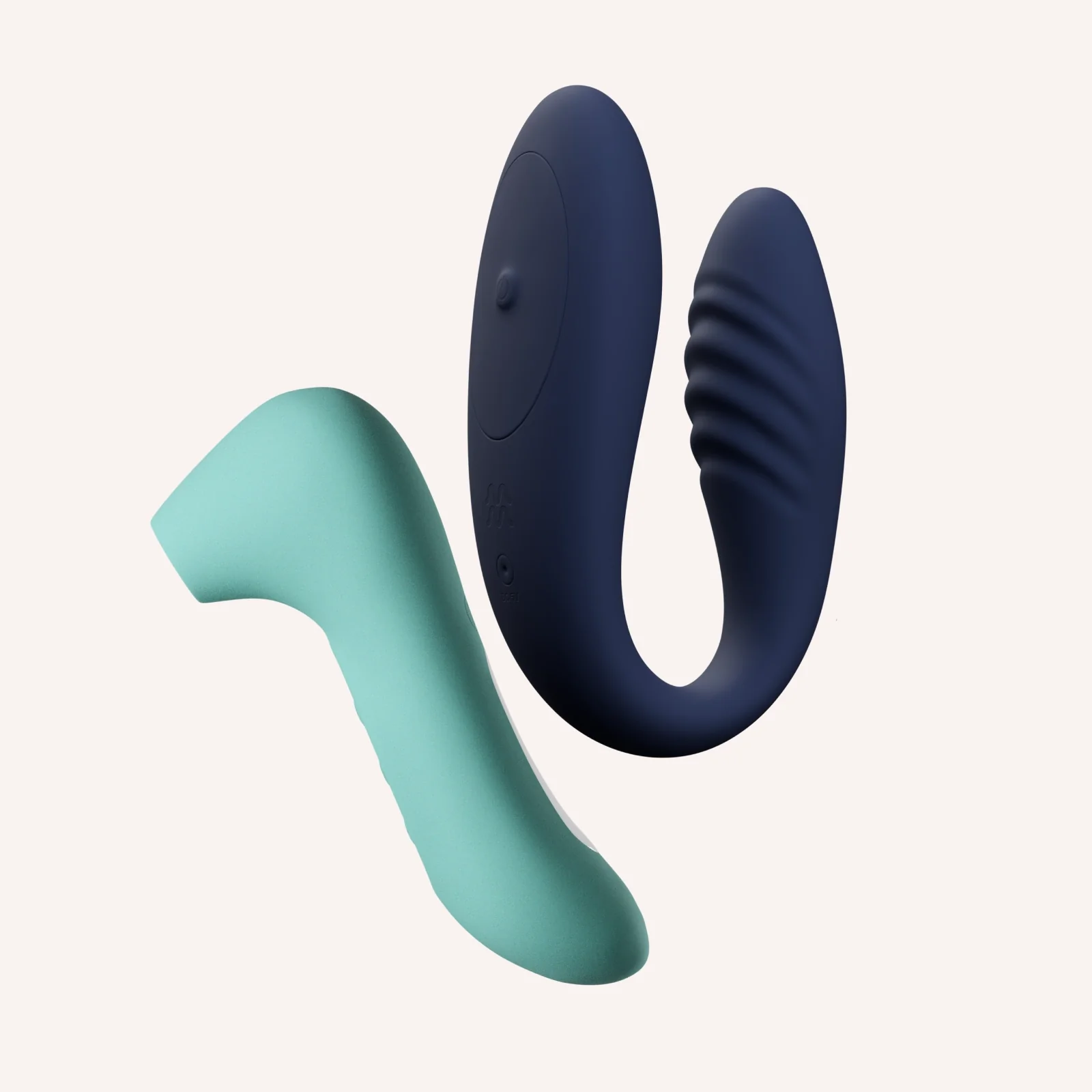
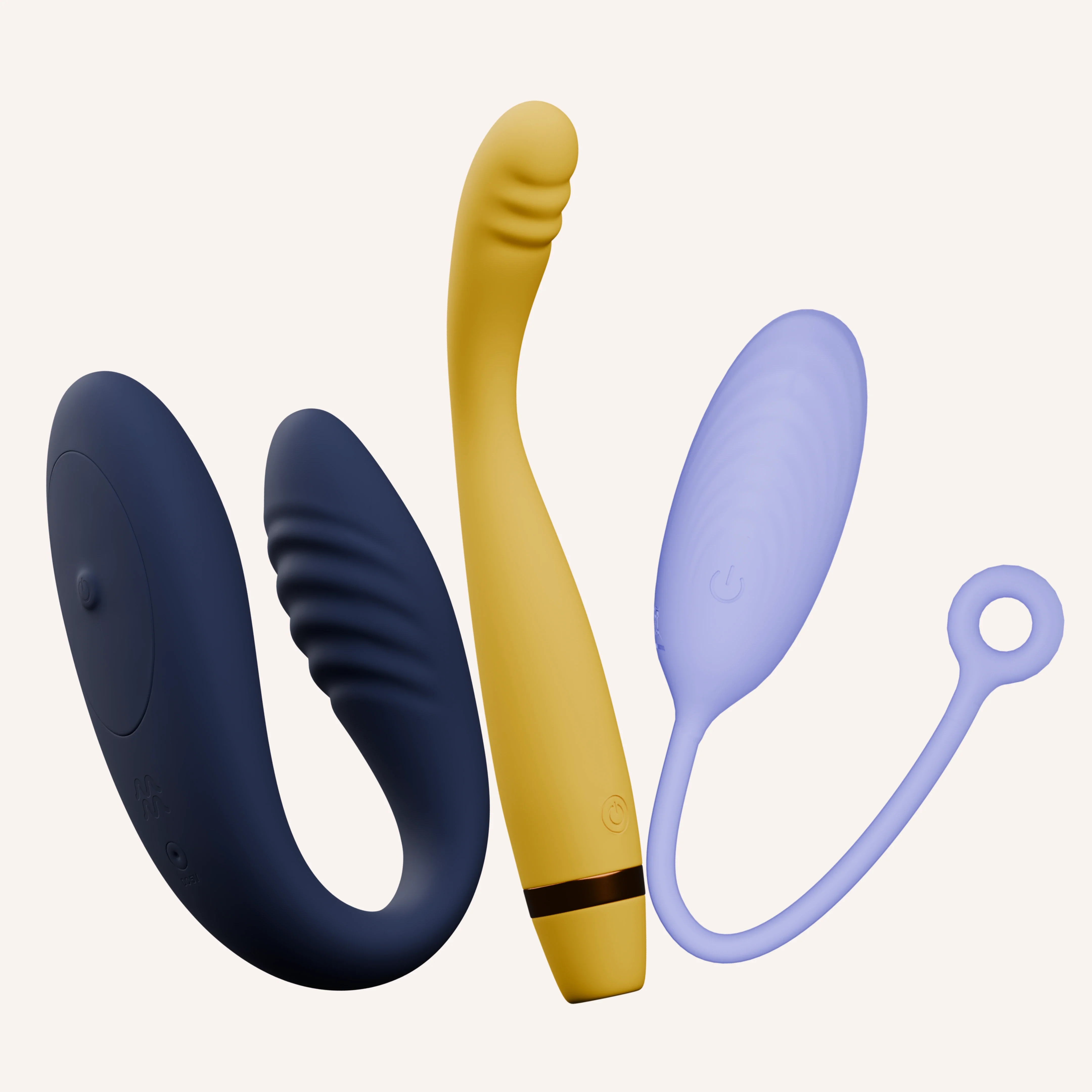
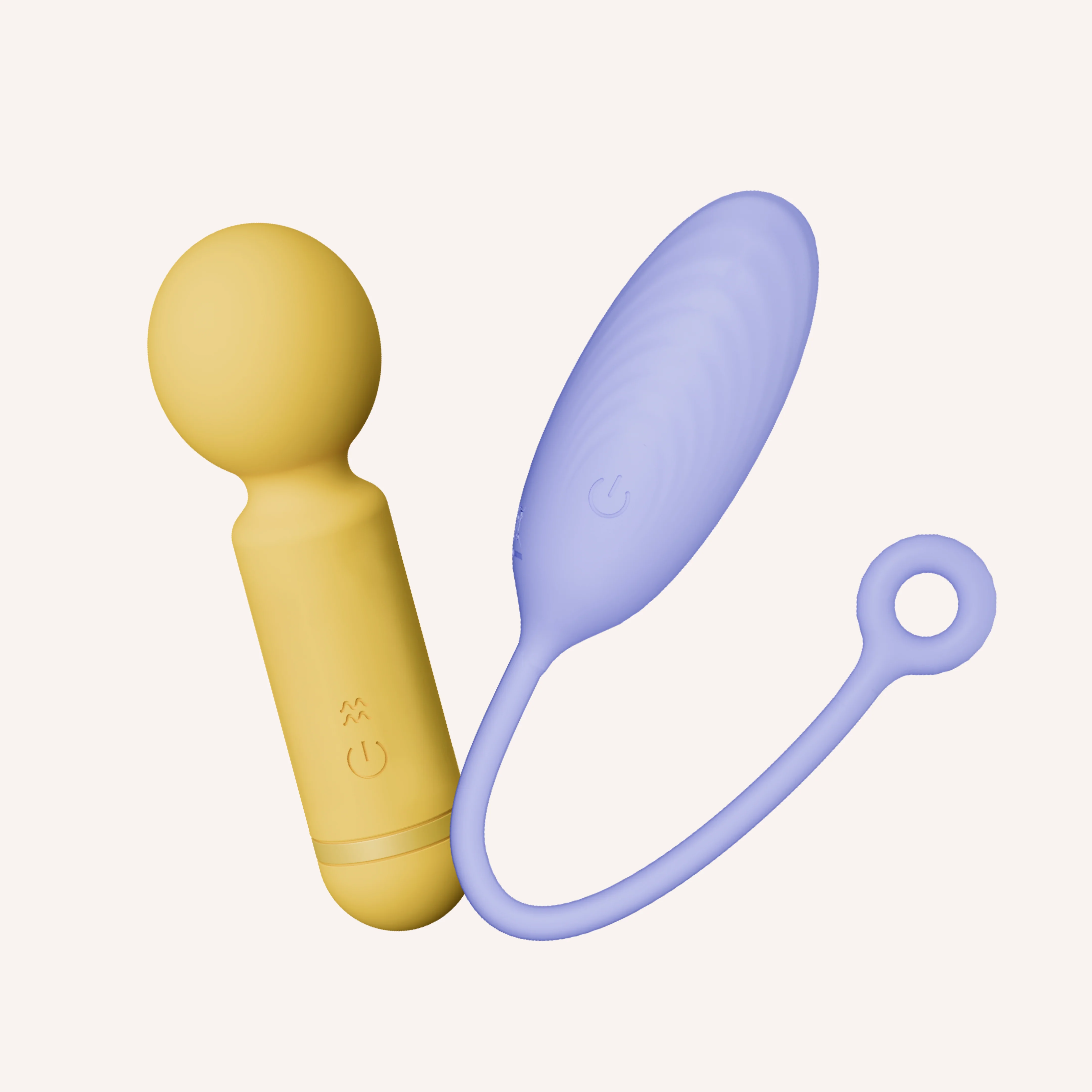
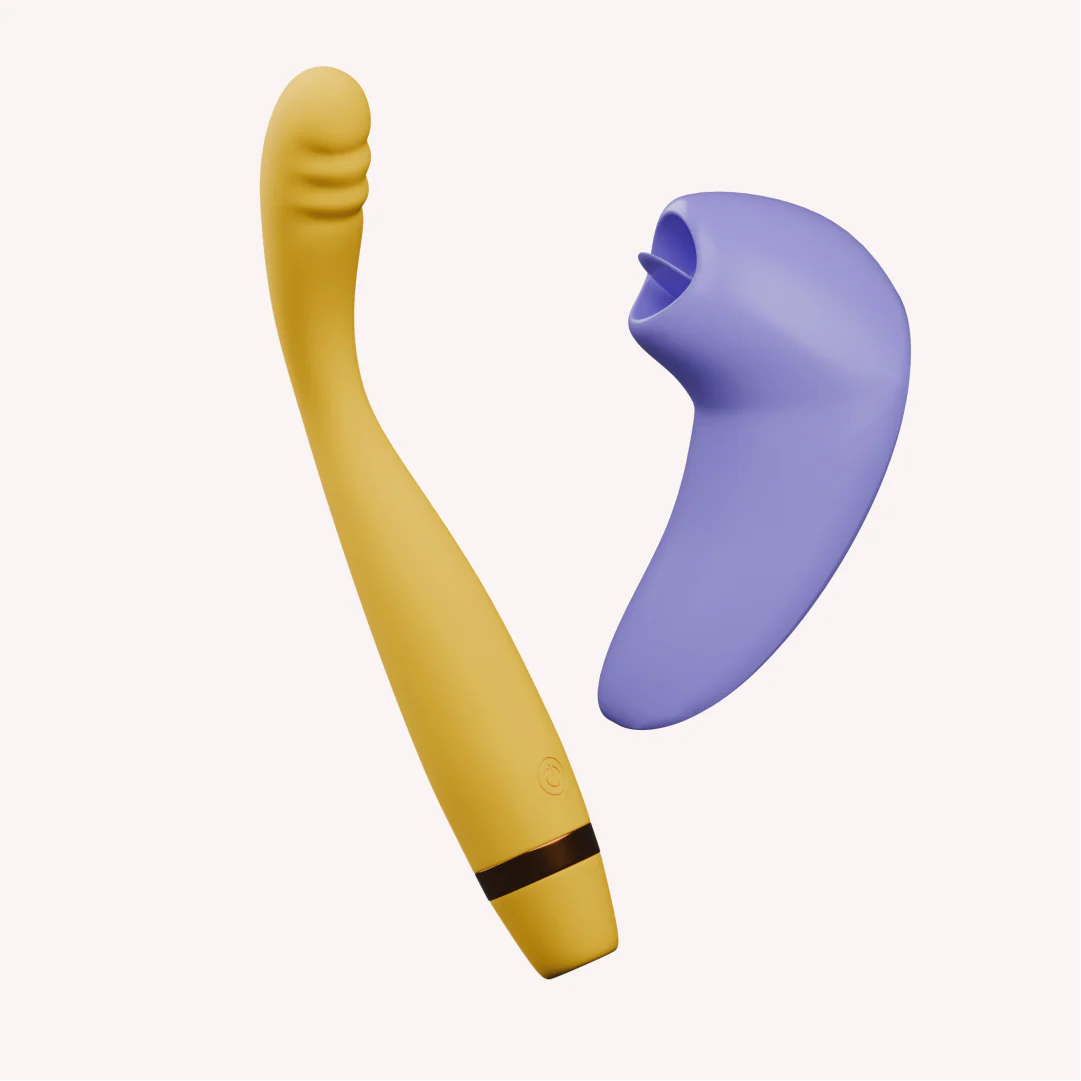
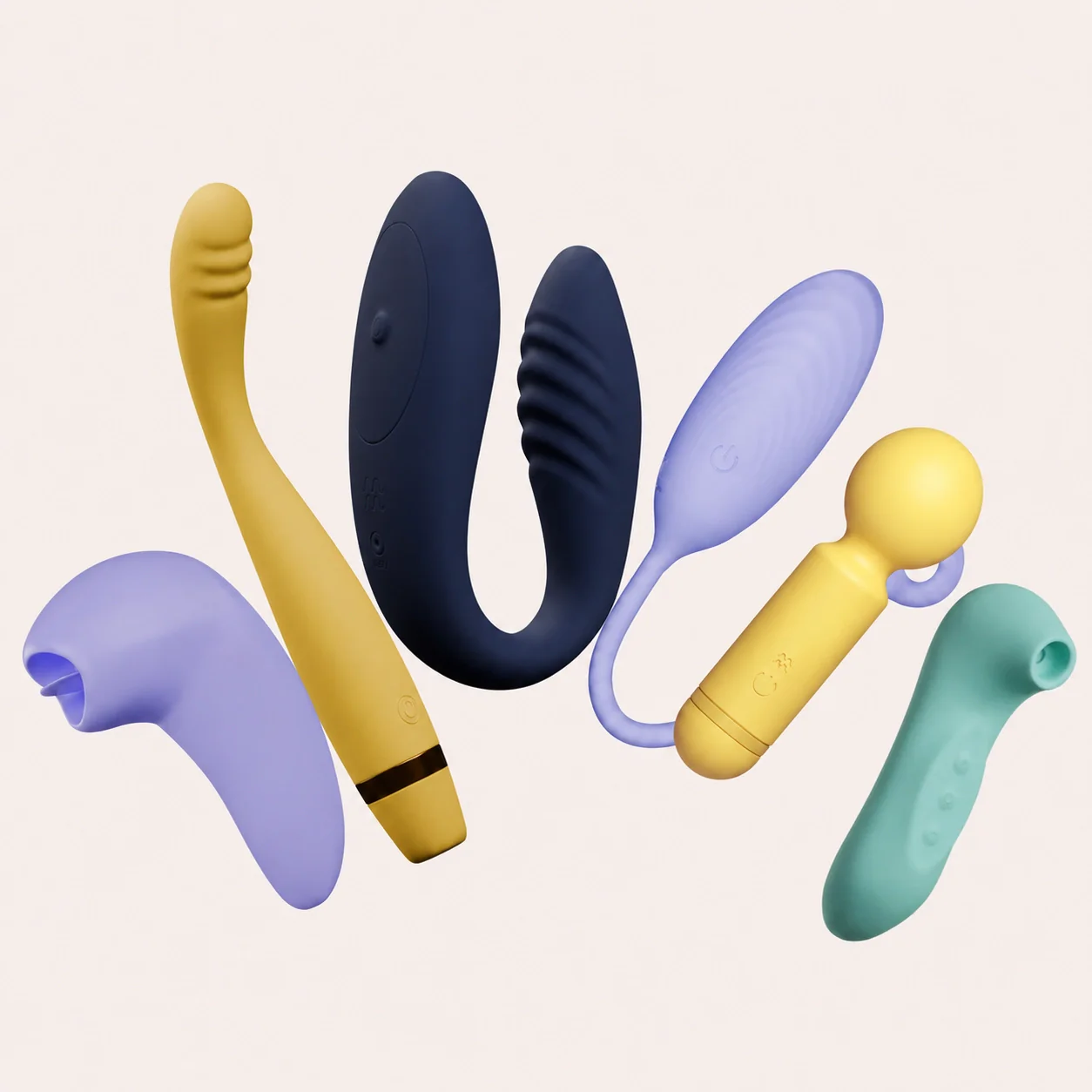
Dive Flick Breeze Turn on the massager by long pressing the power button on Dive. For easy and comfortable usage, use a generous amount of a water-based lube like Glide. Slowly slide the Dive egg massager into the desired body part. Once you are ready, start the vibrations using the remote control. Get exploring! P.S. Dive doesnβt connect to the MyMuse Sync App. For app-enabled play, check out Dive+ . Turn It On: Hold the power button for 3 seconds to switch Flick on. Get Going: Press the power button again to start the flicking motion. Gently press Flick against your desired body part to feel the silicone tongue in action. Turn It Up: Press the power button to increase the intensity. Once youβve cycled through all speeds, itβll return to speed 1. Turn Off: Hold the power button for 3 seconds to switch it off. Long press the power button to turn Breeze on. Move between its 10 speeds by clicking (+) or (-). Hold Breeze against the desired body part to create a gentle seal and feel its unique sucking sensations. Long press the power button to turn Breeze off.