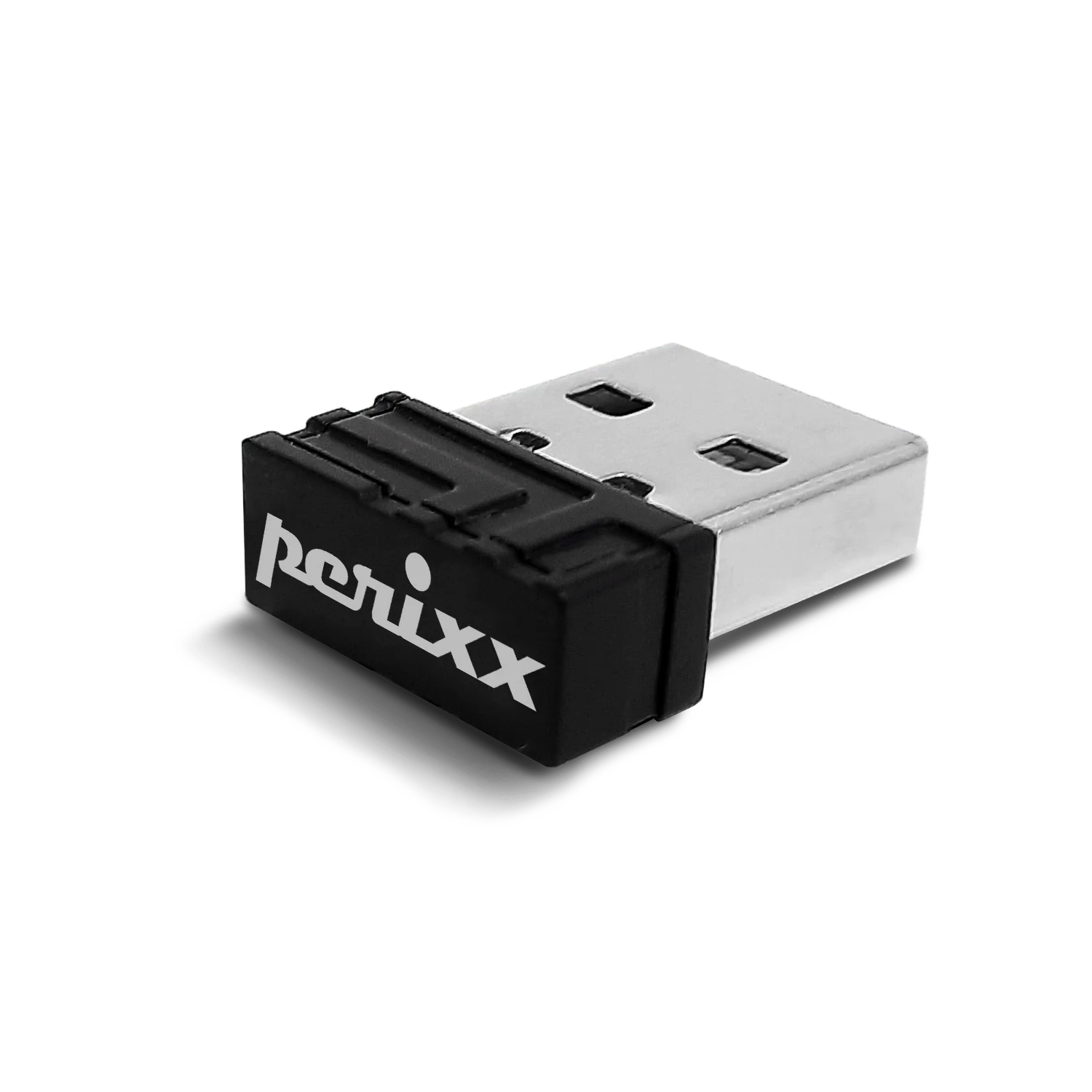
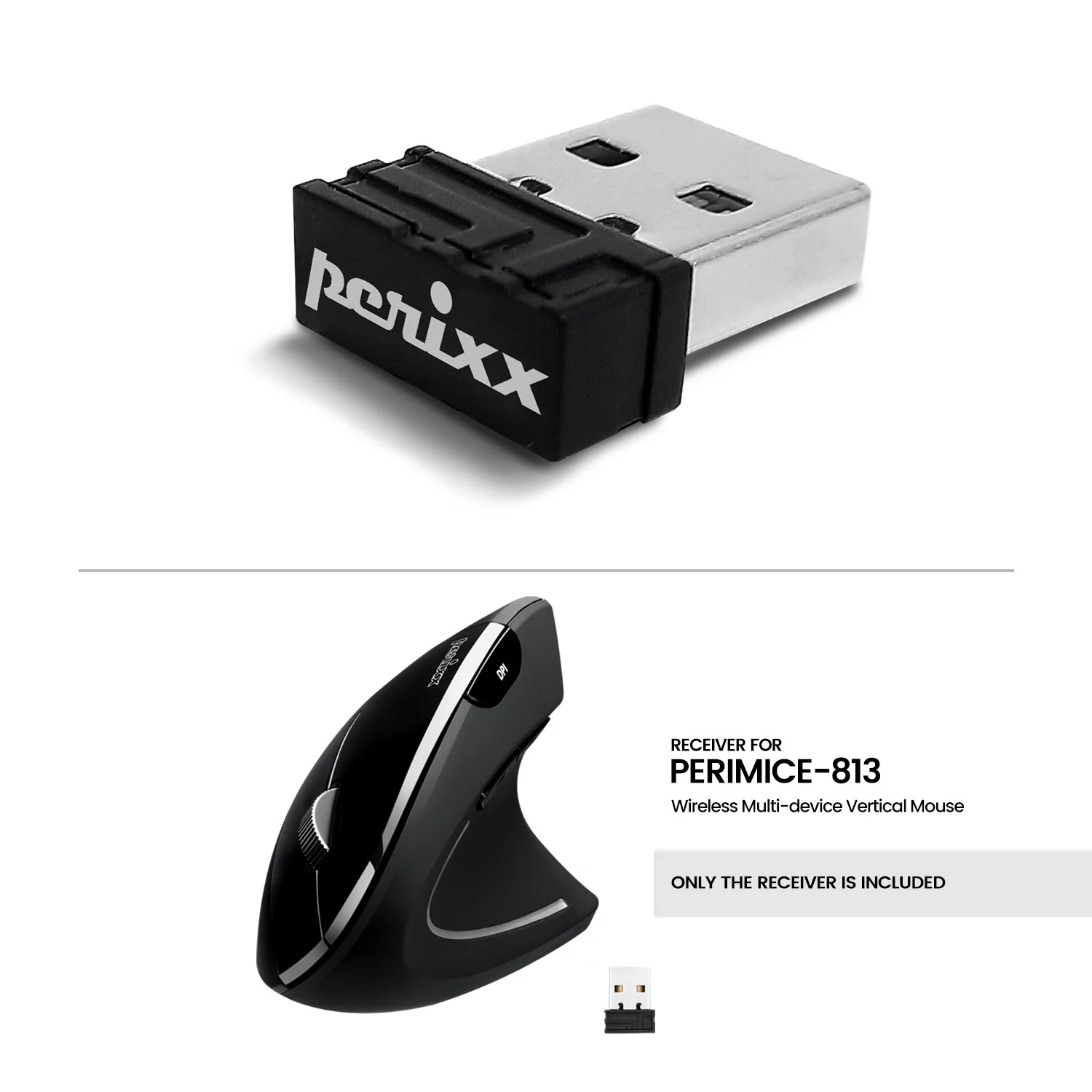
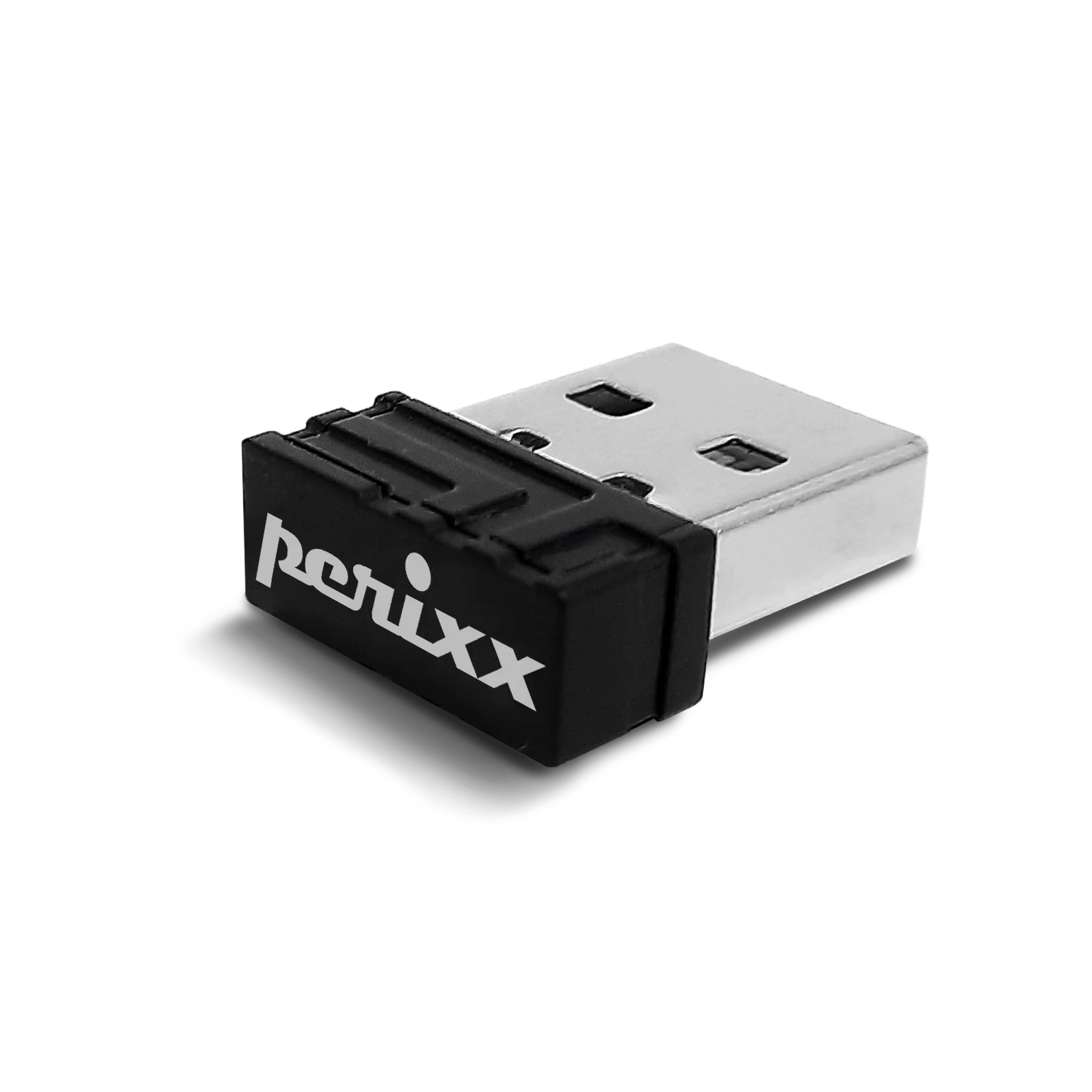
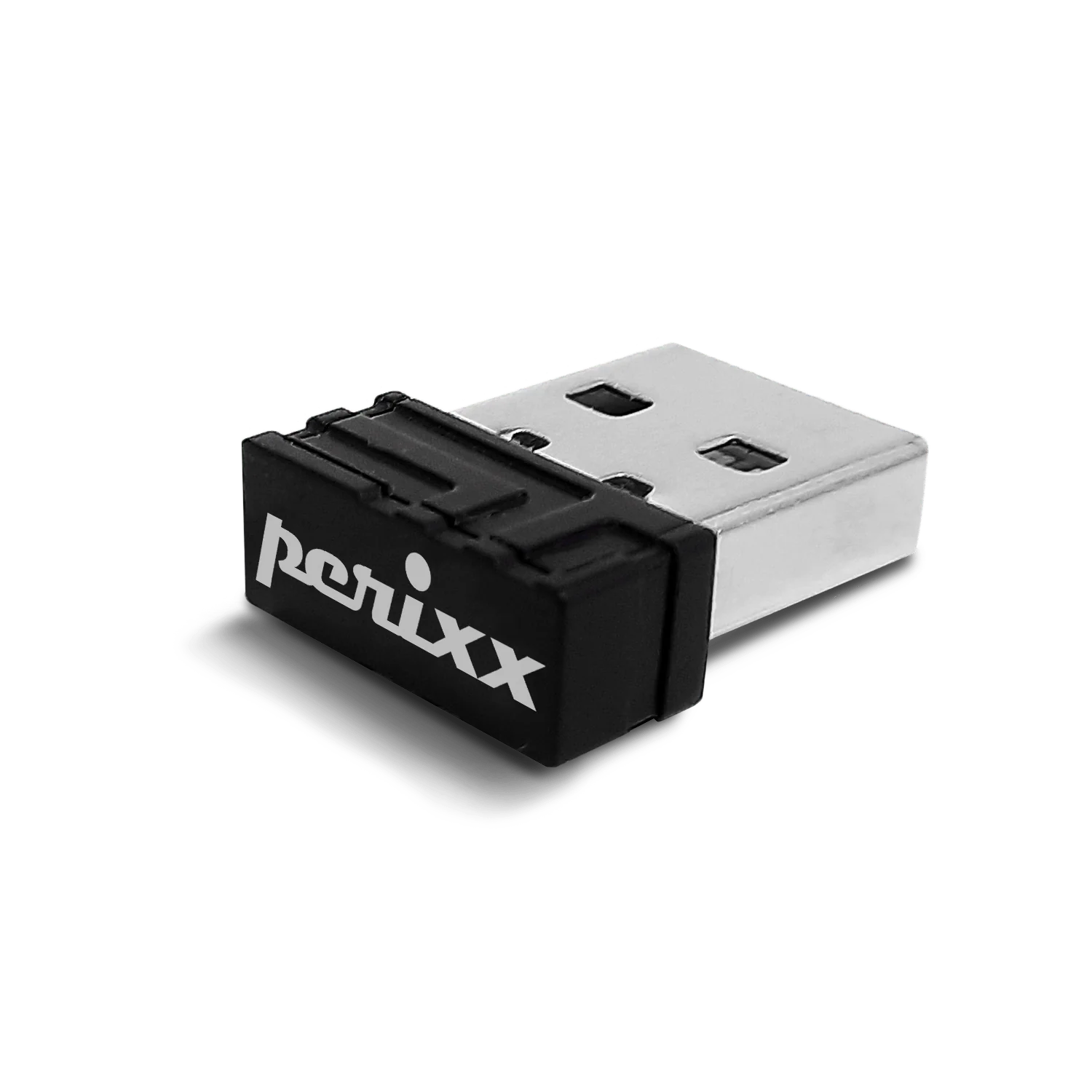
USB dongle receiver for PERIMICE-813
USD 7USD 1030% off
Out of stockchecking live price…
View on Perixx store ↗The perfect solution for those who have lost or damaged their original PERIMICE-813's USB dongle. With this USB dongle, you can easily re-establish the connection between your mouse and computer in just a few simple steps. Follow the instructions to rebind the dongle to your PERIMICE-813. Once the connection has been established, you can use your original PERIMICE-813 mouse just like before.
Compatible products:
PERIMICE-813
How to rebind receiver to the product
- Insert batteries into your mouse.
- Switch the mouse on and switch to 2.4G.
- Long press left/middle/right triple button at the same time for 5 seconds to enter the 2.4G pairing mode. LED should be blinking.
- In 20 seconds, plug the receiver into the USB port on the computer.
- LED will be flashing for 2 seconds and then goes out. The pairing of 2.4G is successful.
How To Use
Insert batteries into your mouse. Switch the mouse on and switch to 2.4G. Long press left/middle/right triple button at the same time for 5 seconds to enter the 2.4G pairing mode. LED should be blinking. In 20 seconds, plug the receiver into the USB port on the computer. LED will be flashing for 2 seconds and then goes out. The pairing of 2.4G is successful.
Delivery
You may also like
USB dongle receiver for PERIMICE-803A
Perixx
USD 5
out of stock
USB dongle receiver for PERIMICE-720-Black
Perixx
USD 7USD 1030% off
out of stock
USB dongle receiver for PERIMICE-713R, 713RX, 713LR, 713LRX, 719R, 719RX (Not Compatible with PERIMICE-713, 713N, and 713L)
Perixx
USD 7USD 1029% off
USB dongle receiver for PERIMICE-608, 713, 718, 719 and PPR-706
Perixx
USD 7USD 1029% off
USB dongle receiver for PERIMICE-819
Perixx
USD 7USD 1030% off
out of stock
USB dongle receiver for PERIBOARD-718/732/733
Perixx
USD 7USD 1030% off
out of stock
Receiver for PERIDUO-606A & PERIDUO-606C
Perixx
USD 7USD 1030% off
out of stock
USB dongle receiver for PERIBOARD-609
Perixx
USD 5
out of stock