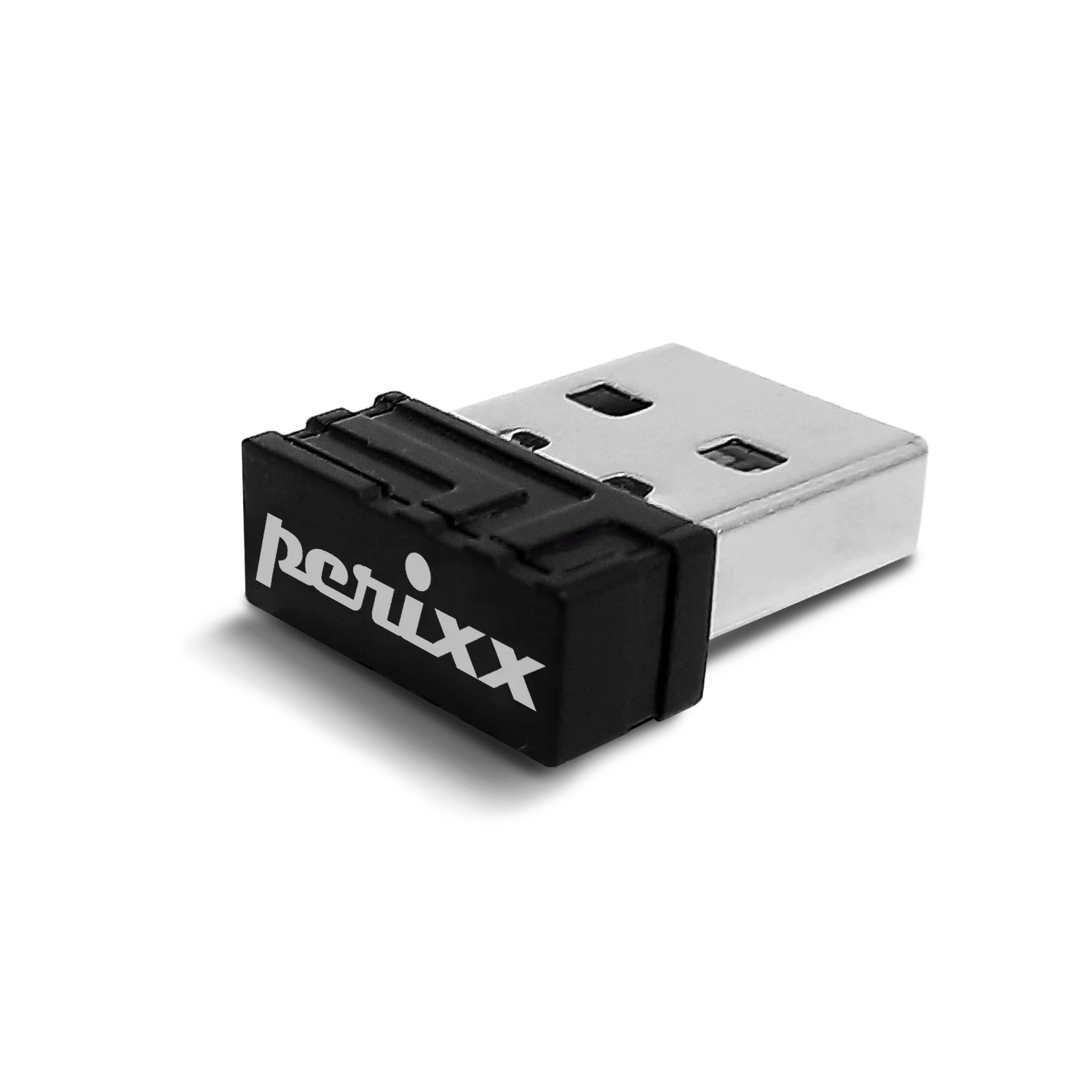
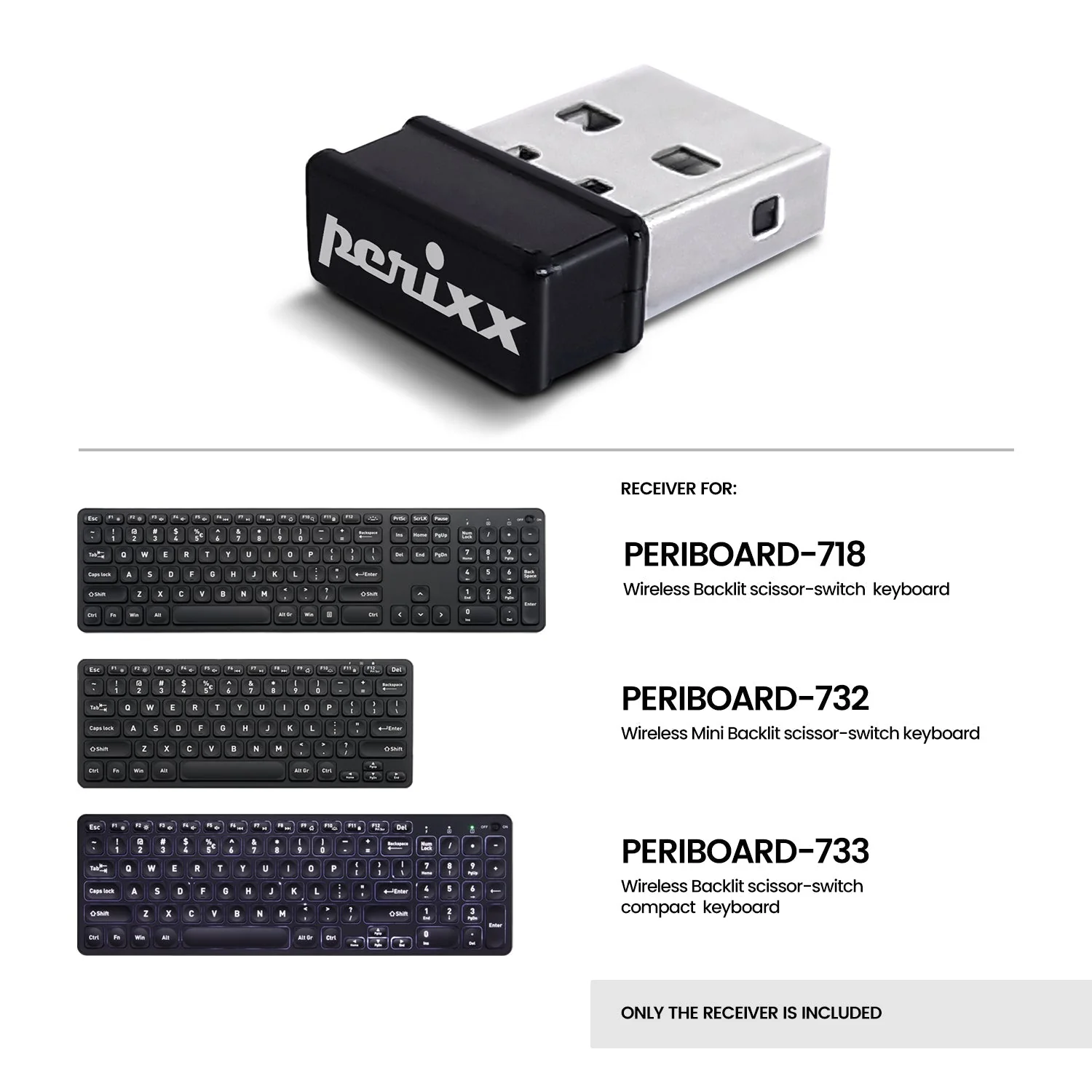
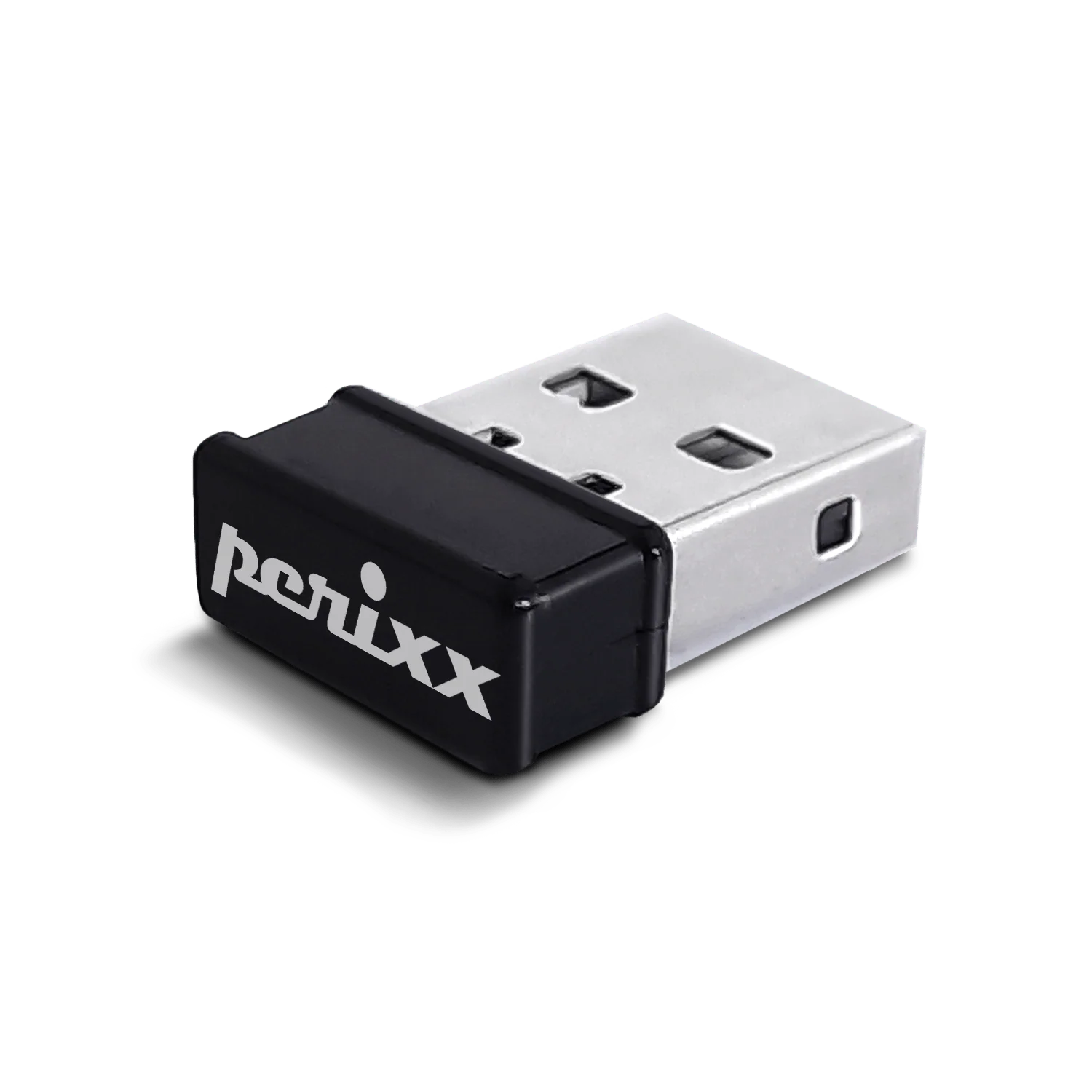
USB dongle receiver for PERIBOARD-718/732/733
USD 7USD 1030% off
Out of stockchecking live price…
View on Perixx store ↗The perfect solution for those who have lost or damaged their original keyboard's USB dongle. With this USB dongle, you can easily re-establish the connection between your keyboard and computer in just a few simple steps. Follow the instructions to rebind the dongle to your keyboard. Once the connection has been established, you can use your original PERIBOARD-718 keyboard just like before.
Compatible products:
All language layouts of PERIBOARD-718/732/733
How to rebind receiver to the product
- Switch your keyboard on.
- Press ESC key and Q key at the same time. The light should start flashing in order to be connected.
- Plug the receiver into the USB port on the computer immediately, and make sure the keyboard is close enough to its receiver. If it's connected, the light should stop blinking after blinking three times. If it's not connected, the light will stop blinking after 10 seconds. Please plug the receiver out and repeat the steps above again.
How To Use
Switch your keyboard on. Press ESC key and Q key at the same time. The light should start flashing in order to be connected. Plug the receiver into the USB port on the computer immediately, and make sure the keyboard is close enough to its receiver. If it's connected, the light should stop blinking after blinking three times. If it's not connected, the light will stop blinking after 10 seconds. Please plug the receiver out and repeat the steps above again.
Delivery
You may also like
USB dongle receiver for PERIBOARD-609
Perixx
USD 5
out of stock
Receiver for PERIDUO-606A & PERIDUO-606C
Perixx
USD 7USD 1030% off
out of stock
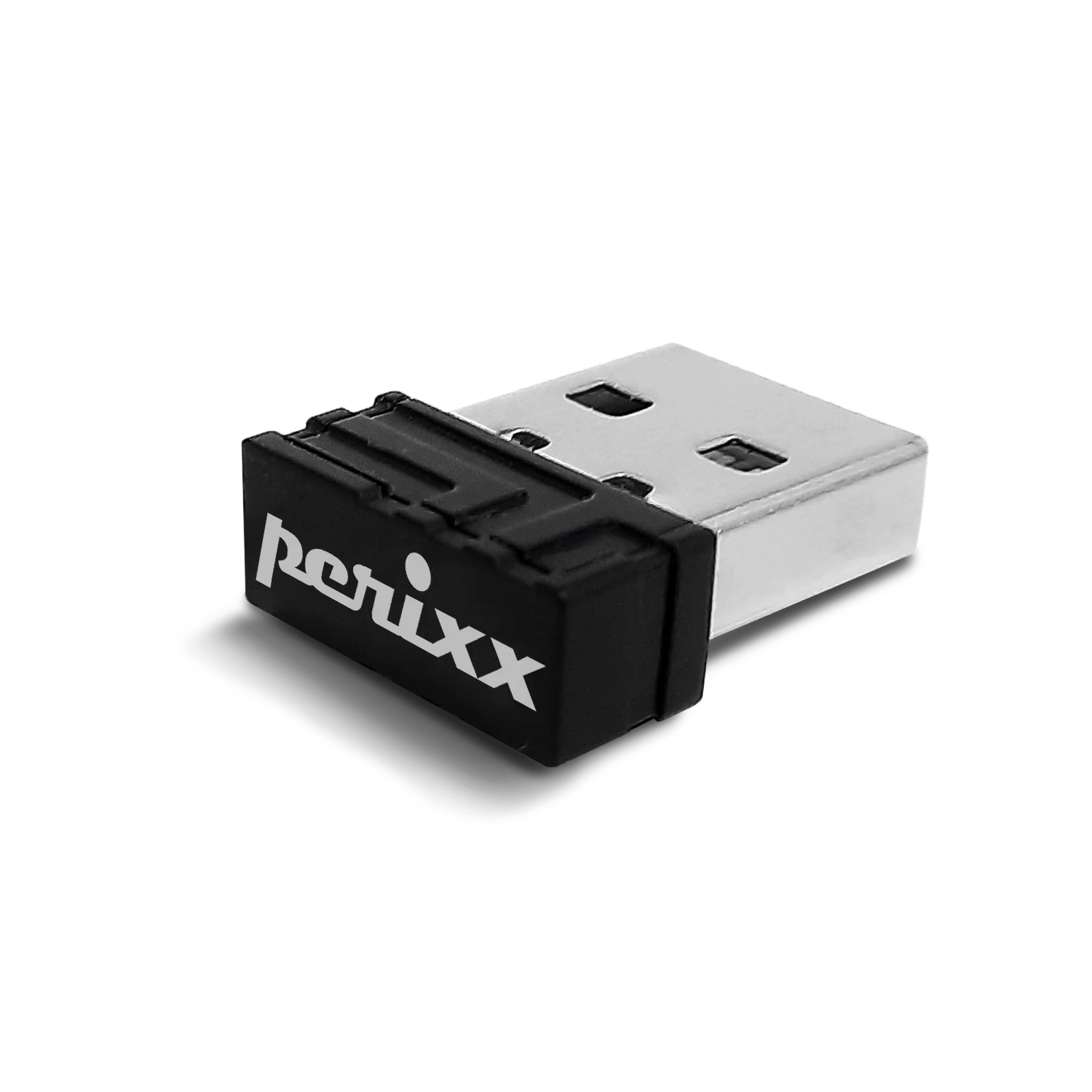
USB dongle receiver for PERIMICE-608, 713, 718, 719 and PPR-706
Perixx
USD 7USD 1029% off
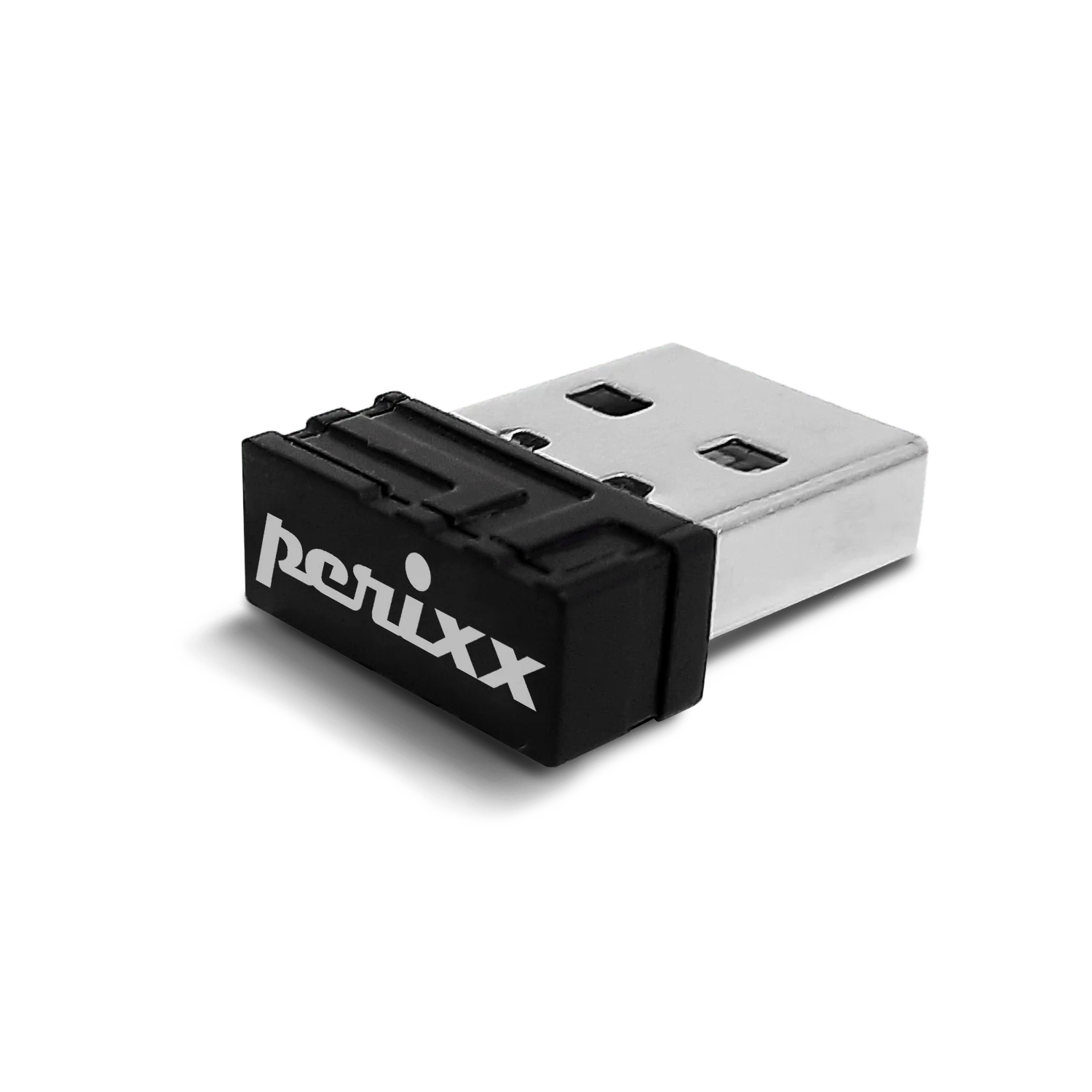
USB dongle receiver for PERIMICE-720-Black
Perixx
USD 7USD 1030% off
out of stock
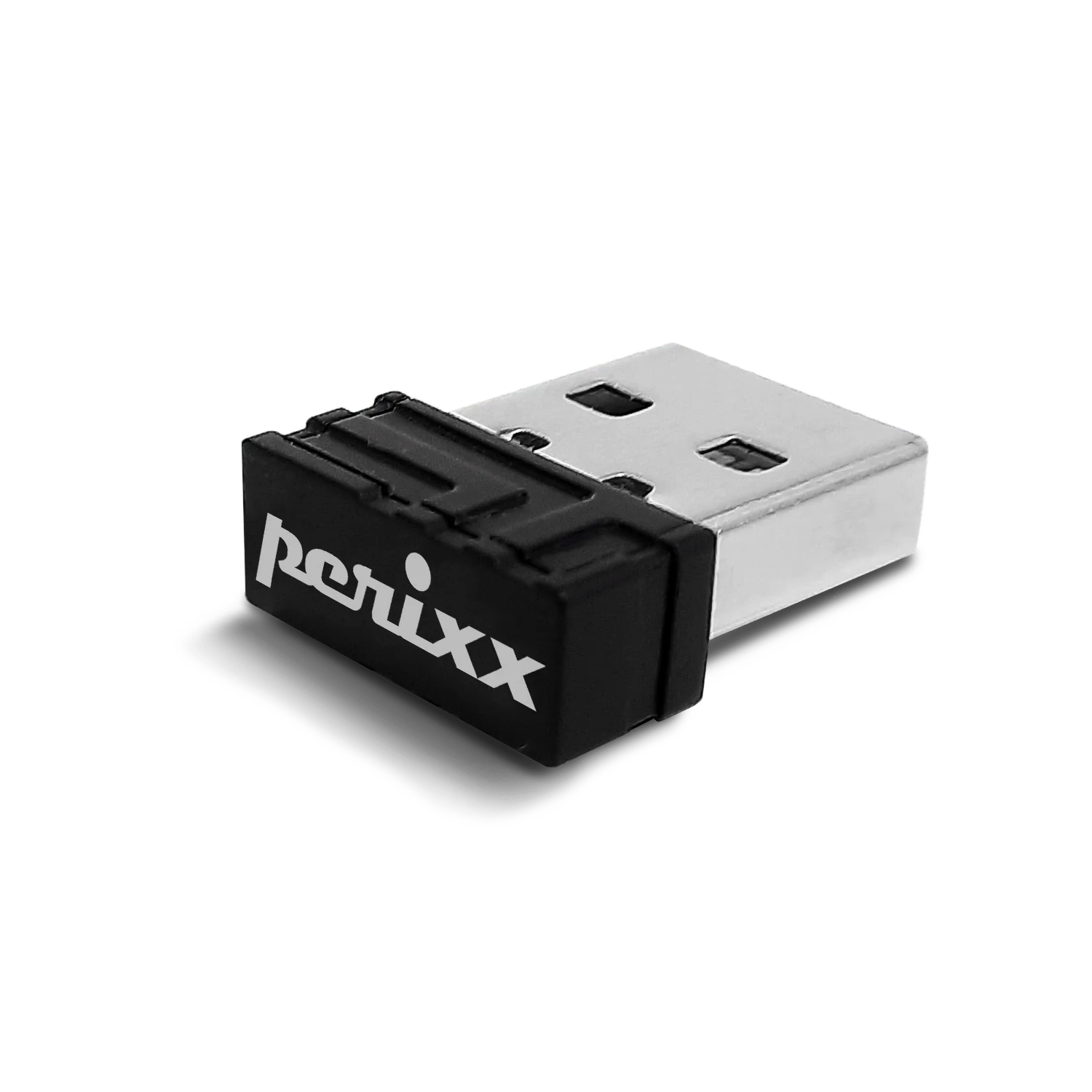
USB dongle receiver for PERIMICE-813
Perixx
USD 7USD 1030% off
out of stock
USB dongle receiver for PERIDUO-717
Perixx
USD 5
out of stock
USB dongle receiver for PERIMICE-713R, 713RX, 713LR, 713LRX, 719R, 719RX (Not Compatible with PERIMICE-713, 713N, and 713L)
Perixx
USD 7USD 1029% off
USB dongle receiver for PERIDUO-714
Perixx
USD 5USD 1050% off
out of stock