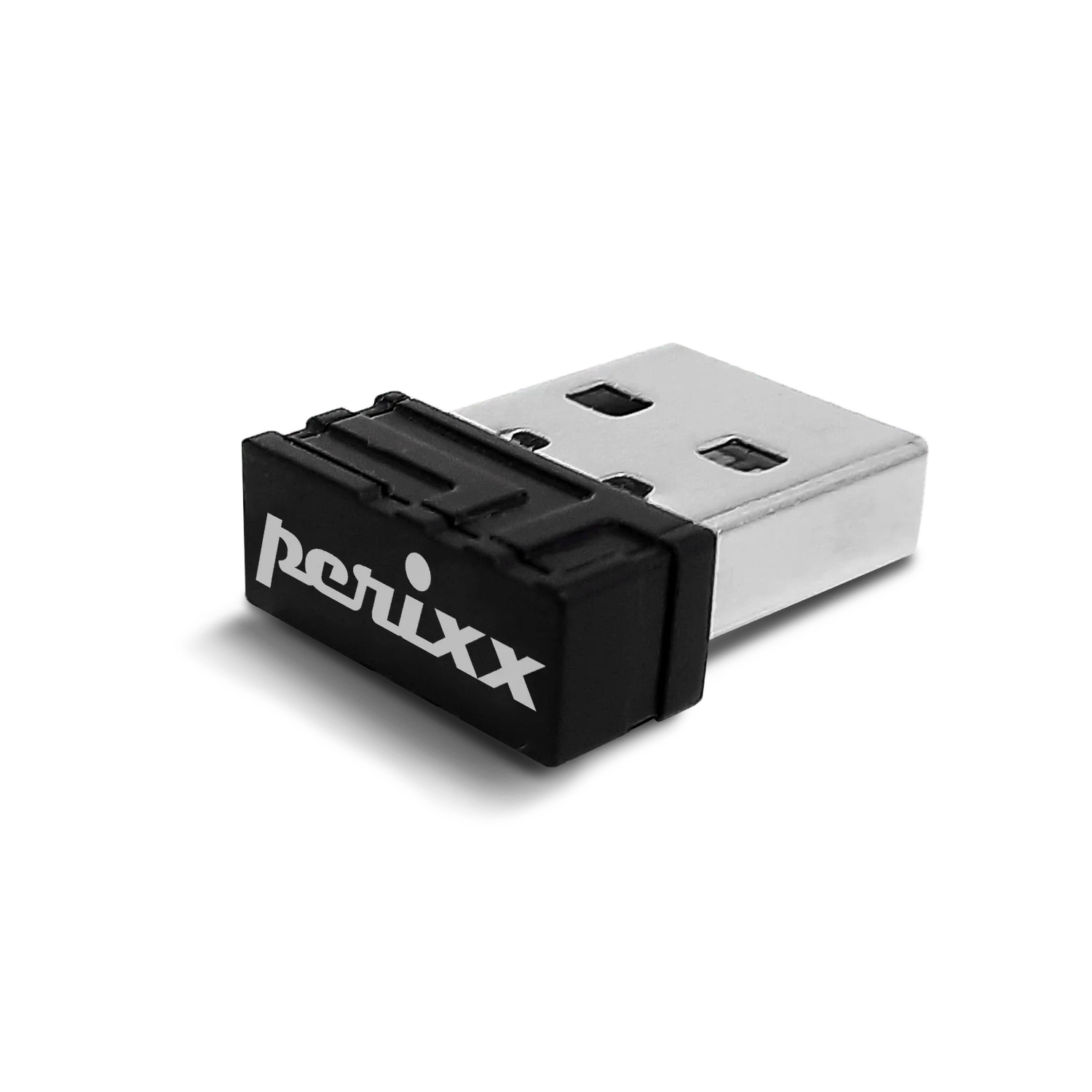
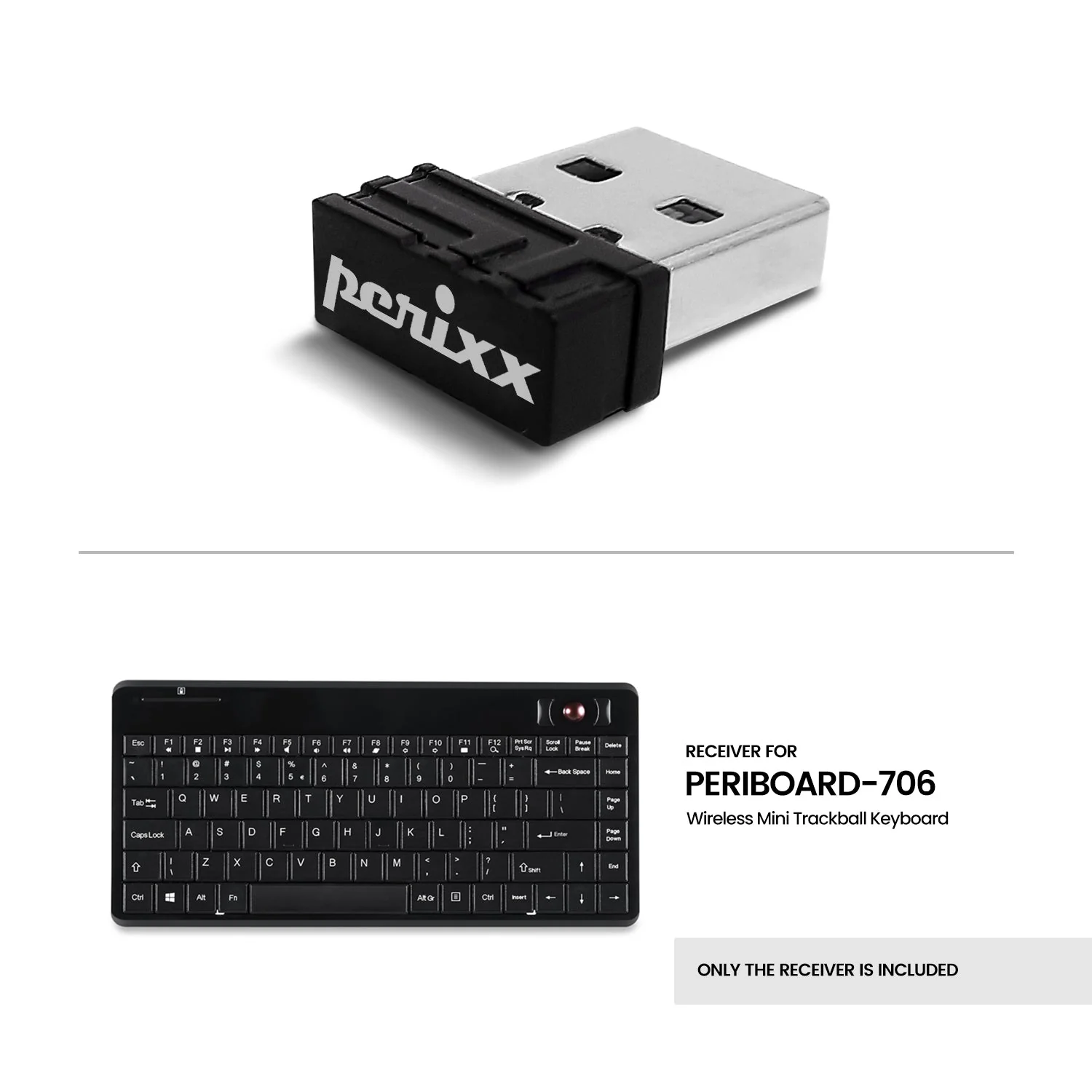
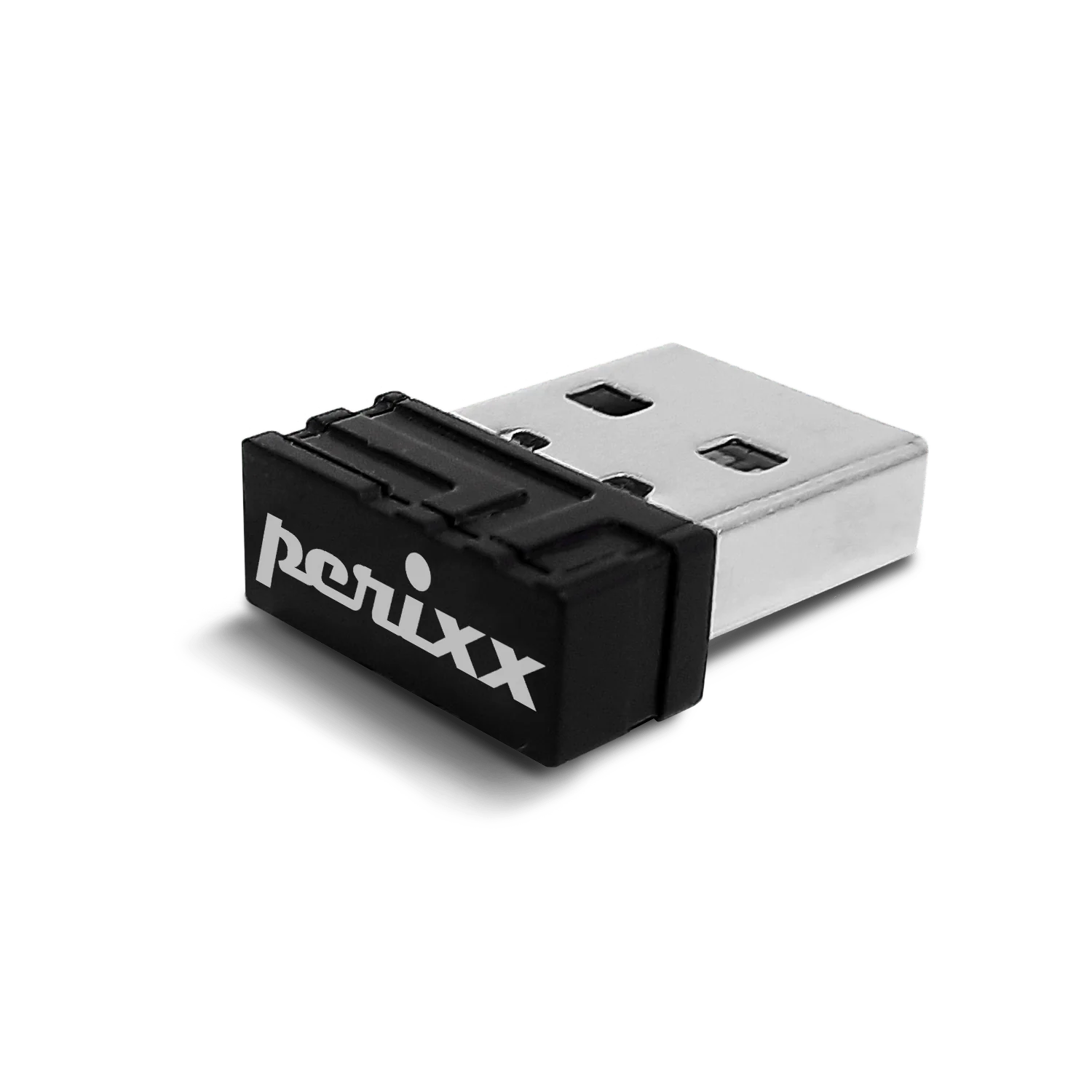
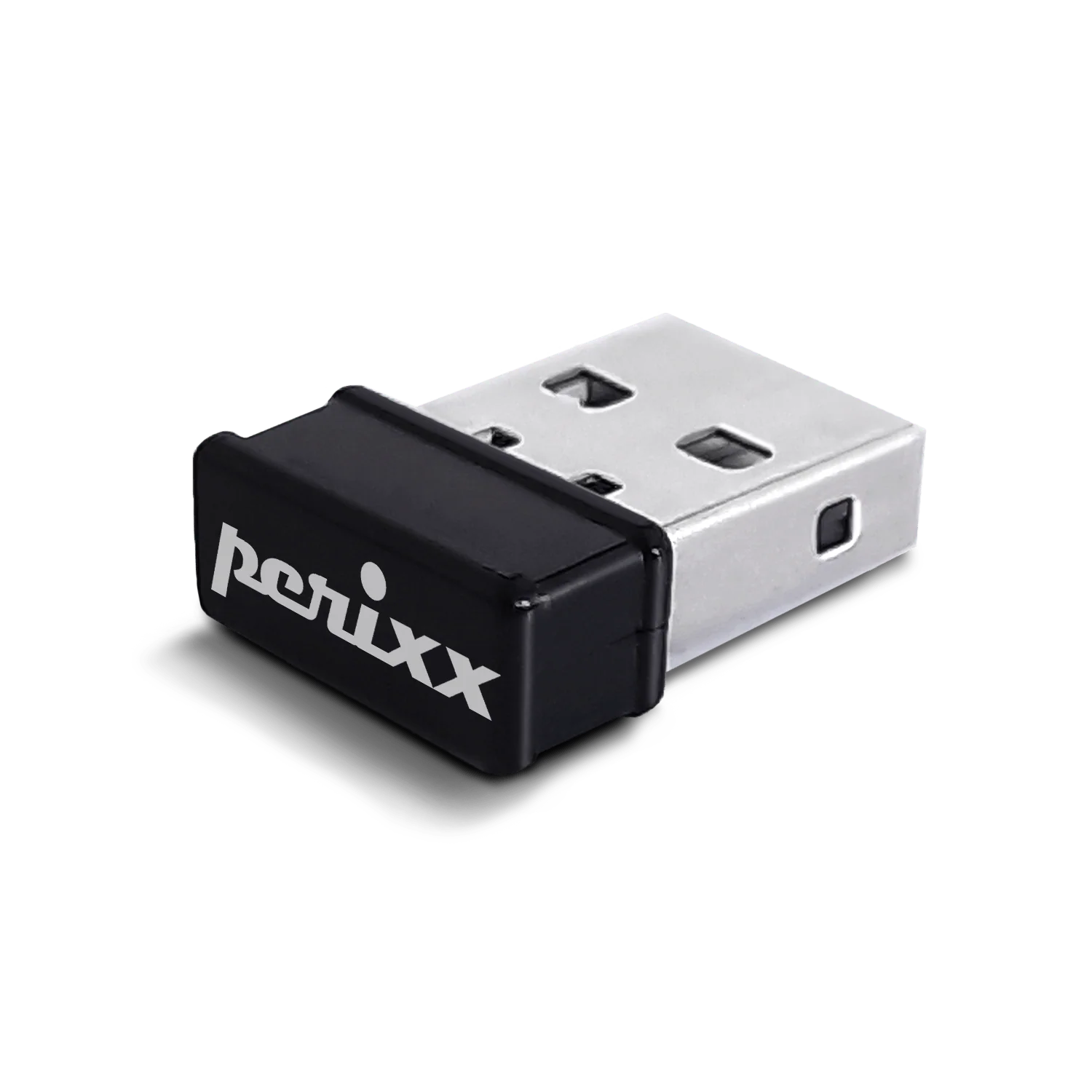
USB dongle receiver for PERIBOARD-706
USD 7USD 1030% off
Out of stockchecking live price…
View on Perixx store ↗How to rebind receiver to the product
- Insert batteries into your keyboard and switch it on.
- Press the "Connect" button which is close to the battery slot for 10 seconds.
- Plug the receiver into the USB port on the computer. It takes about 3-5 seconds to connect the product to your computer.
How To Use
Insert batteries into your keyboard and switch it on. Press the "Connect" button which is close to the battery slot for 10 seconds. Plug the receiver into the USB port on the computer. It takes about 3-5 seconds to connect the product to your computer.
Delivery
You may also like
USB dongle receiver for PERIBOARD-609
Perixx
USD 5
out of stock
USB dongle receiver for PERIBOARD-718/732/733
Perixx
USD 7USD 1030% off
out of stock
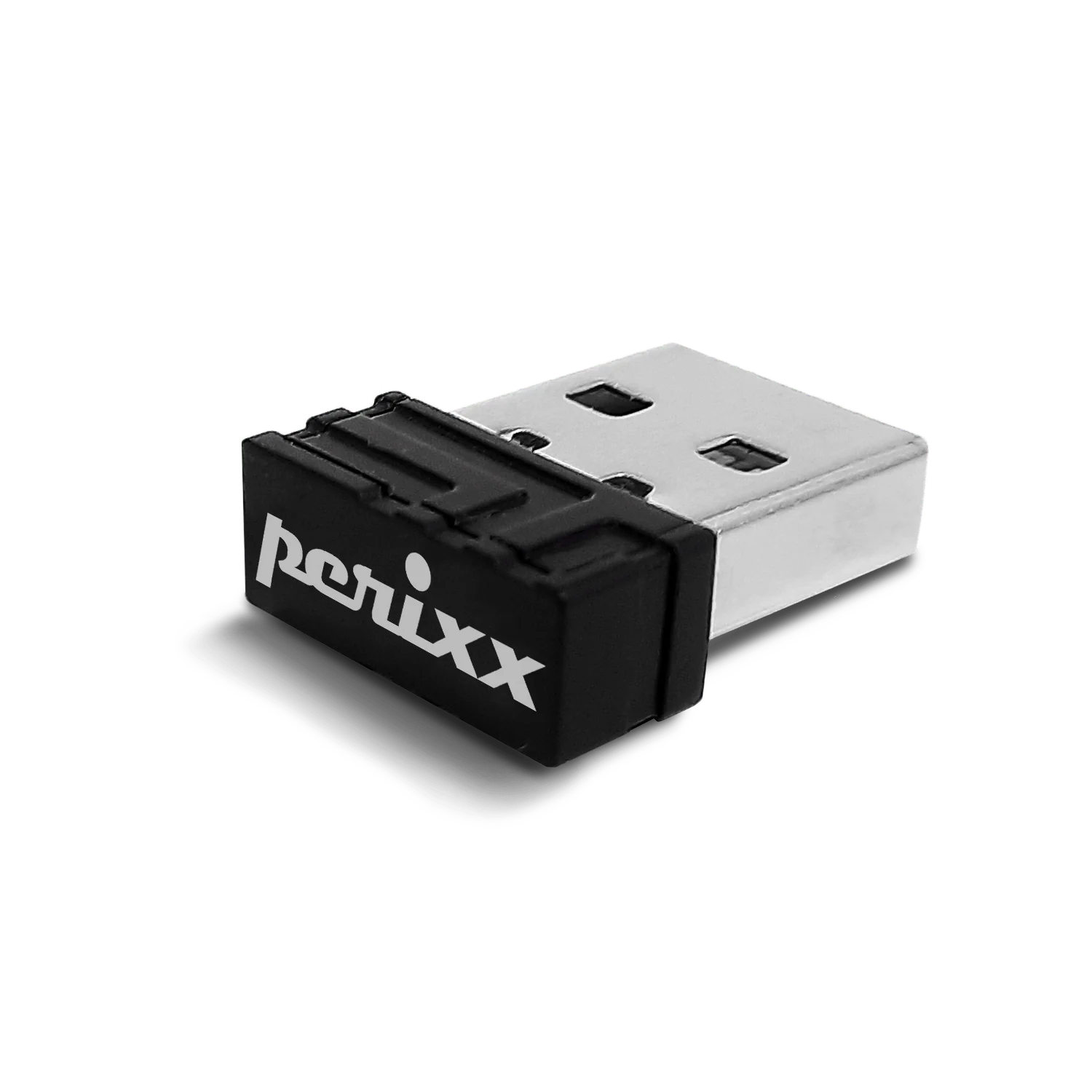
Receiver for PERIDUO-606A & PERIDUO-606C
Perixx
USD 7USD 1030% off
out of stock
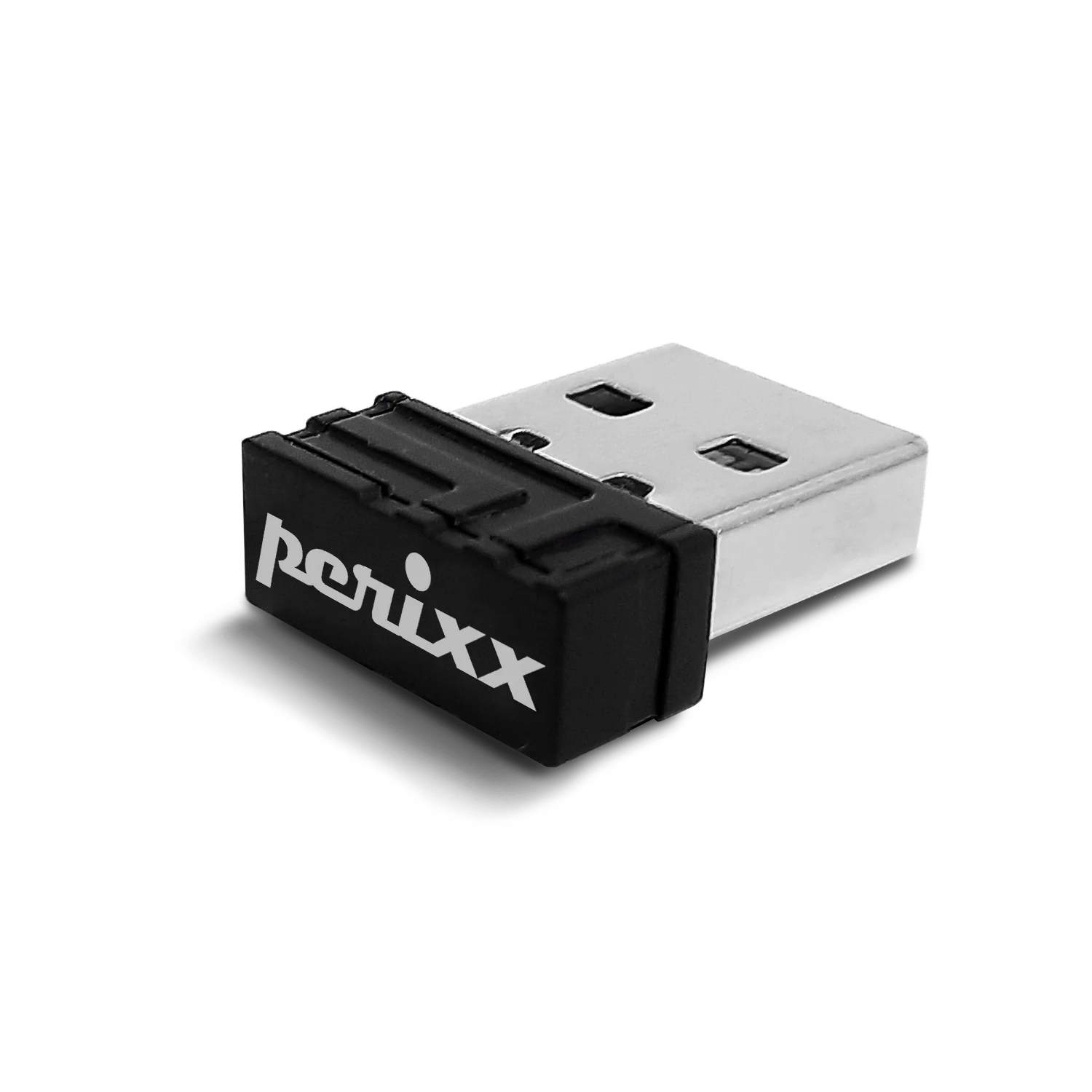
USB dongle receiver for PERIPAD-704
Perixx
USD 7USD 1030% off
out of stock
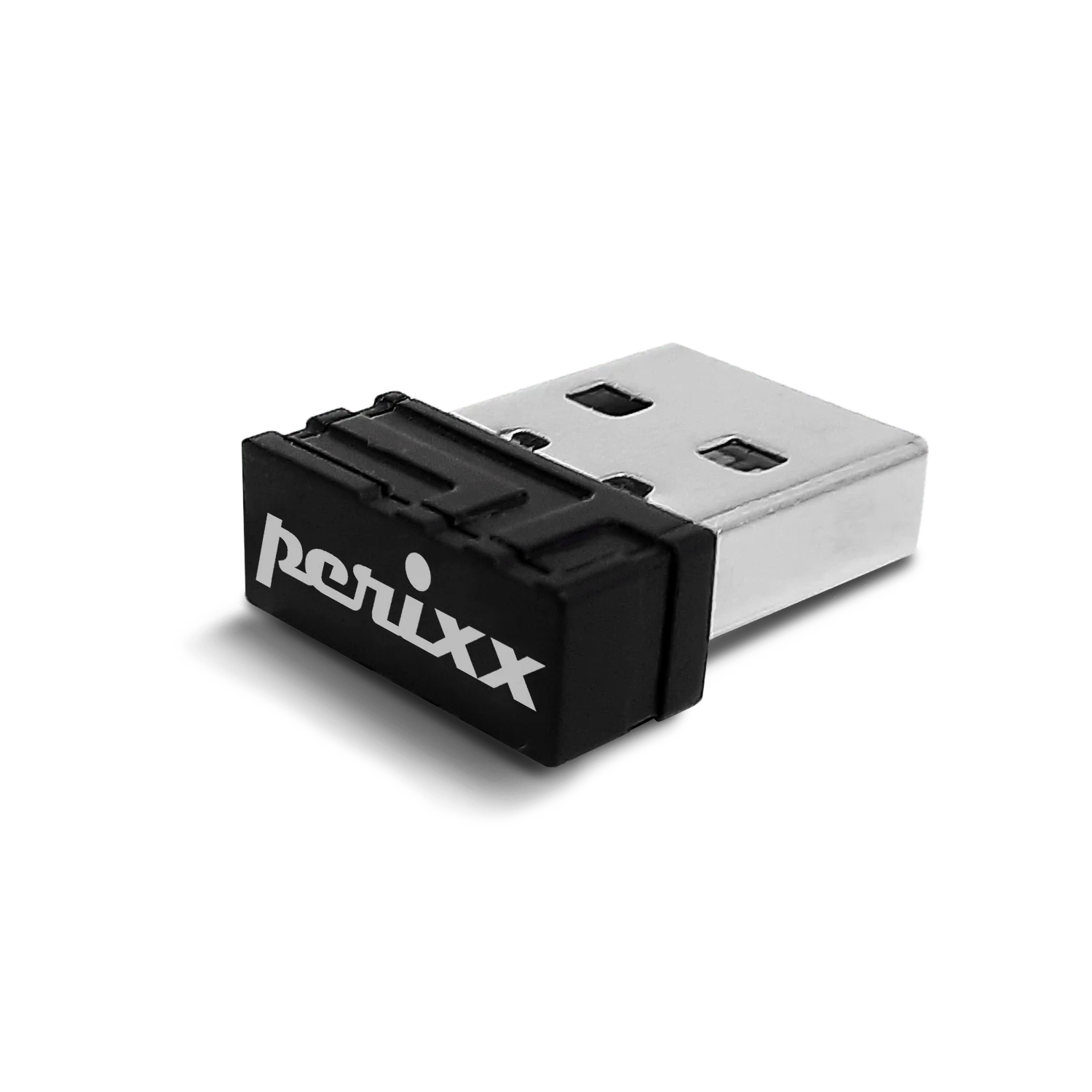
USB dongle receiver for PERIMICE-720-Black
Perixx
USD 7USD 1030% off
out of stock
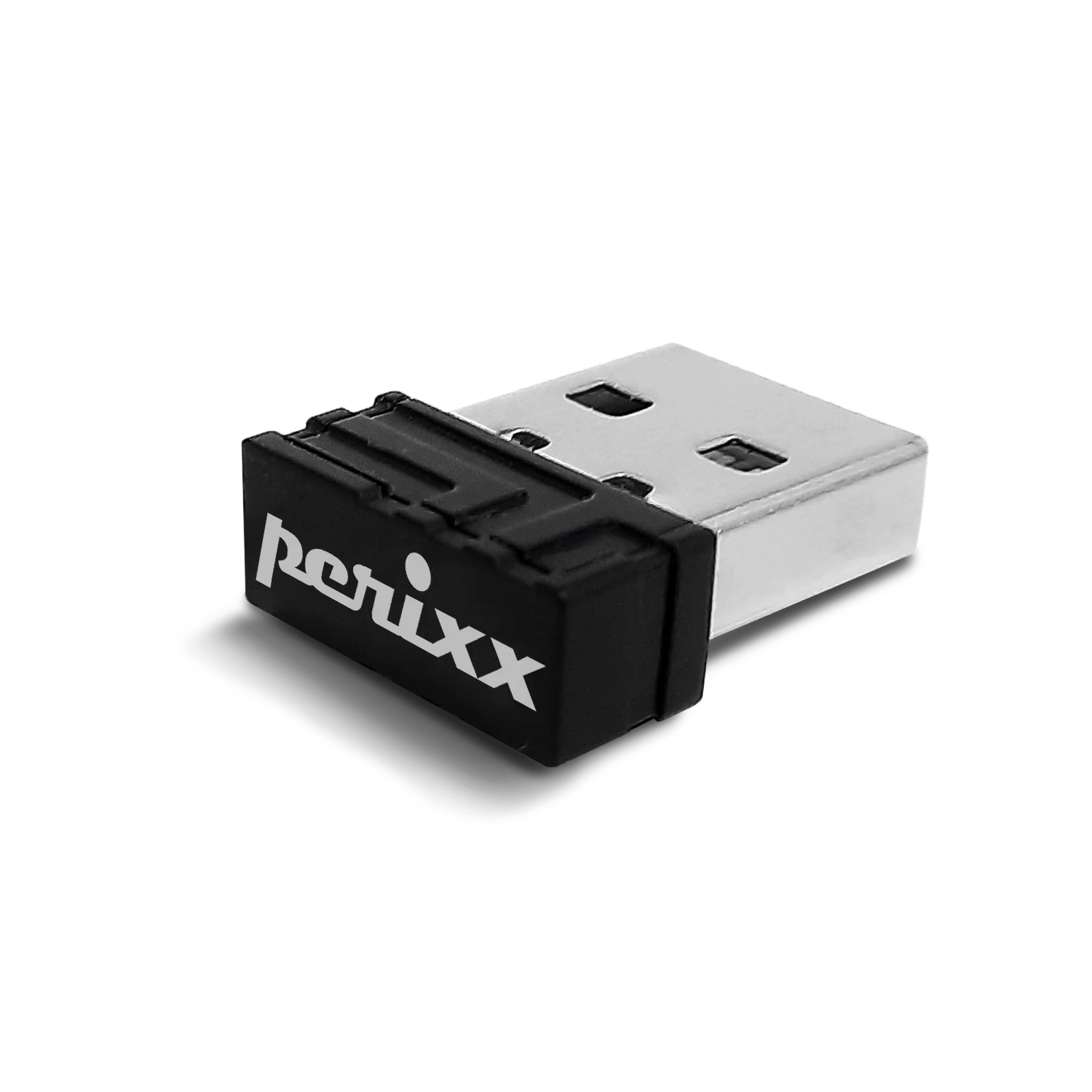
USB dongle receiver for PERIMICE-608, 713, 718, 719 and PPR-706
Perixx
USD 7USD 1029% off
USB dongle receiver for PERIBOARD-624
Perixx
USD 7USD 1030% off
out of stock
USB dongle receiver for PERIDUO-712-Black
Perixx
USD 5USD 1050% off
out of stock