How To Use
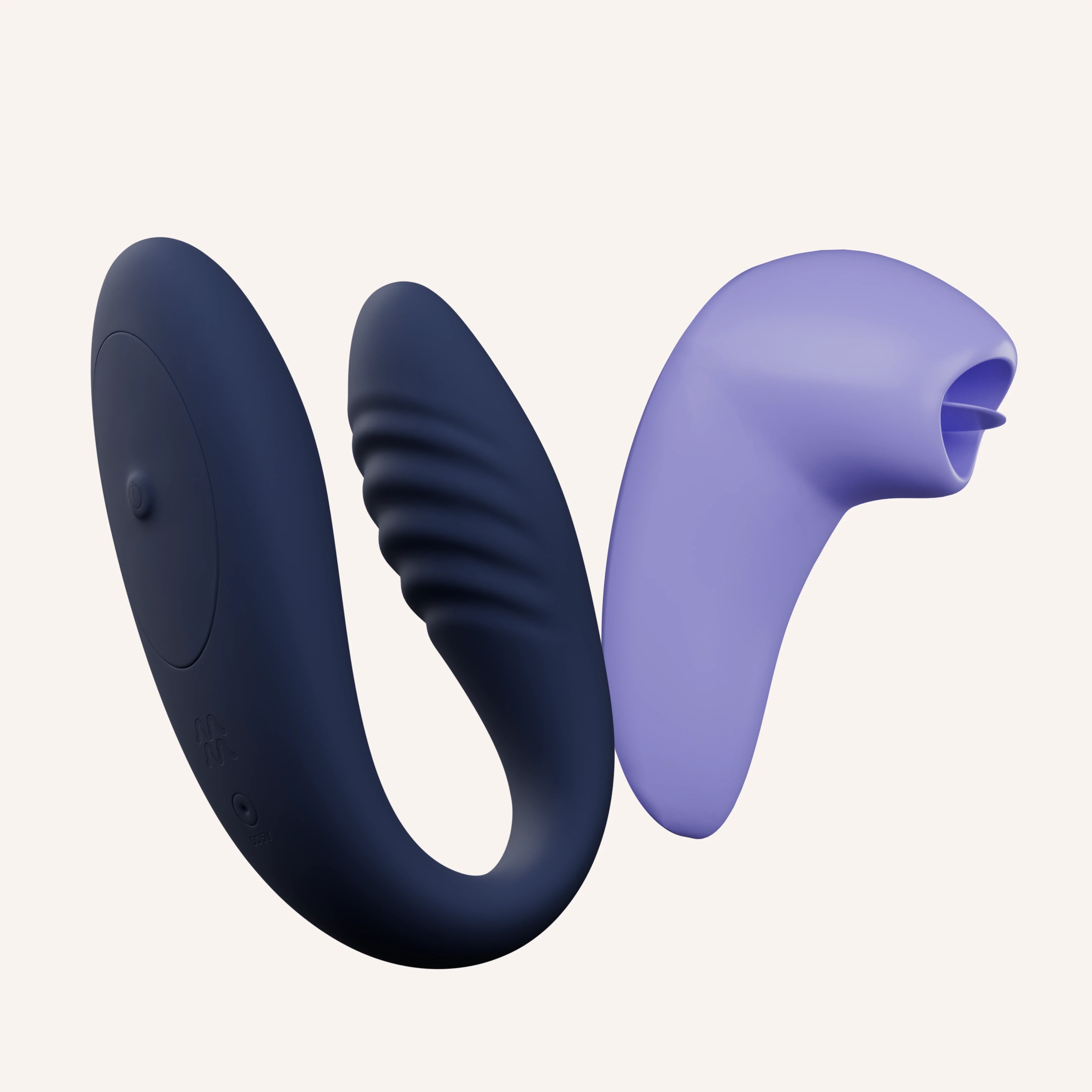
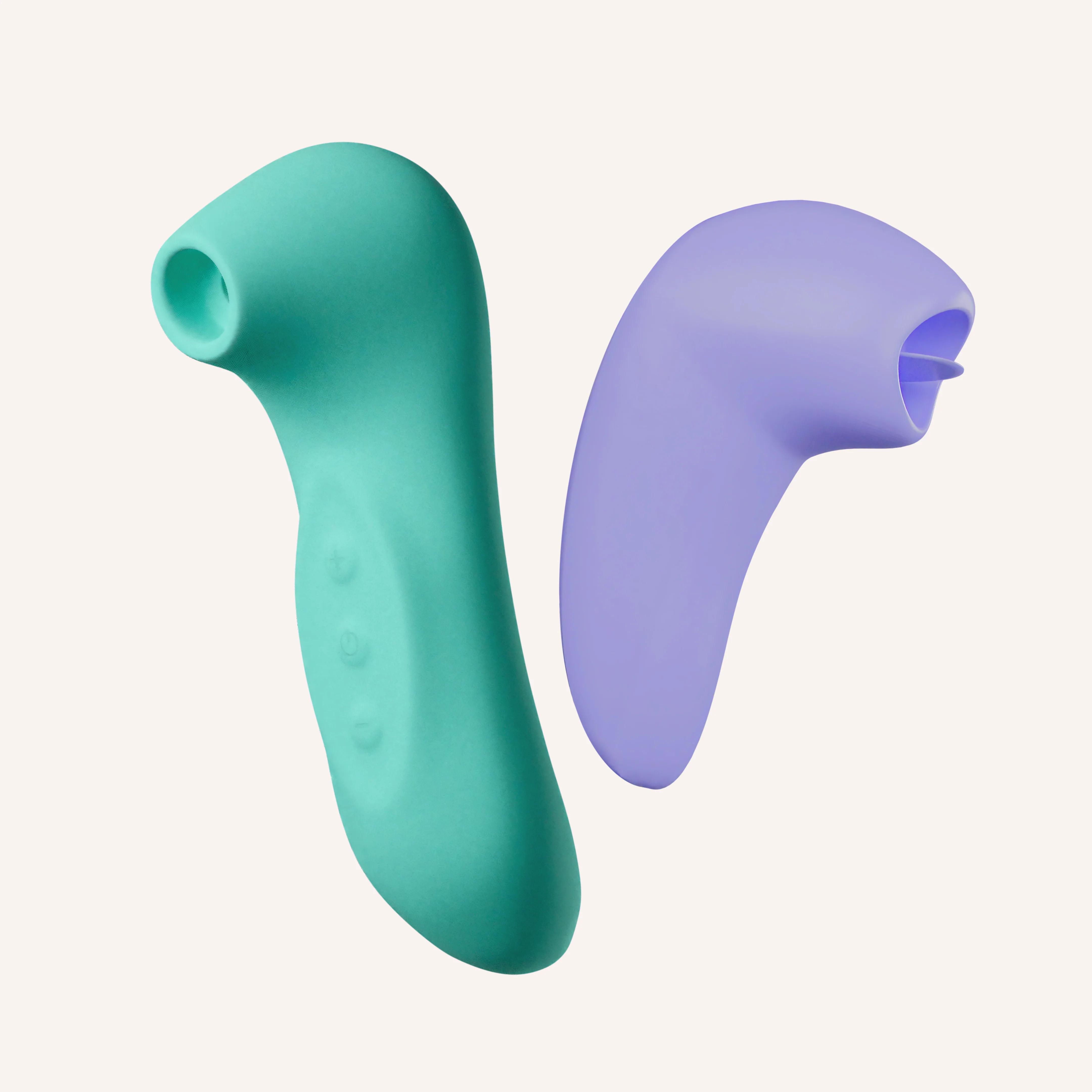
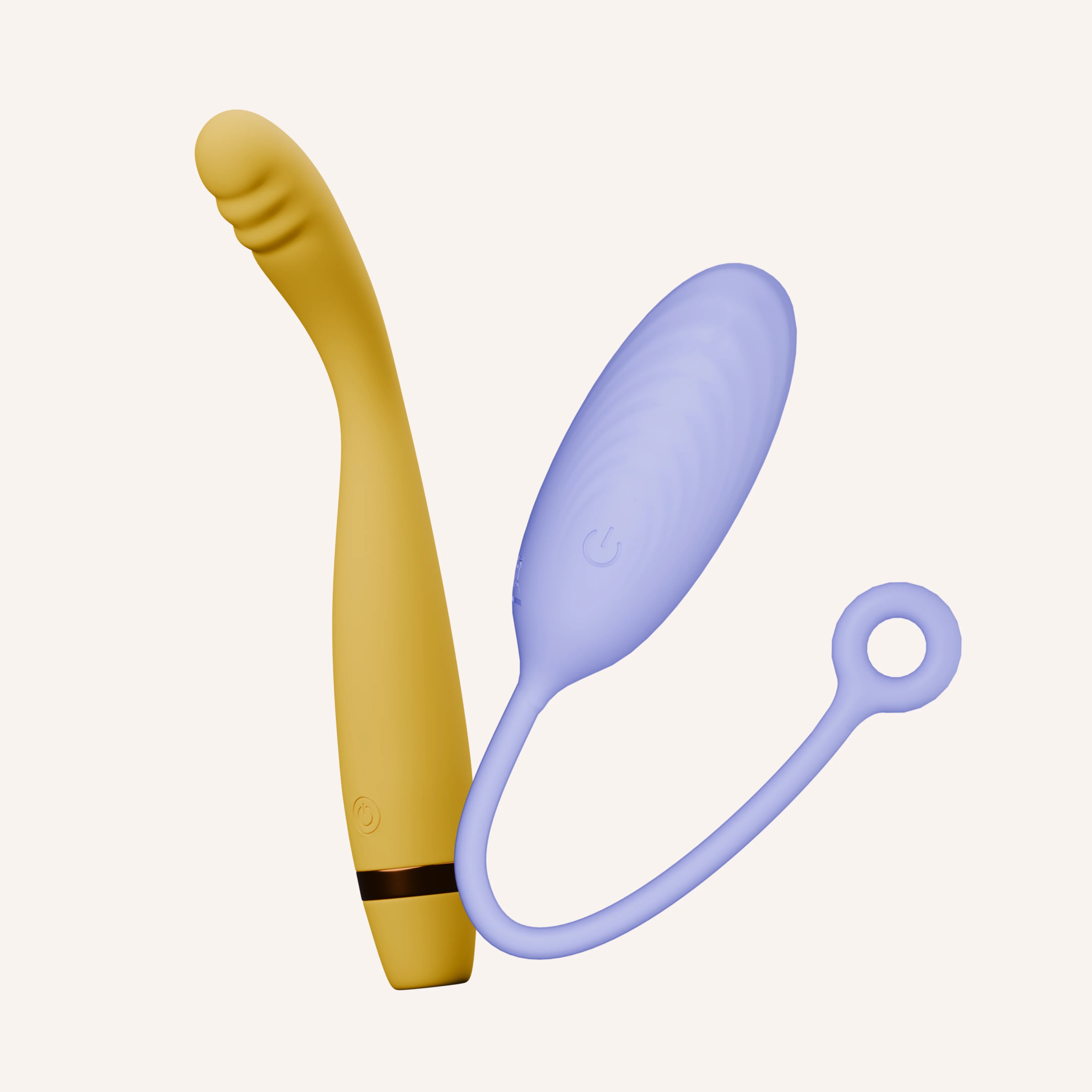
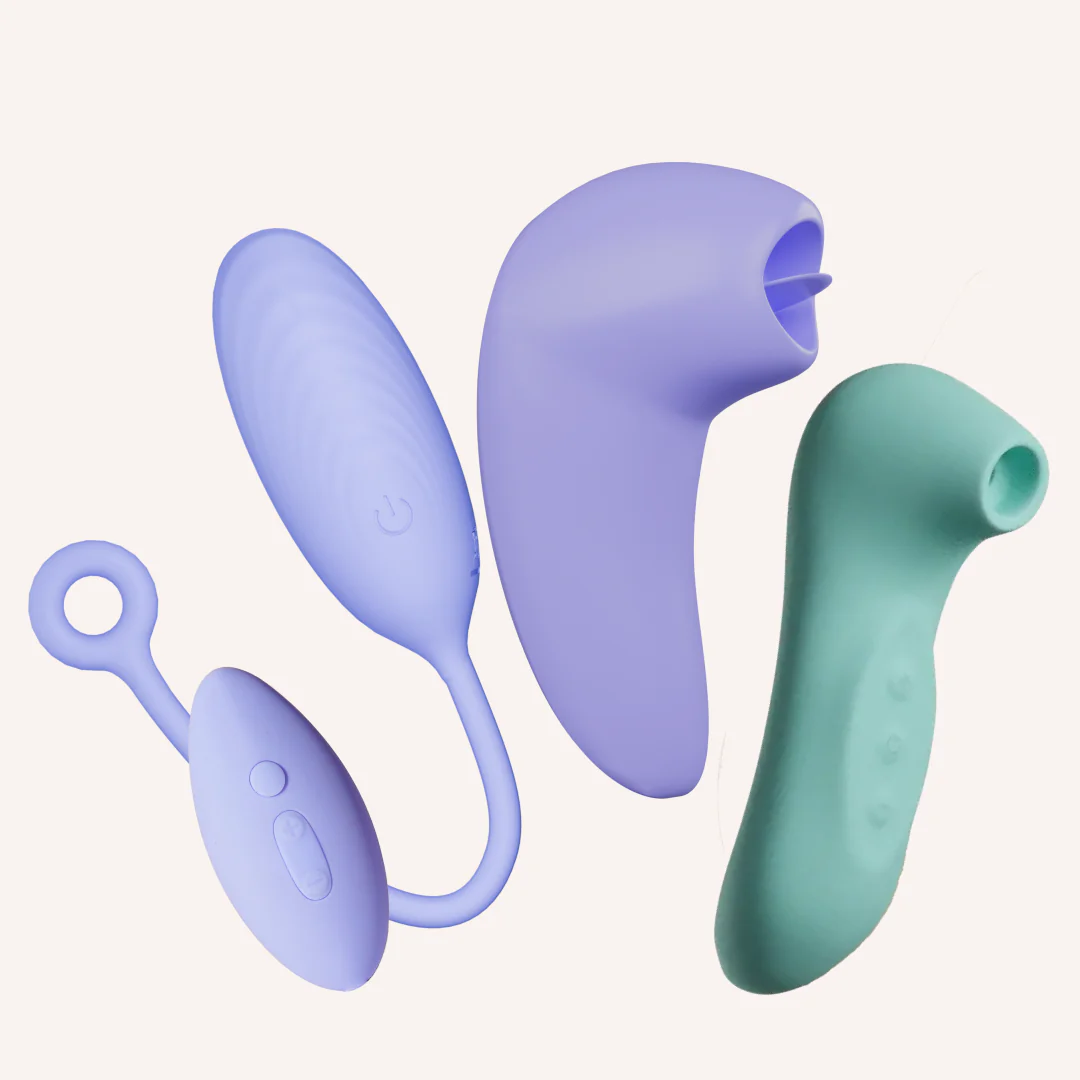
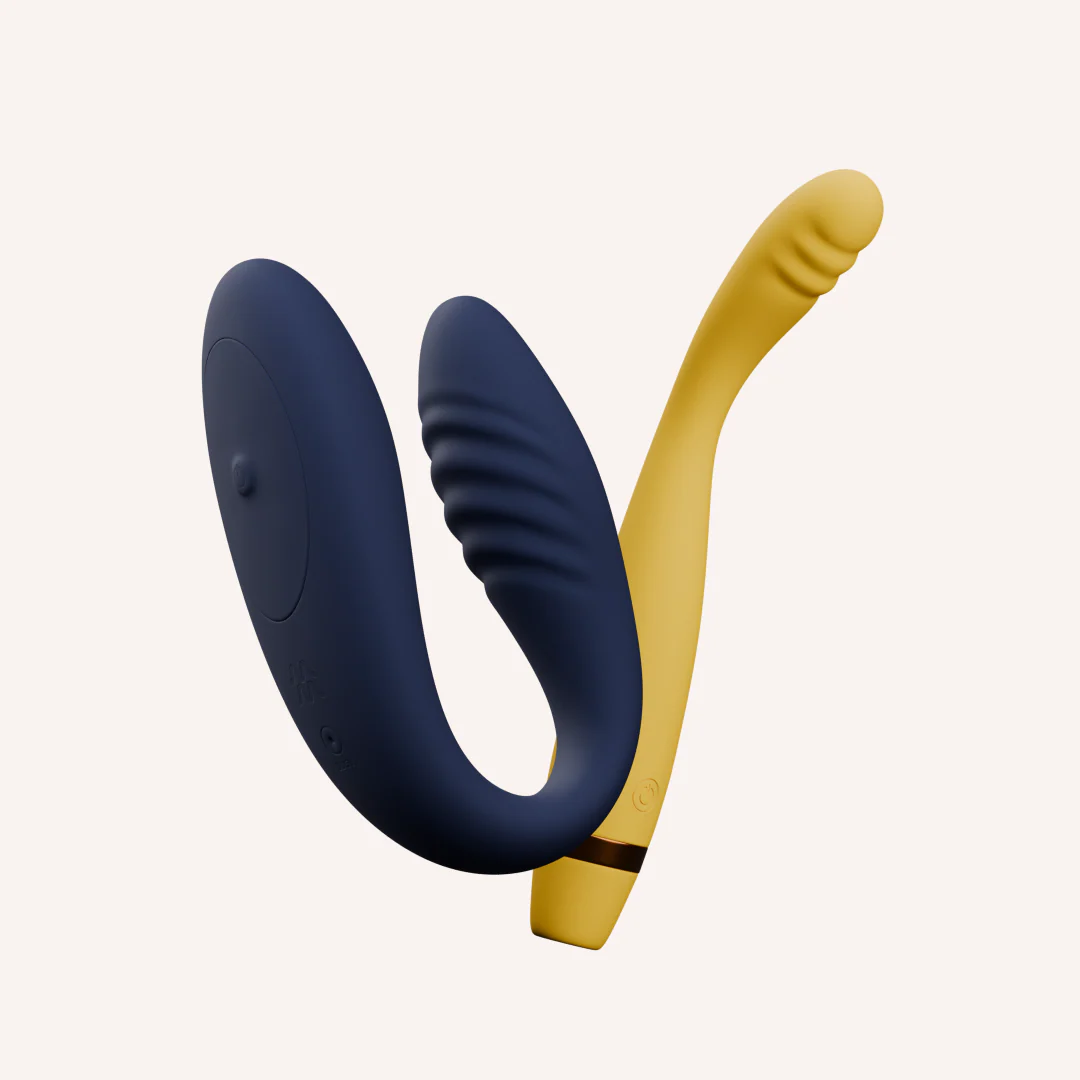
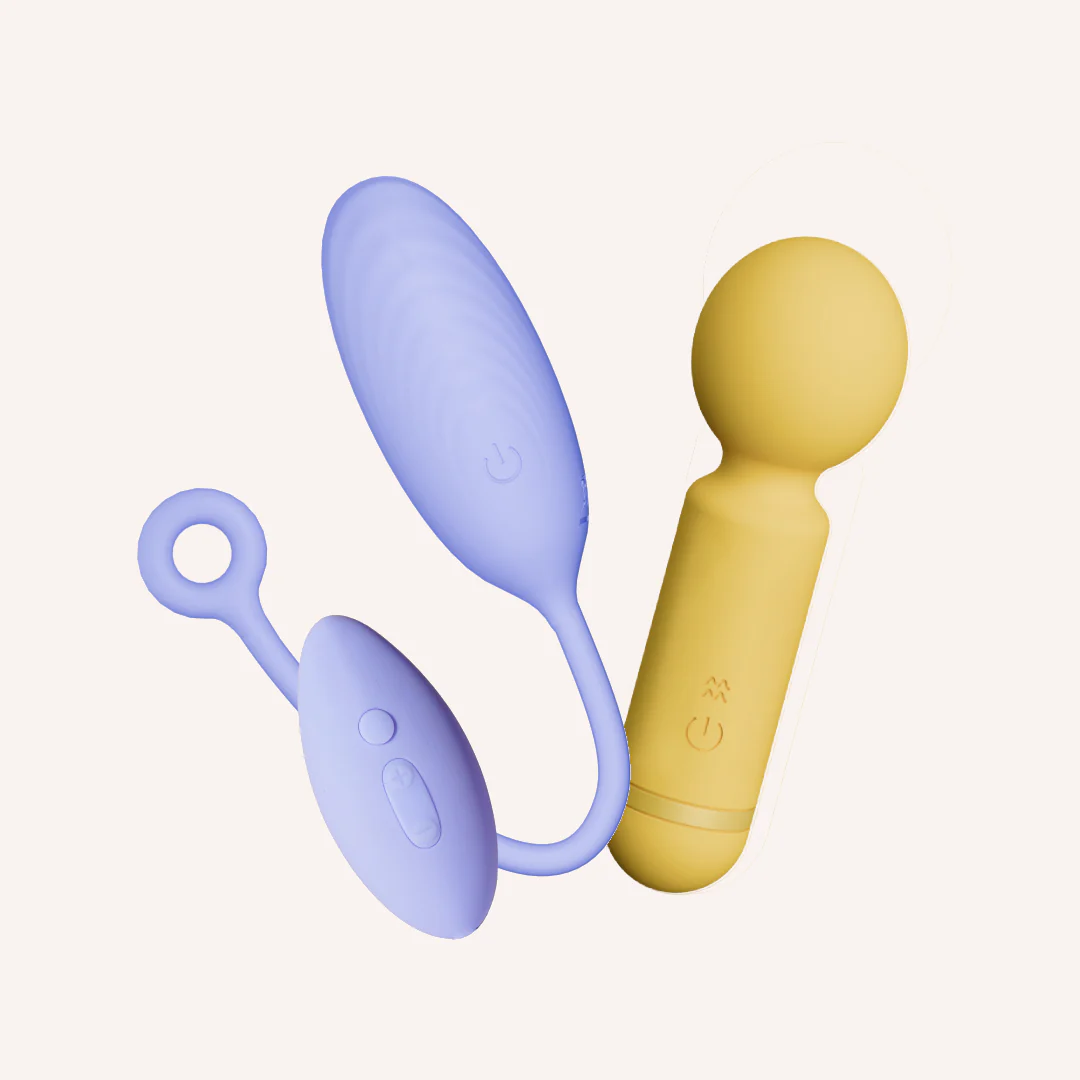
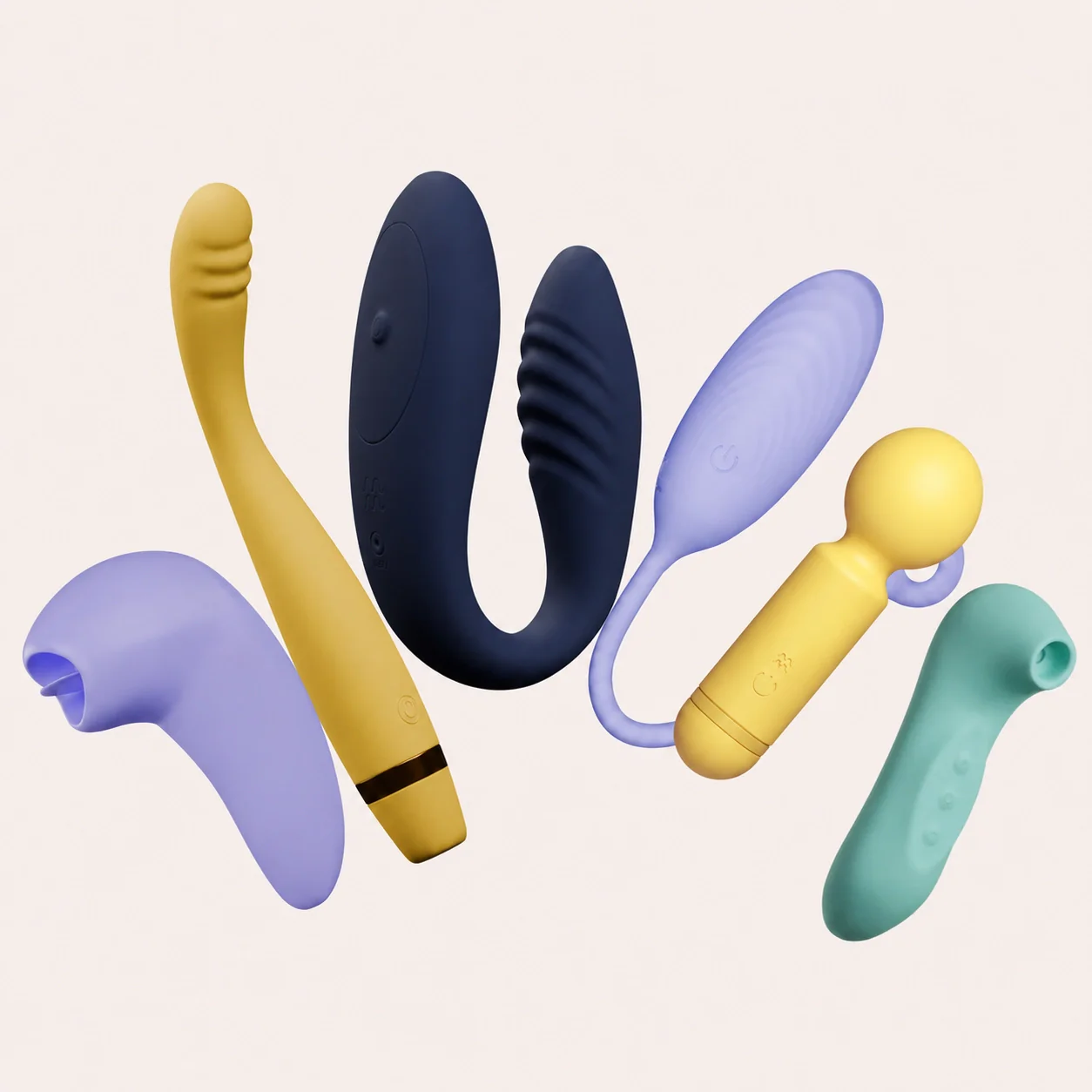
Dive+ Groove+ Link+ Flick Pop Breeze Long-press Dive+ power button until the light blinks. Open MyMuse Sync app, enable Bluetooth, tap βConnect Massager.β Apply water-based lube (like Glide), gently insert, and explore! Control vibrations via the app βenjoy live control, create custom speeds, or share control with a partner through long-distance play. Long-press the Groove+ power button until the light blinks. Open MyMuse Sync app, enable Bluetooth, tap βConnect Massager.β Apply water-based lube (like Glide) and run the curved tip against your erogenous zones internally or externally. Explore! Control vibrations via the app βenjoy live control, create custom speeds, or share control with a partner through long-distance play. P.S.- You can also use Groove+ without the app, simply shuffle through the 10 pre-set speeds using the power button on the massager. Long-press the Link+ power button until the light blinks. Open MyMuse Sync app, enable Bluetooth, tap "Connect Massager". Need help? Follow our step-by-step guide. Use a water-based lube (like Glide), gently insert the smaller end, and rest the larger end on your external sweet spot. Explore! Control vibrations via the app - enjoy live control, create custom speeds, or share control with a partner through long-distance play. Pro Tip: You can also use Link+ without the app, simply shuffle through the 10 pre-set speeds using the power button on the massager. P.S. β Only Link+ can be used with the MyMuse Sync app. Turn It On : Press and hold the power button for three seconds to turn Flick on. Get Going : Press the power button again to start the flicking. Gently press Flick against the desired body part to feel the silicone tongue in action. Turn It Up : To move up an intensity, press the power button. To turn off, press & hold the power button for three seconds Flick feels great anywhere a tongue might feel good π : - Sweet spot π« - Nips π» - Inner thigh π¦΅π» Turn Pop on by long pressing the power button. A light will come on, and Pop will begin to vibrate at intensity 1. To move to the next intensity, short-press the power button once. Run the flexible head across your body externally, in a way that feels good to you. Once done, just long press the power button to turn Pop off. Long press the power button to turn Breeze on. Move between its 10 speeds by clicking (+) or (-). Hold Breeze against the desired body part to create a gentle seal and feel its unique sucking sensations. Long press the power button to turn Breeze off.