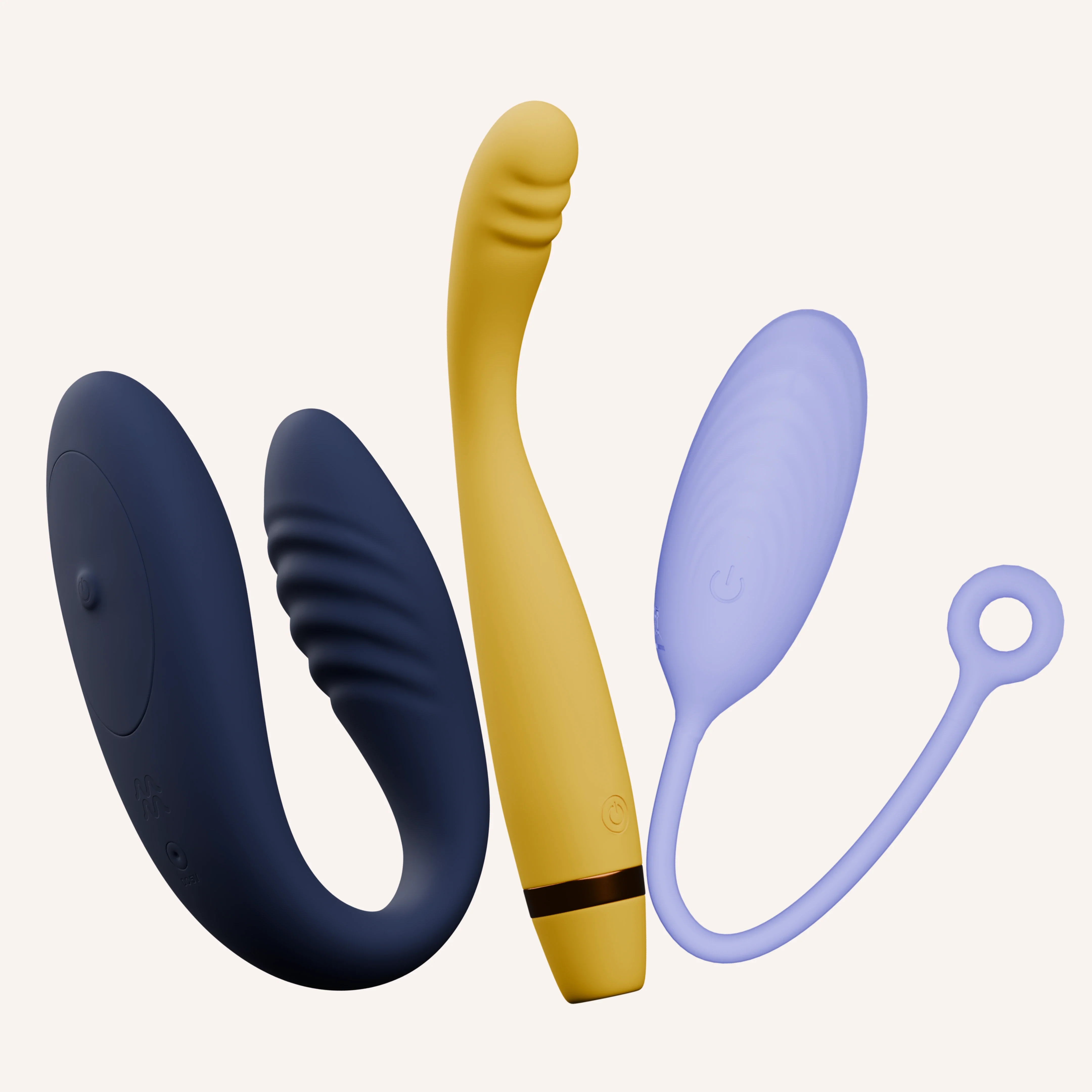
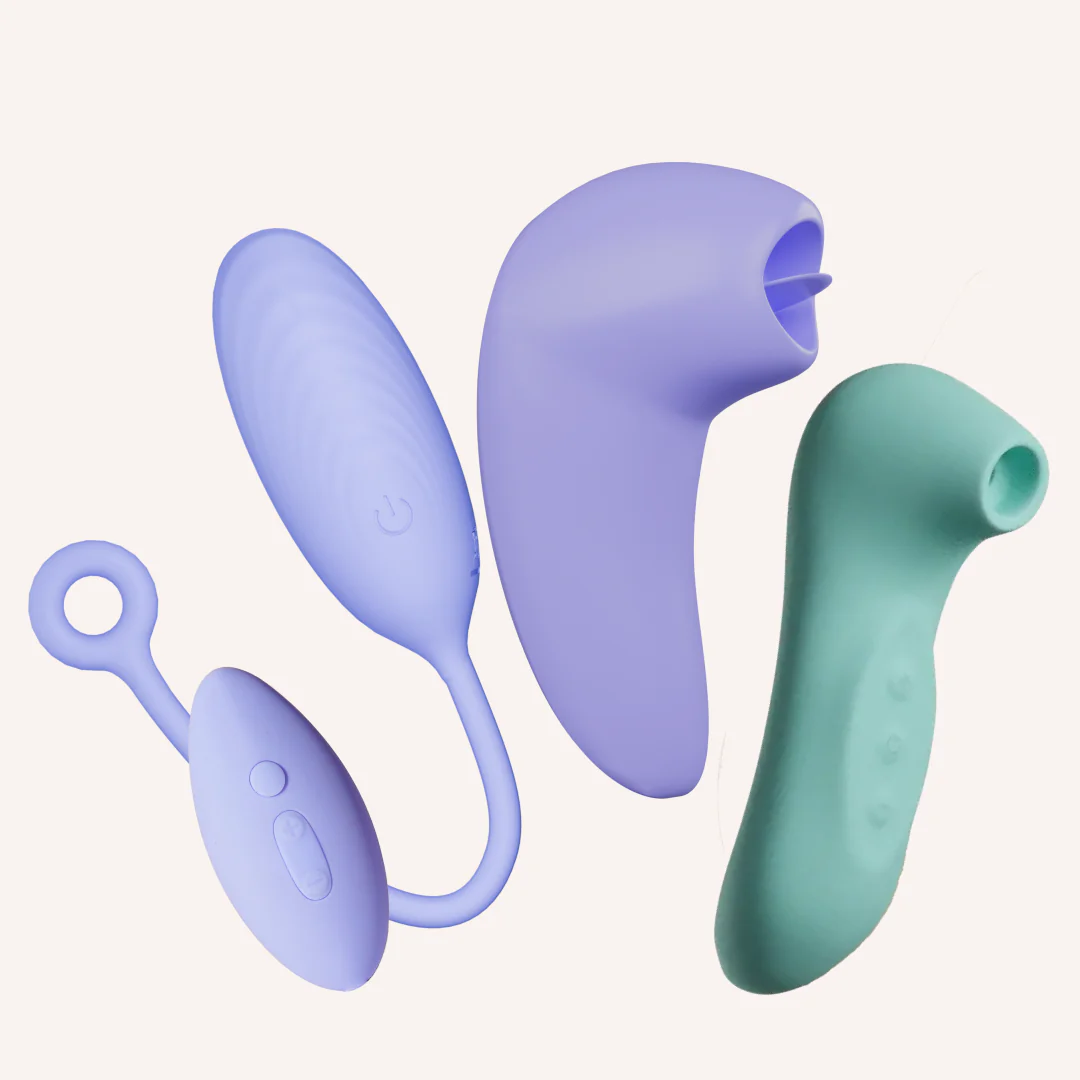
The Ultimate App-grade Kit
₹9,999₹16,79740% off
● In stock · ★ 4.7 (86)checking live price…
View on MyMuse store ↗One gift, endless pleasure! Groove+ for every sweet spot, Link+ for blended, hands-free dual stimulation, and Dive+ for discreet, internal pleasure. Both Groove+ & Link+ sync with the MyMuse Sync app for infinite custom patterns, live control, and secure long-distance play.
Coupons
GET15 — ₹532 off
HELLO10 — ₹355 off
WELCOME10 — ₹355 off
Delivery
You may also like
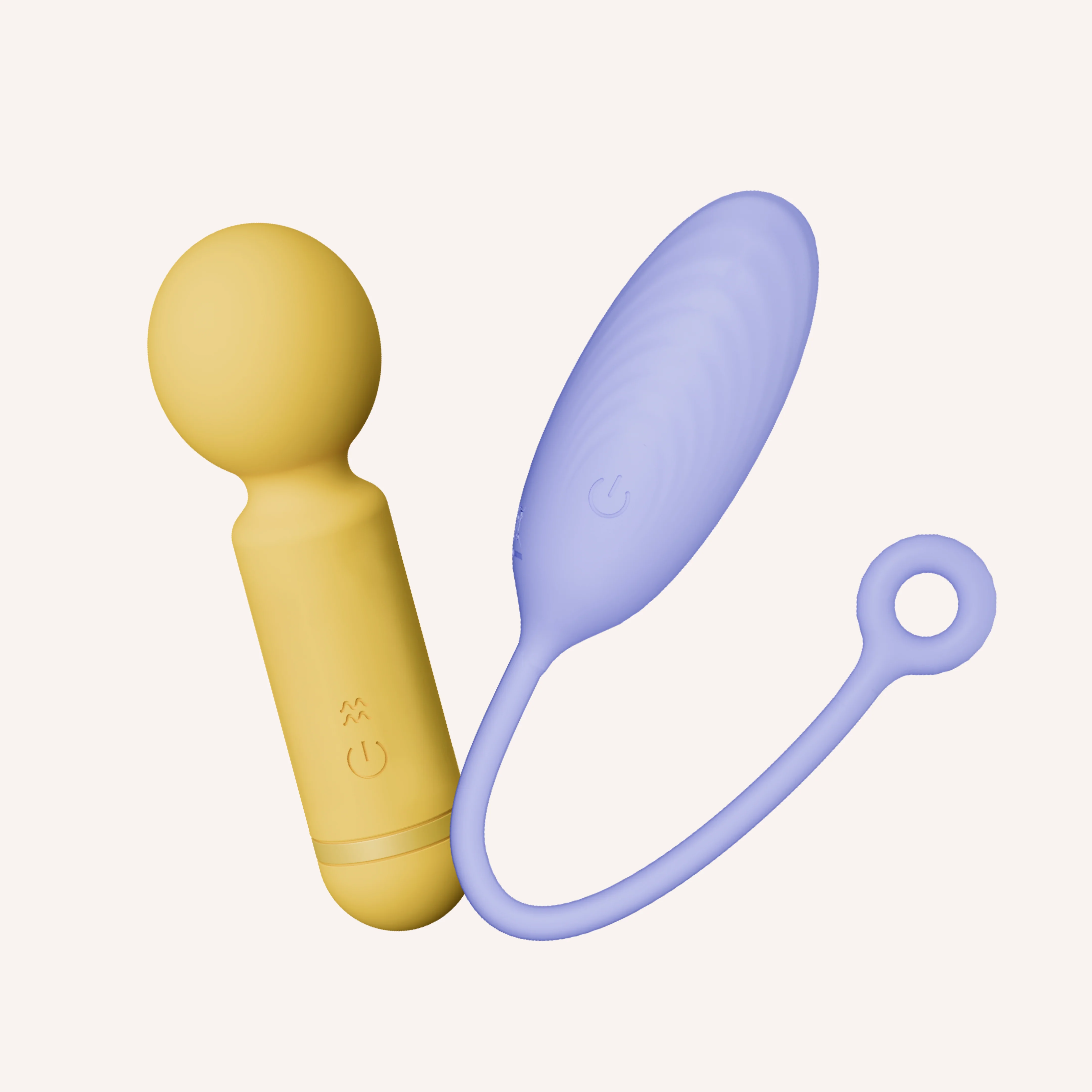
Double Dip Kit
MyMuse
₹4,599₹6,64831% off
★ 4.6 (86)
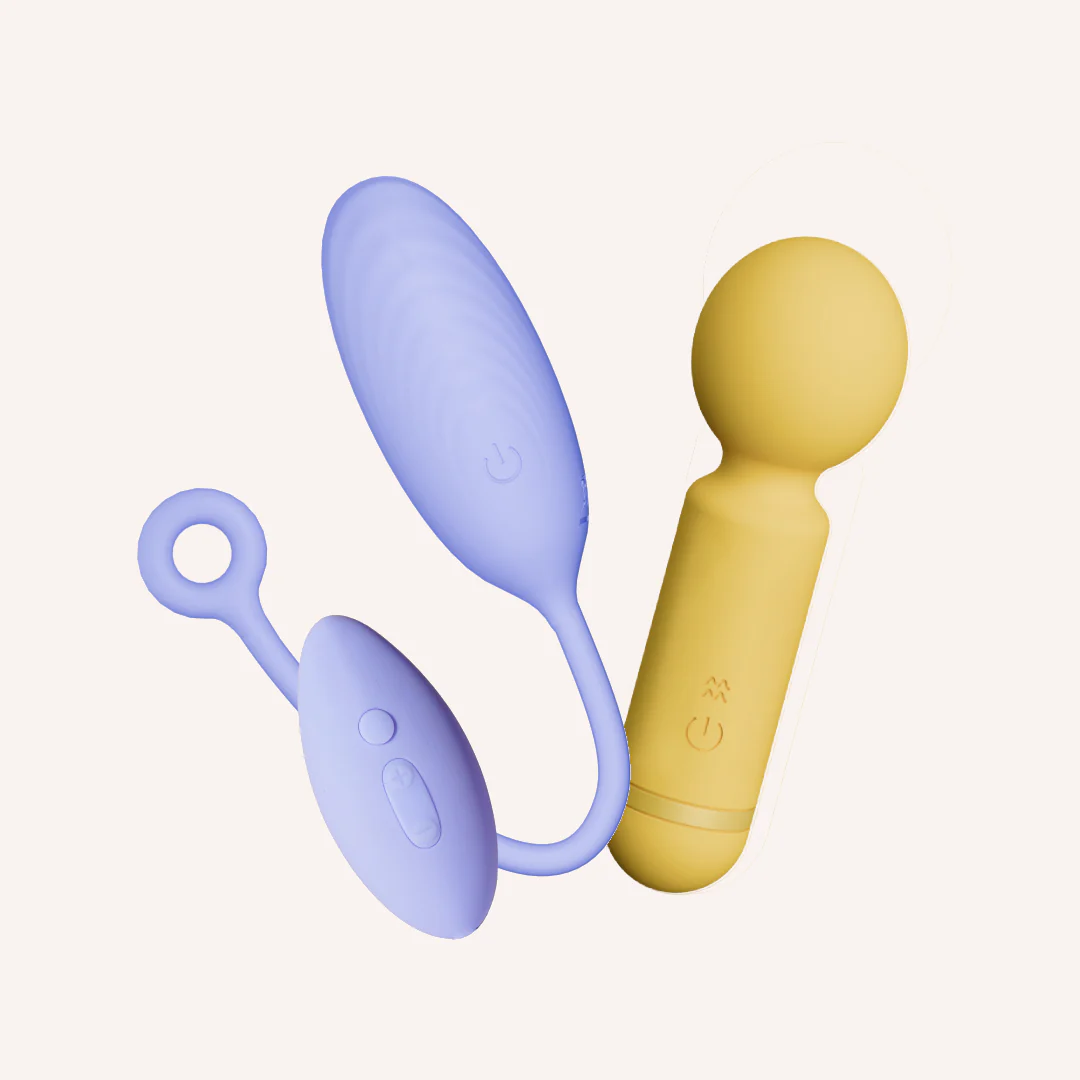
The Deep Buzz Kit
MyMuse
₹3,499₹6,14843% off
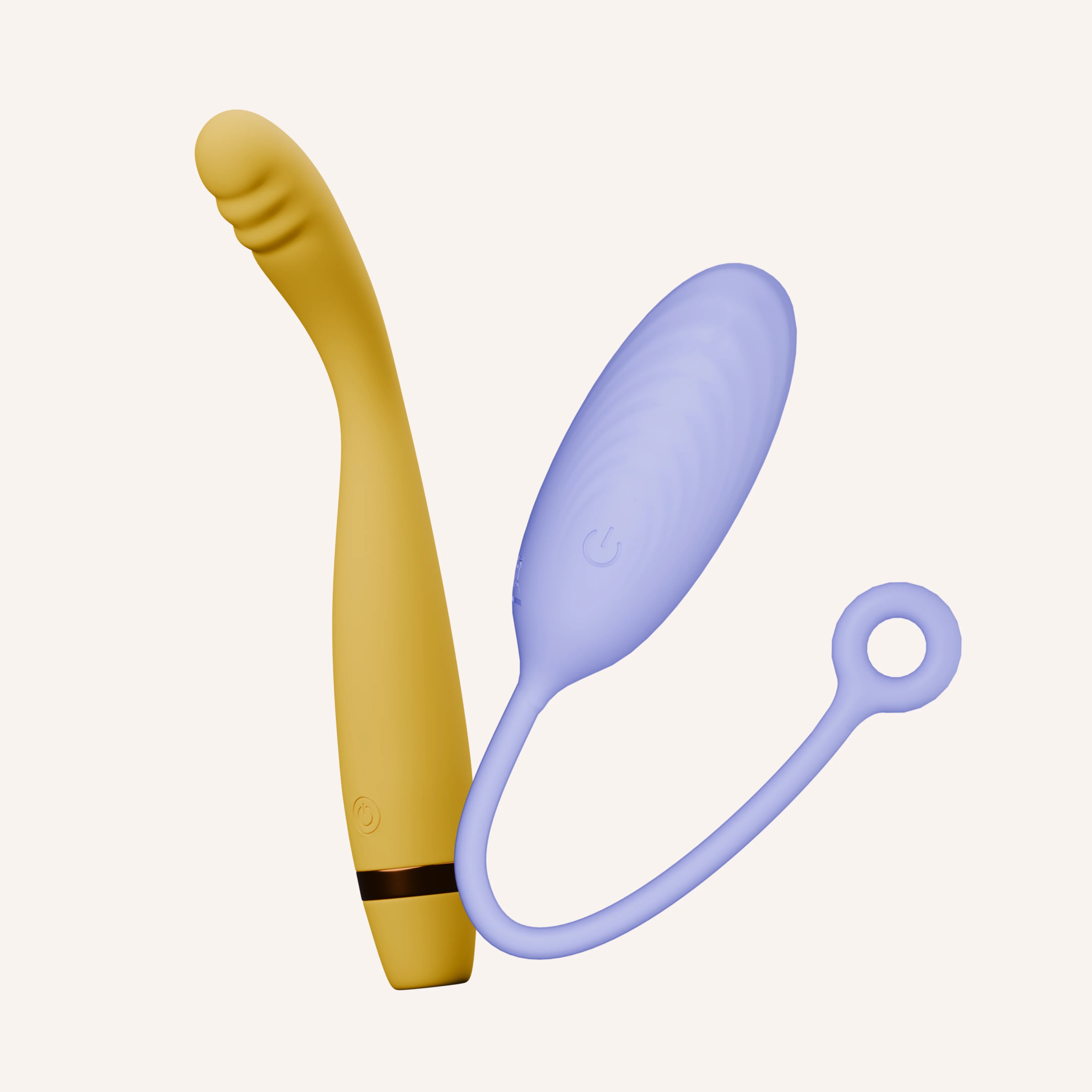
The Inside Job Kit
MyMuse
₹5,799₹9,79841% off
★ 5.0 (5)
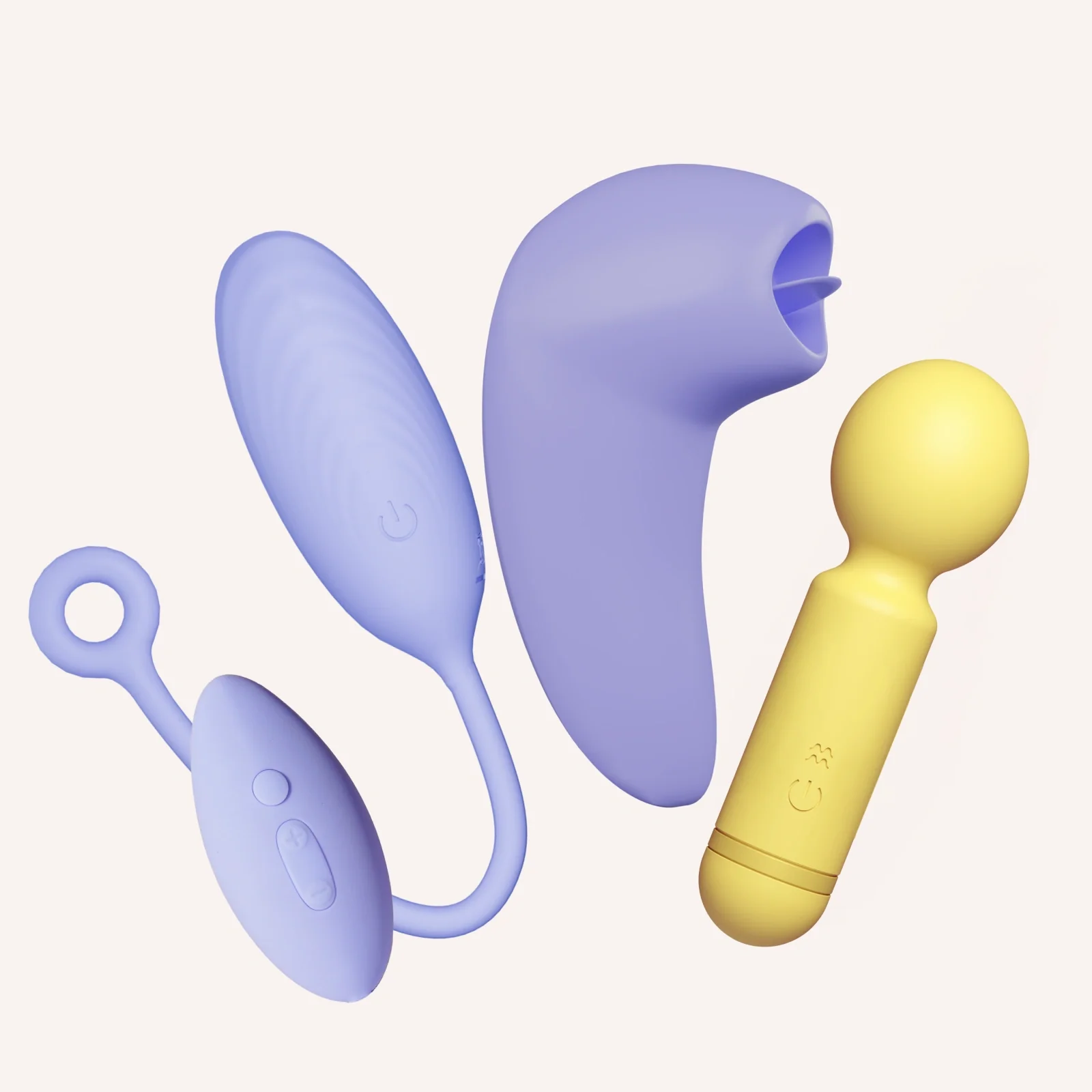
Triple Satisfaction Kit for her
MyMuse
₹4,999₹12,09759% off
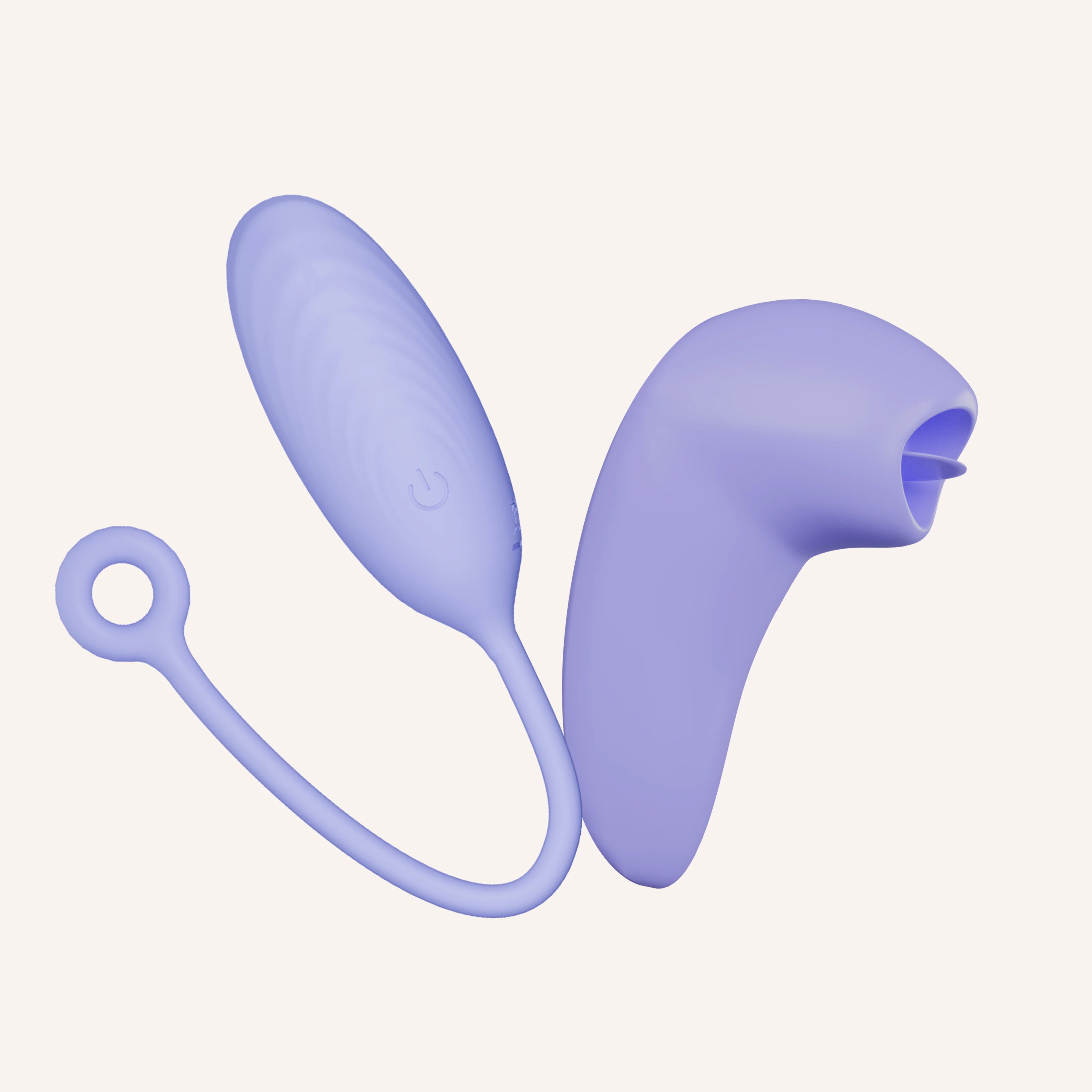
Inside & Out Kit
MyMuse
₹5,499₹9,79844% off
★ 4.8 (323)
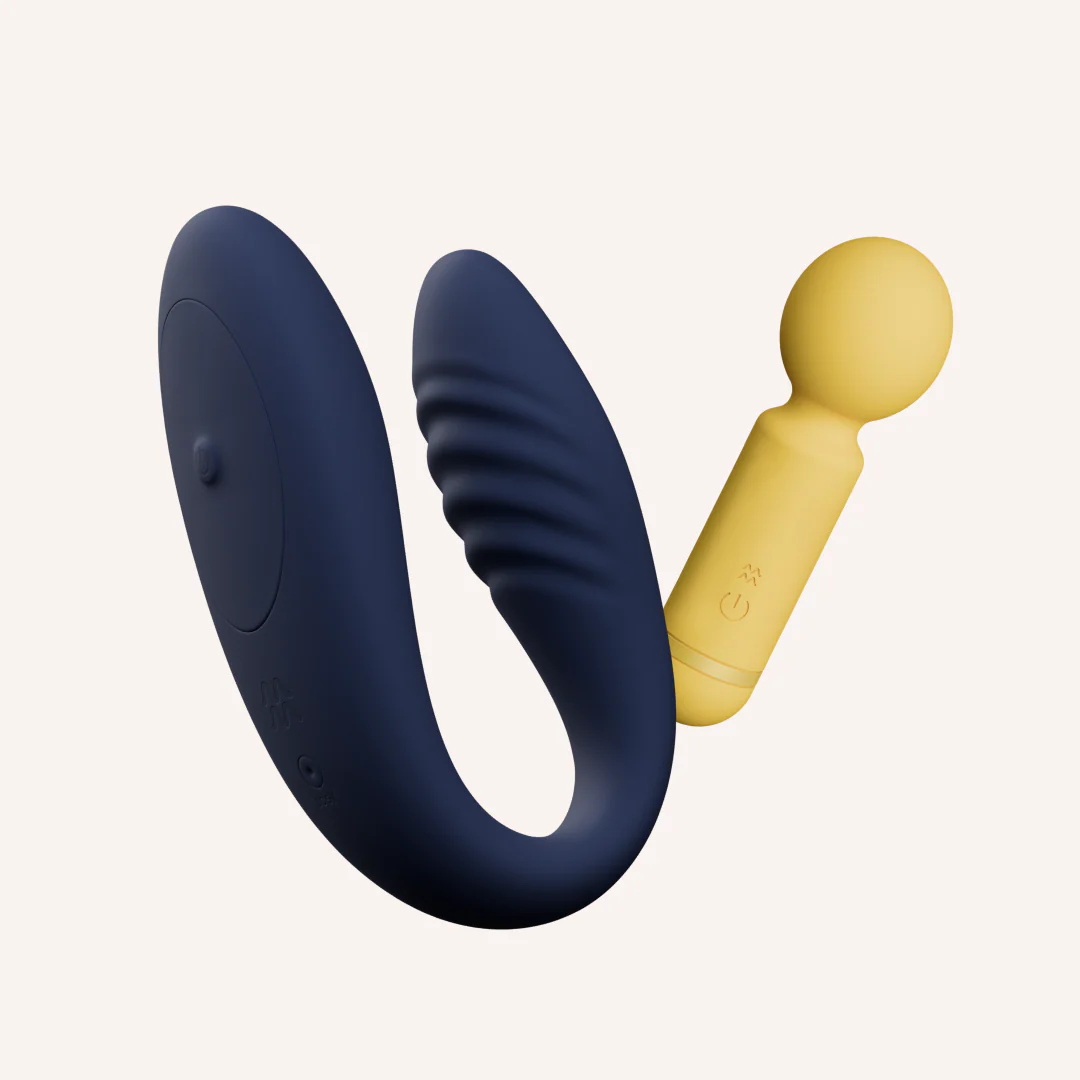
The Pamper Me Kit
MyMuse
₹5,599₹8,59835% off
★ 4.6 (59)
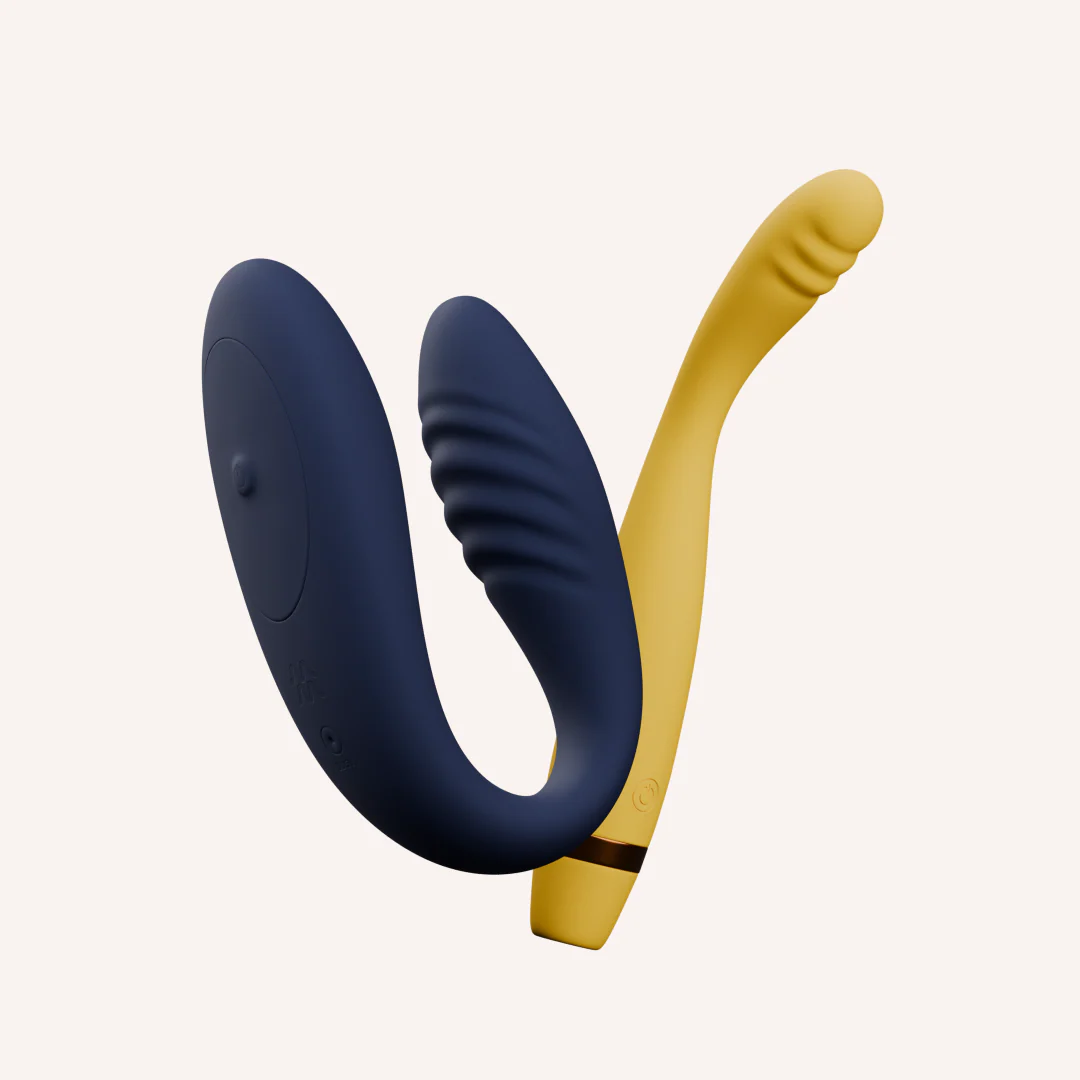
The Quick Release Kit
MyMuse
₹6,499₹11,64844% off
★ 4.0 (2)
The Full Spectrum Kit
MyMuse
₹6,499₹13,49752% off