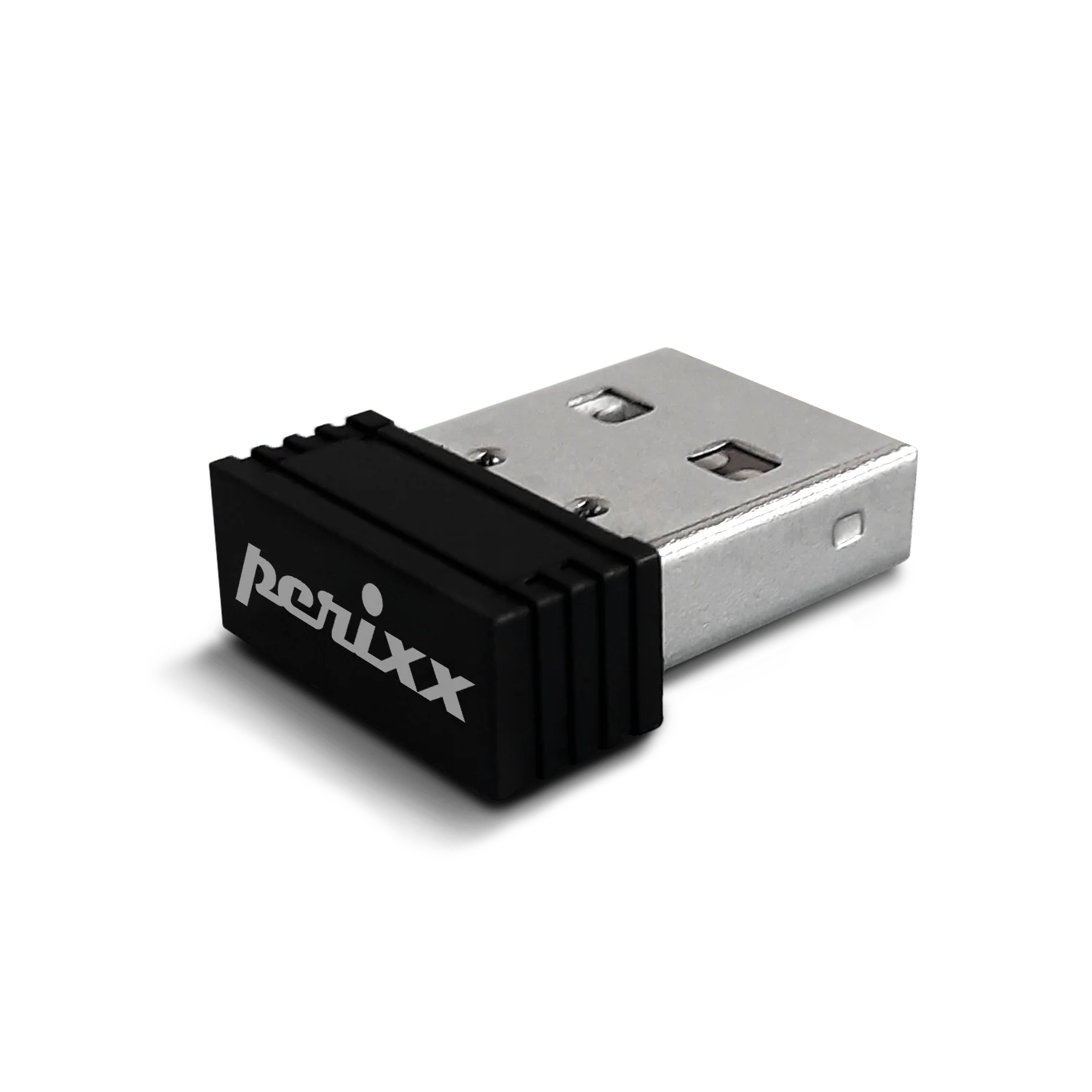
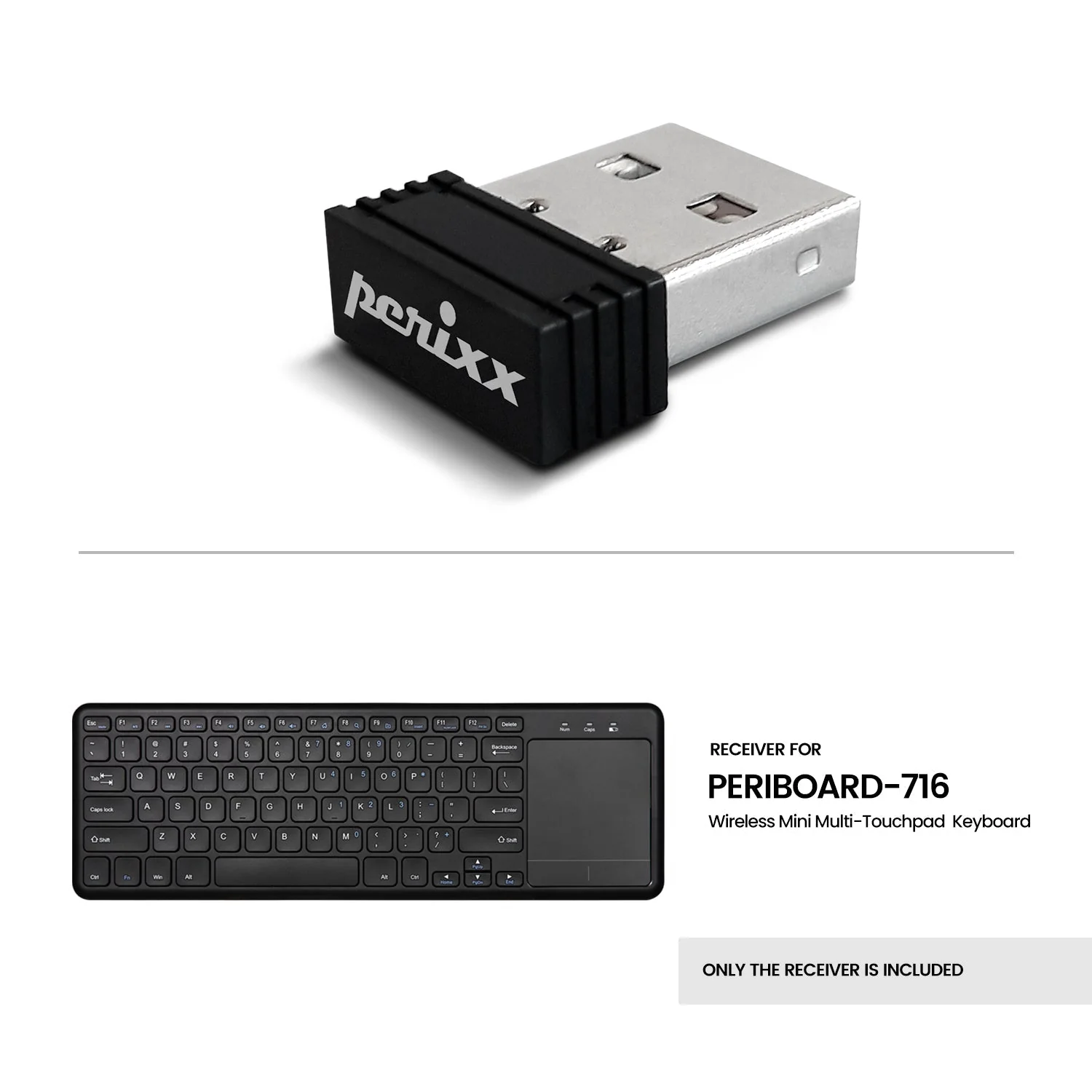
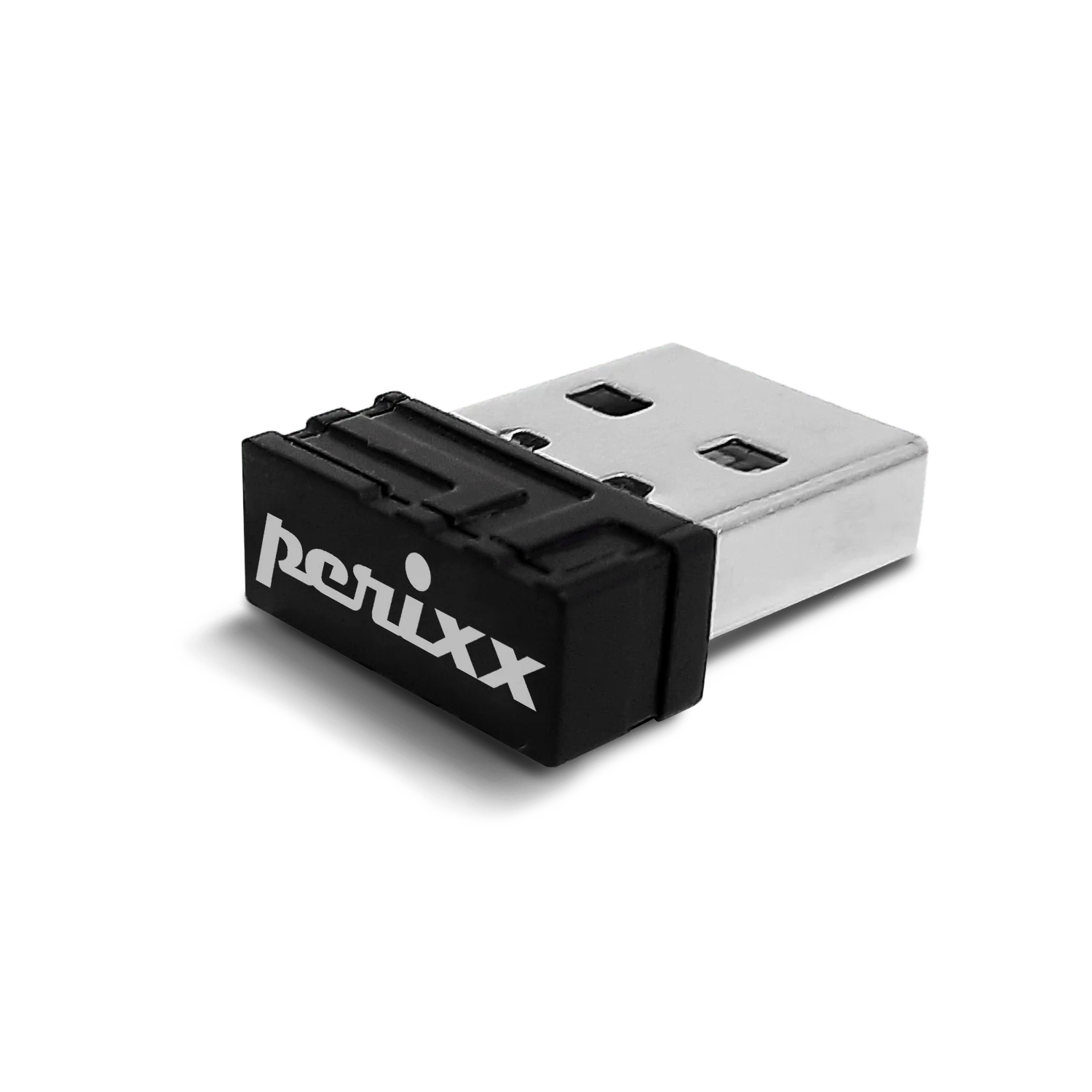
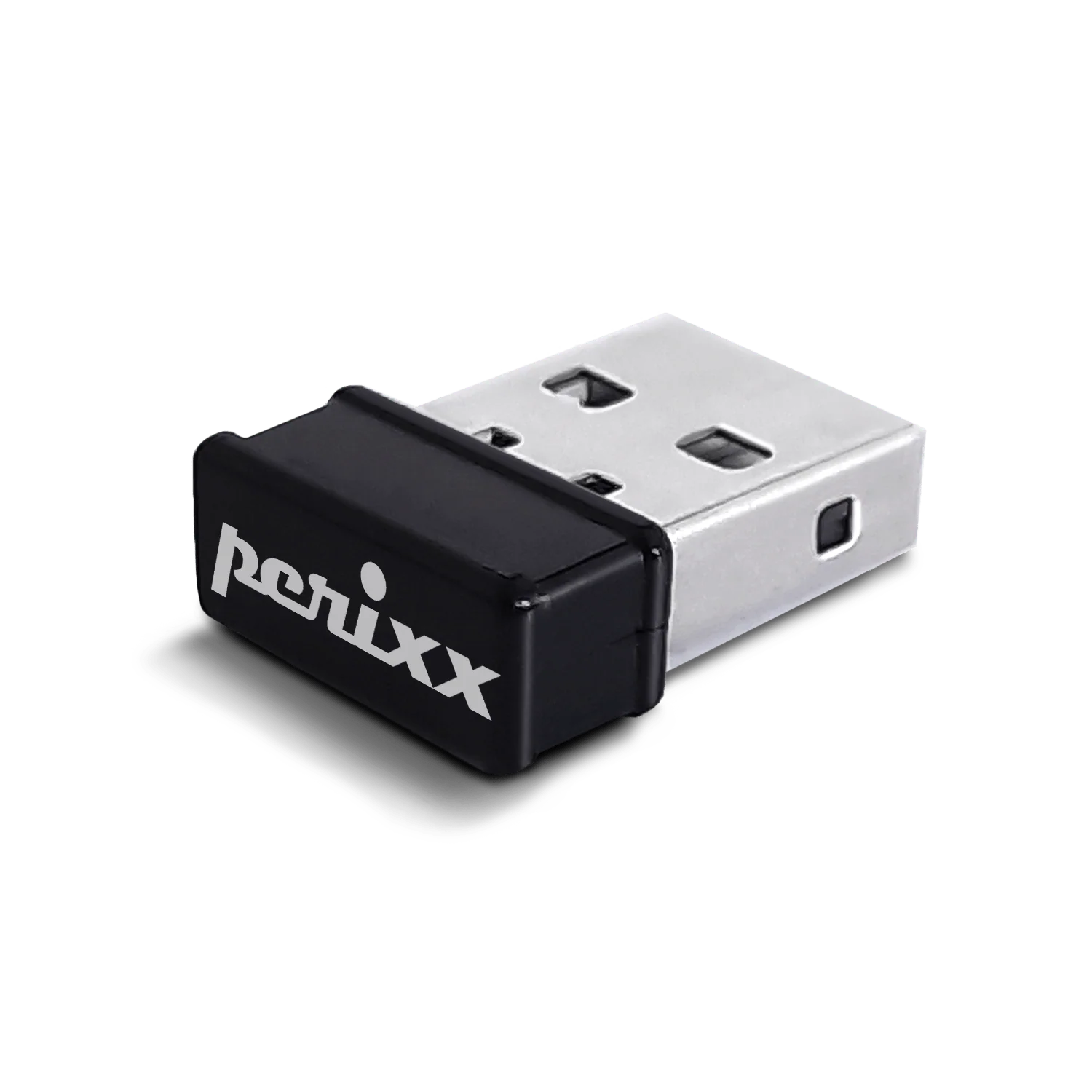
USB dongle receiver for PERIBOARD-716III
USD 5USD 1050% off
Out of stockchecking live price…
View on Perixx store ↗How to reset the connection between the USB dongle and the keyboard:
- Insert batteries into your keyboard and switch it on.
- Press QSC key and Q key or ESC key and K key at the same time for 10 seconds.
- Plug the receiver into the USB port on the computer
Delivery
You may also like
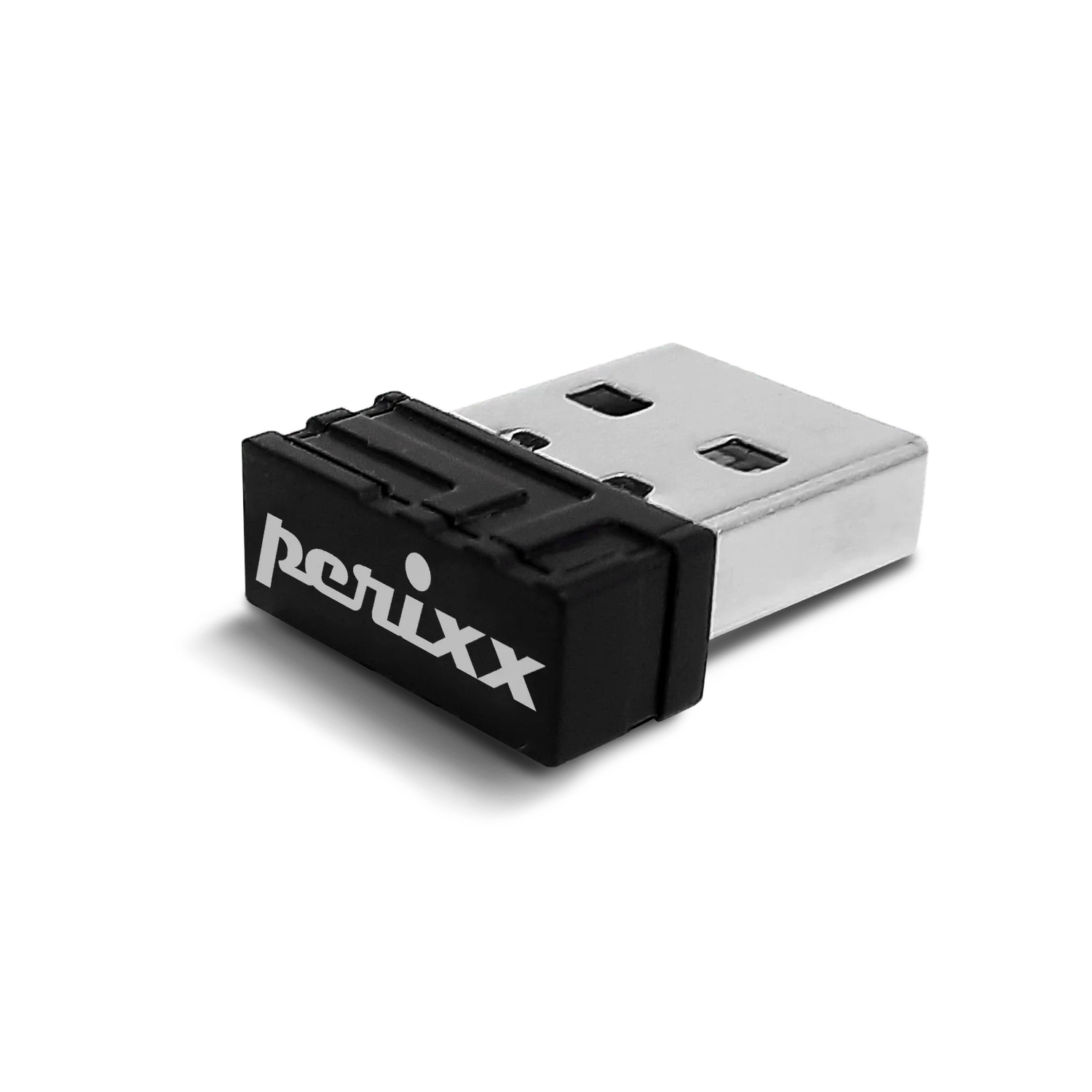
USB dongle receiver for PERIBOARD-706
Perixx
USD 7USD 1030% off
out of stock
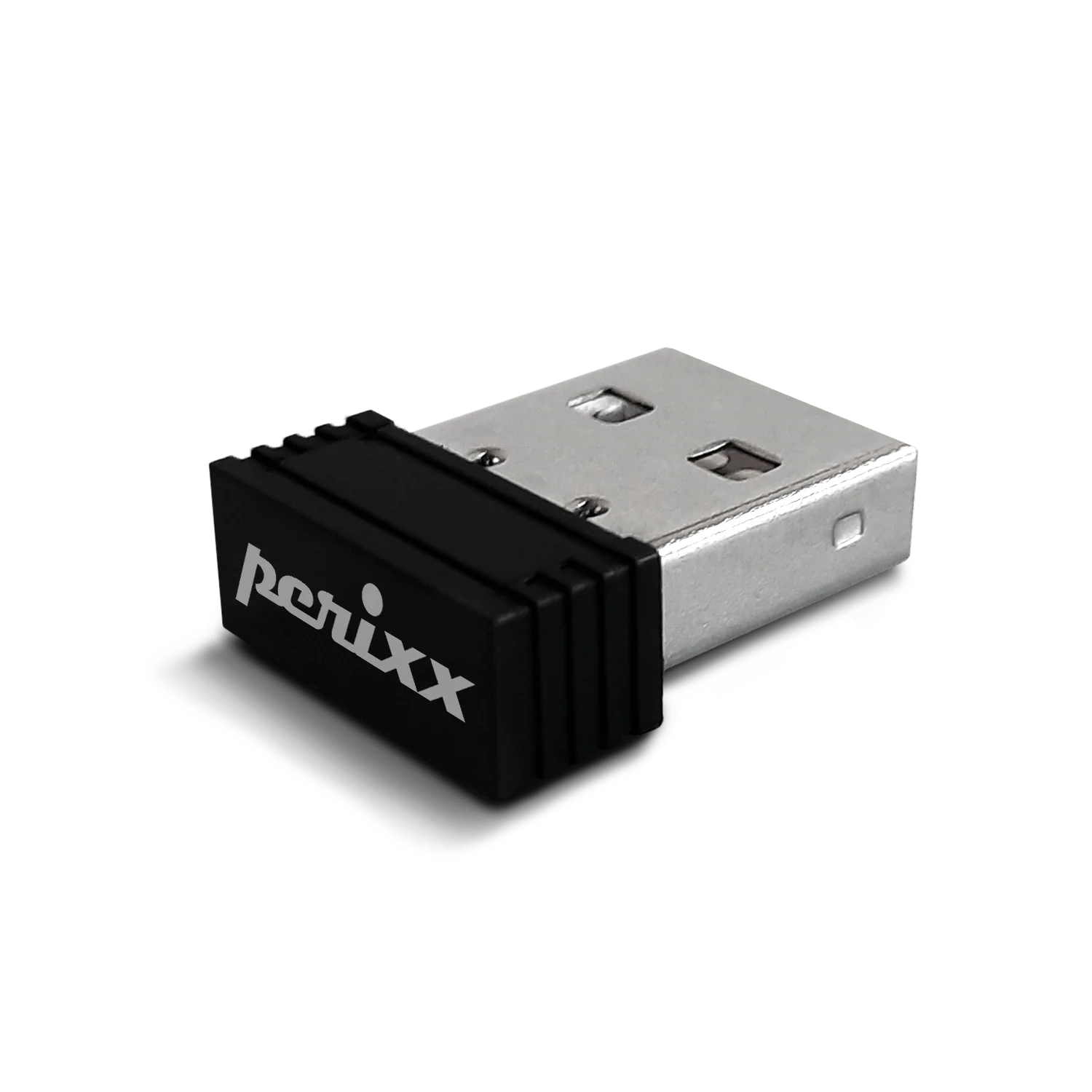
USB dongle receiver for PERIDUO-610-Black
Perixx
USD 5
out of stock
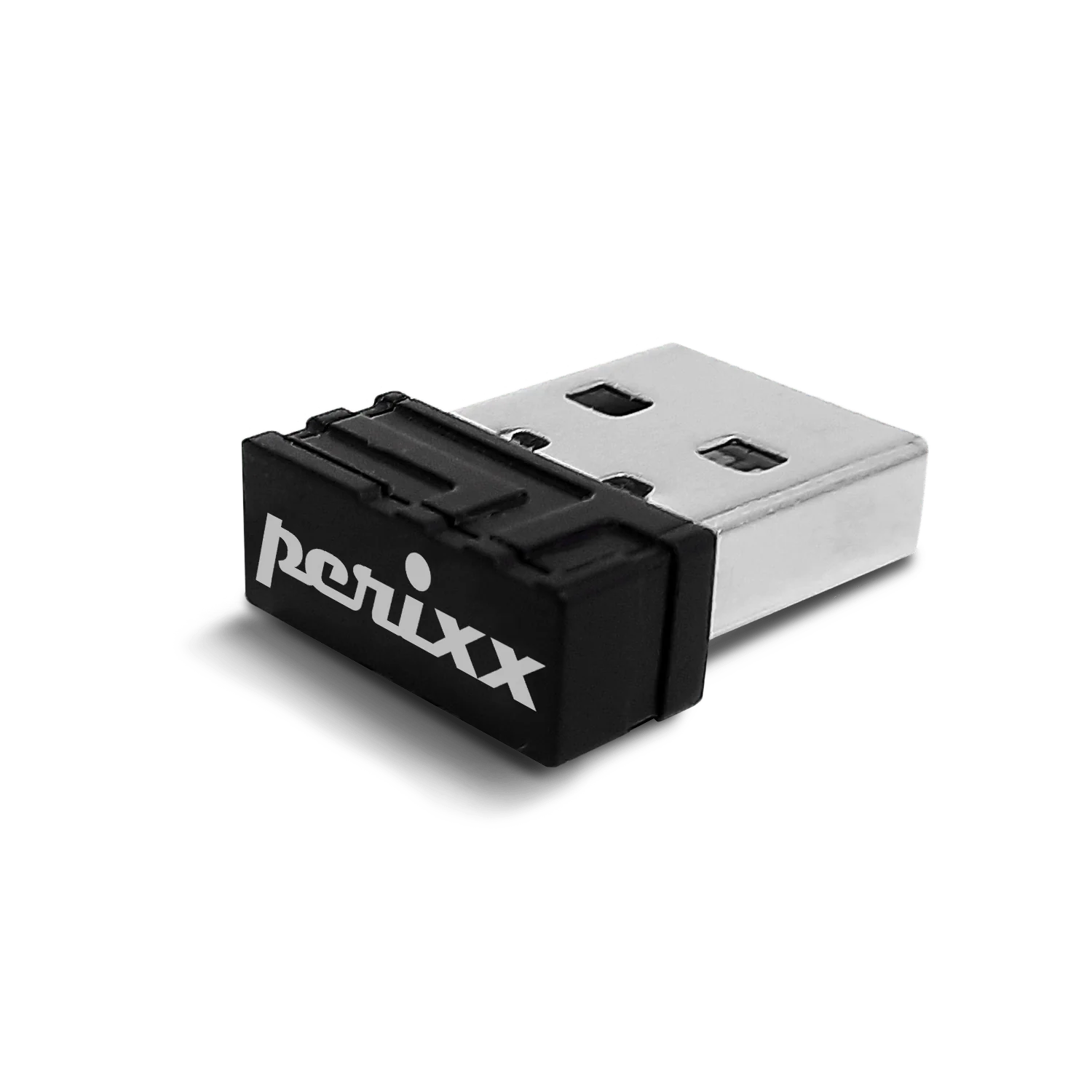
USB dongle receiver for PERIDUO-605
Perixx
USD 7USD 1029% off
out of stock
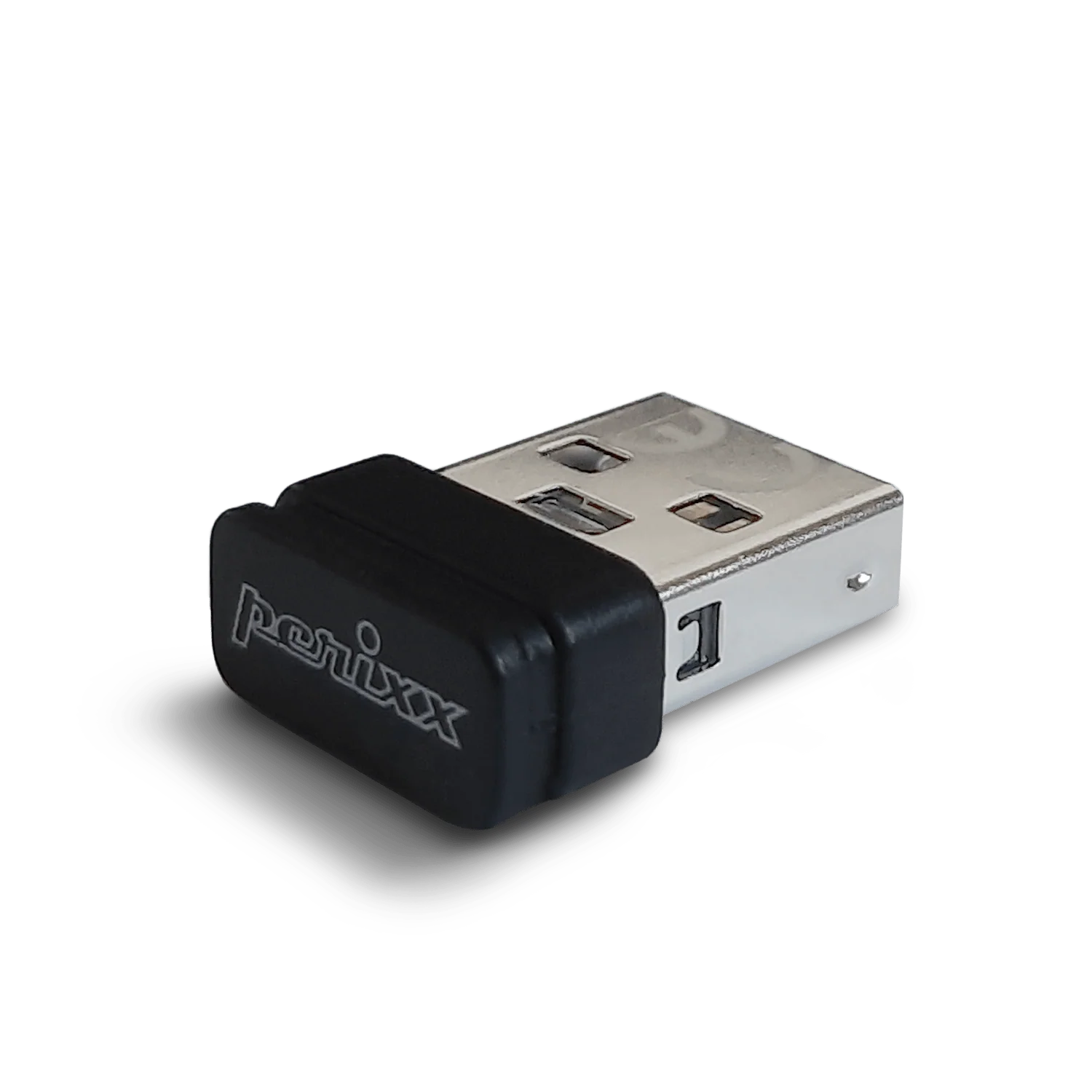
USB dongle receiver for PERIBOARD-835
Perixx
USD 10USD 2050% off
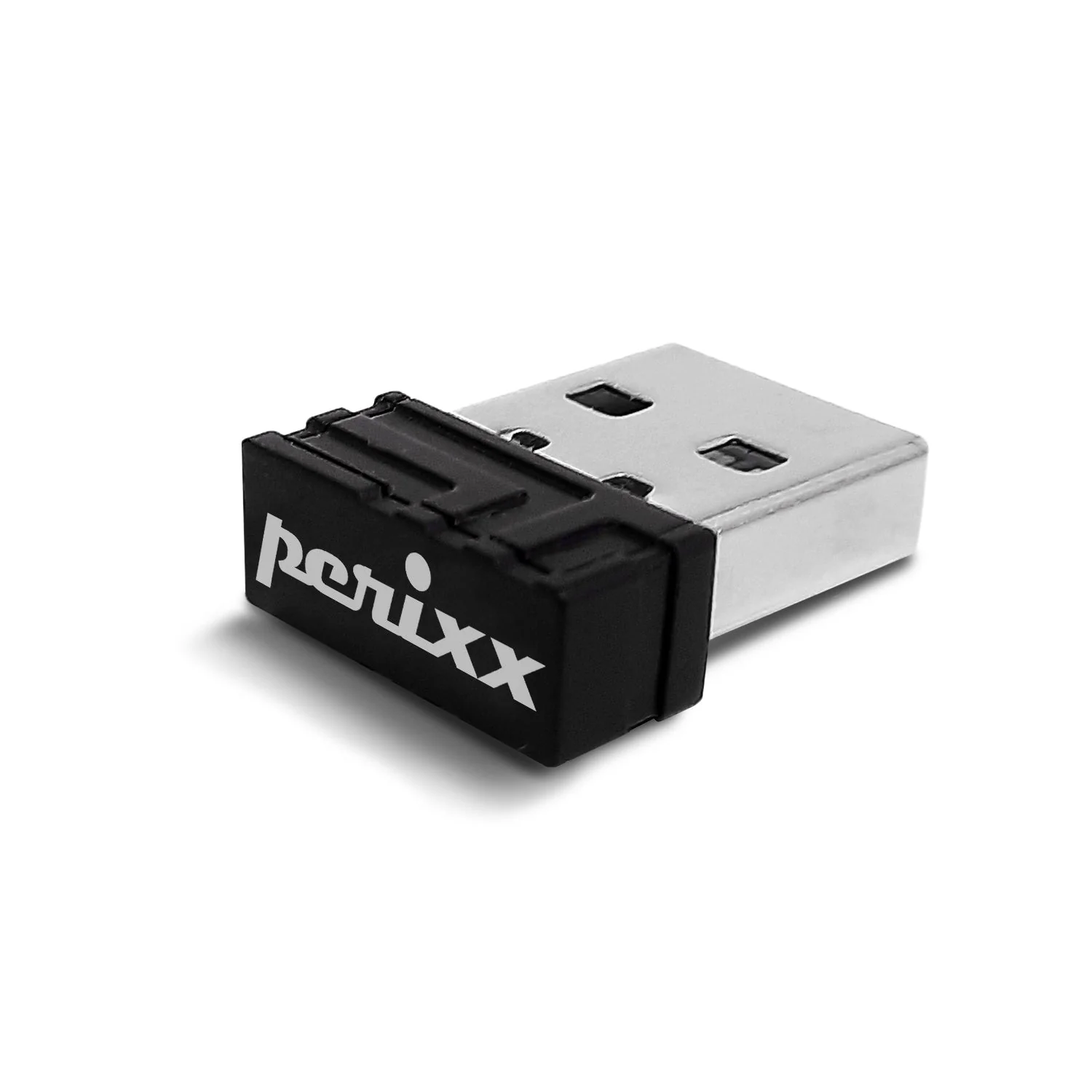
USB dongle receiver for PERIMICE-717
Perixx
USD 7USD 1030% off
out of stock
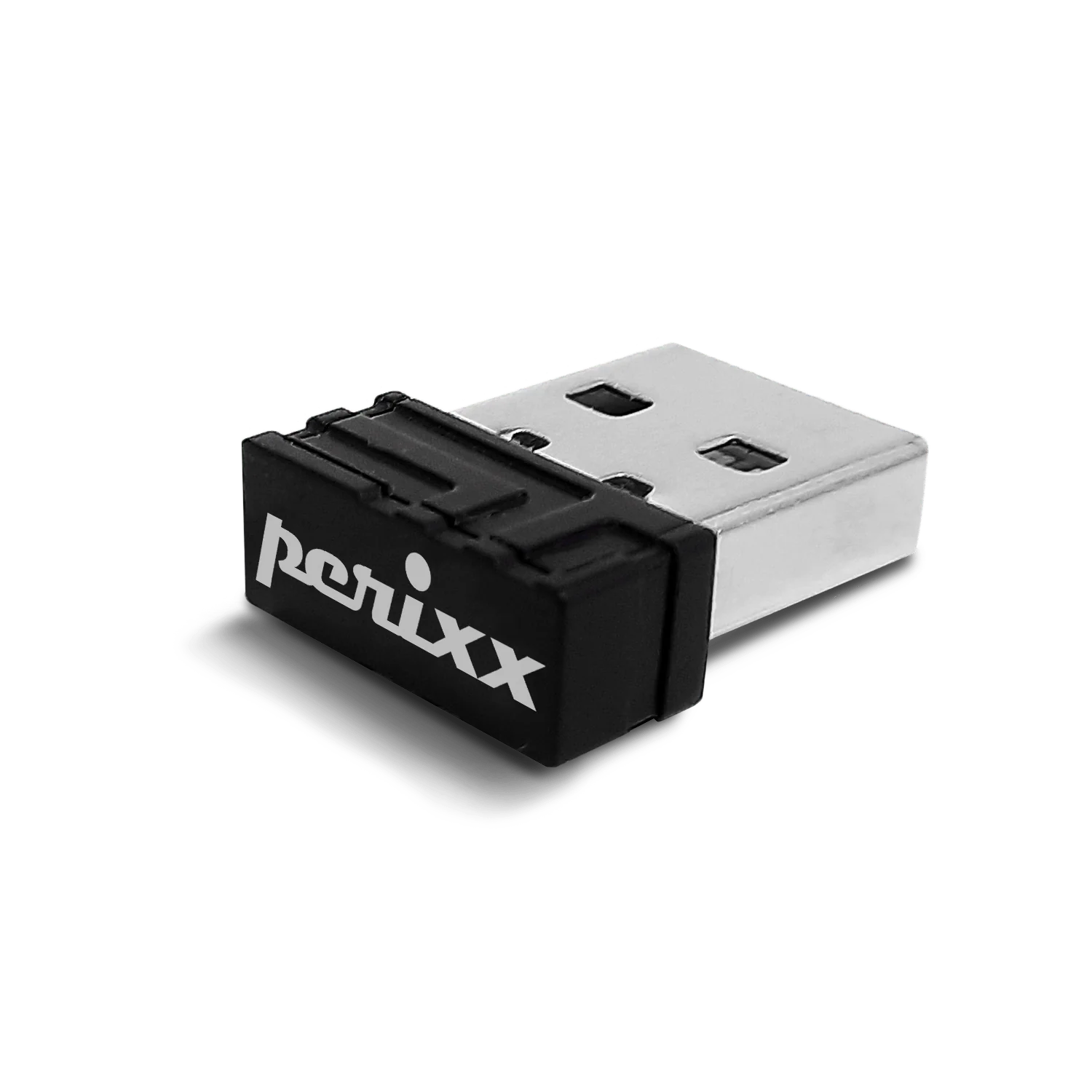
USB dongle receiver for PERIBOARD-609
Perixx
USD 5
out of stock
USB dongle receiver for PERIMICE-720-Black
Perixx
USD 7USD 1030% off
out of stock
USB dongle receiver for PERIDUO-714
Perixx
USD 5USD 1050% off
out of stock