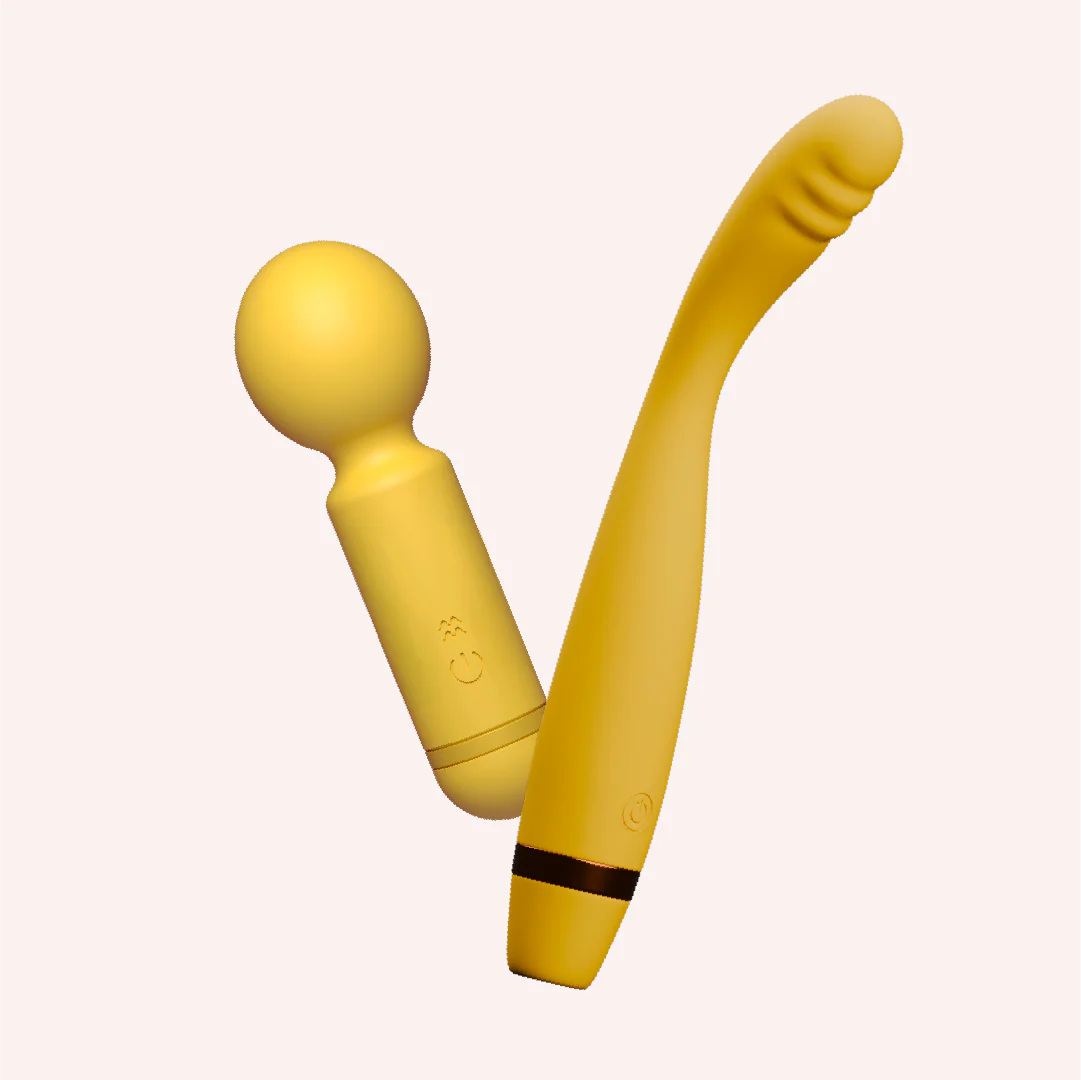

Hit the spot kit
₹3,699₹6,14840% off
● In stock · ★ 4.6 (19)checking live price…
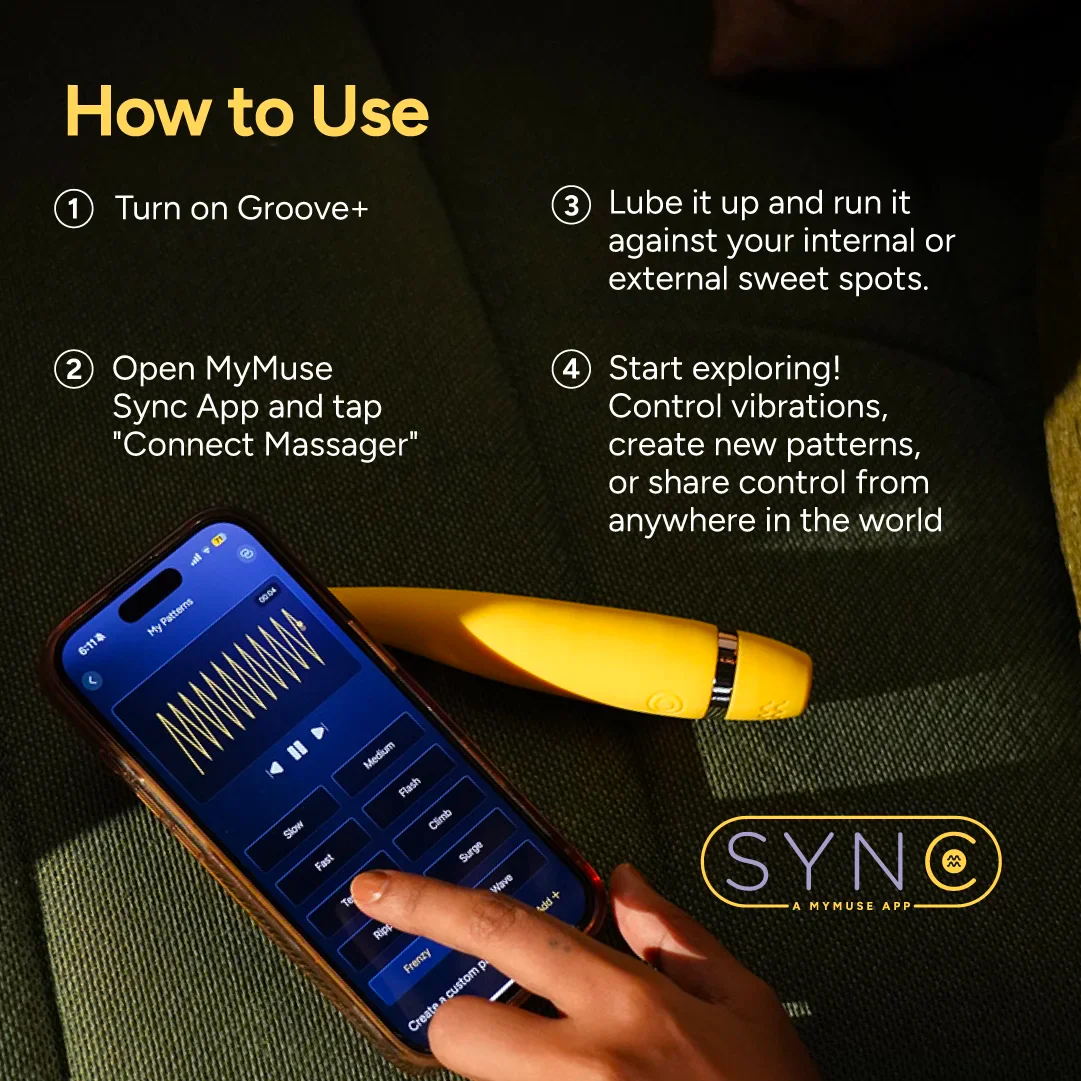
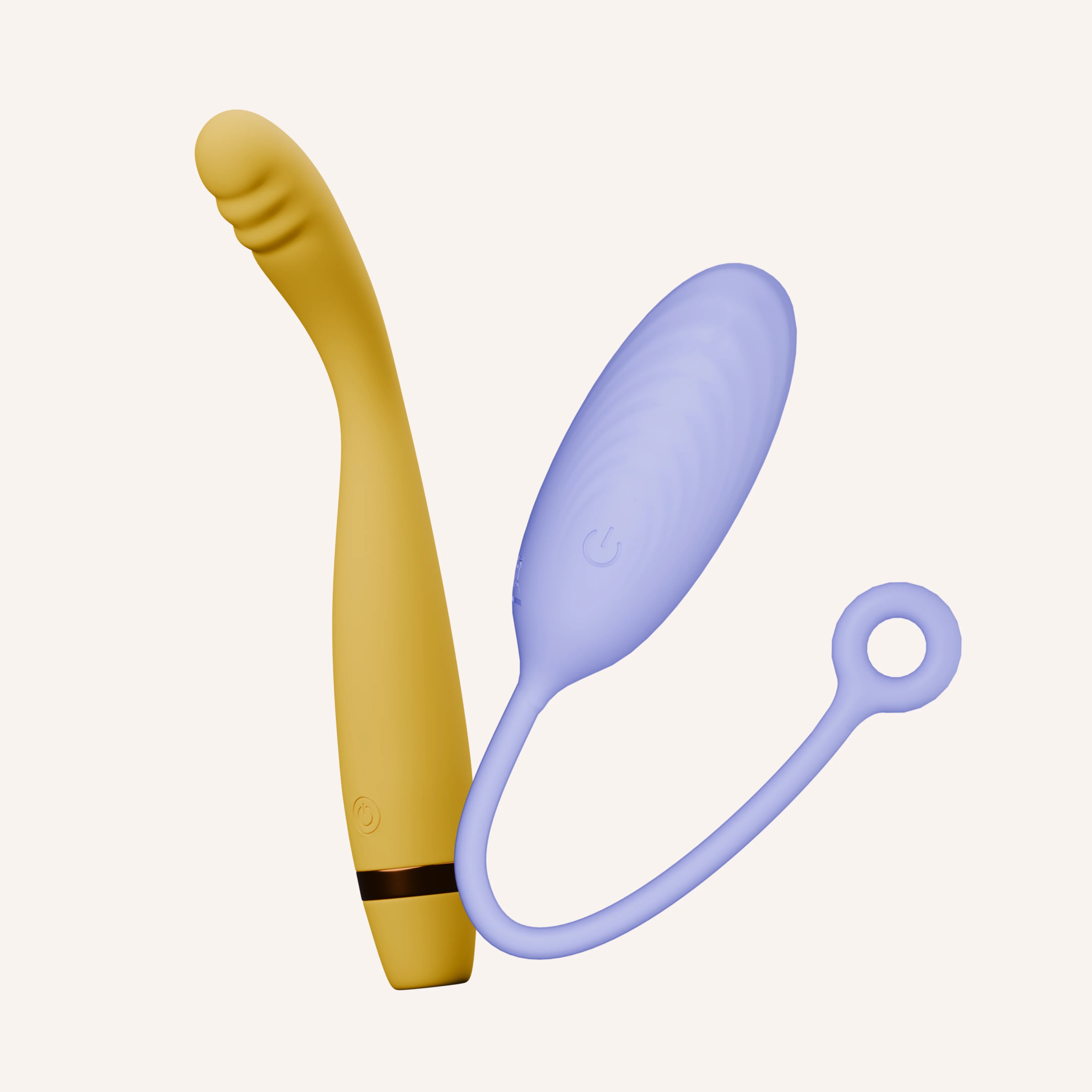
View on MyMuse store ↗Hit the Spot Kit is your all-access pass to pleasure. With Groove+ bending for deep, app-controlled internal pleasure and Pop delivering powerful external stimulation, this duo covers every curve.
Coupons
GET15 — ₹532 off
HELLO10 — ₹355 off
WELCOME10 — ₹355 off
Delivery
You may also like
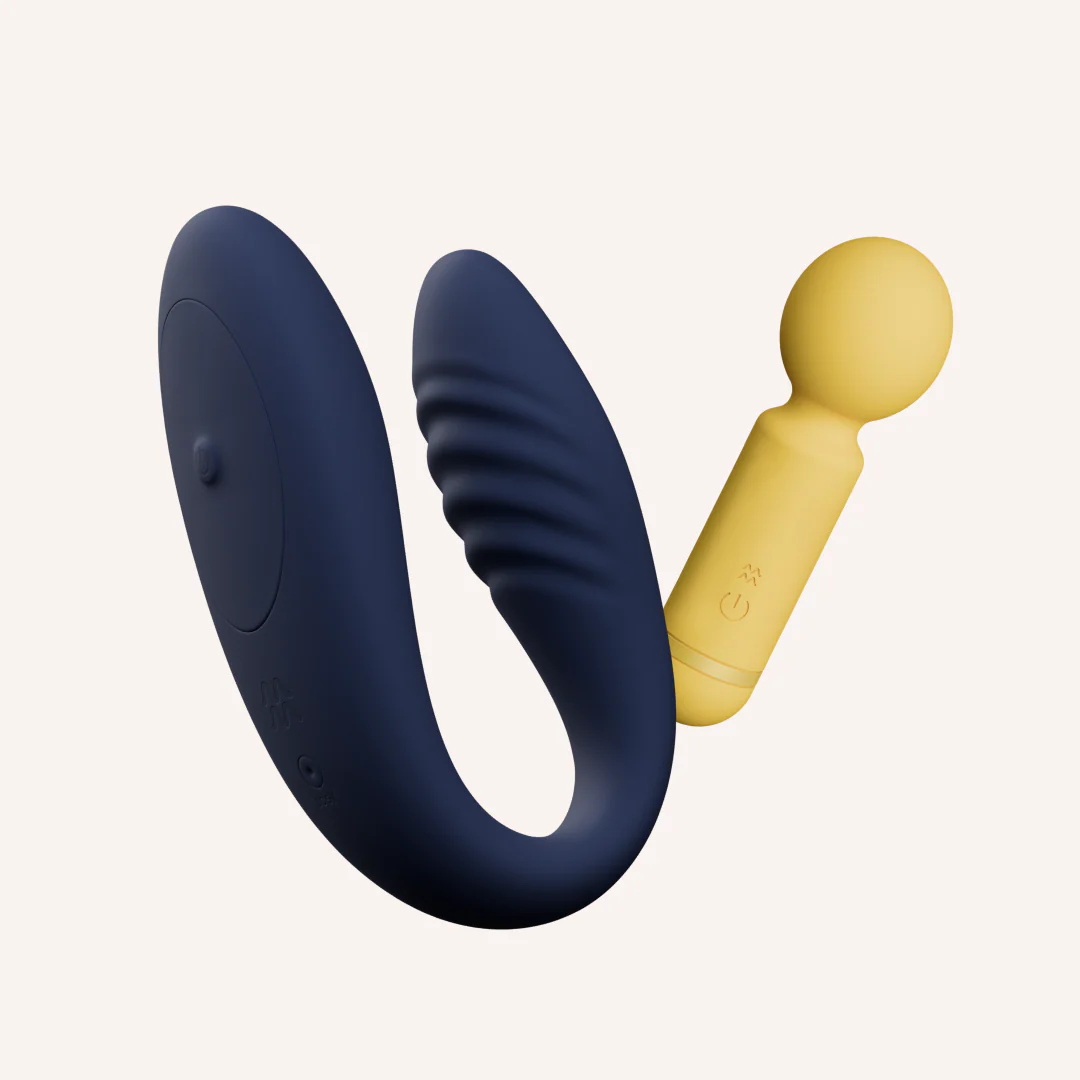
The Pamper Me Kit
MyMuse
₹5,599₹8,59835% off
★ 4.6 (59)
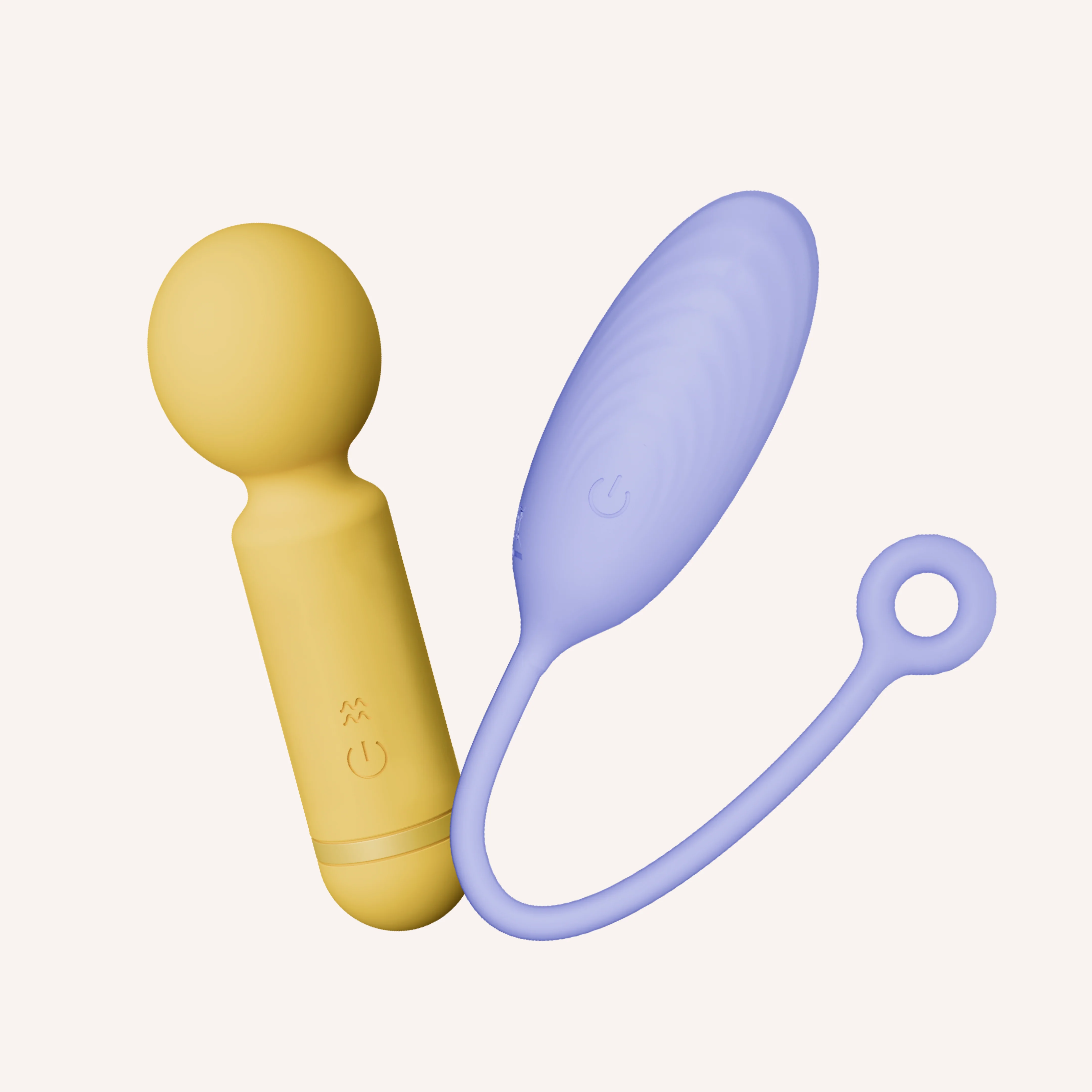
Double Dip Kit
MyMuse
₹4,599₹6,64831% off
★ 4.6 (86)
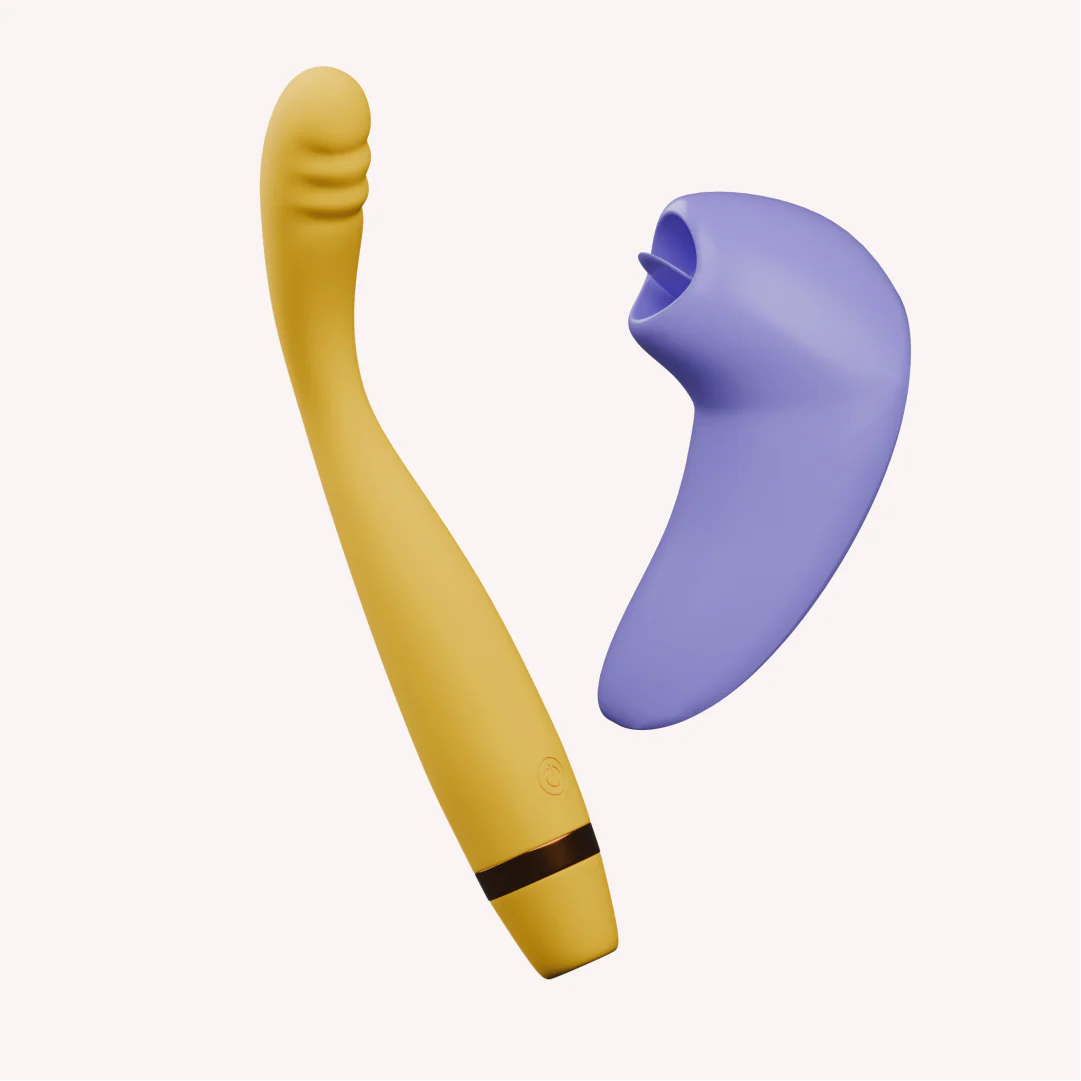
The Double Tap Kit
MyMuse
₹4,899₹9,29847% off
★ 4.7 (60)
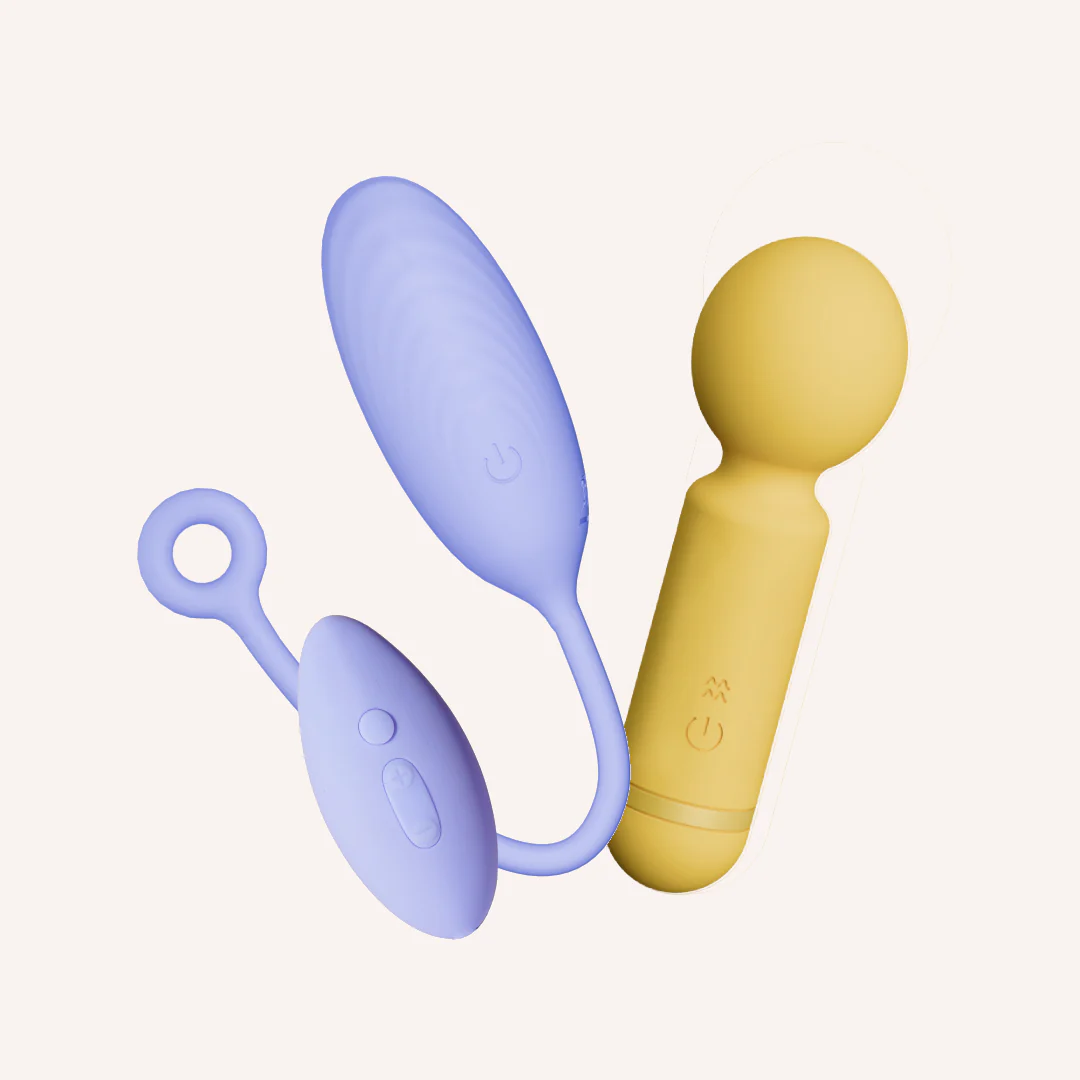
The Deep Buzz Kit
MyMuse
₹3,499₹6,14843% off
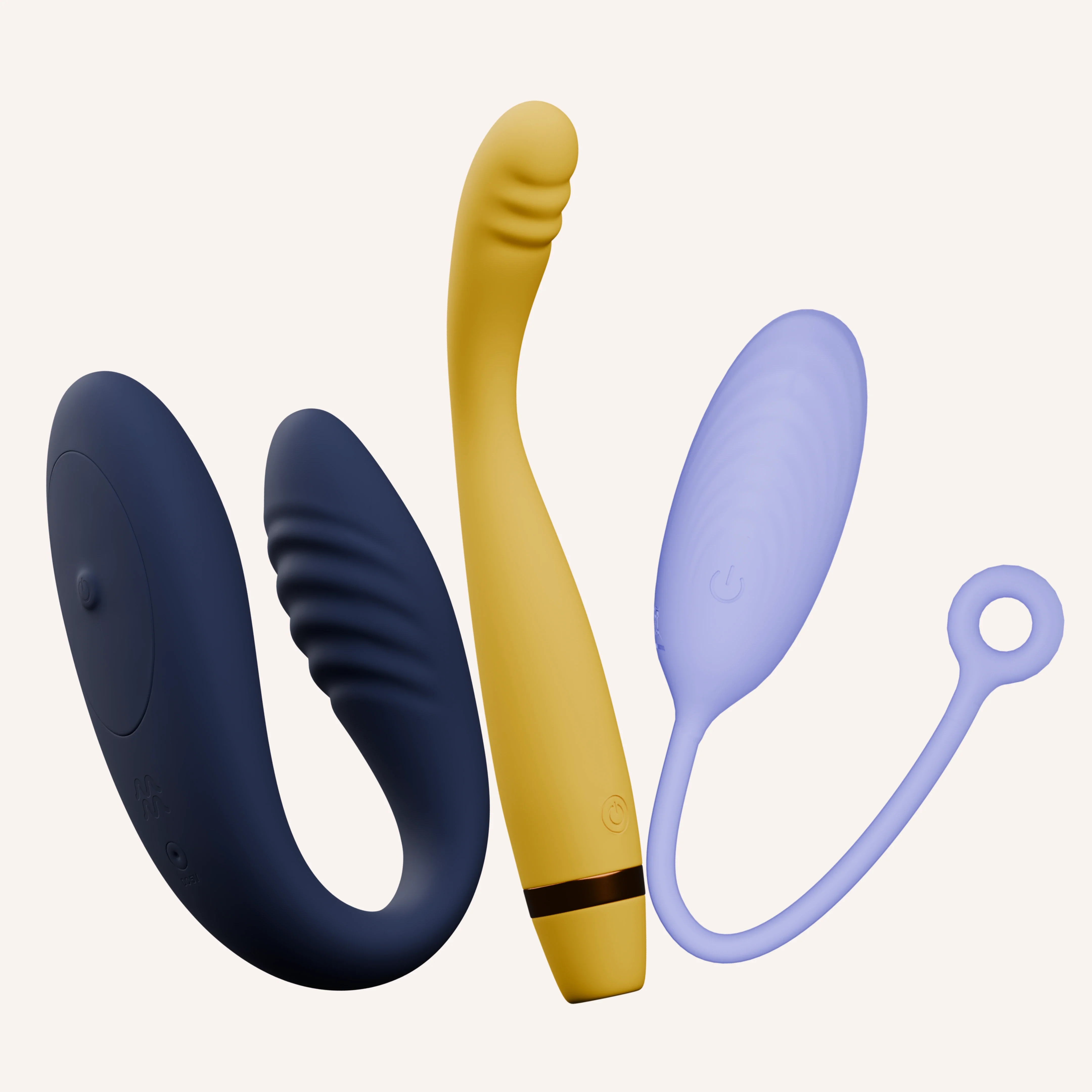
The Ultimate App-grade Kit
MyMuse
₹9,999₹16,79740% off
★ 4.7 (86)
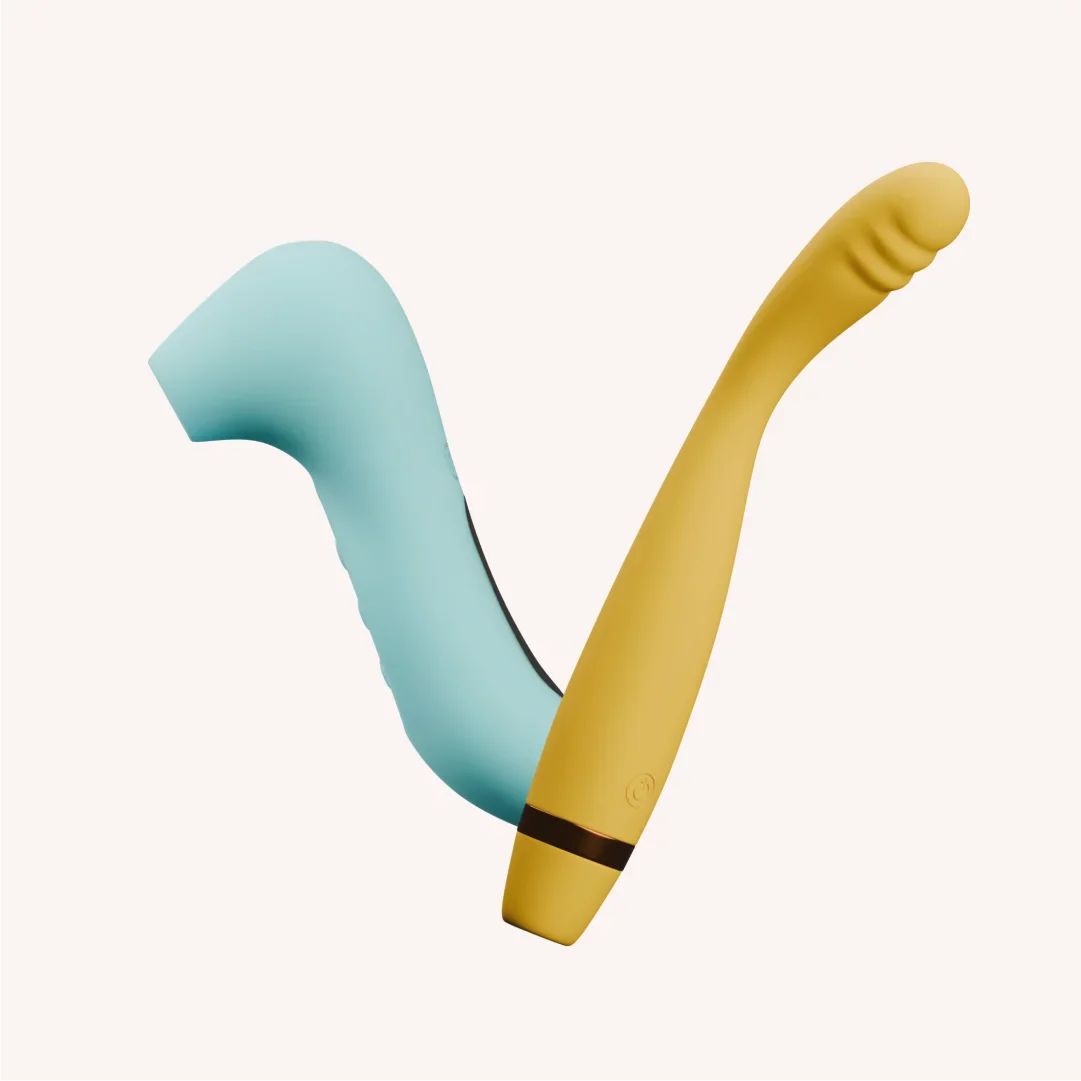
The Double Trouble Kit
MyMuse
₹4,699₹9,29849% off
★ 4.4 (7)
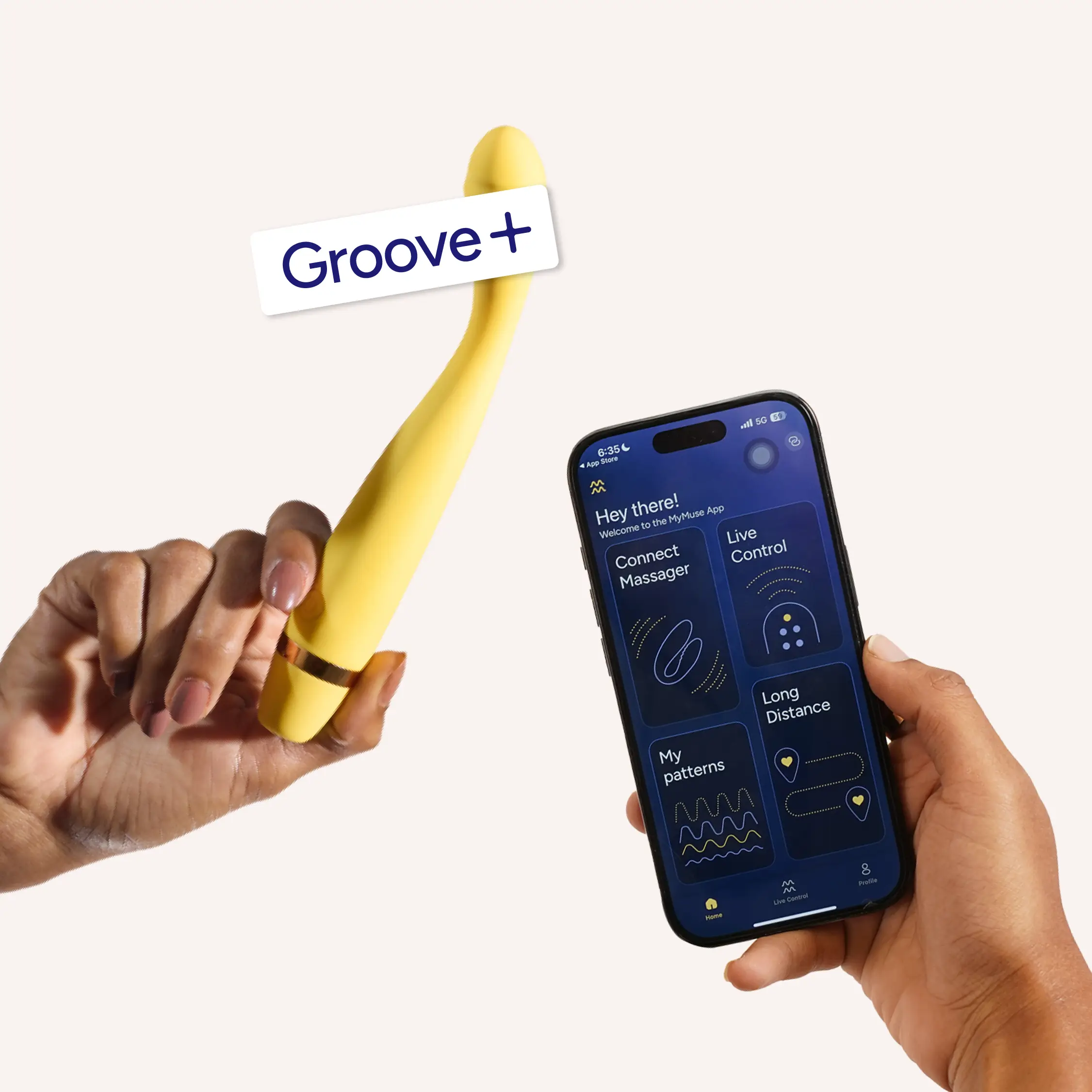
Groove+ by MyMuse
MyMuse
₹2,325₹4,64950% off
★ 4.7 (22)
The Inside Job Kit
MyMuse
₹5,799₹9,79841% off
★ 5.0 (5)