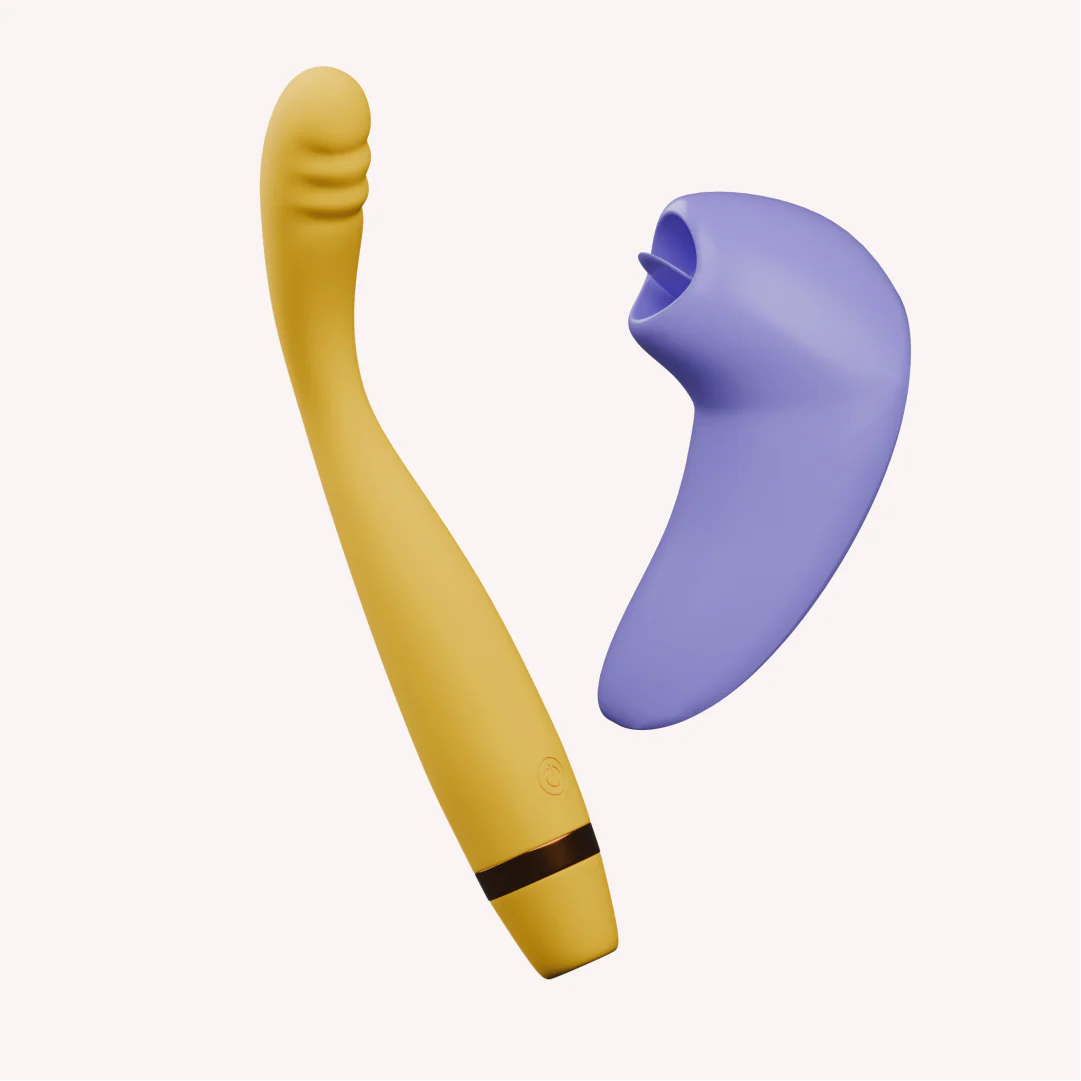
The Double Tap Kit
₹4,899₹9,29847% off
● In stock · ★ 4.7 (60)checking live price…
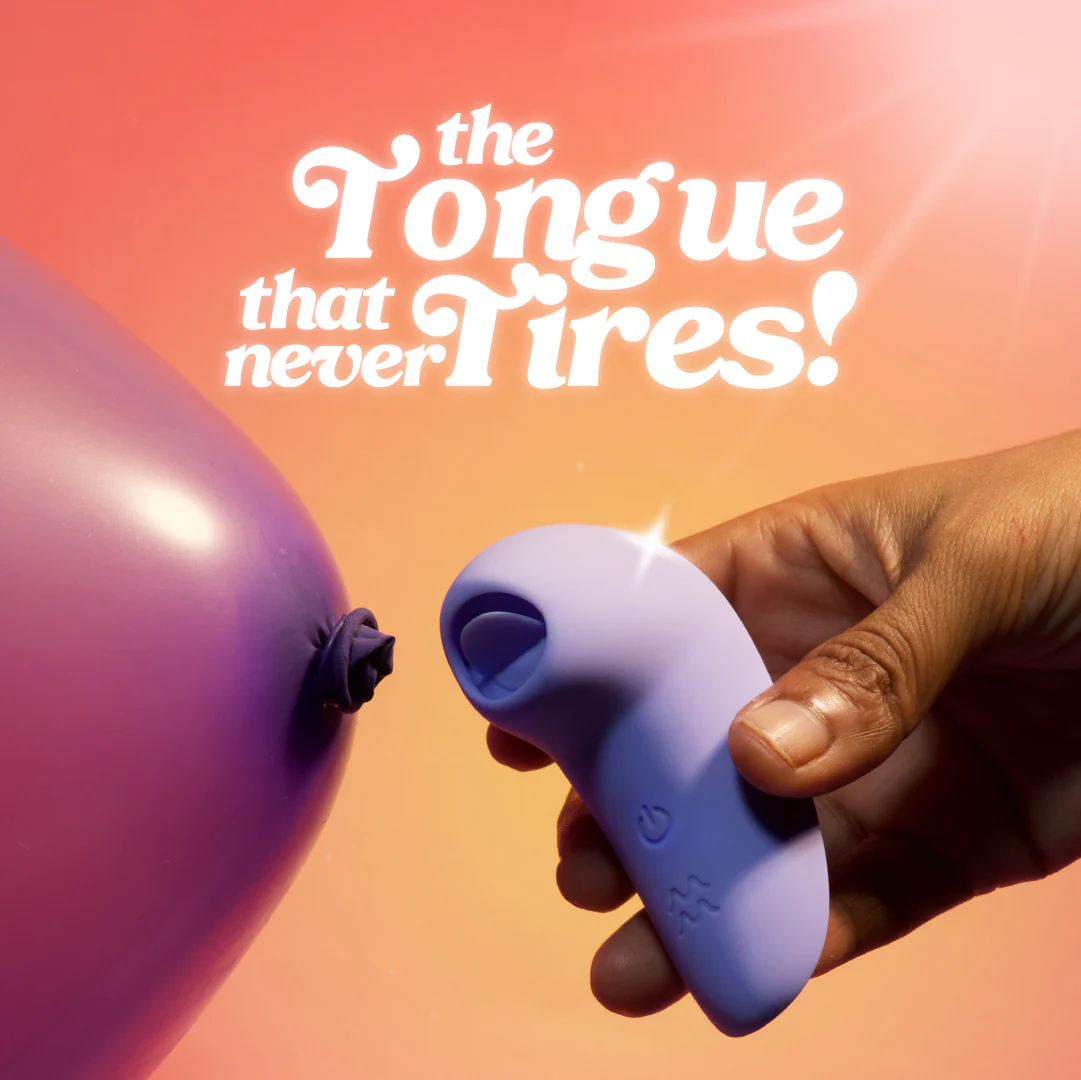
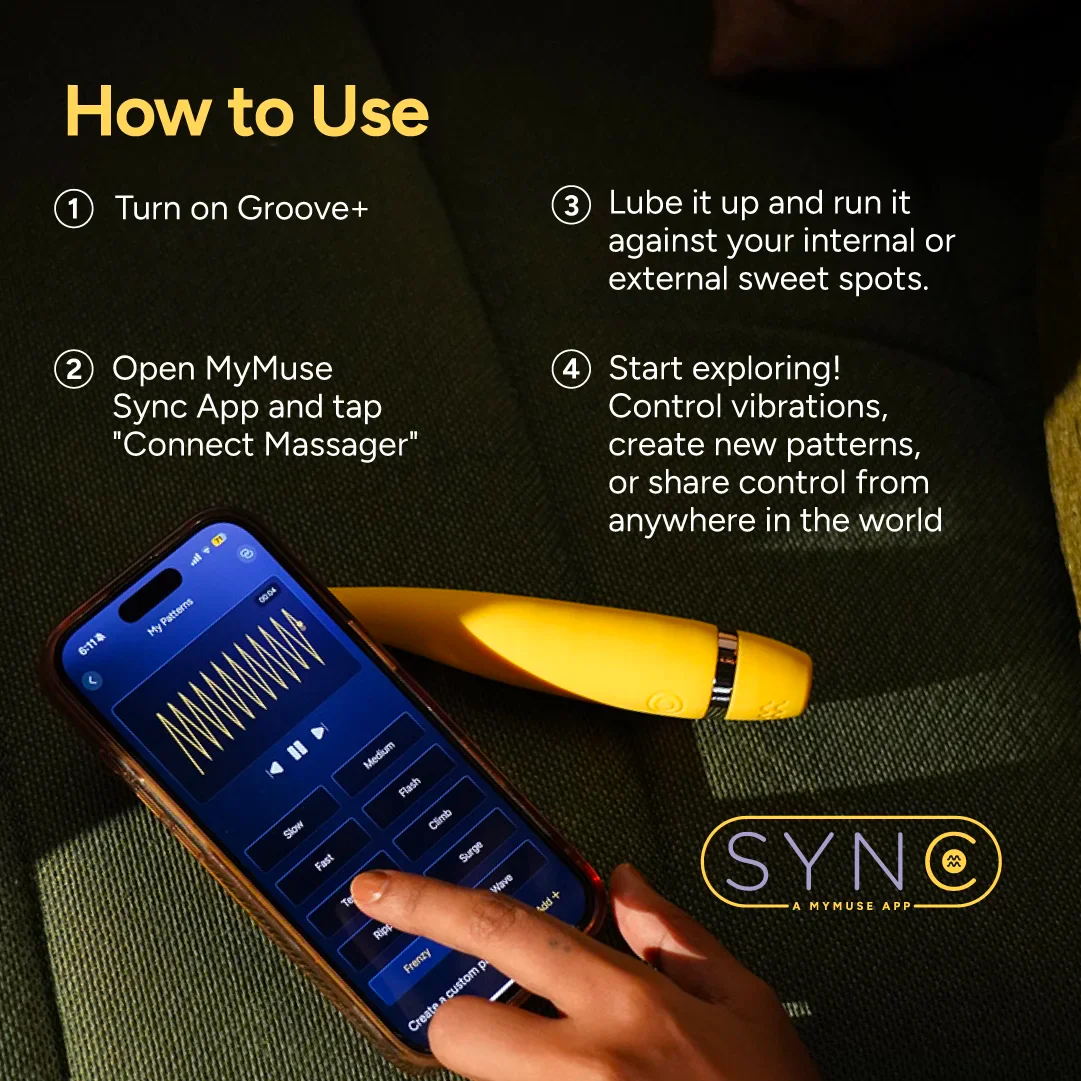
View on MyMuse store ↗The Double Tap combo gives you Groove+, our best-selling app-controlled wand, and Flick, India’s first tongue massager. Use them solo, switch mid-session, or let your partner take over via app control.
Coupons
GET15 — ₹532 off
HELLO10 — ₹355 off
WELCOME10 — ₹355 off
Delivery
You may also like
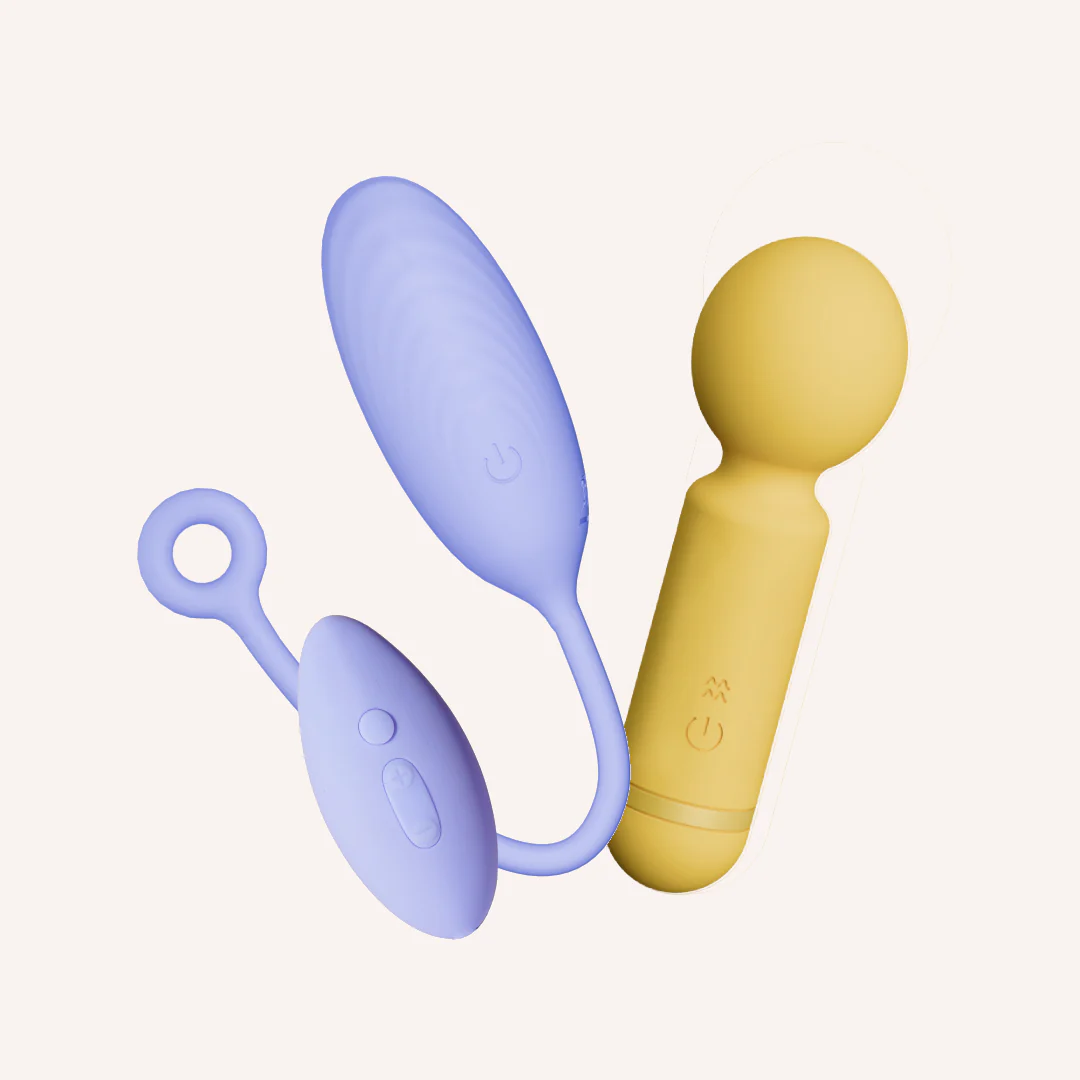
The Deep Buzz Kit
MyMuse
₹3,499₹6,14843% off
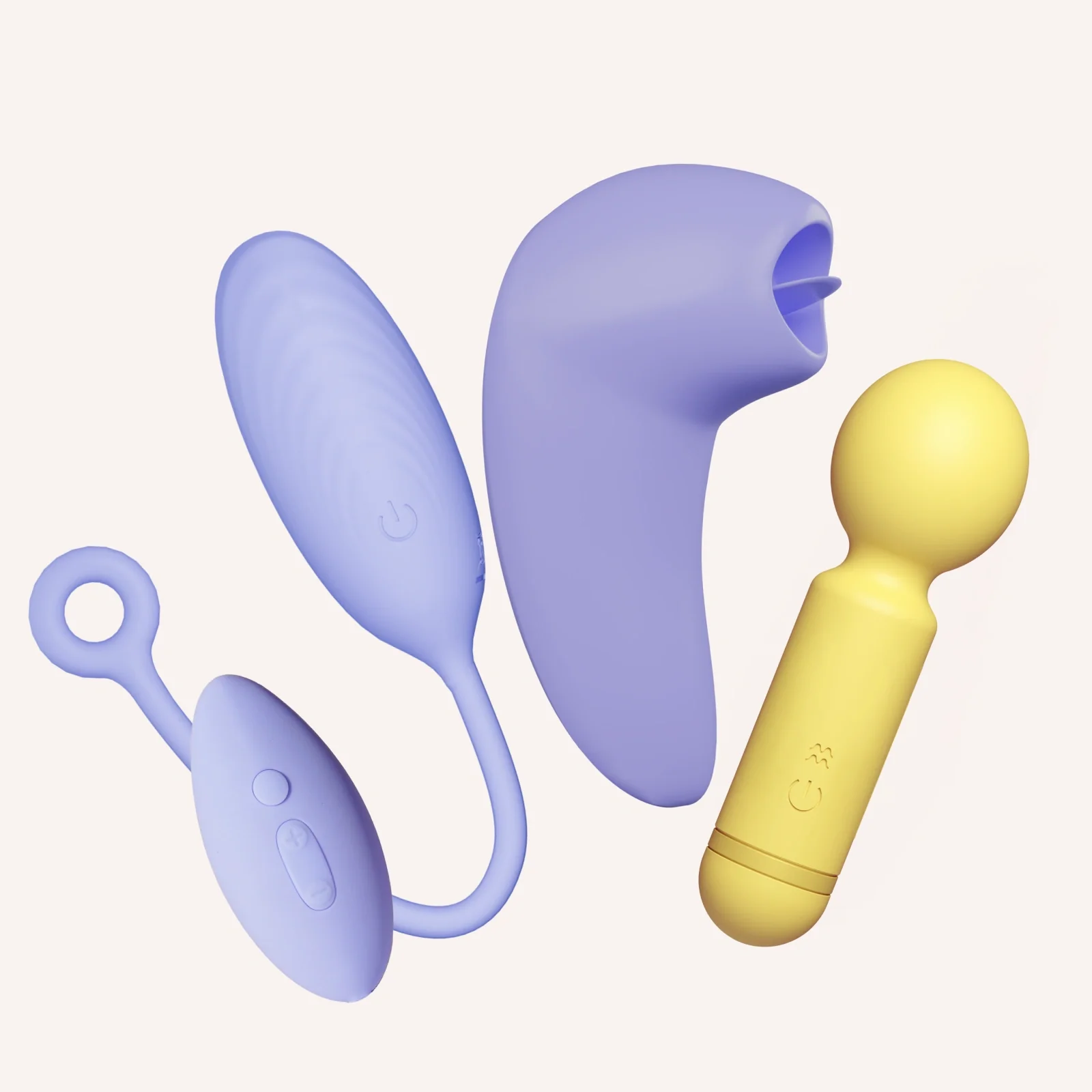
Triple Satisfaction Kit for her
MyMuse
₹4,999₹12,09759% off
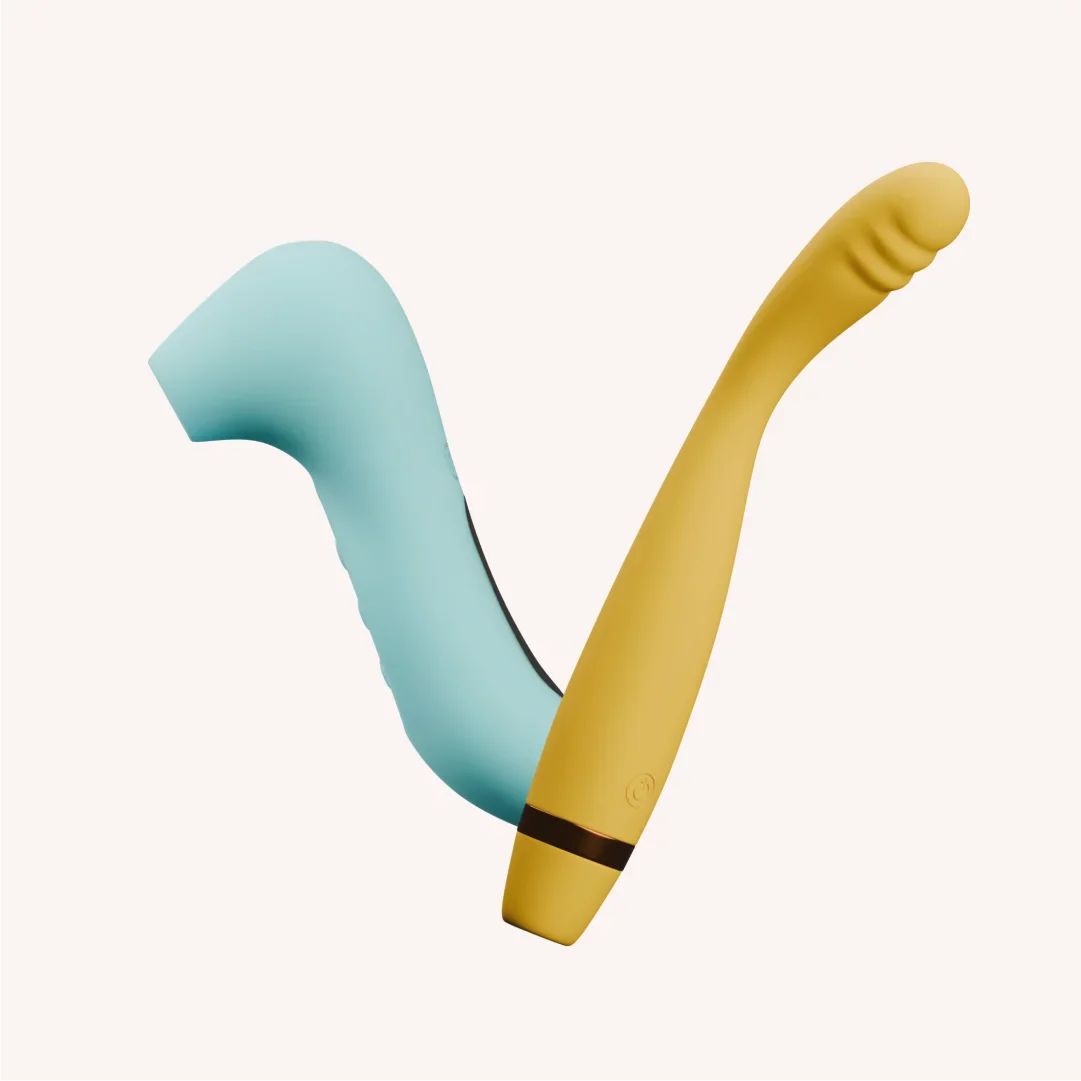
The Double Trouble Kit
MyMuse
₹4,699₹9,29849% off
★ 4.4 (7)
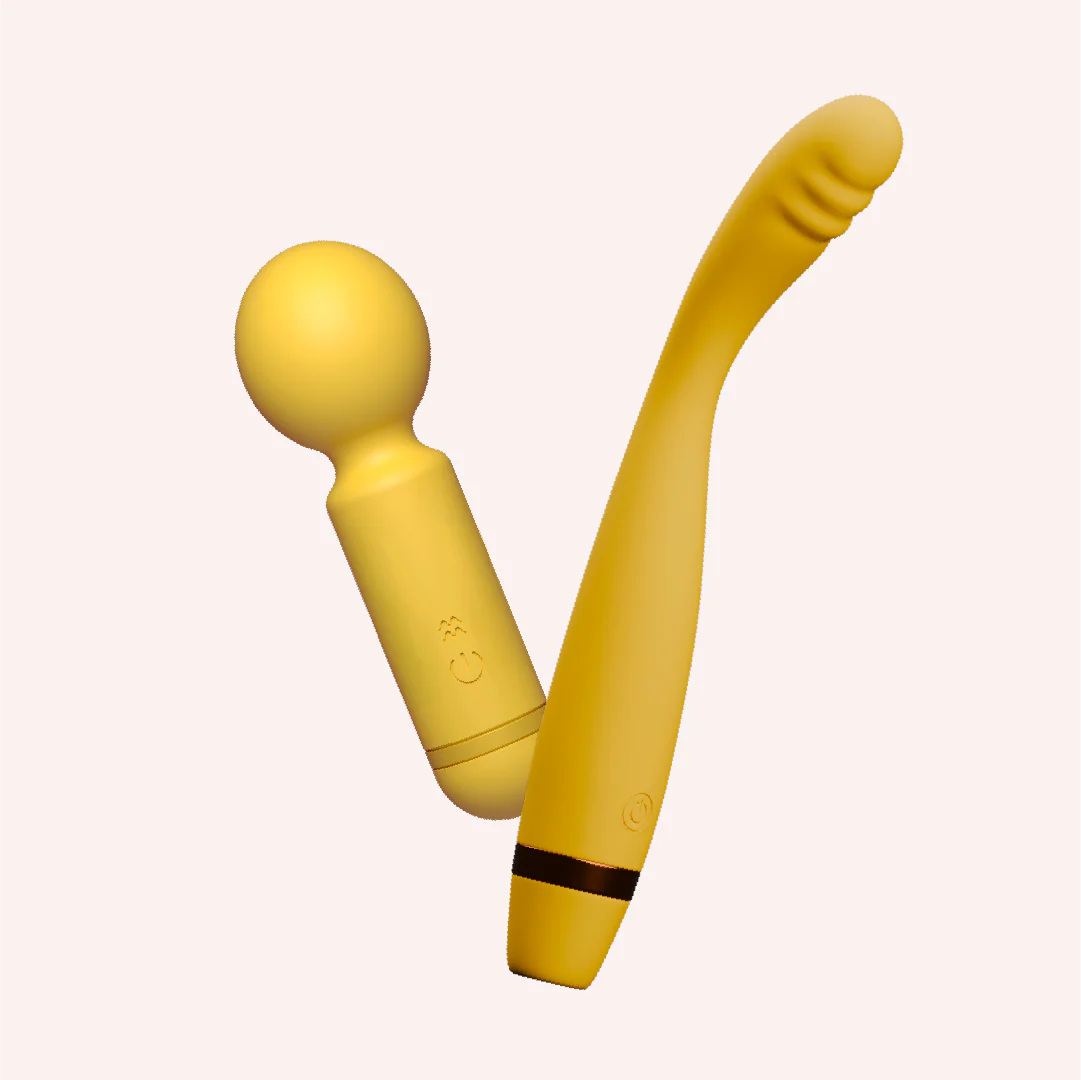
Hit the spot kit
MyMuse
₹3,699₹6,14840% off
★ 4.6 (19)
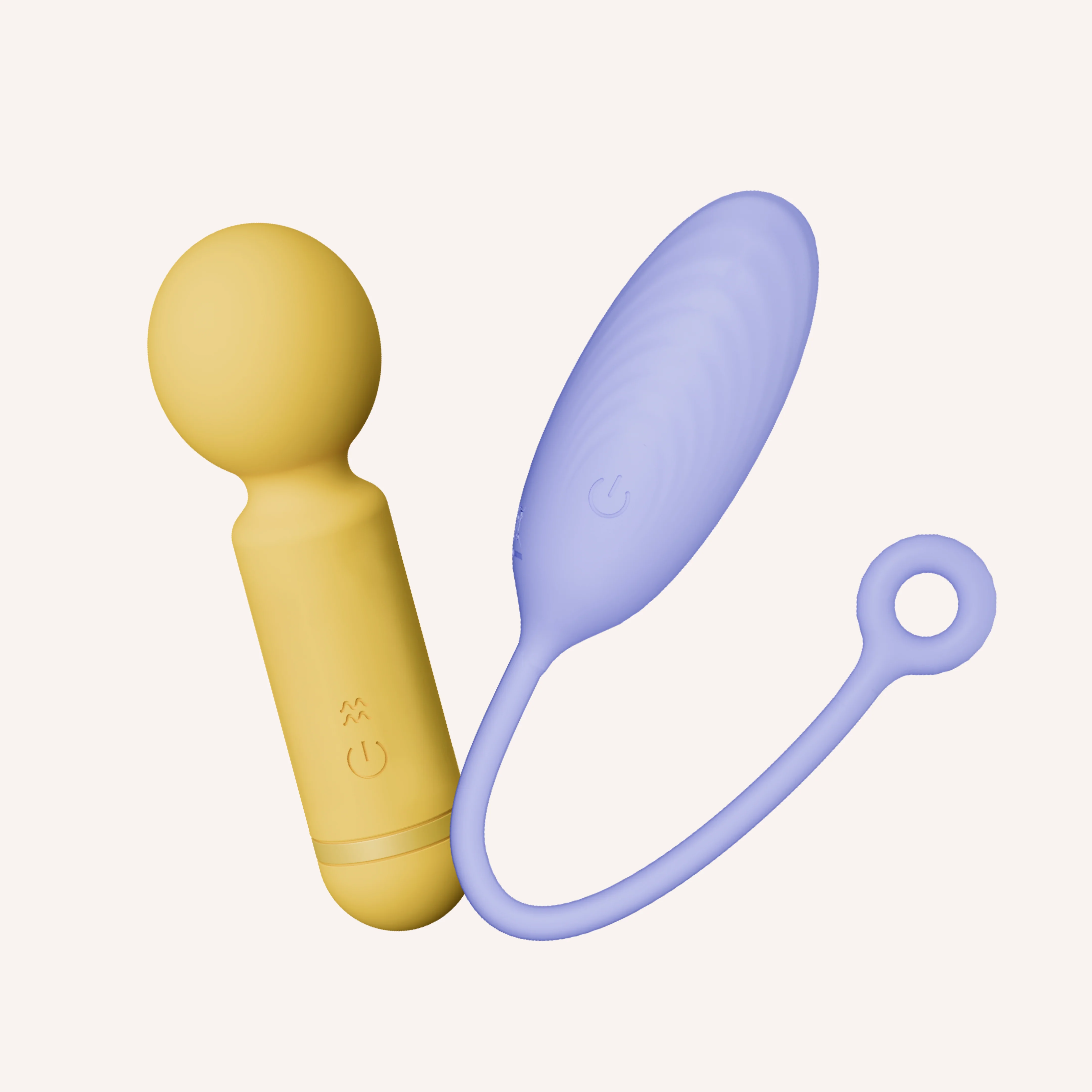
Double Dip Kit
MyMuse
₹4,599₹6,64831% off
★ 4.6 (86)
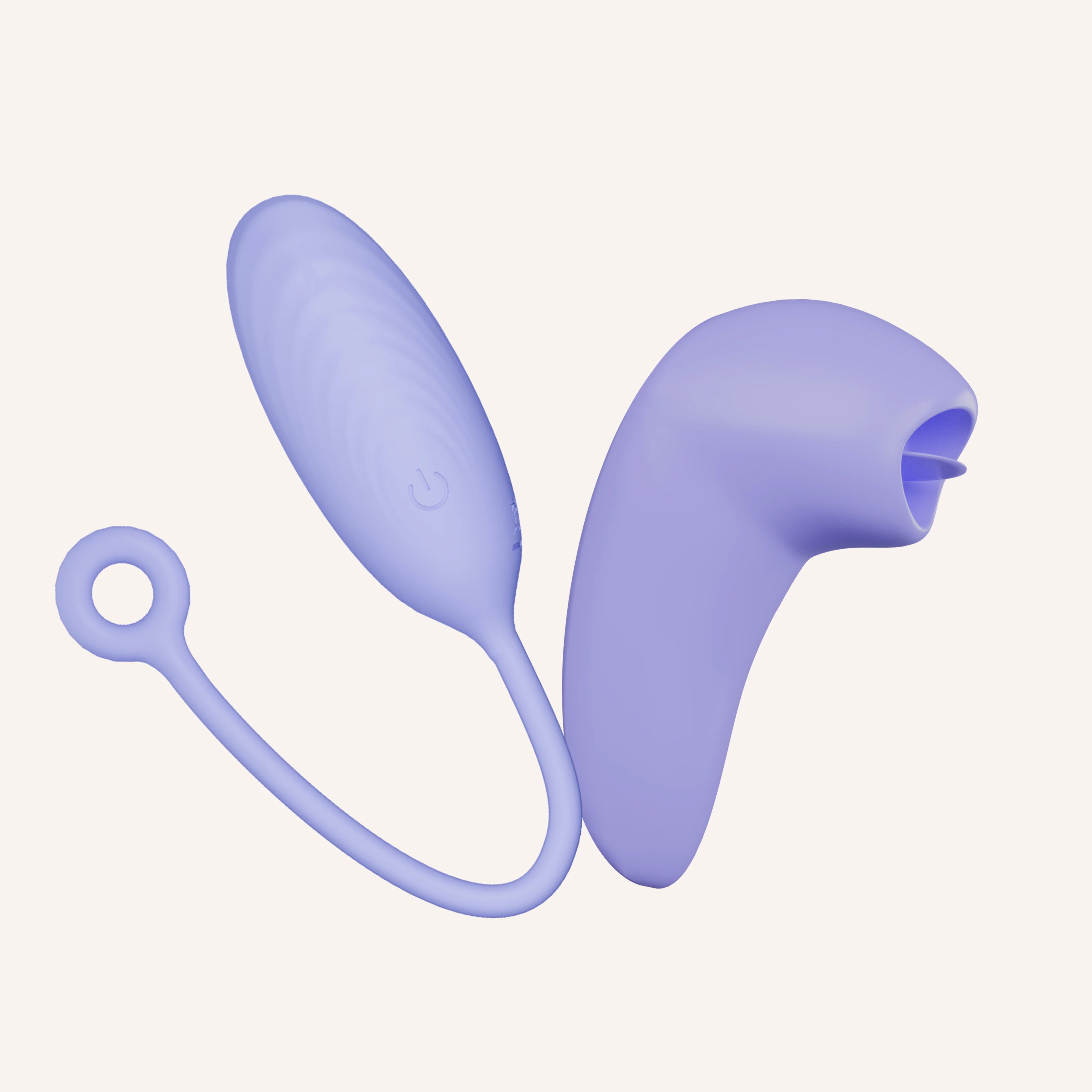
Inside & Out Kit
MyMuse
₹5,499₹9,79844% off
★ 4.8 (323)
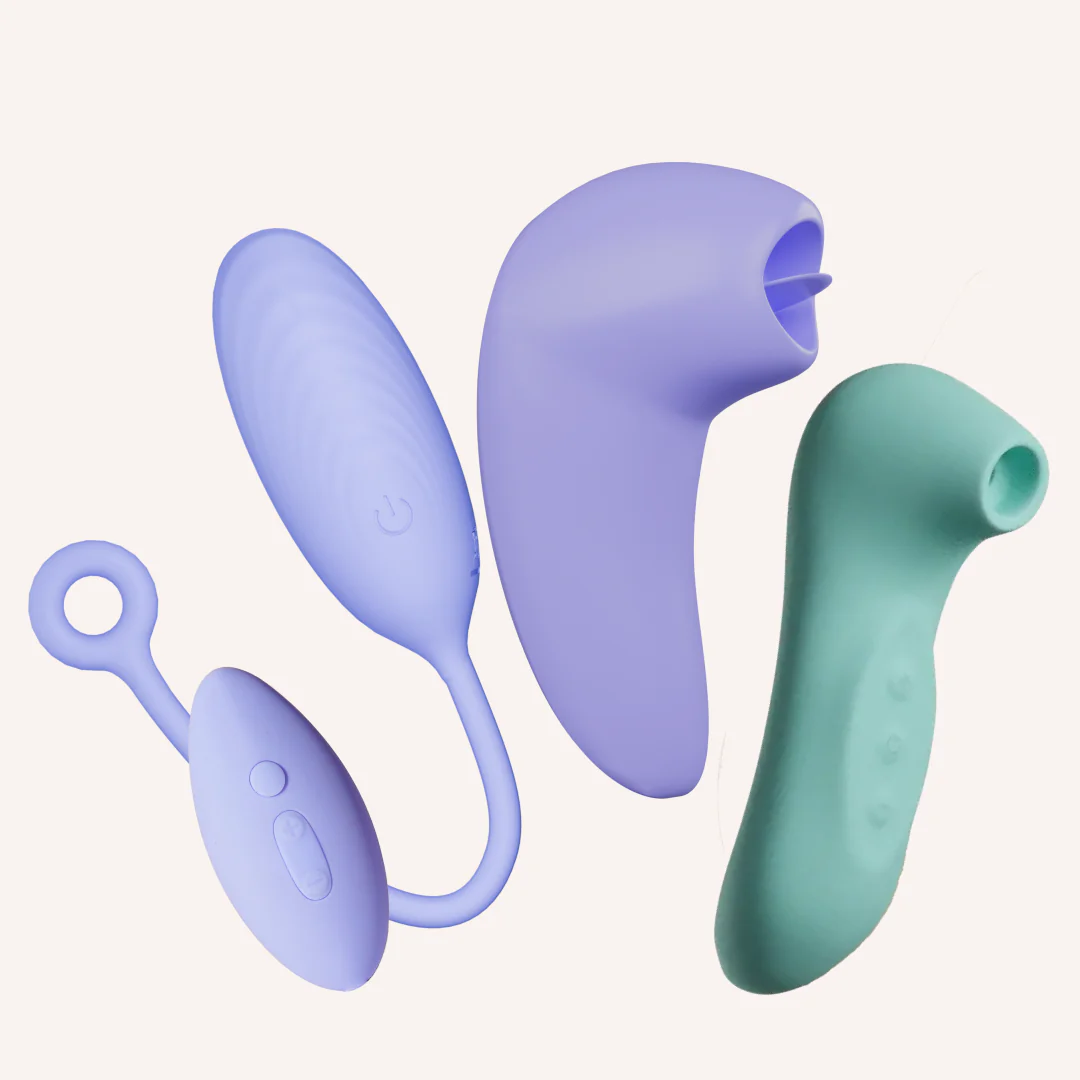
The Full Spectrum Kit
MyMuse
₹6,499₹13,49752% off
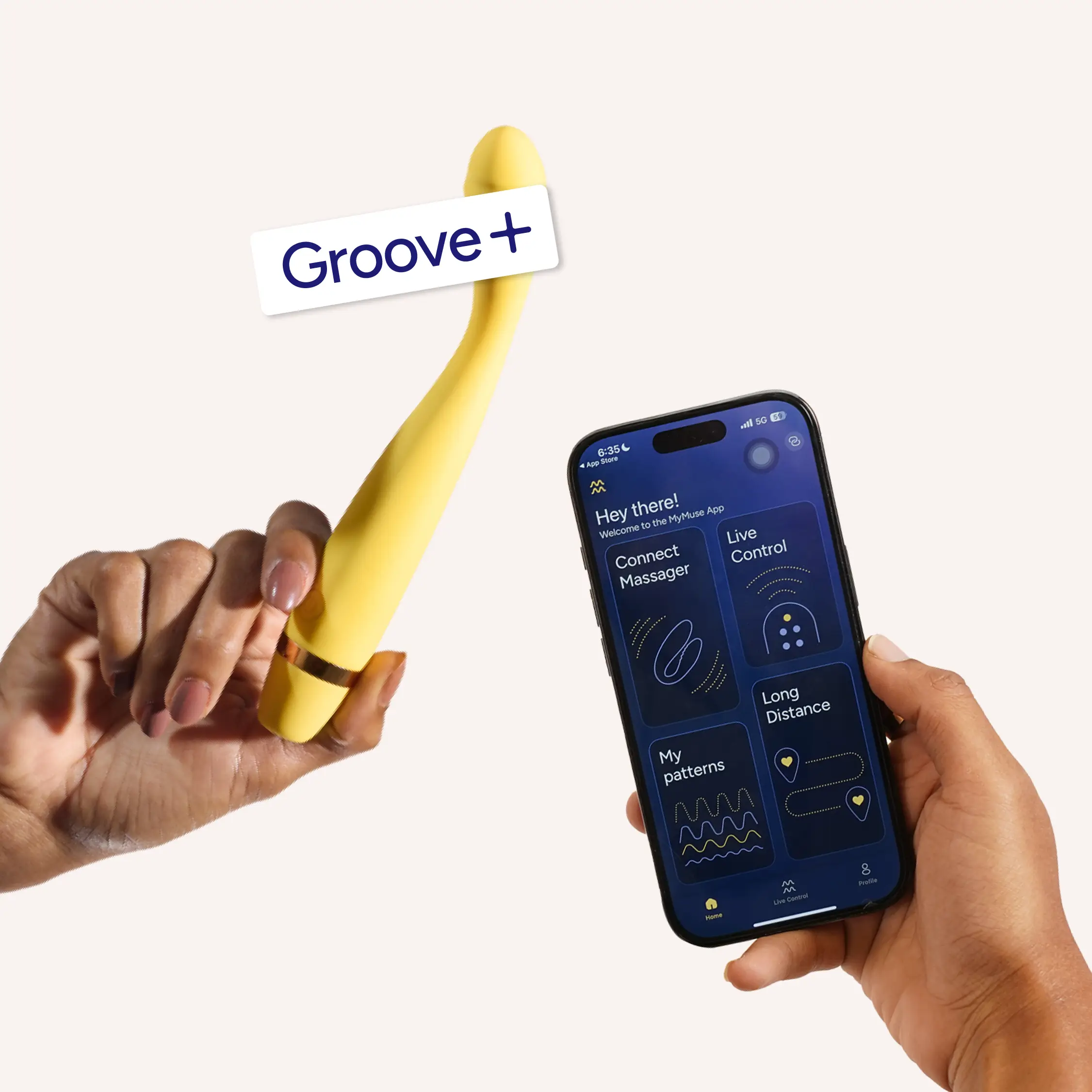
Groove+ by MyMuse
MyMuse
₹2,325₹4,64950% off
★ 4.7 (22)